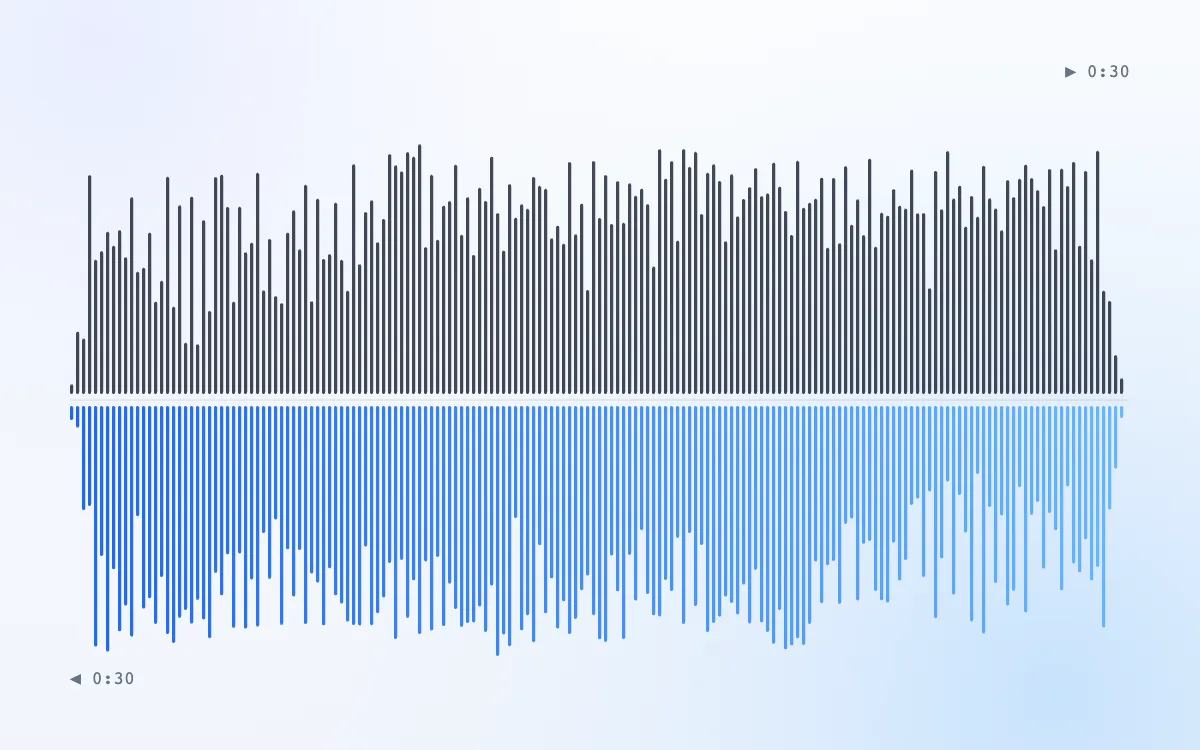
0:30
Song reverser: full mix
whole track · 0:30
The full chorus backwards. Drums swell in instead of hitting, and the lyrics melt into that dreamy almost-language.
Reverse audio in your browser: play any song, voice note or sound effect backwards, or flip just one part. Record your voice, hear it reversed, then download the MP3 or WAV.
Spare Change — full mix
The whole clip plays backwards, last sound first.
Free · no signup · no watermark · processed in your browser
Tip: reverse a cymbal and add a 0.5 s fade-in for an instant riser.
Examples
Each clip was made with this reverse audio tool from our demo song or a crash cymbal we synthesized. Switch between forward and backward, then open any example in the tool.
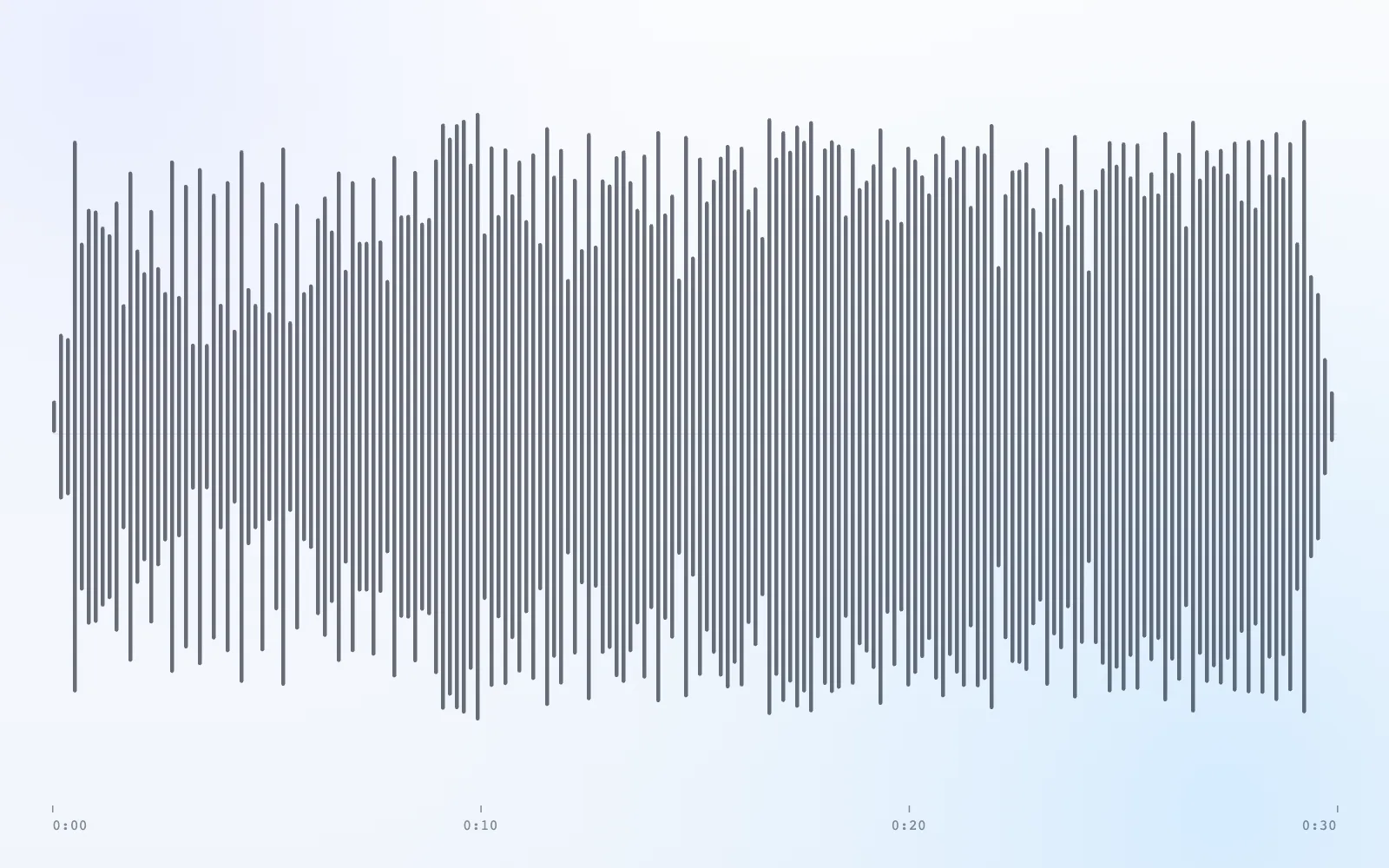
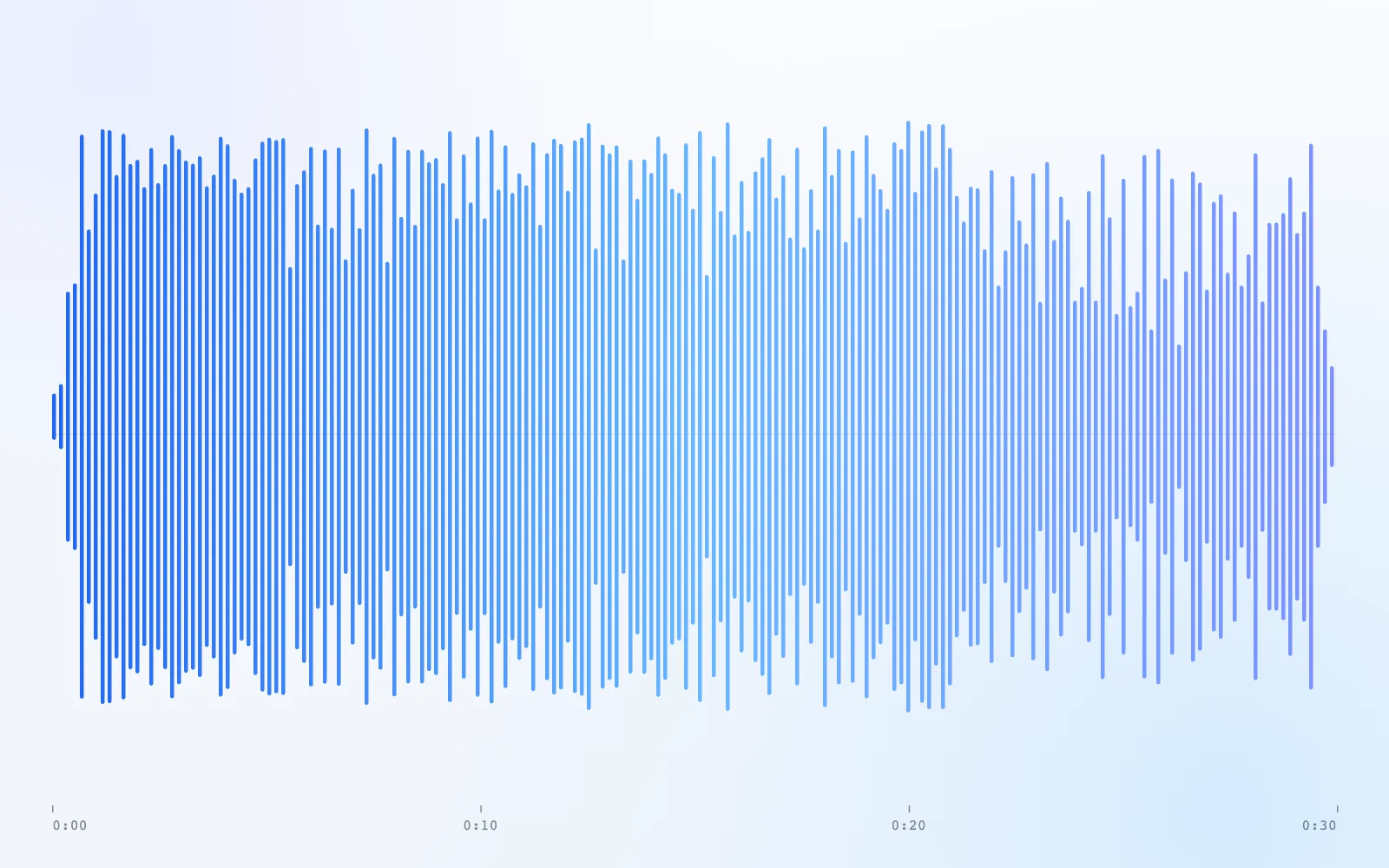
Waveform
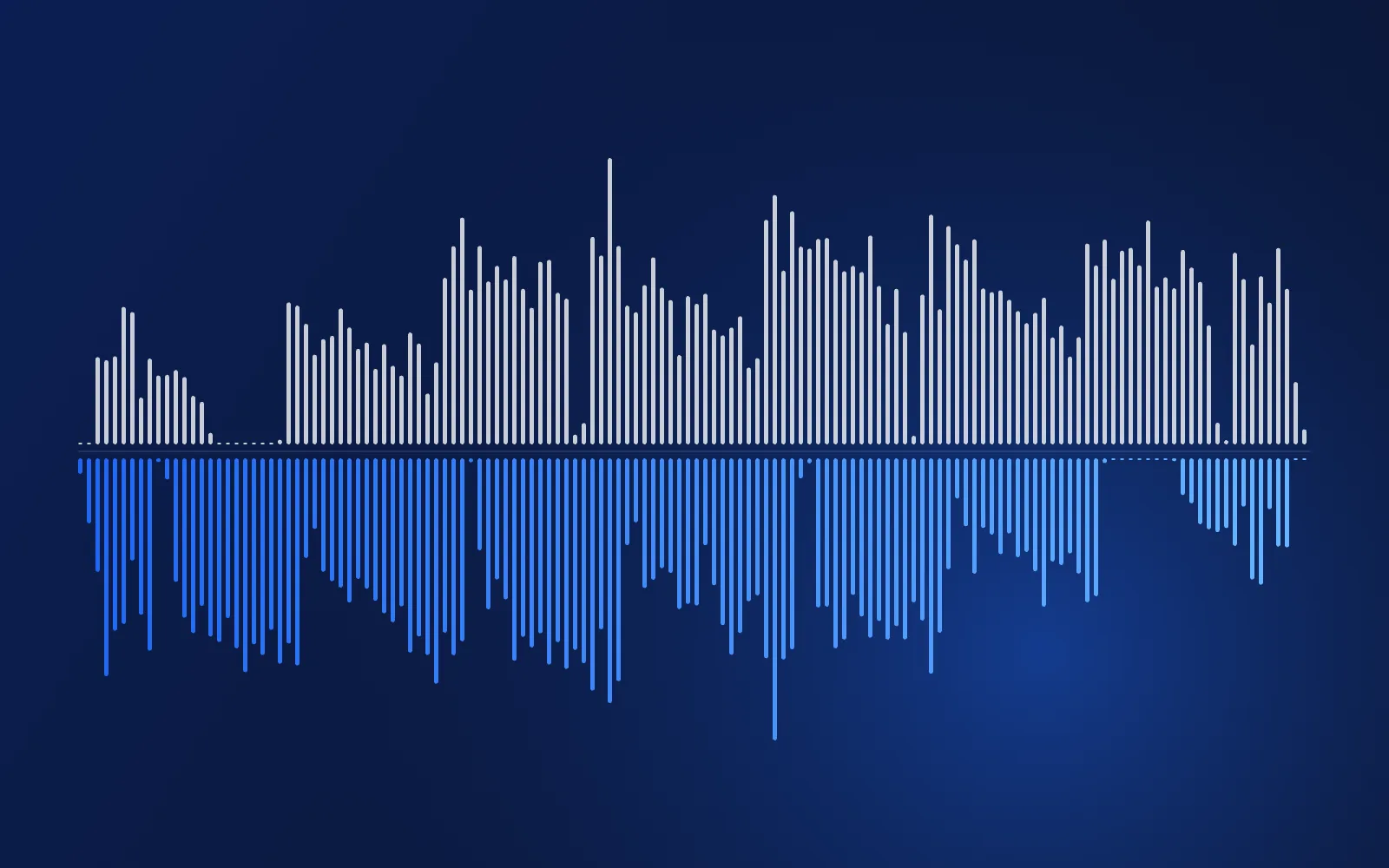
The same 30-second chorus drawn twice: forward in grey, reversed in blue. Every phrase now starts with its loud end, which is why reversed drums swell instead of hit.
Hear it while you compare
The full chorus backwards. Drums swell in instead of hitting, and the lyrics melt into that dreamy almost-language.
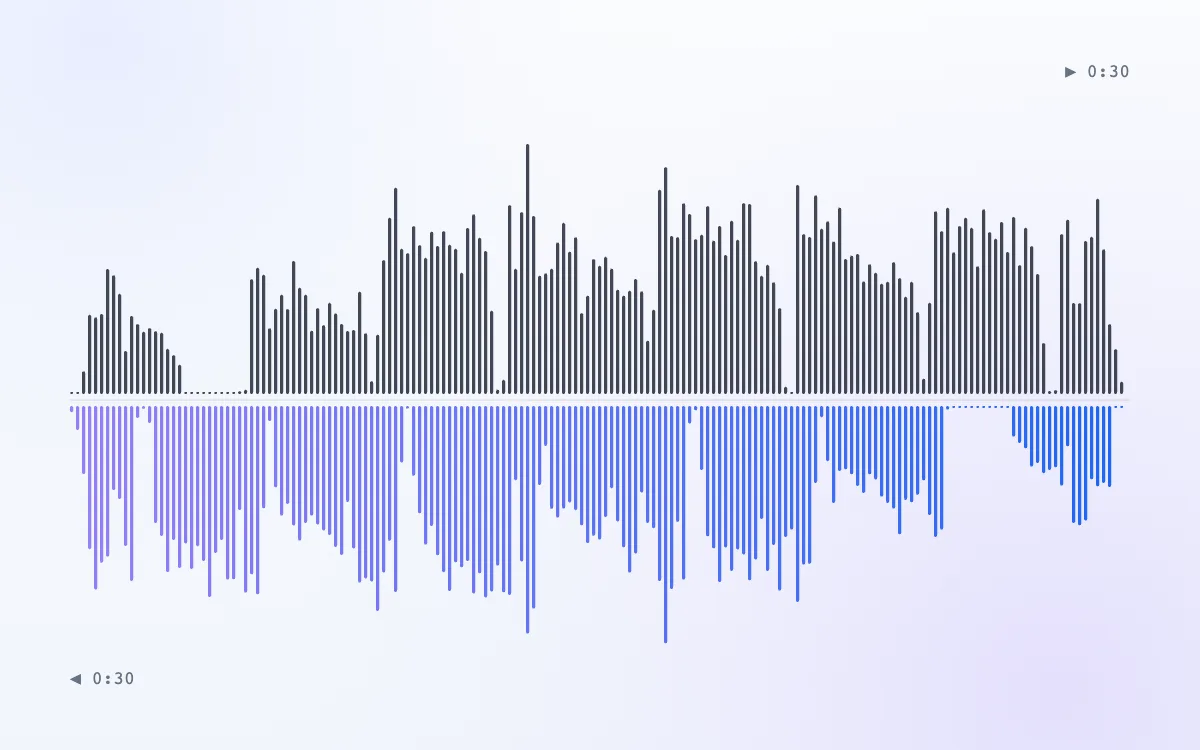
Just the singer, reversed. Consonants become soft swells and breaths turn into rising “hhh” sounds: the raw material of backmasking.
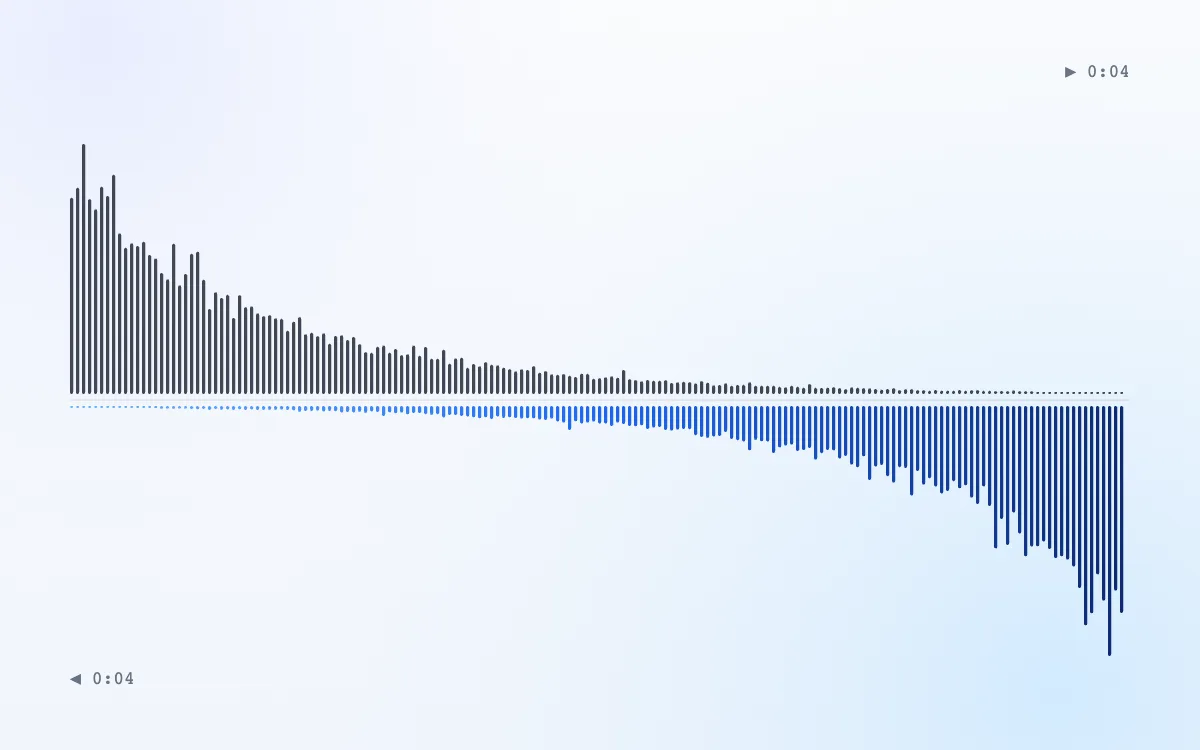
A crash cymbal we synthesized, flipped and faded in: the classic build-up into a drop or a chorus.
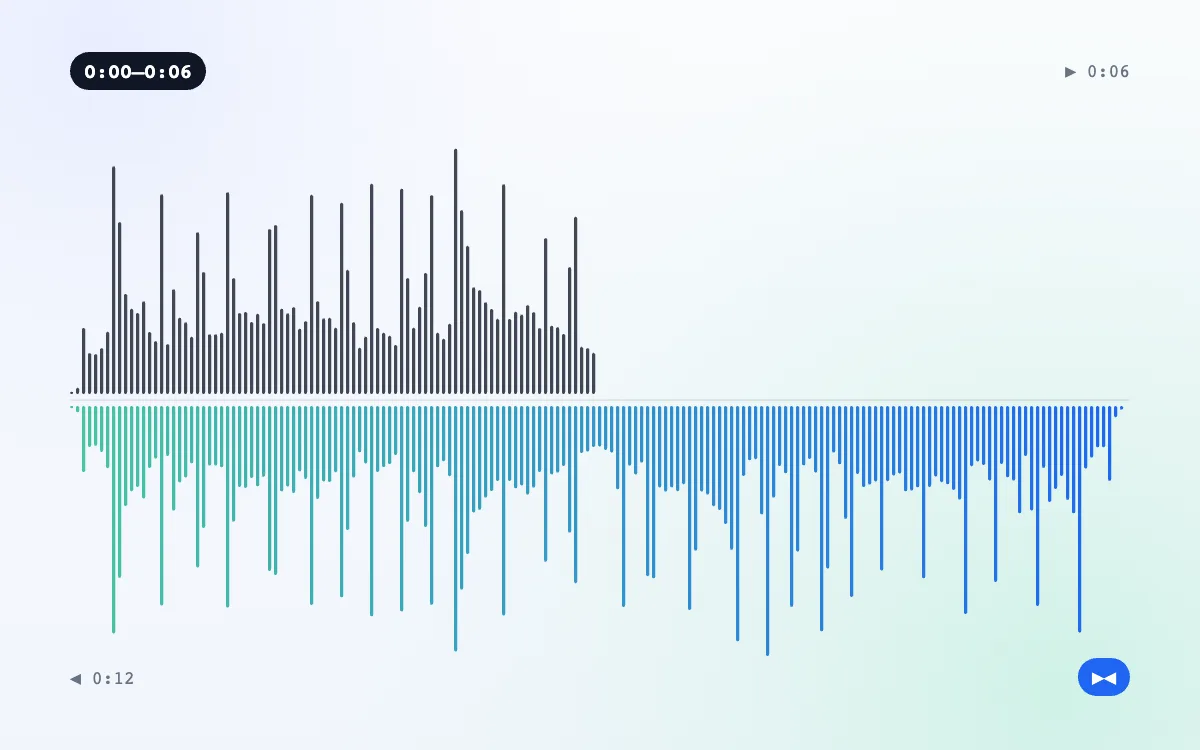
Six seconds of the instrumental, then the same six seconds backwards. Loop it and there's never a seam.
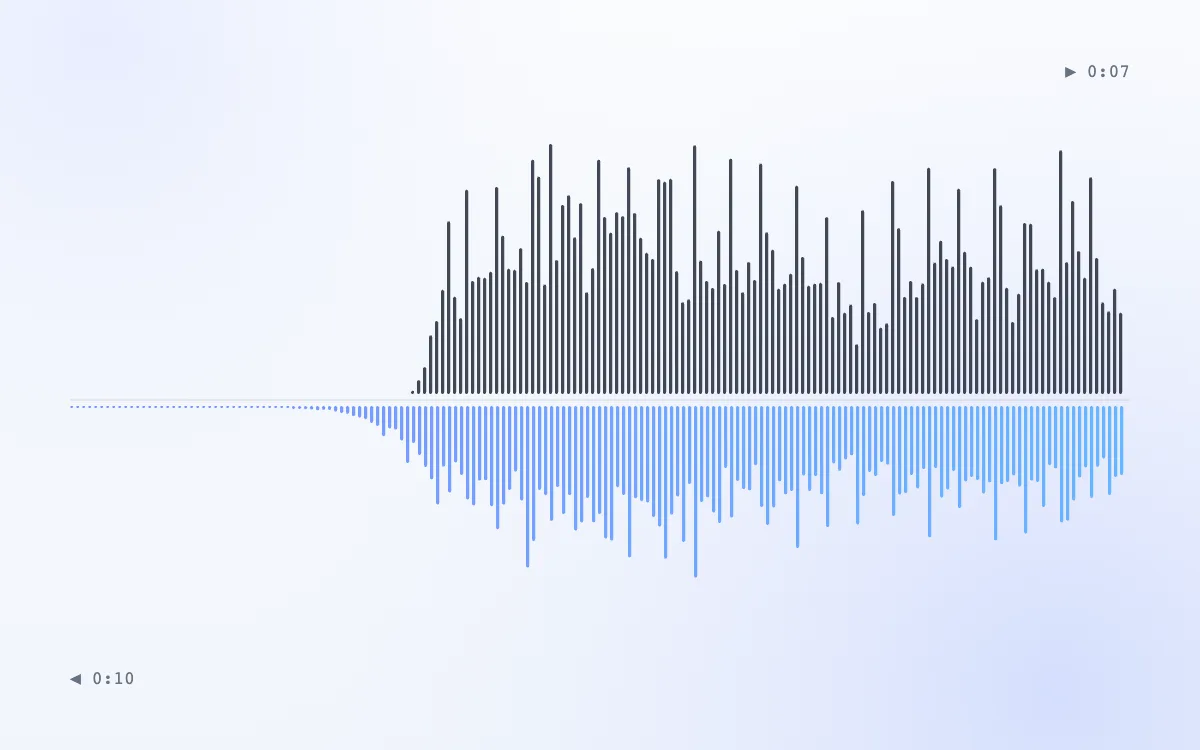
The ghostly swell that rises into each note. Reverse, add reverb, reverse back: done for you in one click.
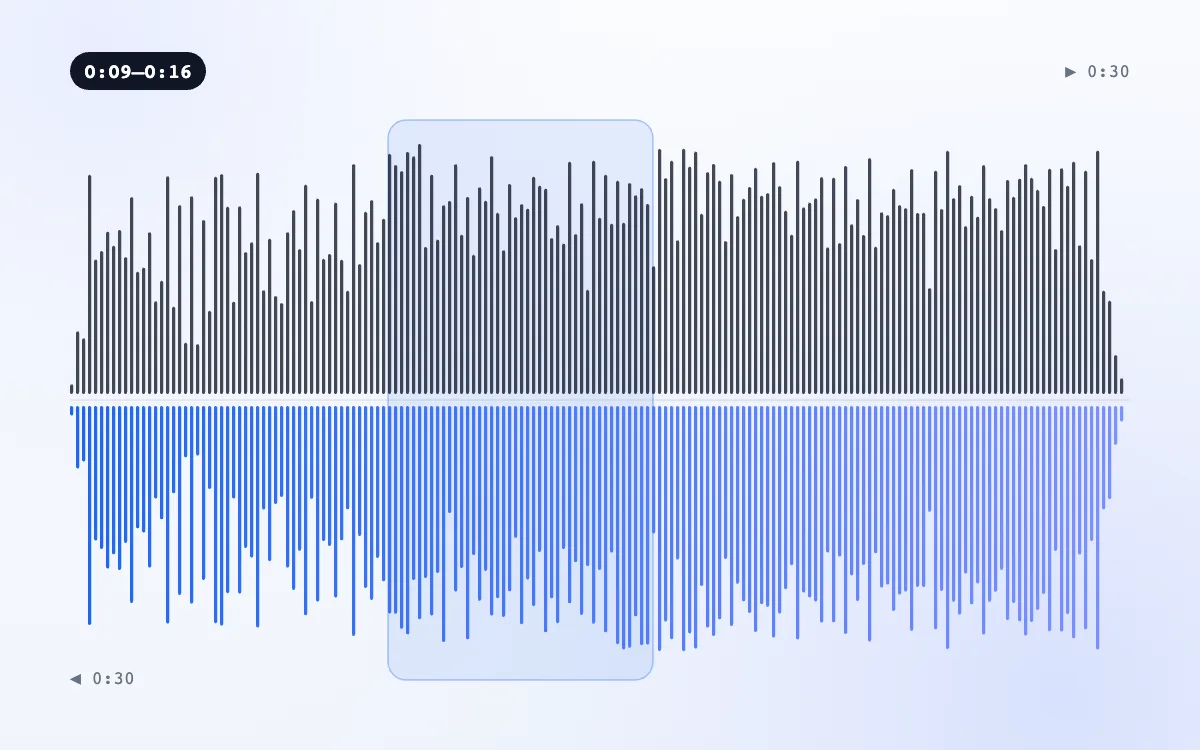
Only seven and a half seconds run backwards, then the chorus carries on forward. A DJ-style rewind in the middle of a song.
How it works
No reverse audio app to install and nothing to upload. Decoding, reversing and the MP3 export all happen in your browser.
Drop an MP3, WAV, M4A, OGG or FLAC (free up to 50 MB), or press Record and say something into your microphone.
Reverse the whole track, drag over one part, build a forward-and-back palindrome or add a reverse reverb swell.
Switch between Original and Reversed, loop it, add fades, then save the reverse audio as an MP3 (192 kbps) or WAV.
Four ways to flip
Most audio reverse tools only reverse play a whole file. Here you choose exactly what runs backwards, and how it starts and ends.

Made for
Press play on any card: each one runs a demo through the reverse audio tool live, set up for that job.
Vocals · reversed0:30
Record a line, learn it backwards, then reverse your attempt and see how close you got.

Intro · reverse reverb0:33
A 3.3-second swell rises into each phrase, the trick behind ghostly intros.
Spare Change · backwards0:30
Spin any record backwards and listen for yourself. It's usually your brain finding words in noise.

Crash cymbal · riser0:04
A flipped crash with a 0.4 s fade-in builds tension right before a drop.
Guide
Why reverse audio sounds so strange, where the trick comes from, and how to use it on purpose.
 196601
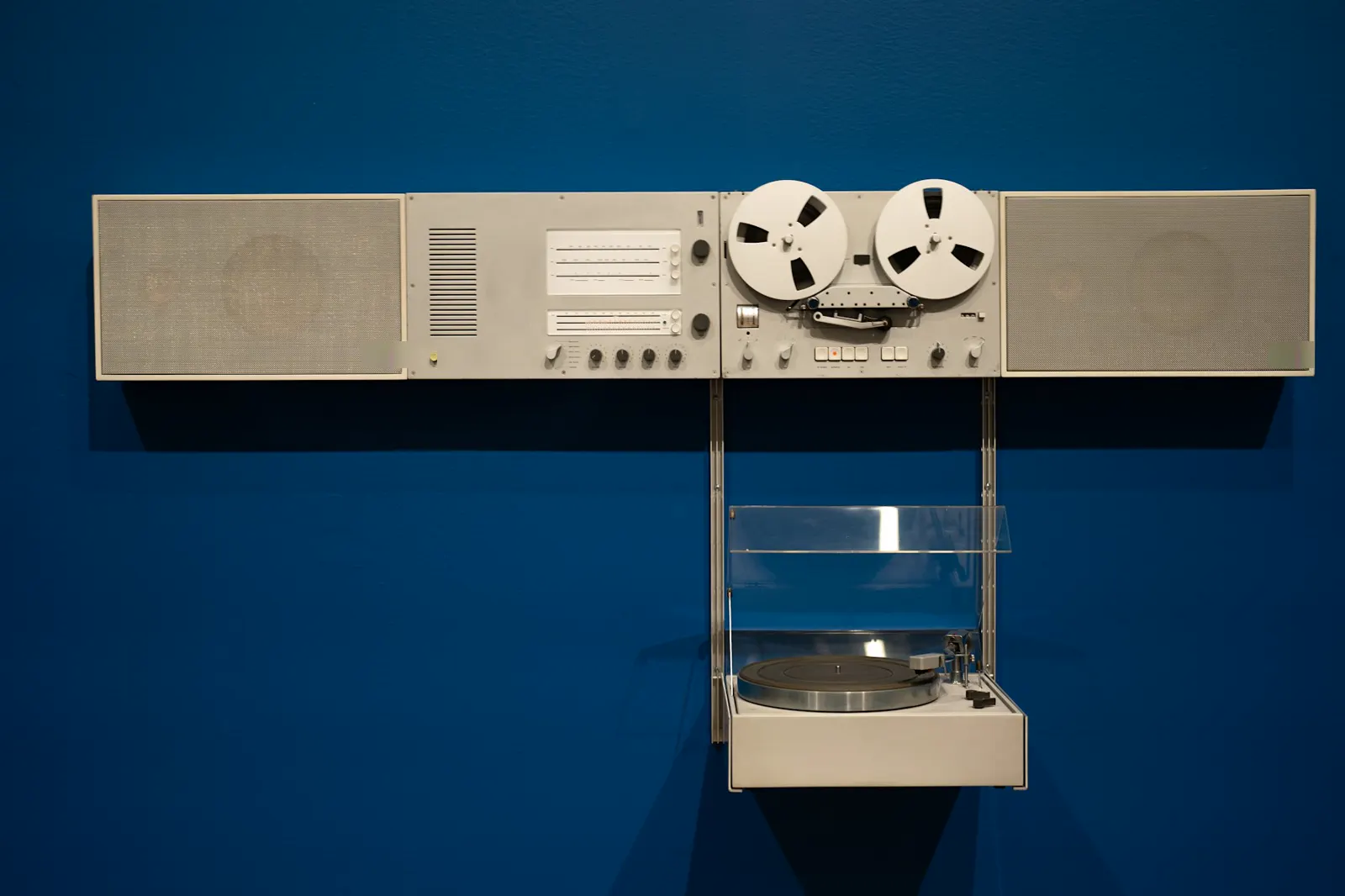
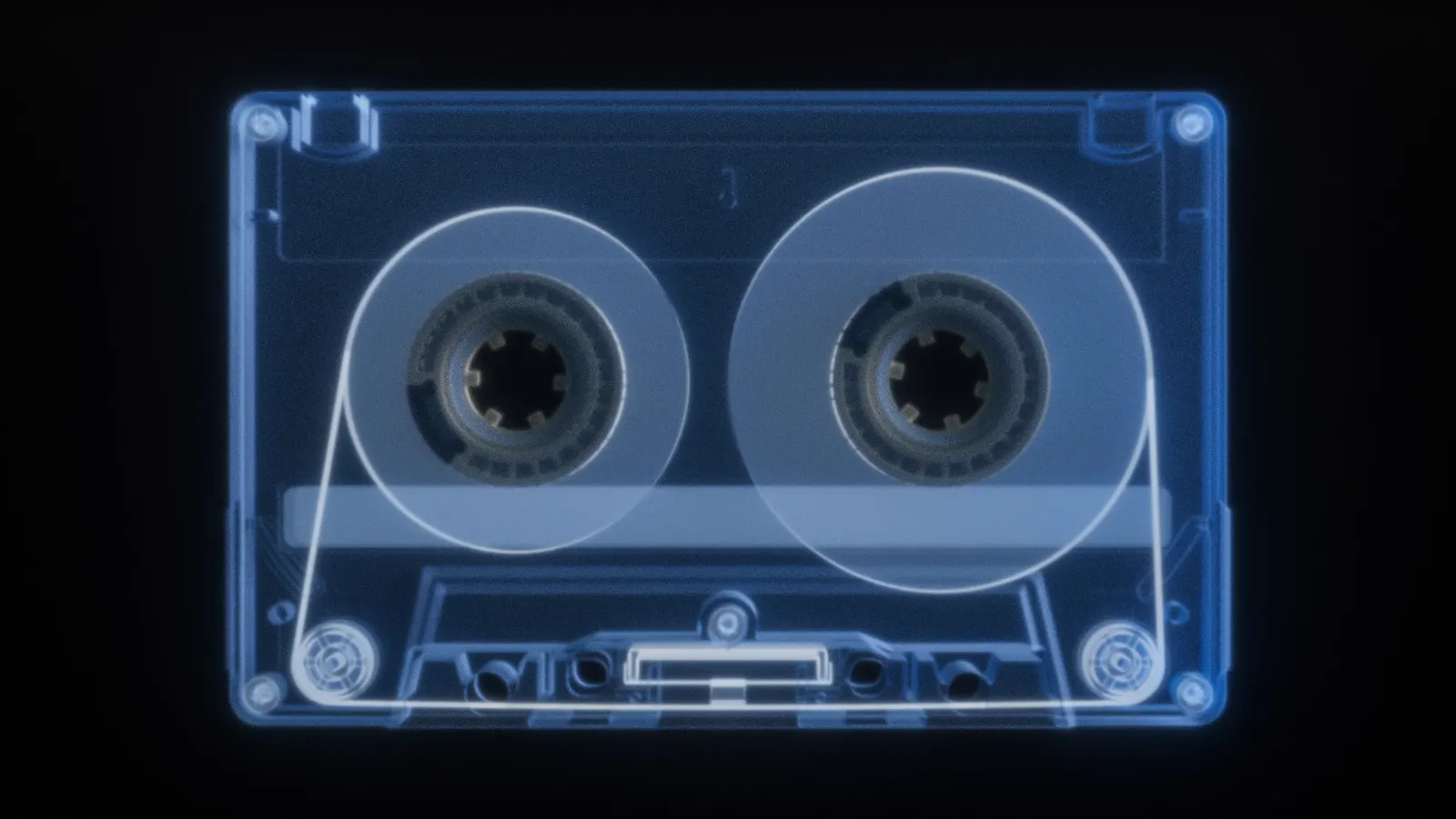
Engineers flip tape reels for reversed vocals and guitars, and psychedelic records make the sound famous.
 1980s02
Claims of messages hidden in reversed rock records spread across the US. Most were the brain finding words in noise.
 Today03
Reverse singing challenges, risers and rewind drops: any phone can flip audio, with no tape and no upload.
Playing tape backwards is an old studio trick. The Beatles made it famous with reversed vocals on “Rain” in 1966, and psychedelic records soon used reversed guitars everywhere.
In the 1980s “backmasking”, messages supposedly hidden in reverse, became a moral panic in the US, with claims about rock records and even proposed laws. Most of those messages are pareidolia: the brain hearing words in random sound. A song reverser lets you test any claim in seconds.
Most sounds start loud and fade out. Reversed, they fade in and stop dead, so drums swell, pianos “breathe” and words lose their consonants. Your ears expect the opposite, which is exactly why it grabs attention.
Pick Record your voice and say or sing a 3–5 second line.
Listen to the reverse audio three or four times with Loop on.
Record yourself copying the backwards sounds as closely as you can.
Reverse your attempt. If you copied well, you'll hear the original line come back.
Hold the vowels, keep the same length, and remember: a breath becomes a rising “hhh”.
Reverse cymbal riser
Where it works: Before a drop or a chorus
Reverse reverb swell
Where it works: Into vocal phrases and snare hits
Palindrome loop
Where it works: Ambient beds and transitions
Rewind effect
Where it works: DJ edits and meme drops
| Trick | Settings | Where it works |
|---|---|---|
| Reverse cymbal riser | Whole track + 0.3–0.6 s fade-in | Before a drop or a chorus |
| Reverse reverb swell | Swell 2–3.5 s, level 60–80% | Into vocal phrases and snare hits |
| Palindrome loop | Pick 2–8 s | Ambient beds and transitions |
| Rewind effect | One part, 0.5–2 s | DJ edits and meme drops |
Reversed hits lose their punch at the end. To get weight back after the riser, run the next section through the bass booster.
FAQ
Free · no signup · no watermark · processed in your browser
Add a file to the tool above (or record your voice) and the reversed version is ready to play at once; choose MP3 or WAV to download it. It's free, opens MP3, WAV, M4A, OGG, FLAC and more up to 50 MB (500 MB with Pro), and works in the browser on phones and computers, so there's no app to install.
Yes. In the reverse audio tool choose One part, then drag across the top waveform or set Start and End. Only that section plays backwards; the rest of the song stays forward.
Pick Record your voice, allow microphone access when your browser asks, and speak or sing for up to 60 seconds (10 minutes with Pro). Press Stop and the voice reverser plays it backwards right away. The recording never leaves your device.
No. Reverse audio keeps every sample, so length and quality stay the same; WAV export is lossless and MP3 is 192 kbps (320 kbps with Pro). Only Palindrome (twice as long) and Reverse reverb (a swell is added in front) change the length.
Almost always it's your brain finding words in random sounds. A few artists did put reversed vocals on records on purpose; The Beatles' “Rain” is the famous early example. Reverse audio from any track here and judge for yourself.
Yes. Reverse the sound here, download the MP3, then import it into CapCut as an audio track or add it to your TikTok or Snapchat video as a sound. Doing the audio separately lets you flip just the sound, only one part of it, or add a reverse reverb swell before you edit.
Reverse audio for free in your browser: no signup, no upload, no watermark.