The song through a wall
Cutoff about 460 Hz with extra low-mid body. On the full mix, the share of energy above 2 kHz falls from −12 dB to −66 dB: cymbals and consonants vanish, the groove stays.
- cutoff 457 Hz
- Room 22%
- −4.2 dB
Free · runs in your browser
This muffled audio effect puts something between you and the sound: a wall, a door, a car body, a pillow. Pick where the sound is, shape how thick the barrier feels and how far away it plays, then download the muffled sound as MP3 or WAV.
Spare Change — full mix
0:30 · cutoff 457 Hz · room 22% · level −4.2 dB
Free · no signup · rendered in your browser
Through a wall: everything above about 460 Hz is gone, the low-mids thicken and a little of the neighbour's room comes through.
Examples
Four renders of our demo song, each through a different barrier. Play one, then flip Original ⇄ Muffled without losing your place.


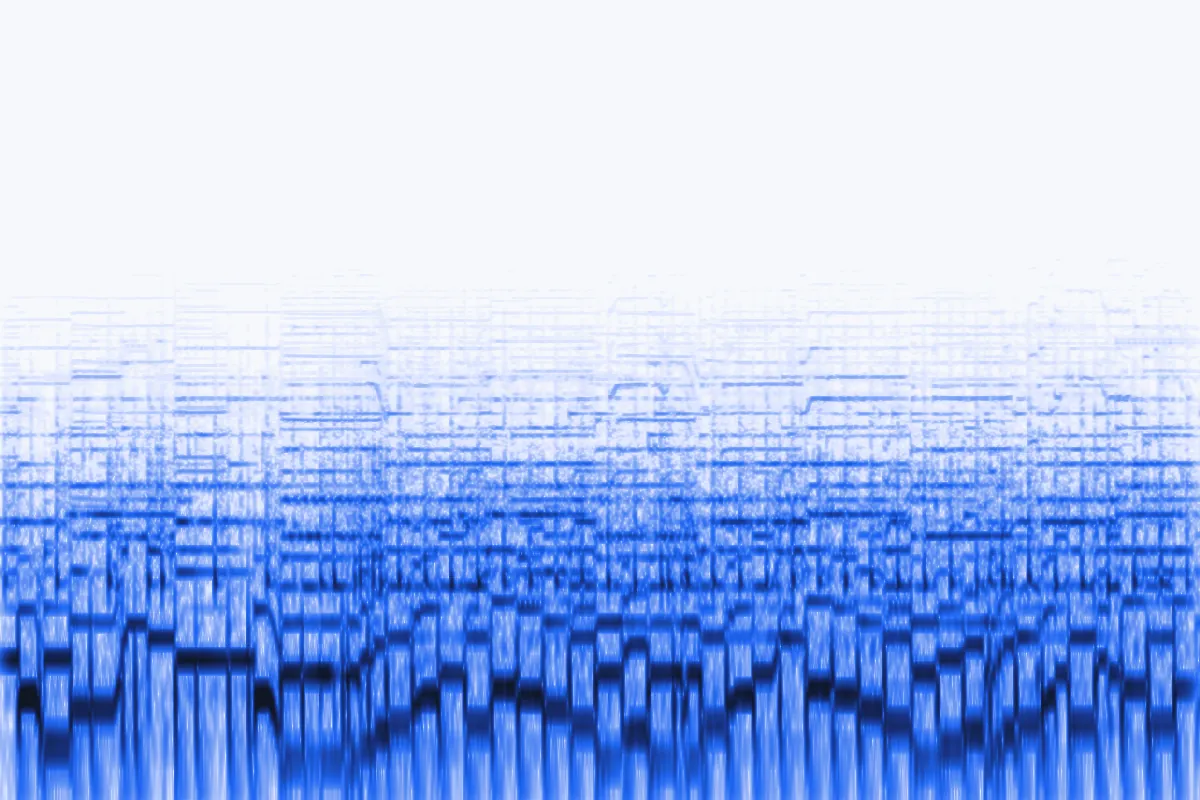
Cutoff about 460 Hz with extra low-mid body. On the full mix, the share of energy above 2 kHz falls from −12 dB to −66 dB: cymbals and consonants vanish, the groove stays.

Full bass thump and a boxy cabin: the instrumental turns into the booming car parked outside.

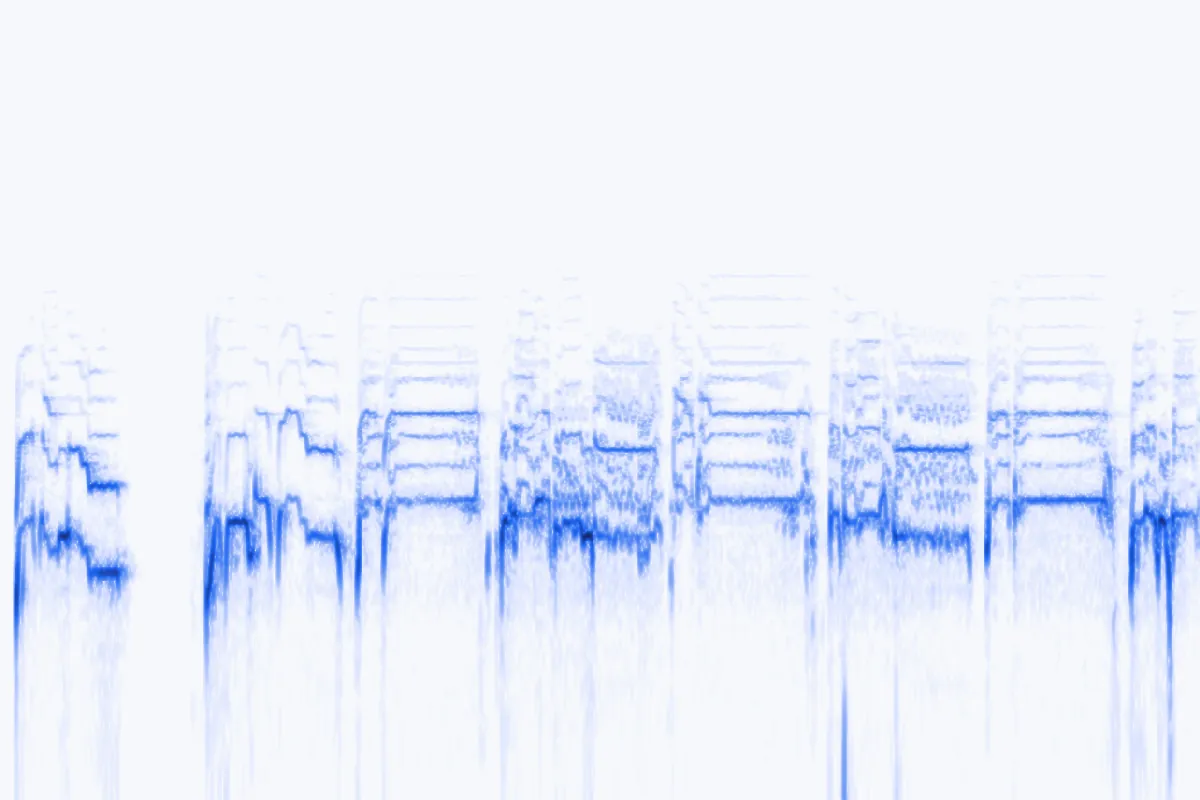
About 220 Hz and no room at all. The words become a murmur you can only just follow.

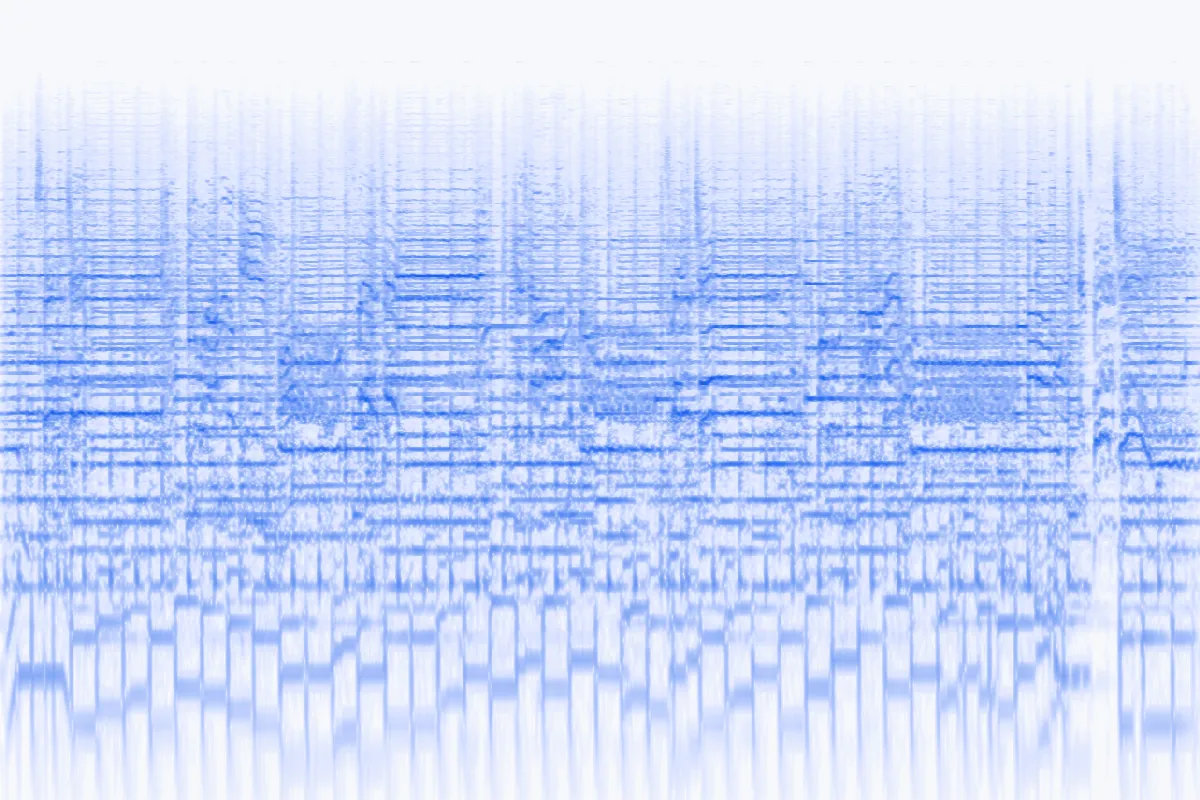
The bass is cut instead of the treble, and the level drops by about 8 dB — the tinny leak you hear when someone takes their headphones off.
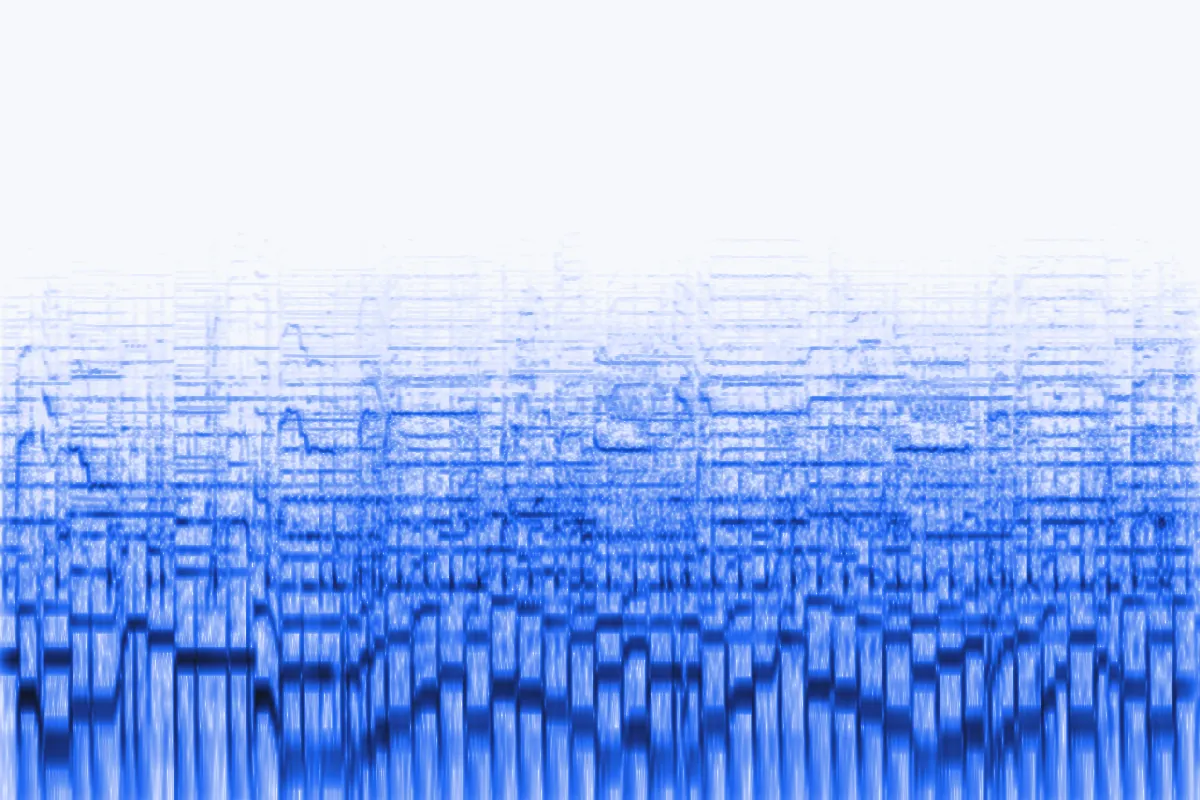
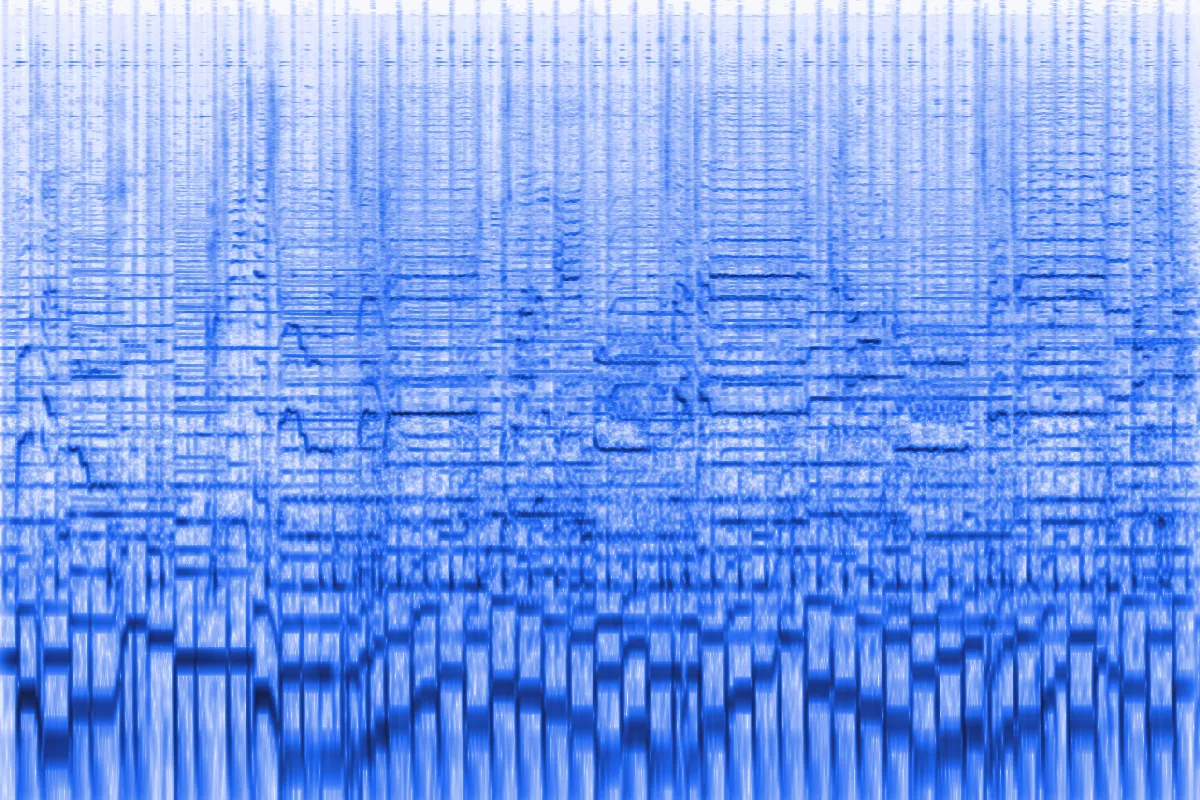
The pictures are spectrograms of the exported files: time runs left to right, pitch goes up, darker blue means louder. Look at how much of the top half each barrier wipes out — and how Headphones off keeps the top but loses the bottom.
How to
Three steps, no editing app. The same steps work for a muffled voice, a muffled song or a sound effect.
Drop in a song, a voice note or a clip from your video — MP3, WAV, M4A, OGG or FLAC up to 50 MB (500 MB with Pro) — or start with a demo track.
Choose a barrier: a wall, a door, a car, a pillow. Then move Amount, Thickness, Room, Distance and Bass thump while it plays.
Press B to flip Original ⇄ Muffled at the same spot, then save a 192 kbps MP3 (320 with Pro) or a WAV for your editor.
Settings explained
A barrier does four things to sound: it cuts the top, colours the body, puts you in a room and pushes the source away. The graphs are drawn from the tool's real filter response.
How much top end the barrier eats — a steep 24 dB/octave low-pass from 8 kHz down to 150 Hz. A door sits around 900 Hz, a wall near 450 Hz, a pillow near 200 Hz.
The body of what gets through. Right of centre adds up to +9 dB around 250 Hz for a boxy, solid wall; left of centre cuts the lows for a thin, tinny leak.
Room adds the reflections of the space you are in, from a dry pillow to a tiled bathroom. Distance turns the level down by up to 14 dB and lets the room take over.
Low notes travel through walls far better than high ones, so a party next door is mostly kick and bass. This adds up to +10 dB around 70 Hz.
Presets
Each tile plays a demo clip through one preset. The table lists every preset's exact values, so you can rebuild or tweak them.

Through a wall · full mix0:30
Through a wall: everything above about 460 Hz is gone, the low-mids thicken and a little of the neighbour's room comes through.

Inside a car · instrumental0:30
Inside a car: a song playing in a closed car, heard from the street — boxy, bass-heavy, almost no room sound.

Under a pillow · vocals0:30
Under a pillow: the heaviest muffle — about 220 Hz, very close and completely dry.

Club bathroom · full mix0:30
Club bathroom: the dance floor through a wall, then bounced around a small tiled room.
| Preset | Cutoff | Body | Thump | Room | Level | Best for |
|---|---|---|---|---|---|---|
| Through a wall | 457 Hz | +2.2 dB | +4.5 dB | 22% | −4.2 dB | Neighbours, thin-wall jokes |
| Party next door | 332 Hz | +0.9 dB | +8.5 dB | 42% | −6.7 dB | "Party next door" edits |
| Inside a car | 390 Hz | +5 dB | +10 dB | 6% | −3.1 dB | Car-stereo and street scenes |
| Under a pillow | 223 Hz | −1 dB | +1.2 dB | 0% | −1.7 dB | Whispers, secrets, dreams |
| Headphones off | 4.2 kHz | −5.5 dB | 0 dB | 4% | −8.4 dB | Headphones-off moments |
| Behind a door | 898 Hz | +0.9 dB | +3 dB | 30% | −4.9 dB | Overheard voices |
| Club bathroom | 346 Hz | +1.8 dB | +9 dB | 78% | −7 dB | Club and festival scenes |
Use cases
Short-form edits, film scenes and games use muffled sound to say where the listener is. Each card plays the demo with the settings shown.

Party next door · full mix0:30
Start a clip muffled, as if you're outside the room, then cut to the full song when the door opens. Export WAV and line the cut up on the beat.

Behind a door · vocals0:30
A muffled voice behind a closed door tells the audience a character isn't meant to hear it. Behind a door keeps the words just about readable.

Headphones off · verse0:30
When a character pulls their headphones down, switch the soundtrack to this thin, quiet leak for a beat.
Troubleshooting
Sounding muffled on purpose is the job of the tool above. Sounding muffled by accident usually comes down to four causes. Facts checked November 2026.

When an app opens a Bluetooth headset's microphone — a call, Discord, Zoom, a game — classic Bluetooth swaps the stereo music profile (A2DP) for the Hands-Free Profile (HFP), and both directions drop to a voice codec.
Fix: use another mic — the laptop's built-in one or a USB mic — so the headset stays in stereo. On Windows 10, pick the "Stereo" output rather than "Hands-Free"; on a Mac, choose the input under System Settings → Sound → Input.
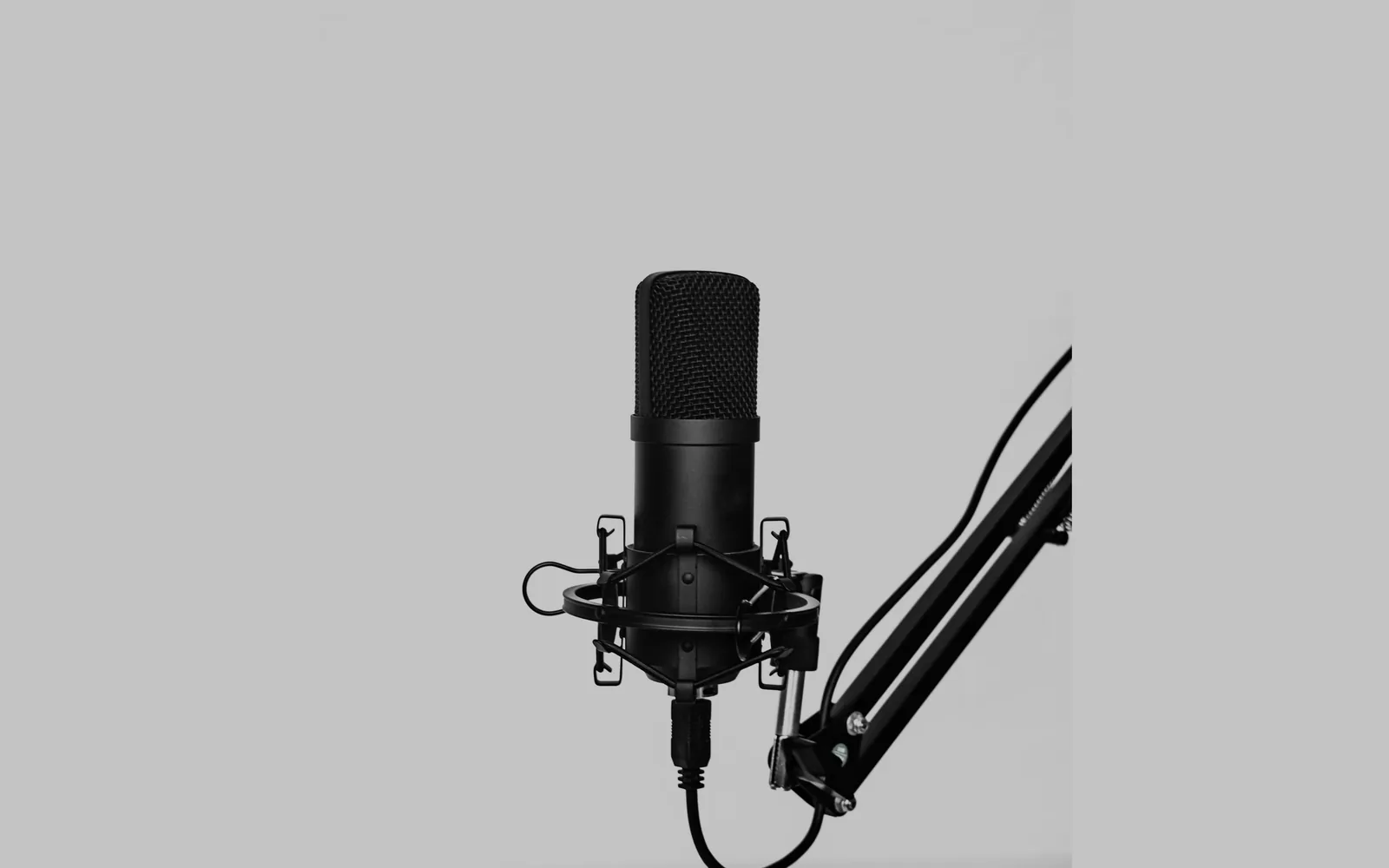
Directional mics boost the bass when you get very close (the proximity effect), which sounds boomy and dull. Talking into the top of a side-address mic puts you off-axis and the highs fall away. A lavalier under clothing loses consonant clarity around 2–4 kHz, and a phone case or a finger over the mic hole muffles everything.
Fix: speak into the front of the mic from a hand-width away, clip a lav on top of clothing, and take the phone out of its case for recordings.
| Codec / setting | Audio up to | Where you meet it |
|---|---|---|
| Bluetooth HFP · CVSD | ≈ 4 kHz | Older headsets on calls, Windows "Hands-Free" device |
| Bluetooth HFP · mSBC | ≈ 7–8 kHz | Headsets with wideband speech (HFP 1.6, 2011 on) |
| Opus · wideband | 8 kHz | Voice chat when the connection is weak |
| MP3 · 64 kbps (LAME) | 11 kHz | Low-bitrate podcasts and voice memos |
| MP3 · 128 kbps (LAME) | 17 kHz | Standard MP3 downloads |
| Opus · fullband | 20 kHz | Music-quality streams and uploads |
Voice filters trade clarity for quiet. Check Discord's Voice & Video → Noise Suppression (Krisp, Standard or None), Zoom's microphone modes (lower the noise removal or use Original sound for musicians) and Windows' Audio enhancements for the device. Menu names change often; these were current in November 2026.
Use the tool at the top of this page, or follow our guide to muffling audio in FL Studio, CapCut, Premiere and DaVinci. If you want the swaying, watery version instead, try the underwater sound effect.
FAQ
Short answers about muffling sound and about this tool.
Drop your file into the muffled audio effect above and pick where the sound should be — Through a wall is the classic. Raise Amount for a heavier muffle, add Room and Distance to push it away, then download MP3 or WAV.
Record or upload the voice, then choose Behind a door if the words should stay readable or Under a pillow for a murmur. Keep Bass thump low on speech, because a boosted low end makes a voice boomy rather than distant.
Both lose their highs, but water also bends the pitch and adds a resonant hum, while a wall keeps the sound steady and adds the room around it. This page does the steady kind; the underwater effect does the swaying kind.
Usually it's a Bluetooth headset dropping into call mode, a mic placed too close or off-axis, a low-bitrate codec, or noise suppression. The troubleshooting section above explains each cause and its fix.
Use Party next door or Through a wall. They cut the top end, keep the kick and bass, and add a little distance — which is how a song sounds from the other side of a wall.
It's free, with no signup and no watermark. Your file is processed in your browser and never uploaded. MP3, WAV, M4A, OGG and FLAC files up to 50 MB and 10 minutes work for free; Pro opens files up to 500 MB and 2 hours.
Pick a place, hear the muffled version live and download it. No signup, no watermark.
Free · no signup · no watermark · processed in your browser