0:29.9
- M4R · AAC 256 kbps
- Fades 0.3 / 2.0 s
- Peak −1 dB
Chorus hook, ready for iPhone
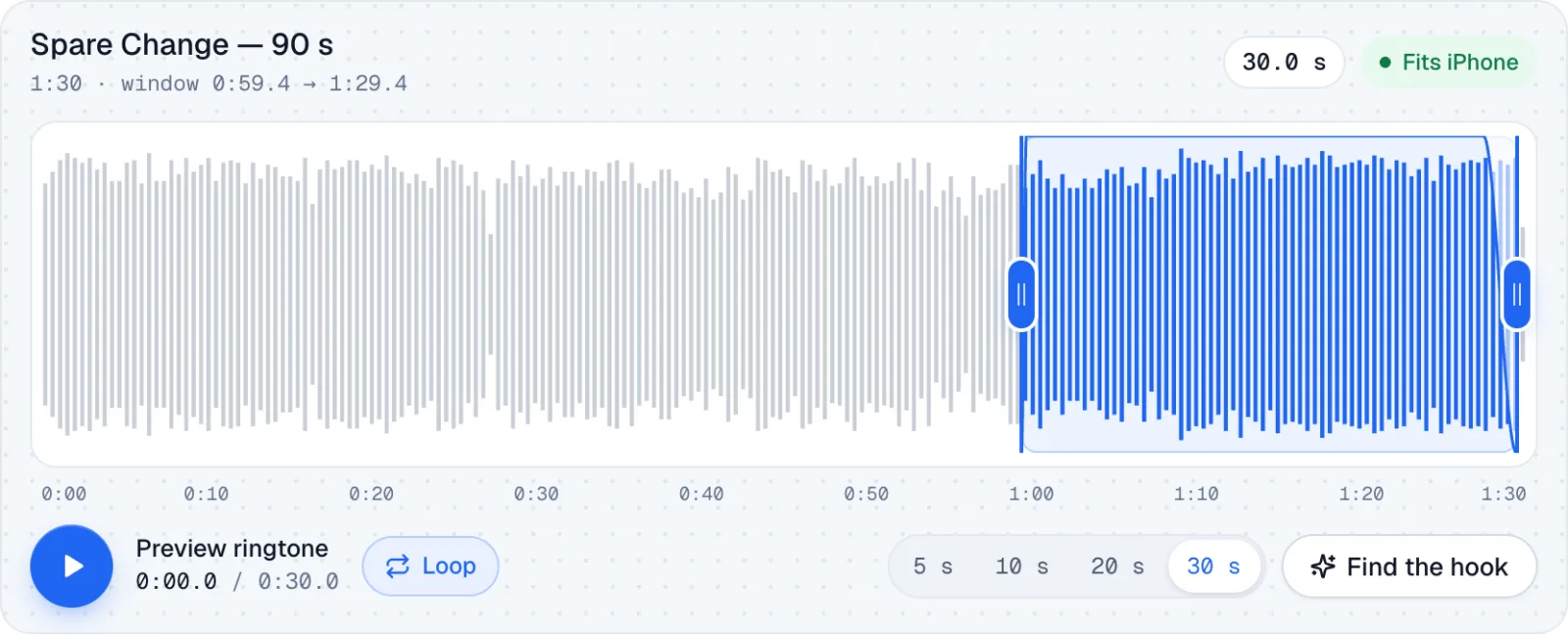
Find the hook landed on the loudest 30 seconds: the chorus. A 0.3 s fade-in, a 2 s fade-out and Normalize make it ring loud without clipping.
Free · M4R for iPhone · MP3 for Android
Spare Change — 90 s
1:30 · window 0:59.6 → 1:29.6
Filespare-change-ringtone.m4r≈ 934 KB
M4R for Finder or iTunes · M4A for the Files app on iOS 26+
iPhone ringtones max out at 30 seconds, so the window stops there. Text tones can be as short as you like.
How to set it →Examples
Four ringtones cut from our demo song with the ringtone maker above. Each card plays the exact exported file; download it or load its settings into the editor.
Find the hook landed on the loudest 30 seconds: the chorus. A 0.3 s fade-in, a 2 s fade-out and Normalize make it ring loud without clipping.
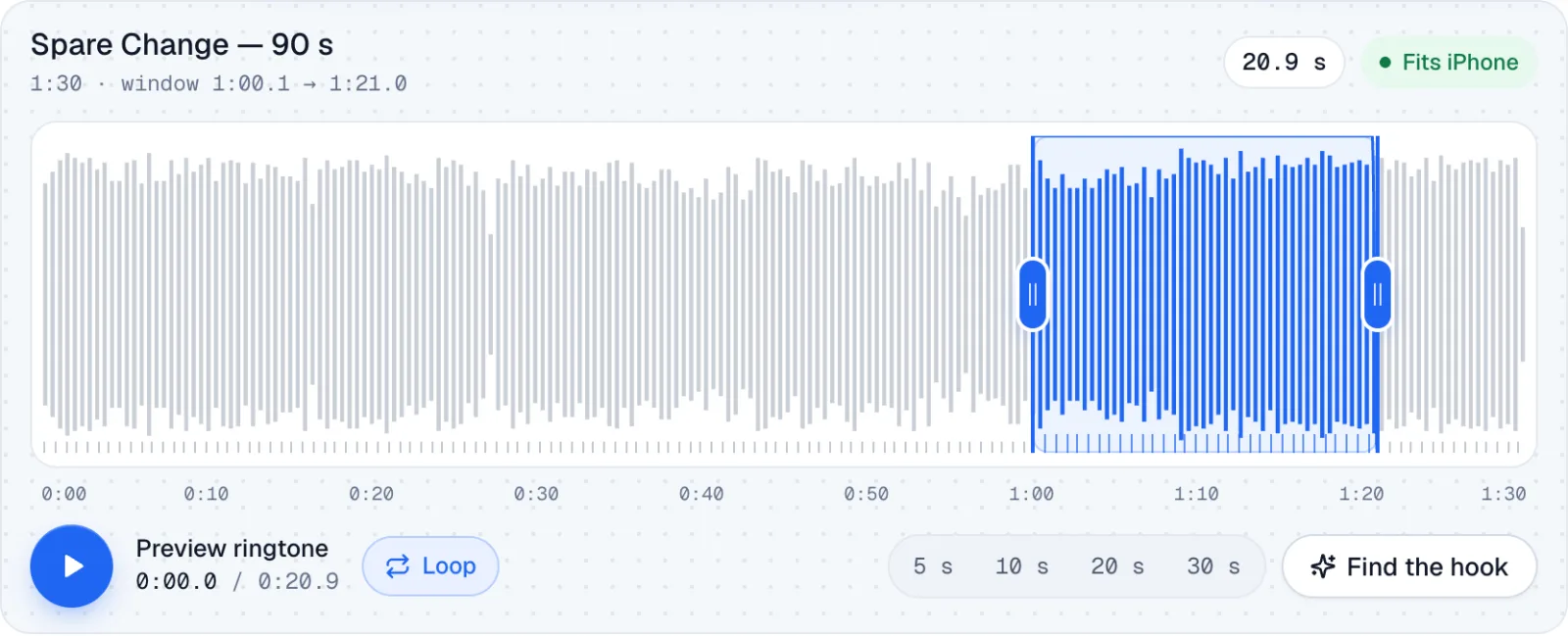
Snap to beat locked both edges to the song's grid, so the rhythm never stumbles when the phone repeats it. The fades stay tiny because the cut lands on a beat.
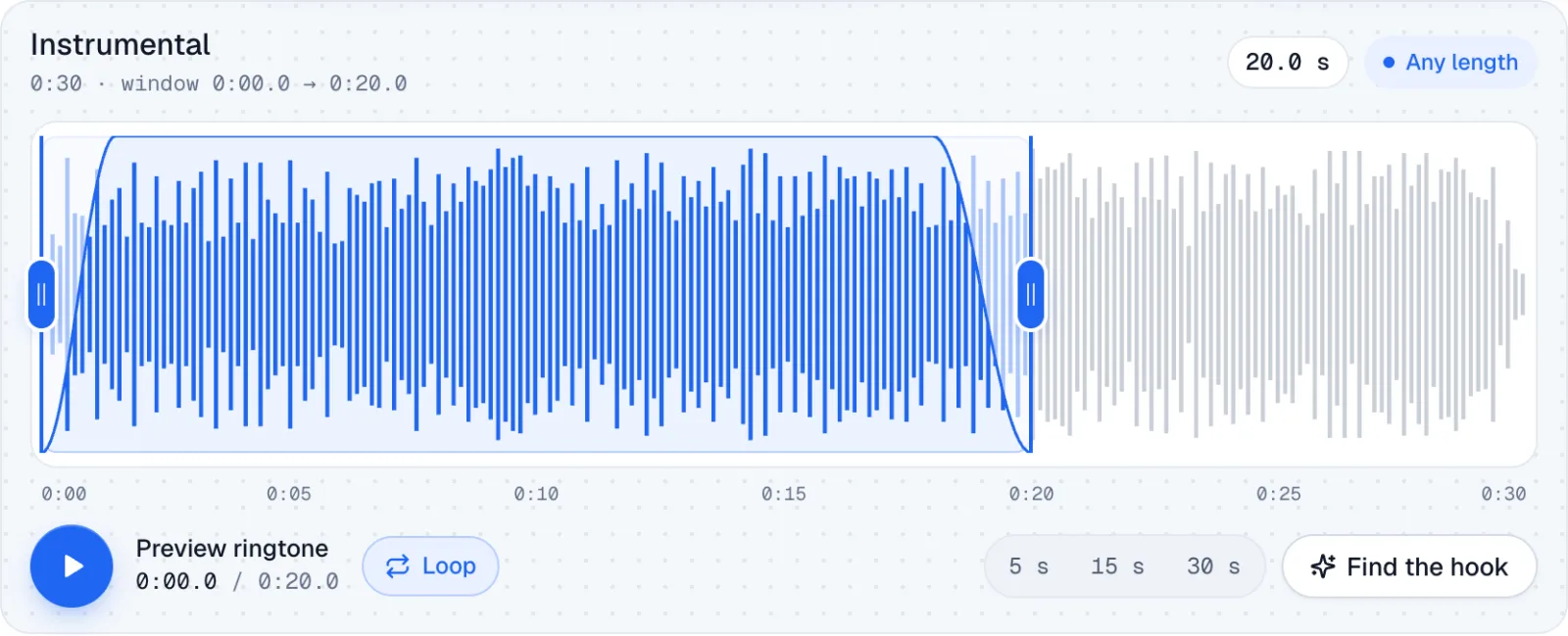
Twenty seconds of the instrumental with a slow 1.5 s fade-in at −4 dB: noticeable in an office, never startling. Saved as OGG for Android.
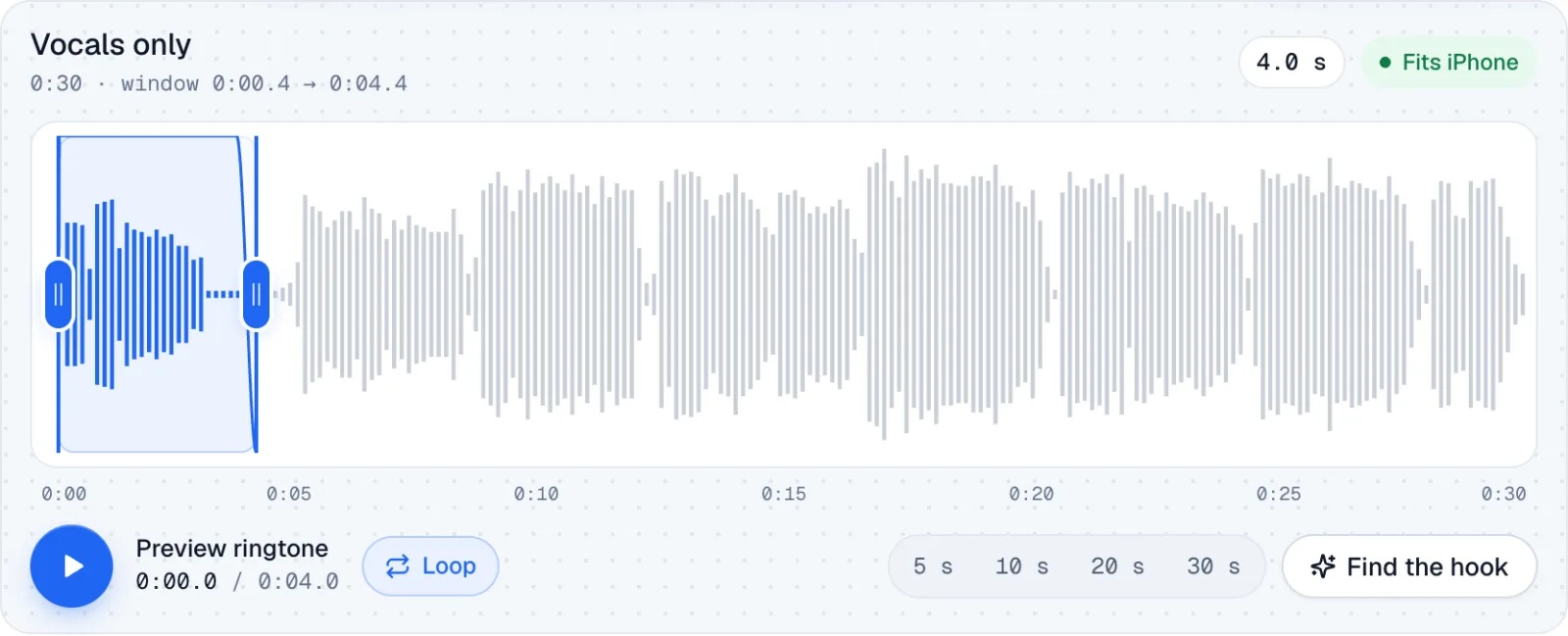
One vocal line, trimmed tight with short fades. Text tones work like ringtones, only shorter, and a sung phrase is easy to recognise.
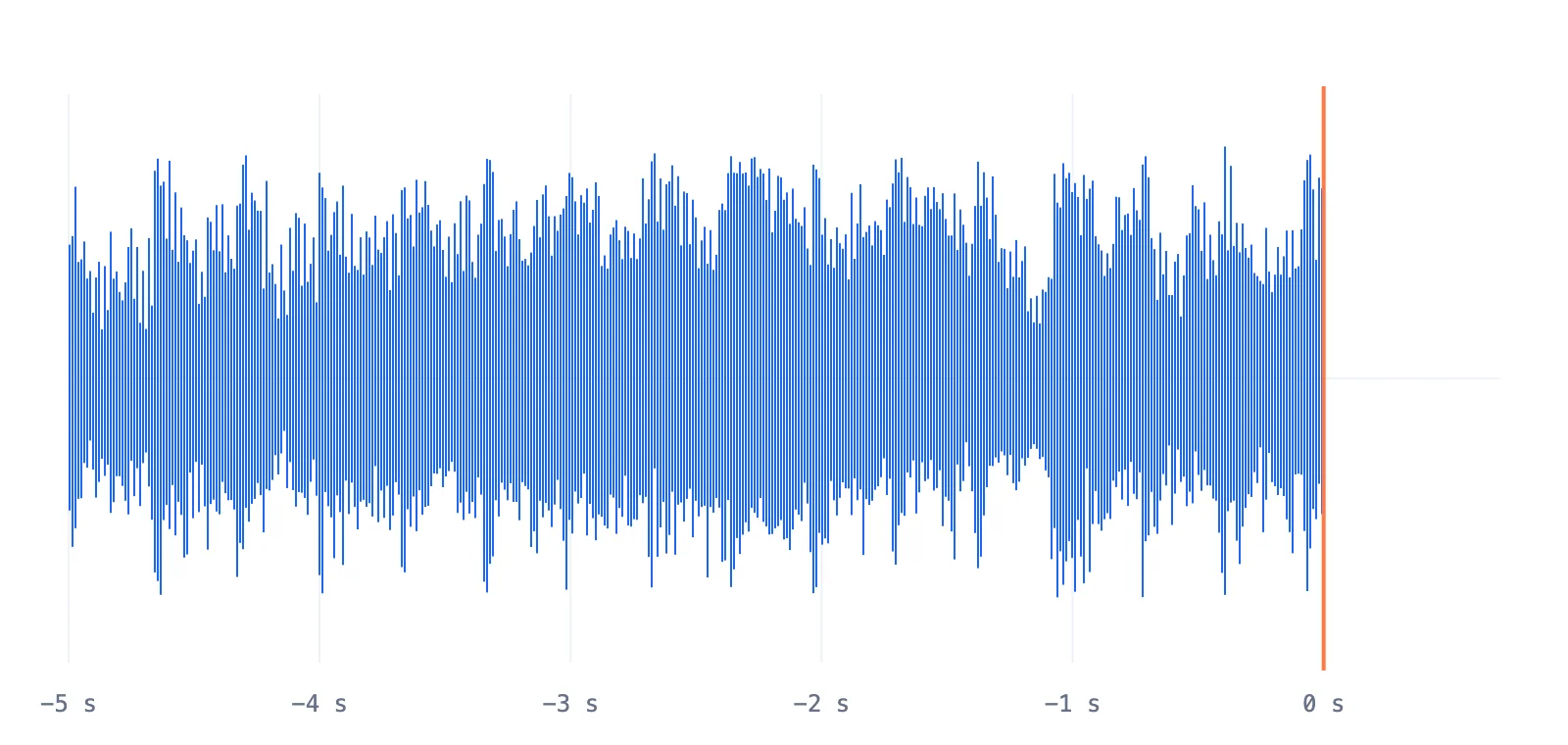
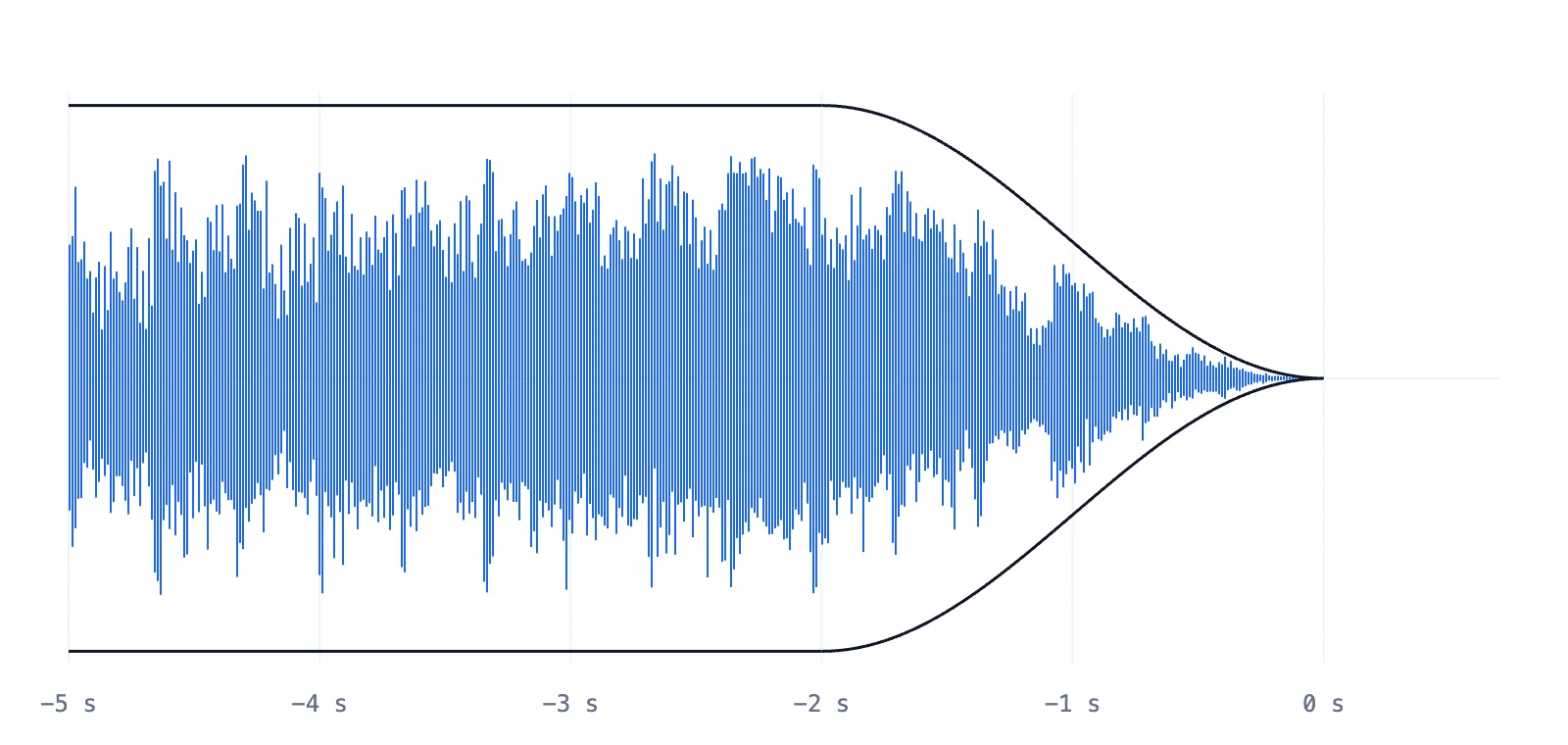
Why fades matter
Left: no fade, so the waveform stops mid-note and the phone clicks on every repeat. Right: the same cut with the ringtone maker's 2-second fade-out.
How to
With this ringtone maker it's three steps and about a minute, and nothing is uploaded.
Drop an MP3, WAV, M4A, OGG or FLAC file onto the editor, or start with a demo song.
Drag the window or its edges, or press Find the hook. Add fades and loop the preview until the cut feels right.
Save an M4R for iPhone or an MP3 / OGG for Android, then follow the phone steps below.
Set it up
Once the ringtone maker has saved your file, follow these steps, checked against Apple Support and current Pixel and Galaxy menus on 2026-11-15.
The clip must be under 30 seconds, saved on the iPhone itself and DRM-free.
GarageBand shortens anything over 30 seconds when it exports.
Drag and drop is hit-and-miss on recent macOS versions; the Files route needs no cable.
Source:Apple Support: Create a custom ringtoneGarageBand for iPhone: share as a ringtone
Menu names vary by brand. If a step looks different, search "ringtone" in Settings.
Want the long version with screenshots?How to make iPhone ringtonesHow to make a custom ringtone
Features
No timeline, no tracks, no mixer: this ringtone maker keeps only the controls a ringtone needs, tuned for a phone speaker.

Use cases
A custom ringtone maker earns its keep beyond the main ringtone: the same editor covers every sound your phone makes.

Give your partner, parents or boss their own song and know who's calling before you look. iPhone and Android both allow a tone per contact.
Pick a calm intro with a long fade-in so the alarm starts soft and builds, then choose it in your clock app.
Two to five seconds of a vocal line or guitar lick makes a text tone you'll recognise across the room.
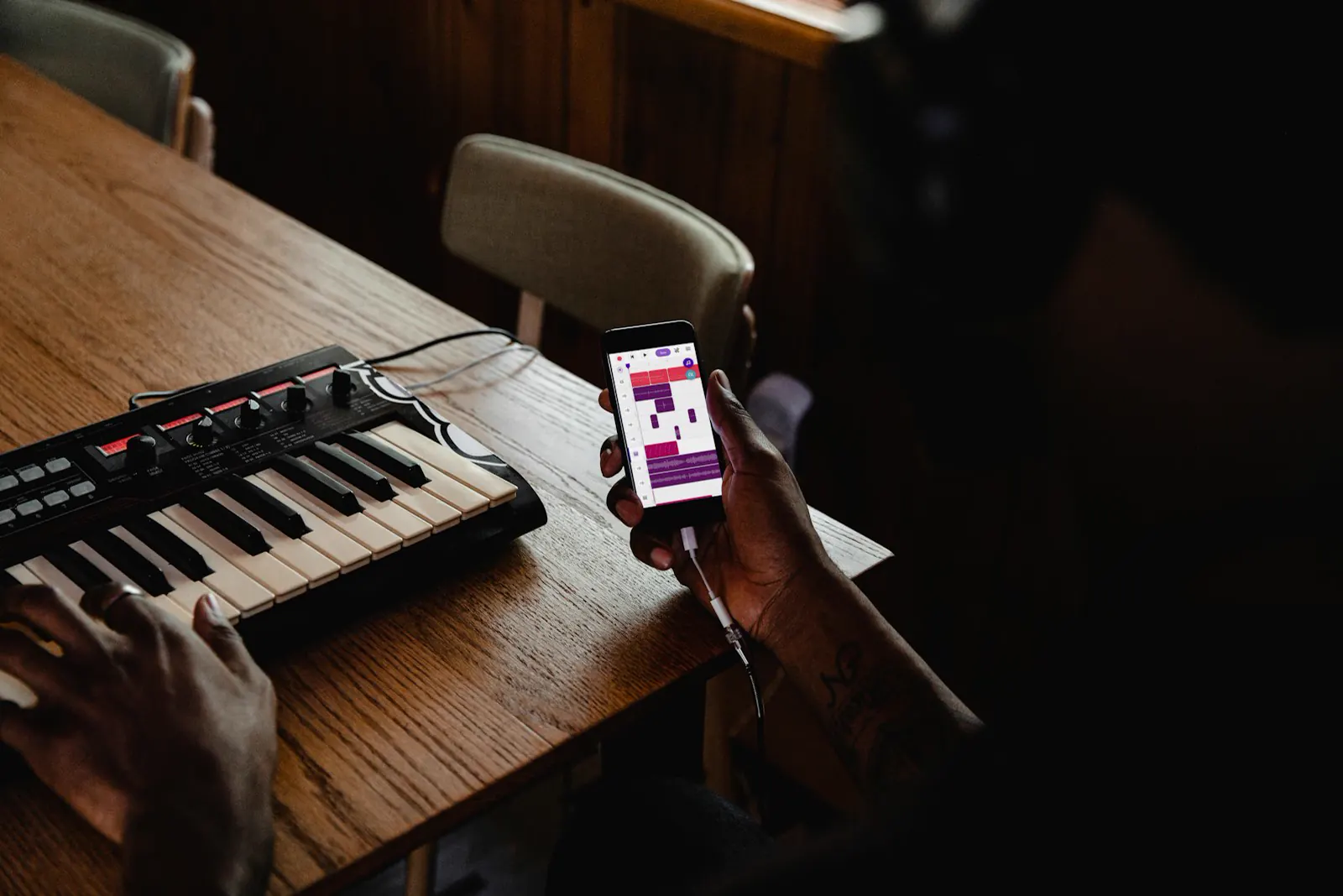
Made a track in GarageBand or a DAW? Drop the export into the ringtone maker, keep the best eight bars and snap them to the beat.
Formats
An iPhone ringtone M4R file is simply AAC audio in an MP4 container with an .m4r name. Android is far more relaxed.
| Ringtone formats on iPhone and Android | iPhone | Android |
|---|---|---|
| File type | M4R; M4A or MP3 through Files on iOS 26 | MP3, OGG, M4A, WAV |
| Audio codec | AAC-LC | MP3, Opus, Vorbis, AAC |
| Length | 30 seconds at most | No limit; 15–30 s is typical |
| Getting it on the phone | Files app, GarageBand, or Finder / iTunes | Download it, or copy it to the Ringtones folder |
| Where it shows up | Settings › Sounds & Haptics › Ringtone | Settings › Sound › Ringtone (My Sounds / Custom) |
The iPhone checks what's inside the file, not its name. An M4R needs AAC audio, so this ringtone maker encodes it properly.
Apple Music and Spotify downloads are DRM-protected. Use a file you own: a purchase, your own recording or a royalty-free track.
Tiny speakers reproduce little low end, so a bass drop can sound thin as a ringtone. Melody and vocals cut through better.
Compare
GarageBand is Apple's free ringtone route, but it's built for making music, so cutting an existing song takes more taps. As a GarageBand ringtone maker it shines when you build the sound yourself.
| GarageBand ringtone maker or this one? | This page | GarageBand on iPhone |
|---|---|---|
| Runs on | Any browser: iPhone, Android, Mac, Windows | iPhone and iPad |
| Picking the part | Drag a window, Find the hook, snap to beat | Drag region edges in the Tracks view |
| Fades | Fade in and out, up to 5 s each | Volume automation, drawn by hand |
| Output | M4R, M4A, MP3, OGG files | Saved straight into the iPhone's ringtones |
| Over 30 seconds | The window stops at 30 s | Shortened automatically on export |
FAQ
Yes. No signup and no watermark, and every format — M4R, M4A, MP3, OGG — is free. The free plan saves up to 10 files a day and takes songs up to 50 MB and 10 minutes; Pro lifts those limits. Everything runs in your browser, so your songs are never uploaded.
30 seconds. GarageBand and the iOS 26 Use as Ringtone action both stop there, so the ringtone maker caps the window at 30 s in iPhone mode. Old iTunes syncs allowed 40 s, but 30 is the safe length.
Load the song, pick up to 30 seconds, choose iPhone and press Download M4R. Add it with Finder or iTunes, or use the M4A with the Files app on iOS 26+.
Yes. Open this page in Safari, make the ringtone and download the M4A. In Files, touch and hold it, then tap Share › Use as Ringtone (iOS 26+). On older iOS, share it as a ringtone from GarageBand.
MP3 works on every Android phone. OGG (Opus) is smaller at the same quality and plays on Android 5.0 and later. Neither has a length limit.
An M4R needs an AAC encoder, which most current browsers include. When yours doesn't, the ringtone maker gives you an MP3, which the iOS 26 Files app and GarageBand both accept.
Pick a song, drag up to 30 seconds, download. Free, and the song never leaves your device.