1:12 / 3:08
YouTube uploads
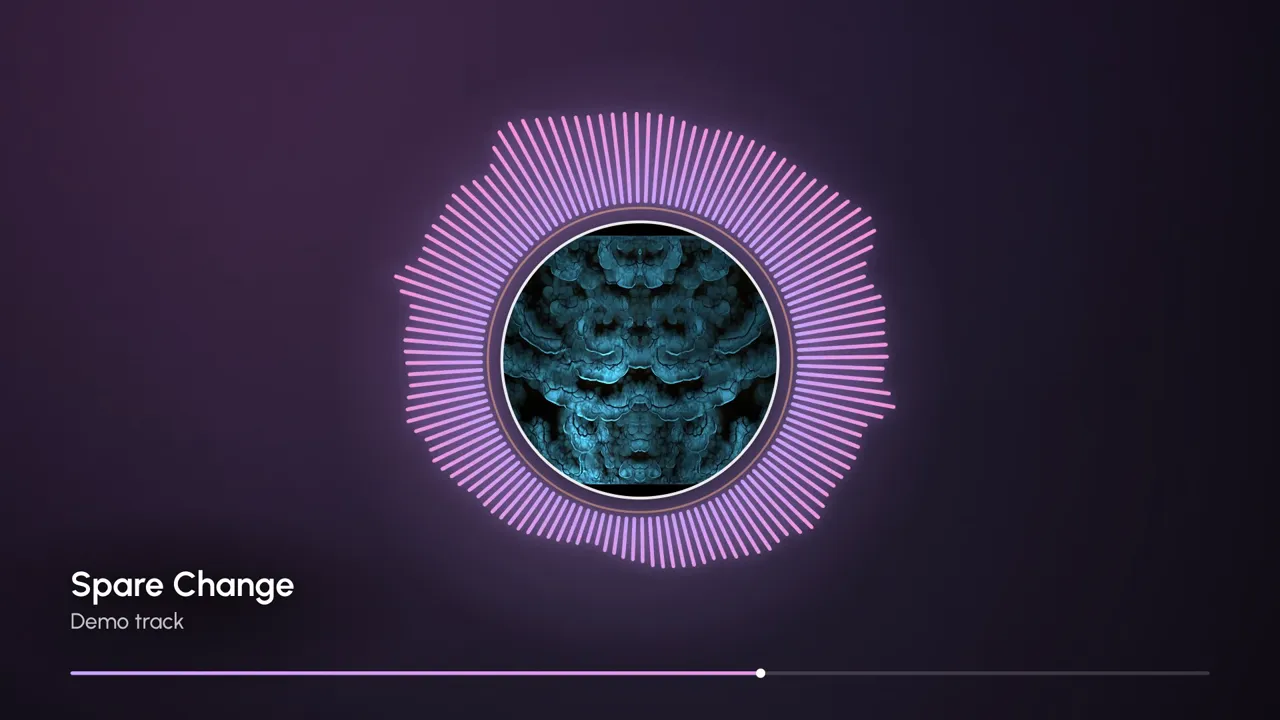
Give a track something to watch: 16:9 at 720p (1080p with Pro), classic bars or a radial spectrum around your cover.
16:9 · 720p / 1080pBarsRadialA free audio visualizer that turns any song into a music video, right in your browser. Pick one of eight styles, from classic bars to a ferrofluid-style fluid blob, add your cover art and title, then export a 16:9, 9:16 or 1:1 video with no signup and no watermark.
Full mix
MP4 · 1280×720 · 30 fps · 0:30
Examples
Every frame and clip below was rendered by this audio visualizer from the same 30-second demo song. Each card lists the settings used, and “Use this look” loads them into the tool above.
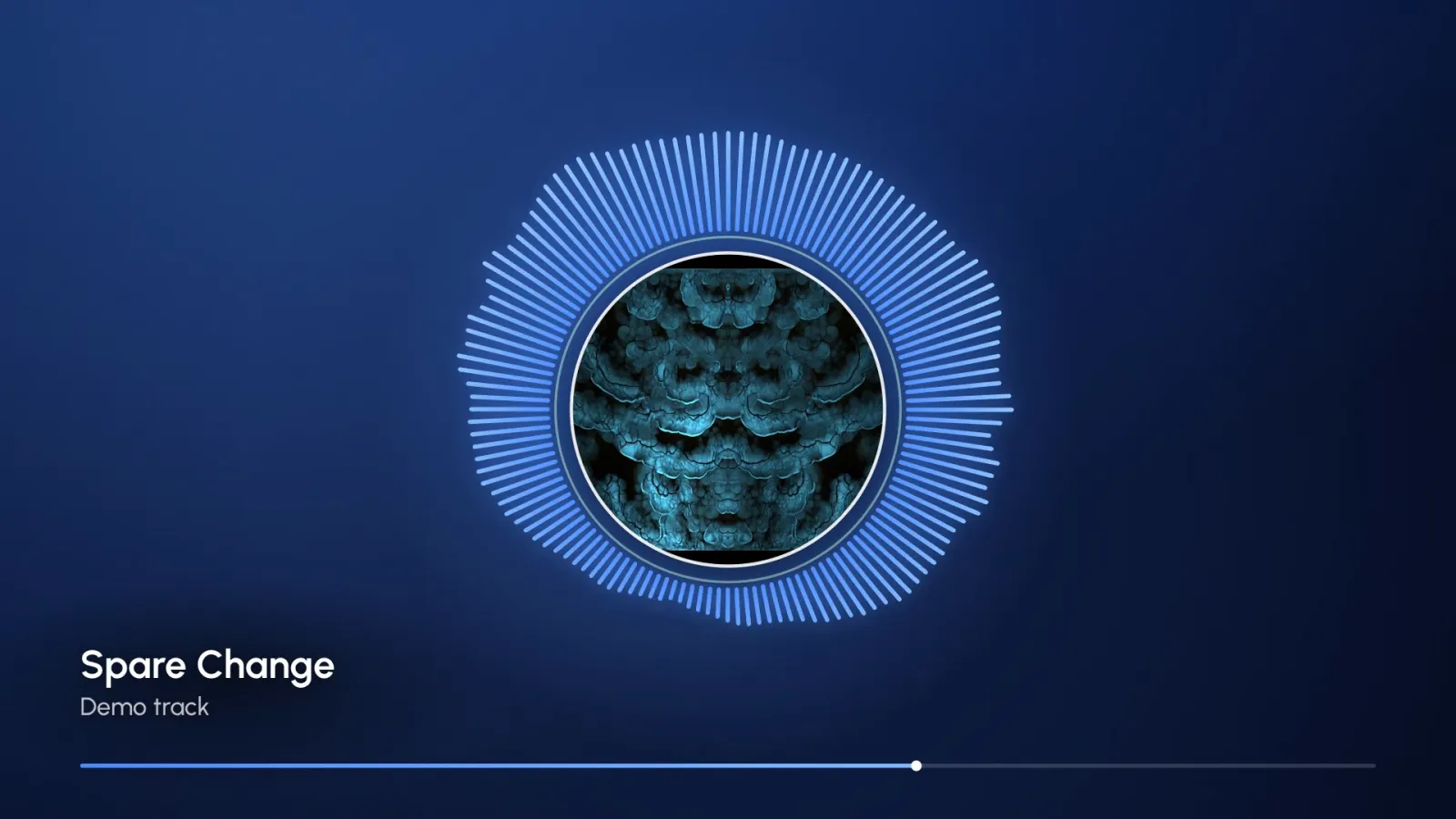
16:9 · Midnight blue with a square cover in the centre. 128 bars in blue and sky ring the art; the tool opens with this look.
Recorded with the Export button: 9:16, Lilac haze theme, 30 fps, six seconds of the chorus. Played back here without sound.
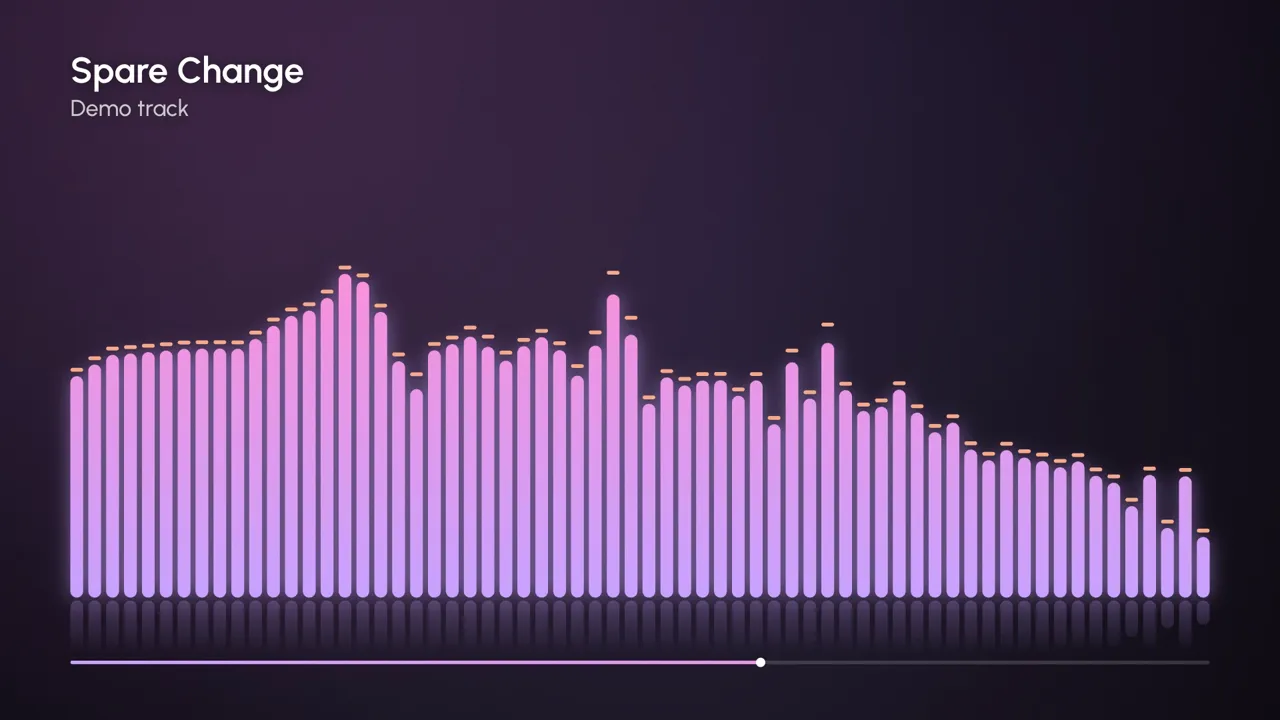
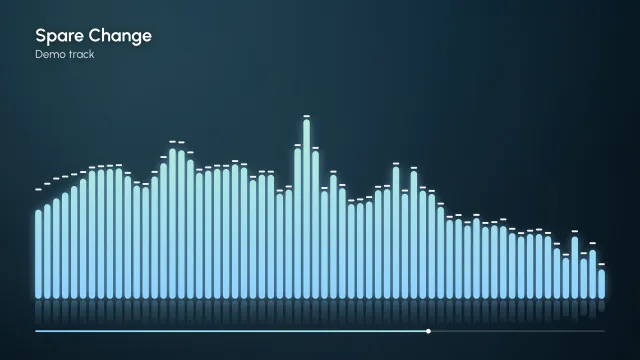
16:9 · Lilac haze. 64 bars on a log scale with falling peak caps and a soft reflection: the safe pick for a YouTube upload.
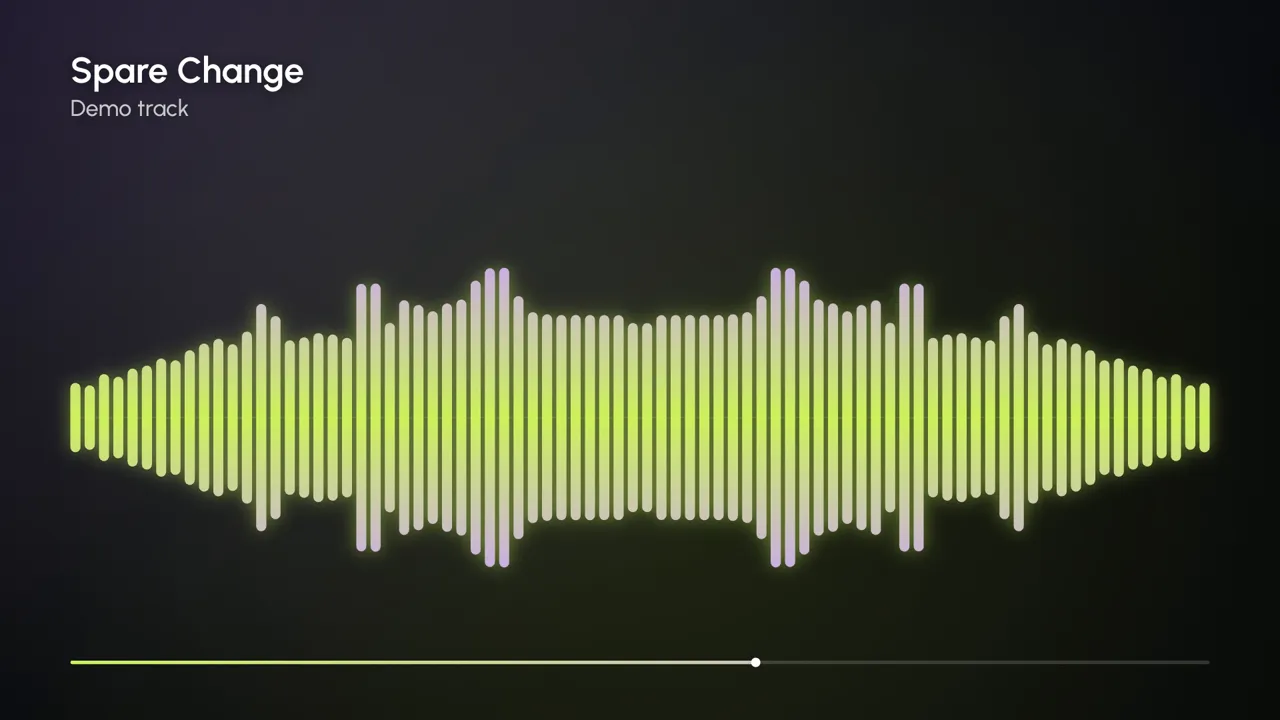
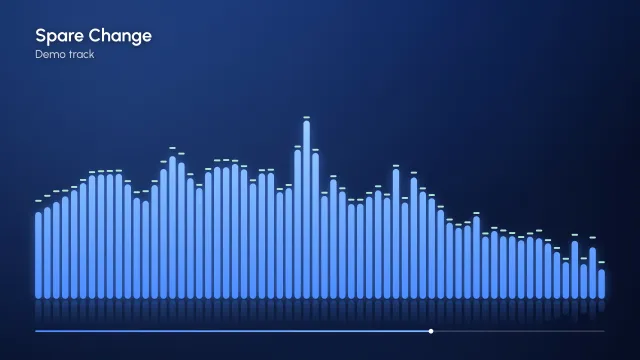
16:9 · Neon night. Bass sits in the middle and highs spread to the edges, so kicks punch out from the centre line.
1:1 export with a square cover image in the centre and the Sunset theme. 128 bars stretch with every hit while the ring turns slowly.
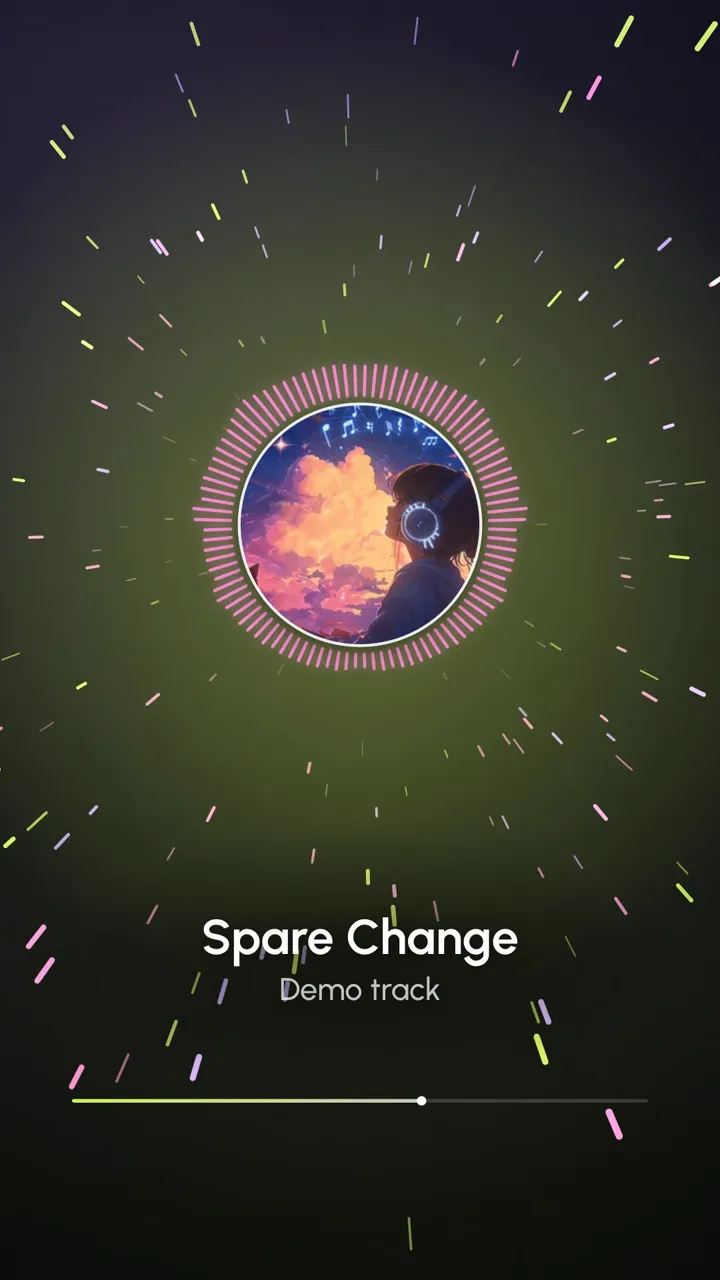
9:16 · Neon night with cover art. About 220 particles drift outward and streak on each kick drum.
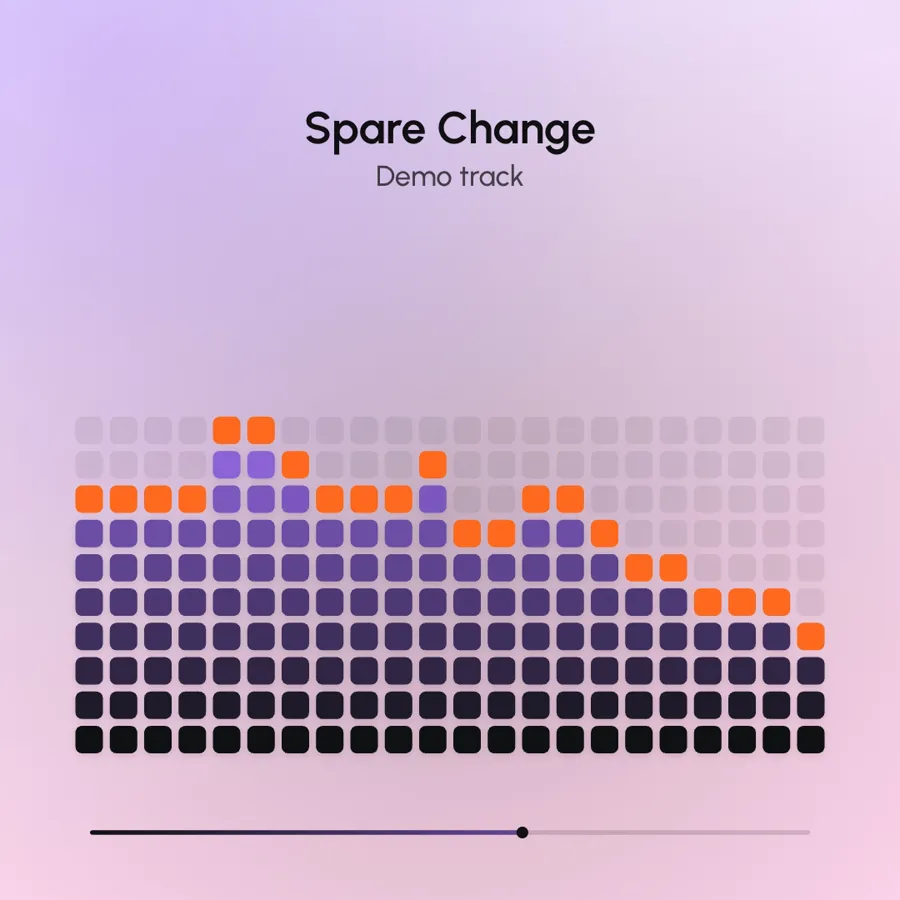
1:1 · Candy (light). A 22 × 14 LED grid with peak dots. The light background suits clean, minimal feeds.
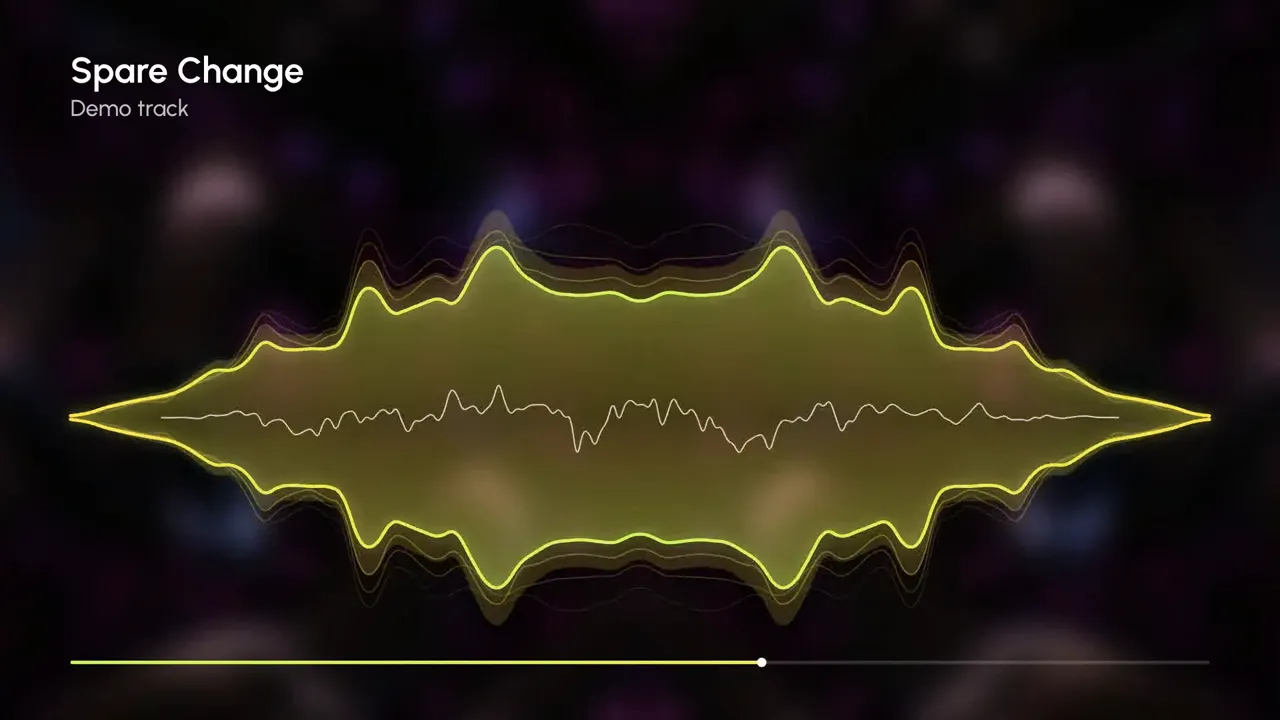
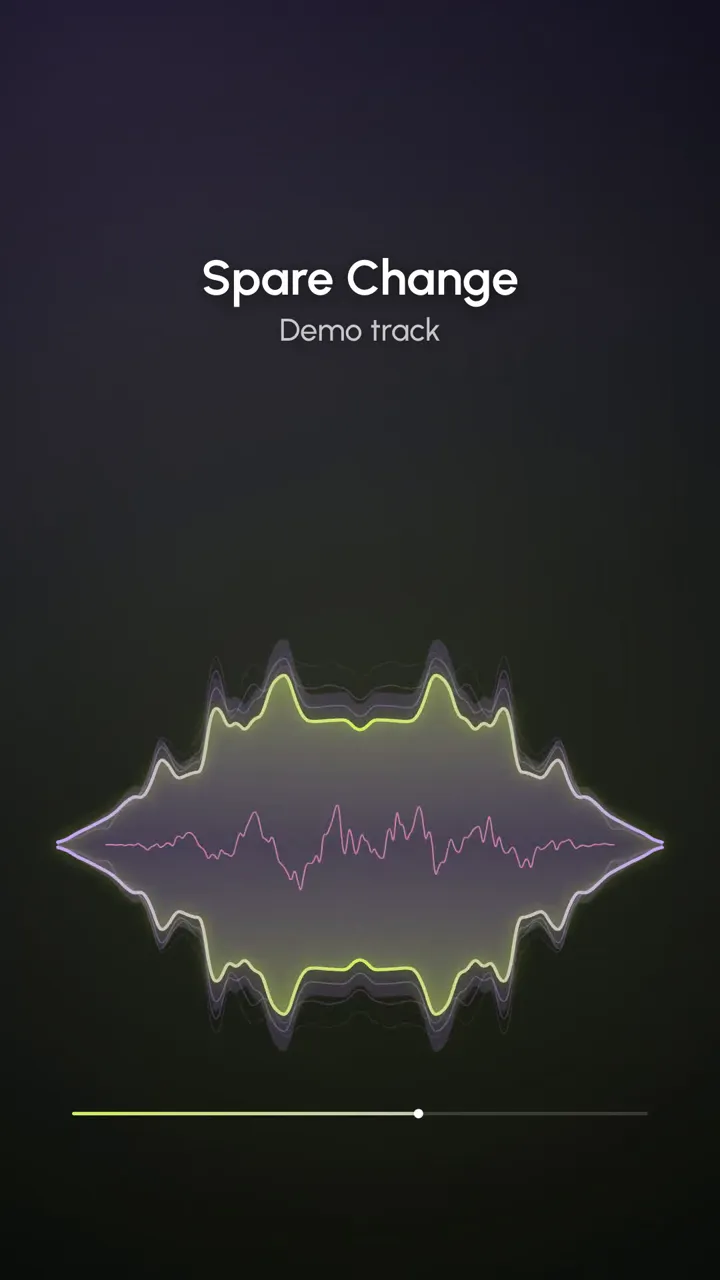
16:9 · Lime pulse over a background photo blurred by 24 px and darkened by 35%. Three echo lines trail the main curve.
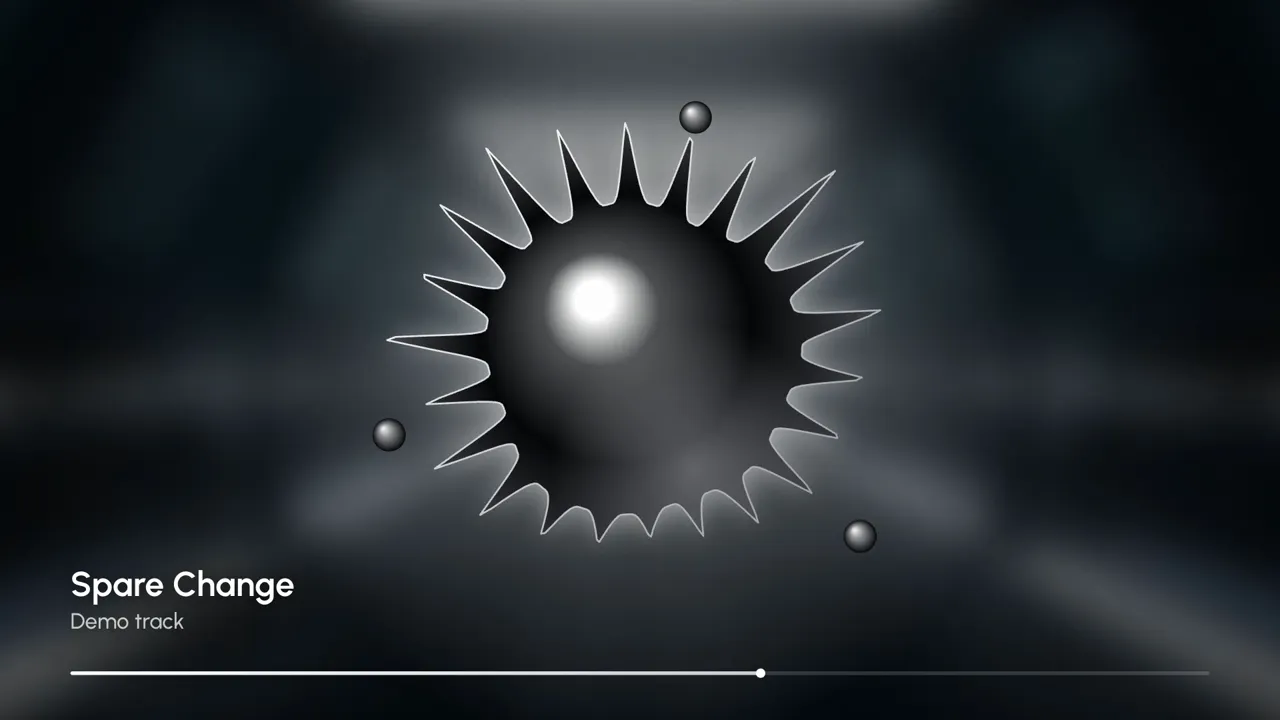
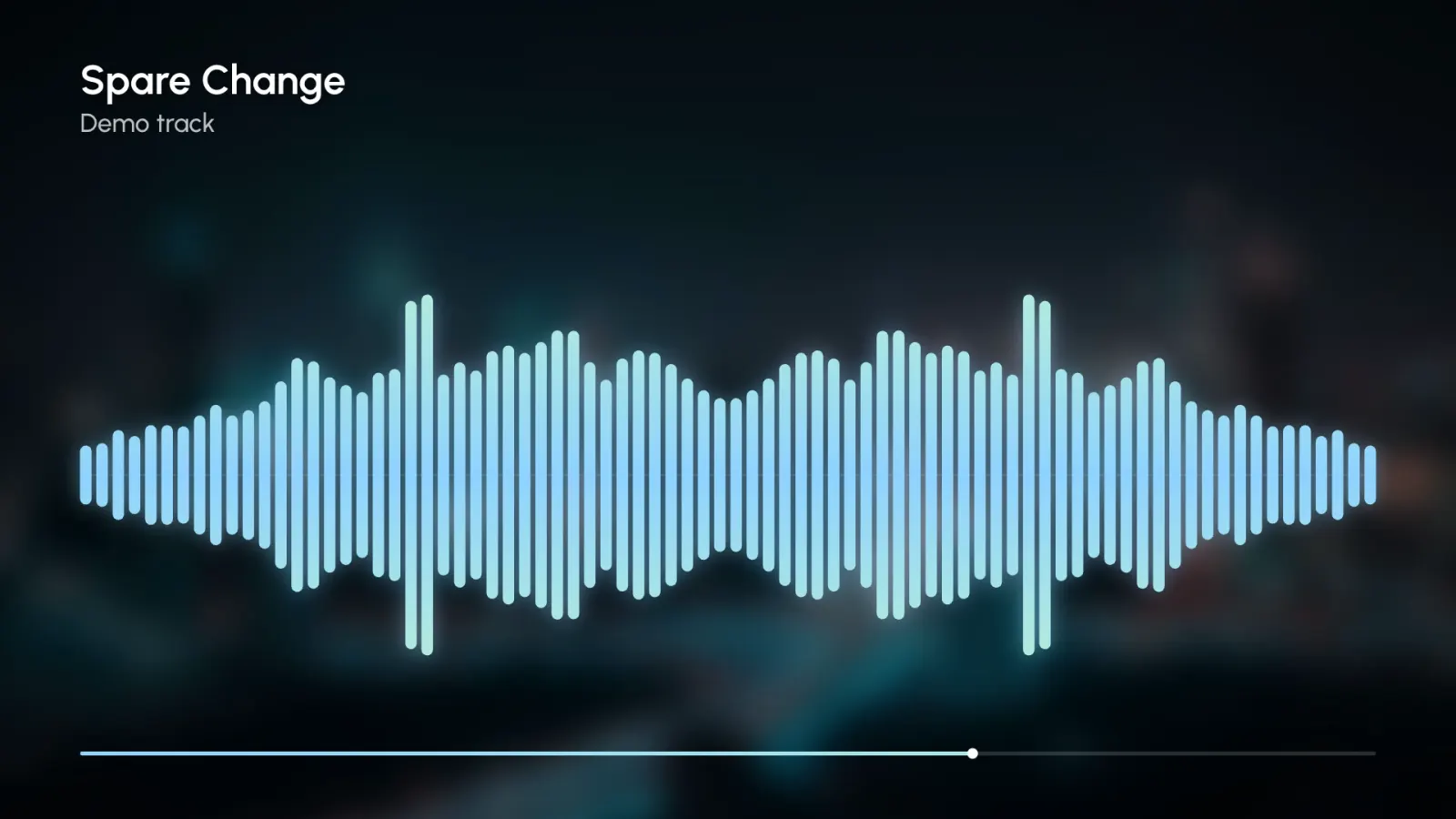
16:9 · Mono theme over a dark corridor photo (30 px blur, 45% darken). This fluid audio visualizer grows spikes on loud notes, like ferrofluid near a magnet.
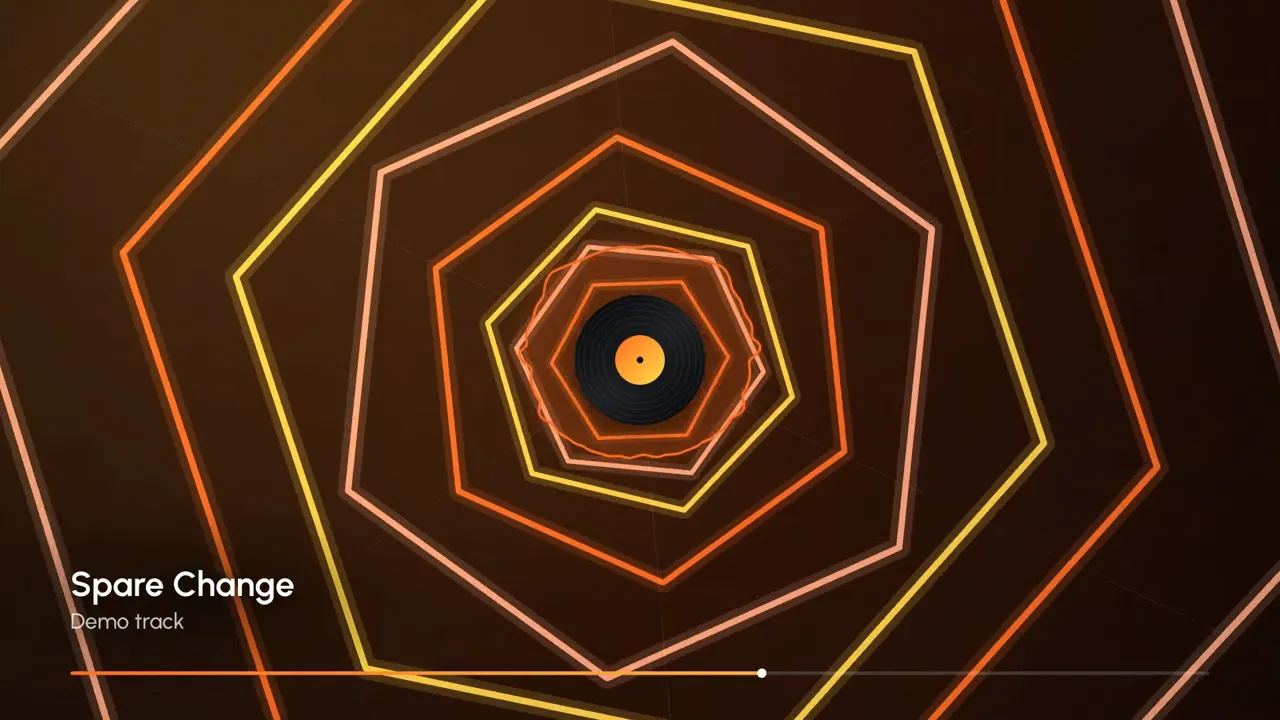
16:9 · Sunset. Rings spawn on the beat and the centre shape follows the spectrum. Loops well behind a DJ set.
How it works
Three steps with the audio visualizer, all inside your browser tab. Your song is never uploaded to a server.
Drop an MP3, WAV, M4A, OGG or FLAC file up to 50 MB (500 MB with Pro), or start with a demo track. Add cover art and a title if you like.
Choose one of eight styles, a color theme and the video shape. The preview reacts to the music while it plays.
Set start and end, keep 720p (free) or pick 1080p with Pro, and press Export. The video records in real time and downloads as MP4 or WebM.
Settings explained
Real numbers for every audio visualizer setting, so you know what you will get before you press Export.
Free exports are 720p: 1280 × 720, 720 × 1280 or 720 × 720. Pro adds the 1080p sizes below and 60 fps.
16:9
1920 × 1080
YouTube, Vimeo, desktop players
9:16
1080 × 1920
TikTok, Reels, Shorts, Stories
1:1
1080 × 1080
Instagram and Facebook feed posts
BarsMirrorRadialWaveParticlesTunnelPixelsFluid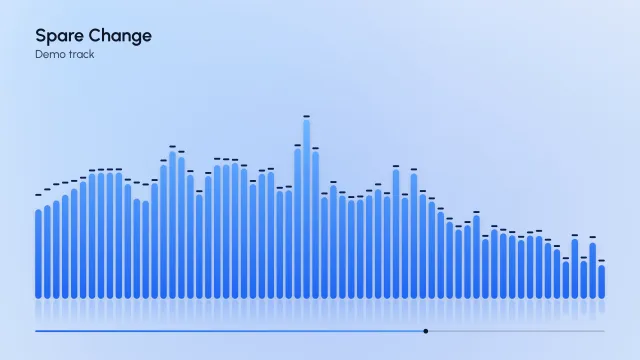

Use cases
Same song, different screens: choose the shape first, then the audio visualizer style.
Give a track something to watch: 16:9 at 720p (1080p with Pro), classic bars or a radial spectrum around your cover.
16:9 · 720p / 1080pBarsRadial
Cut 15–30 seconds of the hook in 9:16 and keep the title in the upper half, clear of the app's buttons.
9:16 · 720p / 1080p
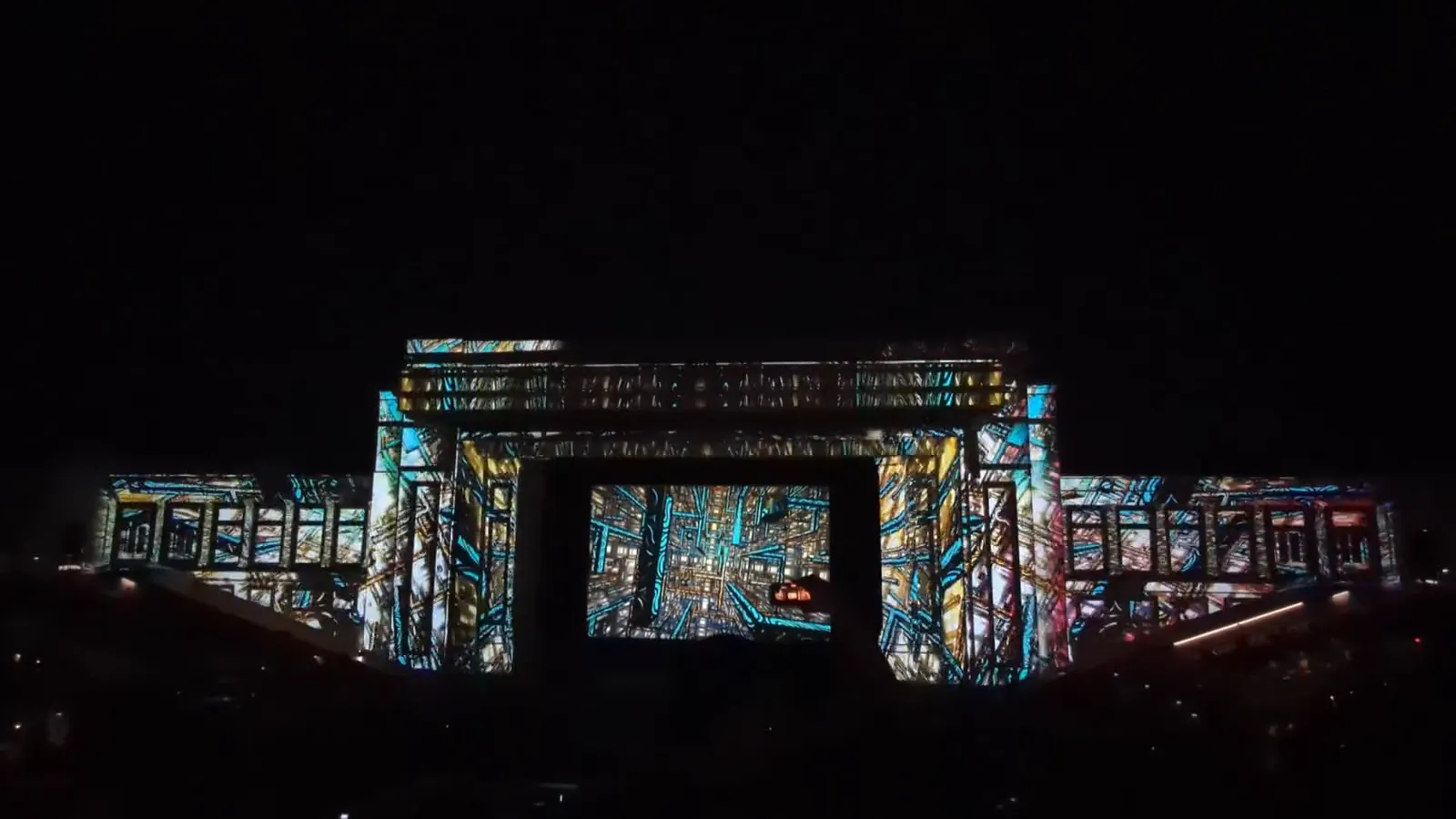
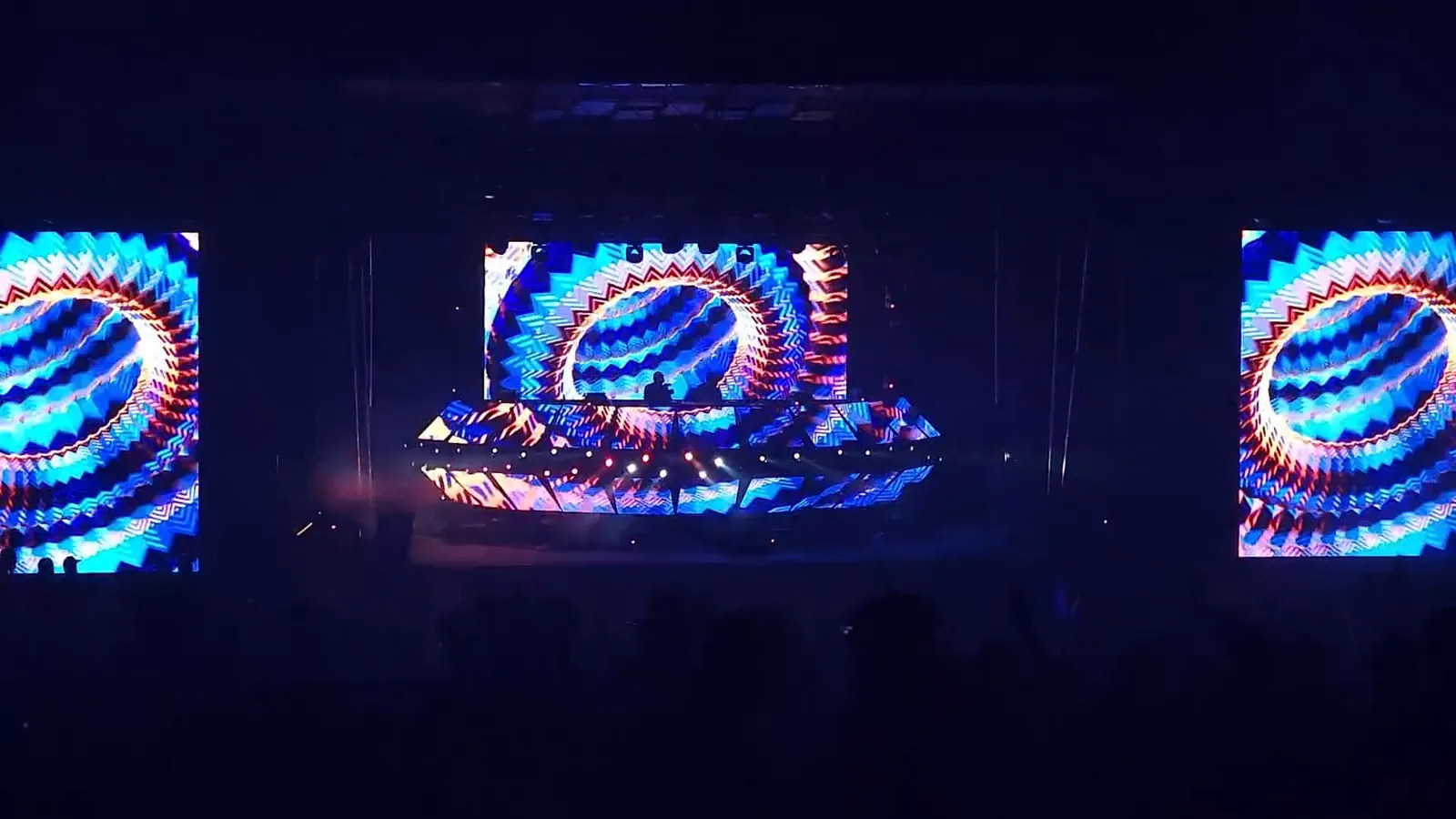
Export a loop for a club screen or a stream overlay. Tunnel or Particles on a dark theme read well from across a room.
Tunnel · Neon night

A calm Wave or Pixels look over a soft, blurred background suits long playlists and late-night streams.
Wave · blurred art
Turn a 30–60 second highlight into a 1:1 or 9:16 clip. A calm Wave keeps the focus on the voice.
Wave · 1:1
Post 10–15 seconds of the drop before release day. Particles and Tunnel burst on every kick.
Particles · 9:16Export the same look once per shape instead of cropping a single video, so nothing important gets cut off.
16:9 · YouTube9:16 · TikTok, Reels, Shorts1:1 · Instagram feedGuide
An audio visualizer draws sound as moving graphics. Many times a second it runs a fast Fourier transform (FFT), splits the music into frequency bands and turns each band's loudness into the height of a bar, the size of a ring or the speed of a particle. Low bands carry the kick and bass, the middle carries vocals and guitars, and the top carries cymbals and air.
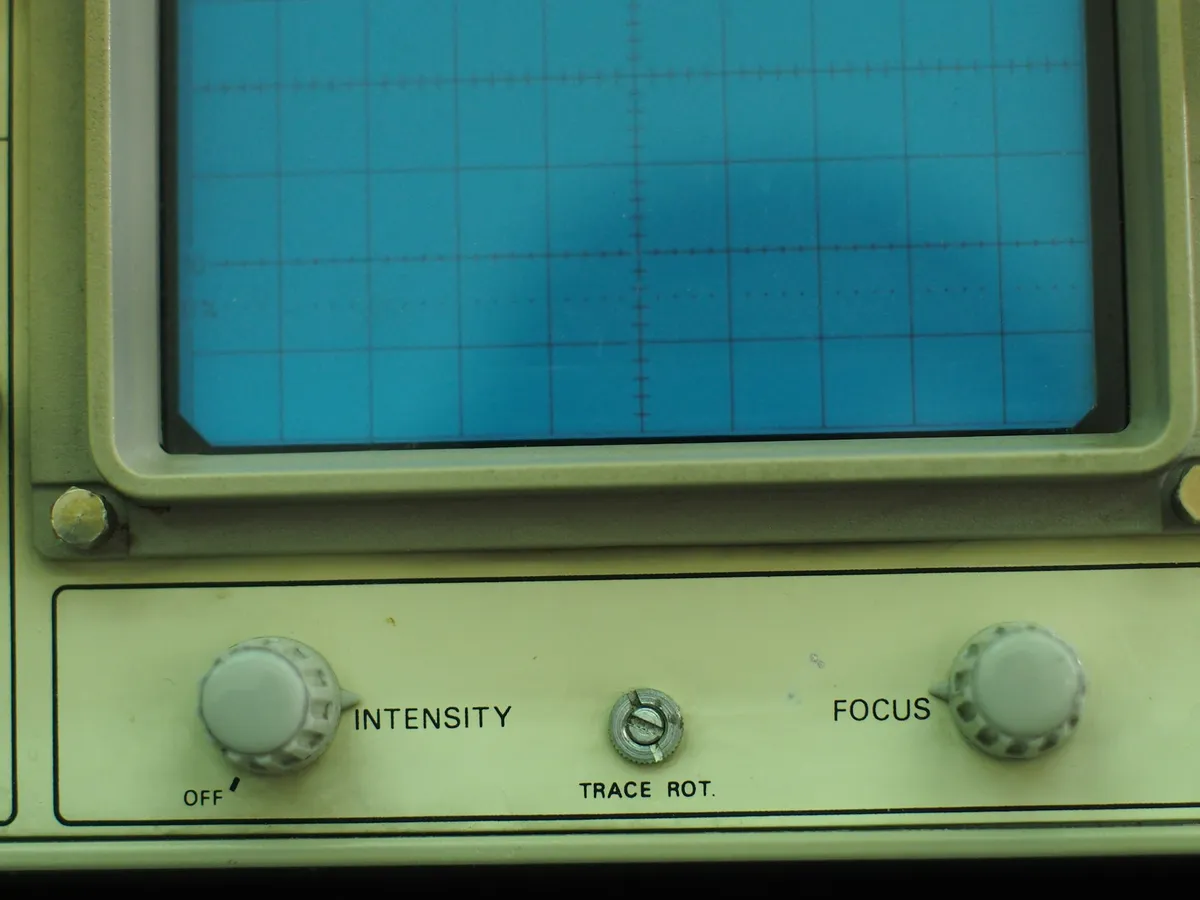
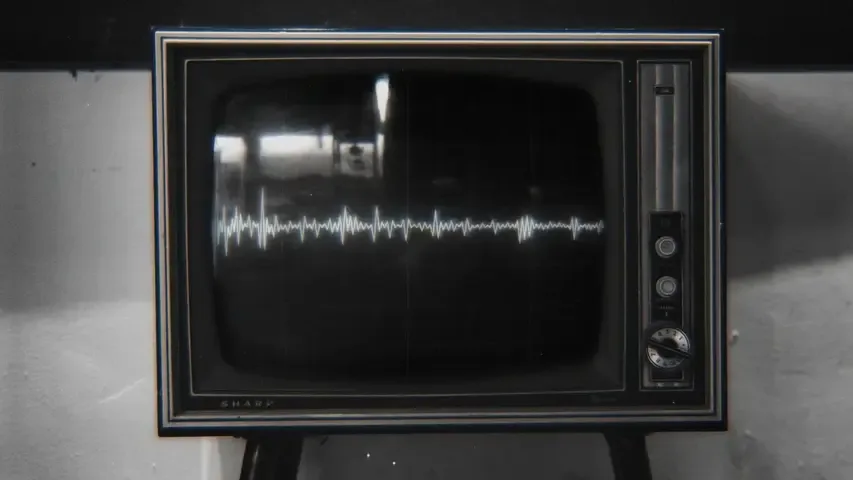
The idea is older than streaming. Oscilloscopes and hi-fi meters drew waveforms decades ago, desktop media players made full-screen visualizers popular, and today the same maths drives festival LED walls and short vertical clips.
Need a still image instead of a video? Make a waveform image or see every frequency in a spectrogram.
 01
 02
 03
 04
 05
YouTube uploads, full songs
Easy to read at any size; the classic look viewers expect.
EDM, hip-hop, bass-heavy tracks
Kicks punch out from the center line.
Releases with strong cover art
The cover stays the hero and the bars frame it.
Acoustic, lo-fi, podcasts
Smooth motion that doesn't fight the vocals.
Teasers, drops, intros
Bursts on each kick make short clips feel energetic.
Electronic music, live-set loops
Constant forward motion loops without a visible seam.
Retro, chiptune, minimal feeds
Crisp blocks survive heavy compression.
Ambient, R&B, slow builds
Ferrofluid-style spikes rise on loud notes and melt back in quiet ones.
| Style | Best for | Shape | Why |
|---|---|---|---|
| Bars | YouTube uploads, full songs | 16:9 | Easy to read at any size; the classic look viewers expect. |
| Mirror | EDM, hip-hop, bass-heavy tracks | 16:91:1 | Kicks punch out from the center line. |
| Radial | Releases with strong cover art | 1:116:9 | The cover stays the hero and the bars frame it. |
| Wave | Acoustic, lo-fi, podcasts | 16:9 | Smooth motion that doesn't fight the vocals. |
| Particles | Teasers, drops, intros | 9:16 | Bursts on each kick make short clips feel energetic. |
| Tunnel | Electronic music, live-set loops | 9:1616:9 | Constant forward motion loops without a visible seam. |
| Pixels | Retro, chiptune, minimal feeds | 1:1 | Crisp blocks survive heavy compression. |
| Fluid | Ambient, R&B, slow builds | 1:19:16 | Ferrofluid-style spikes rise on loud notes and melt back in quiet ones. |
Safe area on a 9:16 video
Title & cover
Captions & buttons · Icons
The tool records with your browser's built-in MediaRecorder. Safari and recent versions of Chrome and Edge can write MP4 (H.264 video, AAC audio); Firefox and older Chromium versions write WebM (VP9 or VP8 video, Opus audio). The Export tab only offers formats your browser can actually record.
YouTube accepts WebM as it is. If an app or editor asks for MP4, convert the file with the free ffmpeg command below, or open it in HandBrake. Real-time recording can leave the frame rate slightly uneven; the -r 30 option (-r 60 for a 60 fps export) makes it steady.
$ ffmpeg -i visualizer.webm -c:v libx264 -crf 18 -pix_fmt yuv420p -r 30 -c:a aac -b:a 192k -movflags +faststart visualizer.mp4Short loops for streaming profiles
Some apps show a short, silent vertical loop next to a track; Spotify's Canvas is one example. Export a few seconds in 9:16 with Tunnel or Particles, which loop smoothly, and check the platform's current requirements before you upload.
FAQ
Yes. There is no signup and no watermark, and each export can be up to 5 minutes long. Free videos are 720p at 30 fps, 10 downloads a day; Pro adds 1080p, 60 fps and no daily limit. Rendering and recording happen in your browser, so your song and images never leave your device.
Choose the 16:9 shape (720p free, 1080p with Pro), pick a style such as Bars or Radial, add your cover art and title, then press Export. Songs up to 5 minutes fit in one export. YouTube accepts both MP4 and WebM uploads.
Your browser decides which formats it can record. Firefox and some Chromium versions only record WebM. YouTube takes WebM as it is; for apps that need MP4, convert it with ffmpeg or HandBrake, or export again in Safari or a recent Chrome.
Yes. Choose 9:16 for a 720 × 1280 video (1080 × 1920 with Pro), set Start and End around the 15–30 seconds you want, keep the title short and leave the bottom of the frame clear for captions.
The audio visualizer is recorded live from the canvas while the music plays, like a screen recording, so a 60-second range takes about 60 seconds. Keep the tab visible: browsers slow down background tabs, which can make the video stutter.
This one. The free music visualiser on this page adds no logo or watermark, so you can use the videos for your own releases, streams and posts. Just make sure you have the rights to the music you share.
Eight styles, your cover art, three shapes. Free, in your browser.
Free · no signup · no watermark · processed in your browser