Updated 2026-11-15

Free · measured in your browser

Make Audio Louder Online

Make audio louder online without clipping. Drop in a song, voice memo or podcast, pick a loudness target such as −14 LUFS for streaming, and a lookahead limiter raises the level while every peak stays under −1 dBTP. Compare before and after, then download MP3 or WAV.

  • No signup
  • No clipping
  • MP3 + WAV export
Make Audio Louder
Runs locally · 0 uploads
Voice memo

Quiet voice memo

0:30 · target −14.0 LUFS · −1 dBTP

Before

—LUFS

True peak—
Loudness range—
AfterMeasuring…

—LUFS

True peak—
Gain—
Limiter—
Integrated loudnessLive — LUFS
0:00 / 0:30
−14.0 LUFS

Peak ceiling (dBTP)

Free · no signup · MP3 320 kbps · exports exactly what the After card measured

−14 LUFS is about where Spotify and YouTube play music, so anything louder just gets turned down there.

  • 0 uploadsMeasured and processed on your device
  • BS.1770K-weighted, gated LUFS — the broadcast-meter method
  • −1 dBTPDefault true-peak ceiling, so exports don't clip
  • 50 MBFree per file (500 MB with Pro): MP3, WAV, M4A, OGG, FLAC or an MP4's audio

Examples

Make audio louder online: four before and after examples

Our own renders from the tool above. Every number below was measured on the downloaded MP3; press play and flip between Original and Louder.

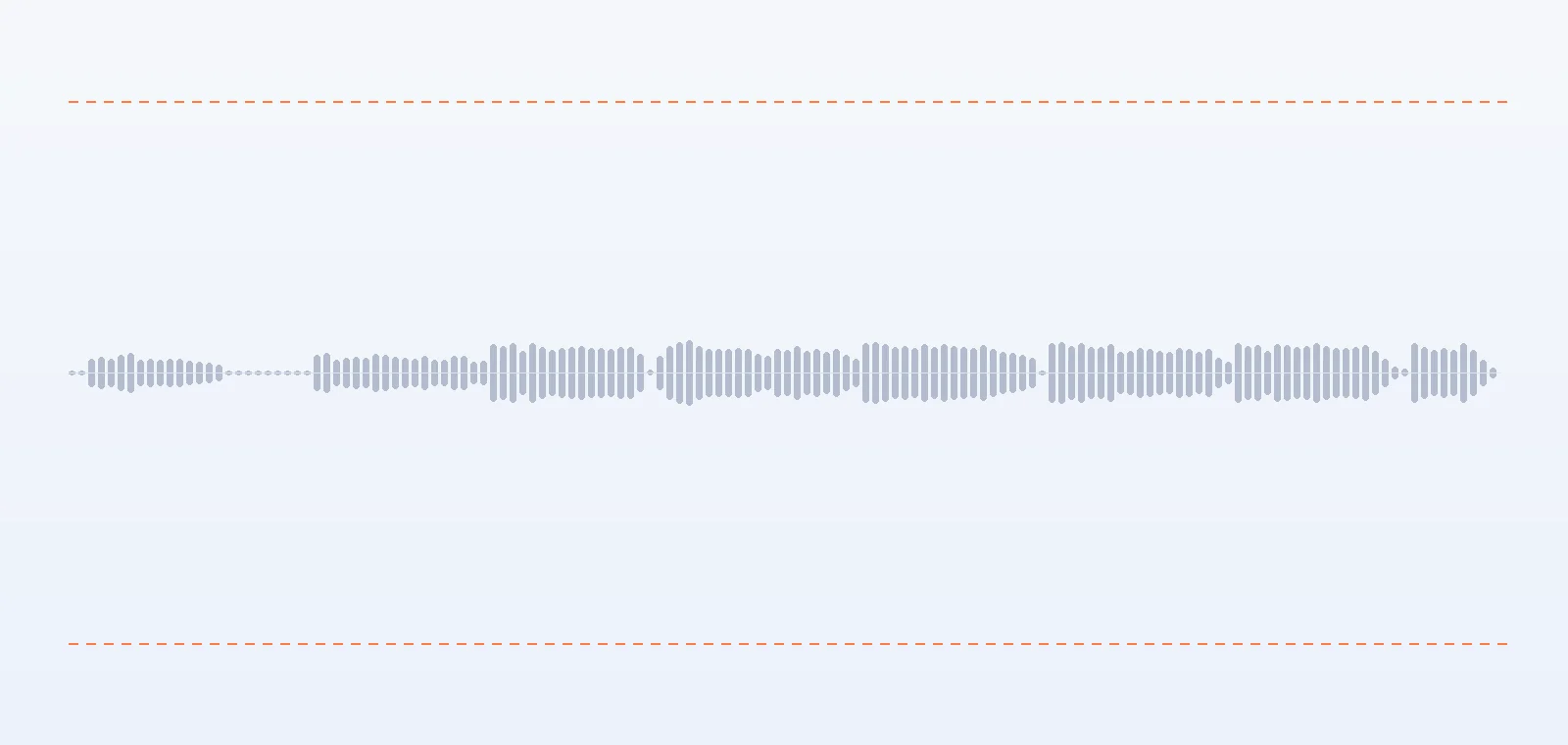
Waveform of a quiet voice memo at −29.6 LUFS before making it louder
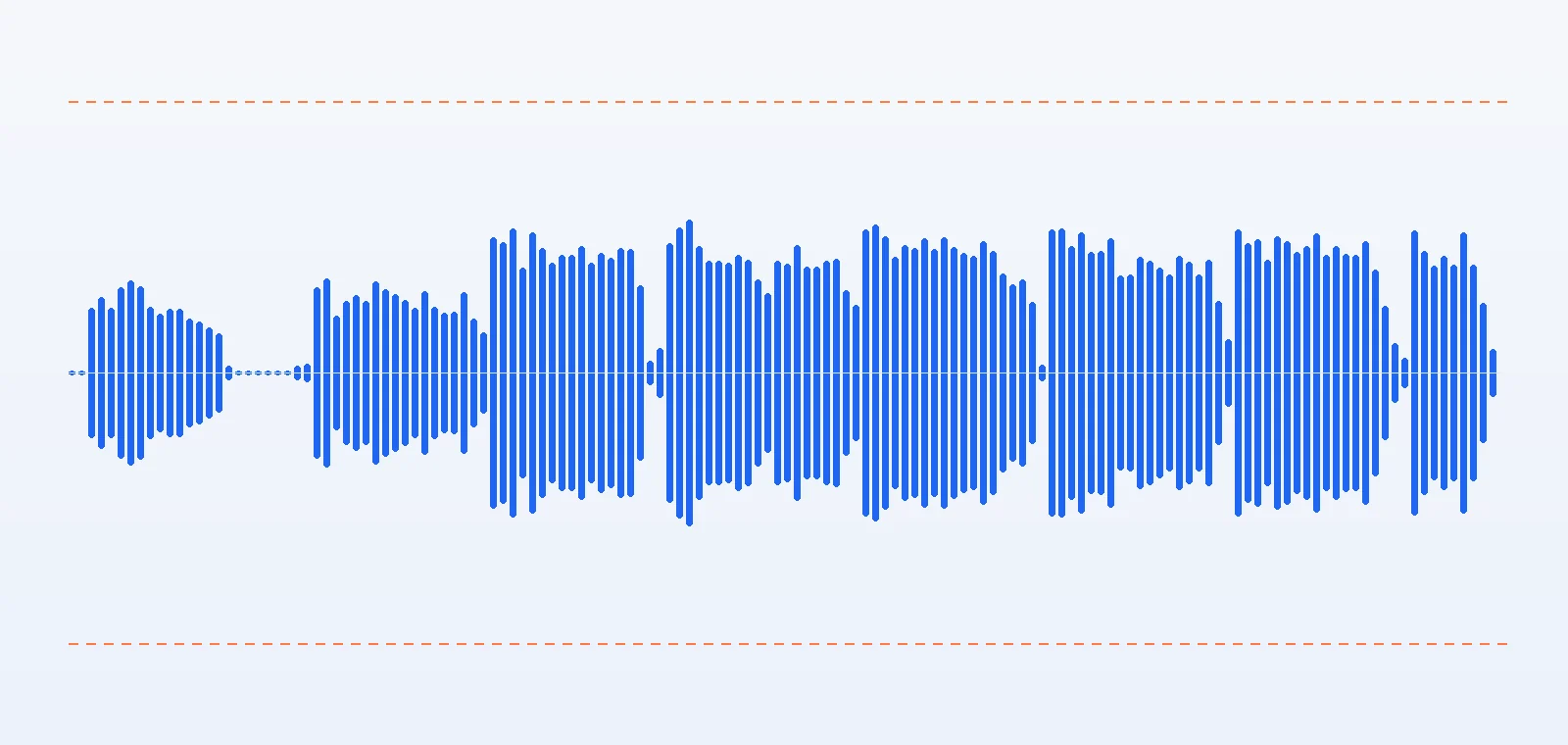
The same voice memo after we make audio louder online to −16 LUFS
BeforeAfter
Drag to compare
  • −29.6 → −16.0 LUFS
  • +13.6 dB
  • −5.9 dBTP

A whispery voice memo, ready for a podcast

Recorded far from the phone at −29.6 LUFS. The Podcast target adds +13.6 dB and the loudest peak lands at −5.9 dBTP, so the limiter never steps in — the voice is louder, not squashed.

0:30

0:30
  • −24.0 → −14.0 LUFS
  • +10.0 dB
  • −2.8 dBTP

A quiet acoustic take at streaming level

From −24.0 to −14.0 LUFS with +10 dB of gain, peaks still at −2.8 dBTP — about as loud as Spotify or YouTube would play a finished master.

0:30
  • −23.3 → −9.0 LUFS
  • +18.7 dB
  • −1.0 dBTP

An instrumental pushed to −9 LUFS

+18.7 dB takes the bed from −23.3 to −9.0 LUFS. Holding −1 dBTP, the limiter takes off up to 10 dB and the loudness range drops from 2.0 to 0.6 LU: loud and dense, less punch.

0:30
  • +6 dB
  • −9.7 → −8.3 LUFS
  • −0.9 dBTP

Volume changer: +6 dB on a song that's already loud

The mix starts at −9.7 LUFS with peaks above 0 dBFS. Six more dB buys only 1.4 LU (−8.3 LUFS) because the limiter shaves up to 8.5 dB off the peaks — the point where louder stops being better.

How to

How to make audio louder in three steps

Here's how to make audio louder without a plugin or an account. The whole job runs in this browser tab, on files of up to 50 MB (500 MB with Pro).

  1. Add your audio

    Drop in an MP3, WAV, M4A, OGG, FLAC or the soundtrack of an MP4. The tool measures its integrated loudness and true peak straight away.

  2. Choose how loud

    Pick a target — Streaming −14, Podcast −16, Loud −9 — or switch to Manual gain and set it in dB. The limiter keeps every peak under the ceiling.

  3. Check and download

    Read the After card, press B to hear before and after, then download MP3 (320 kbps) or WAV (16-bit).

Settings

Loudness target or volume changer?

There are two ways to make audio louder here. A target asks for a result, manual gain asks for an amount, and both run through the same limiter.

  • Loudness target (LUFS)

    Range: −30 to −6 LUFS

    Say how loud the result should be. The tool measures the file, works out the gain and corrects until the limited output is within 0.05 LU of the target.

  • Manual gain — the volume changer

    Range: −12 to +30 dB

    Add a fixed amount, from −12 dB (quieter) up to +30 dB. Handy when two clips should match by ear or you simply want +6 dB on everything.

  • Peak ceiling (dBTP)

    Range: −3 · −2 · −1 · −0.1

    The highest a peak may reach, checked between samples too. −1 dBTP is safe for MP3 and streaming, −3 suits audiobook specs, −0.1 squeezes out the last bit.

  • Lookahead limiter

    Range: 5 ms · 40 ms

    It sees each peak 5 ms early, eases the level down for just that moment and recovers over about 40 ms. Peaks never pass the ceiling, so nothing clips.

A/B on one clock

Original and louder play in sync, so switching never jumps back.
  • A / B

Live loudness meter

A K-weighted 400 ms meter moves along the LUFS scale while you listen.
  • 400 ms · LUFS

Range and true peak

See how much dynamics a target costs before you download.
  • LU · dBTP

What you see is what you get

The download is the exact render the After card measured.
  • MP3 320 · WAV 16-bit

Made for

Make audio louder for podcasts, videos and the car

Each job has its own sensible level. Pick the card that matches yours and the tool switches to that target.

Podcast host with headphones talking into a boom microphone
  • −16 LUFS
  • −1 dBTP

Podcasts & interviews

Bring a quiet guest or a remote call up to −16 LUFS so listeners stop riding the volume.

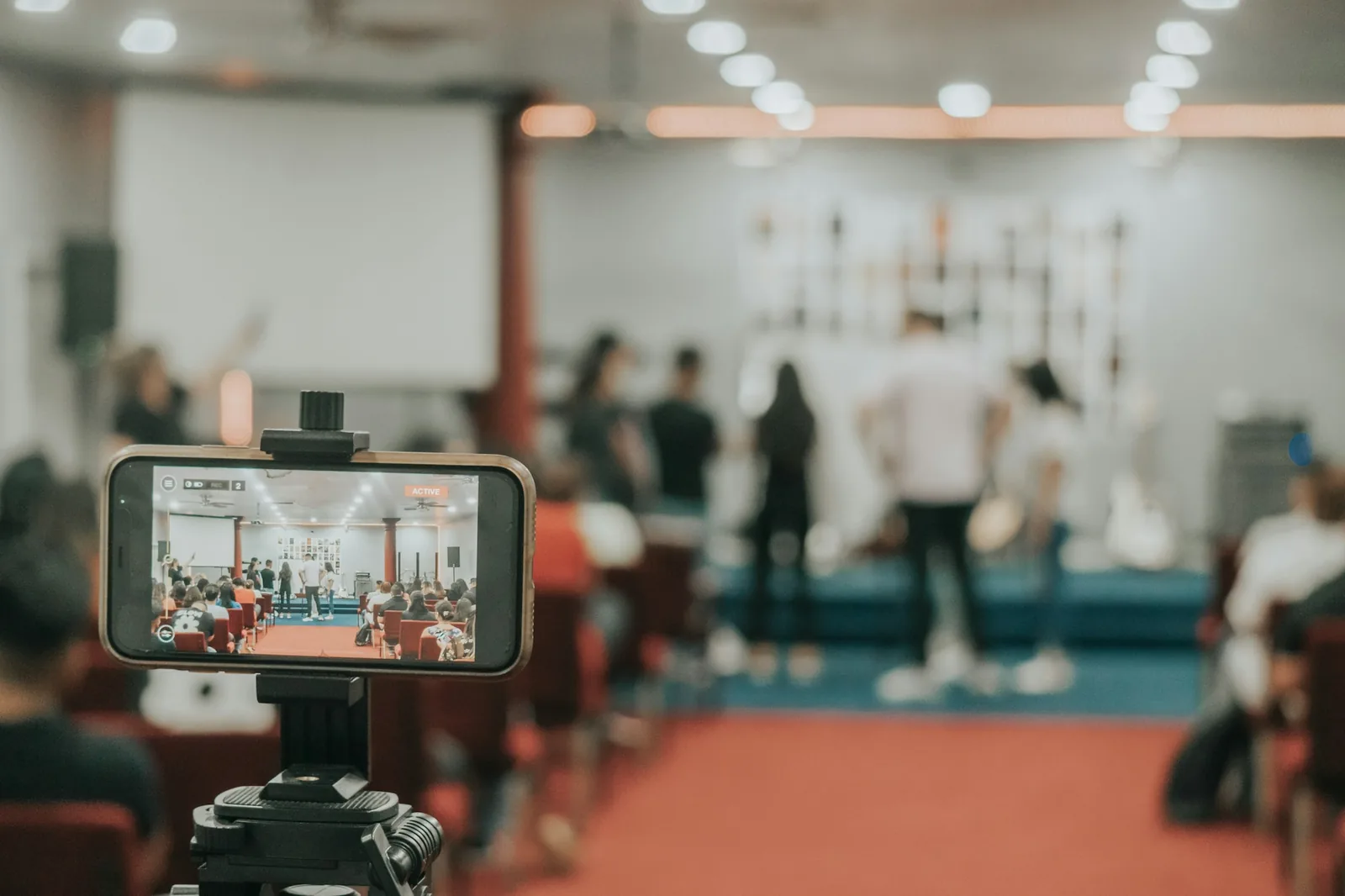
Phone on a tripod recording a talk in a lecture hall
  • −16 LUFS
  • +14 dB

Voice memos & lectures

A phone at the back of the room records at −30 LUFS or lower. +14 dB makes it easy to follow.

Creator filming herself with a camera on a tripod at home
  • −14 LUFS
  • −1 dBTP

Videos for YouTube & social

Make the soundtrack of a vlog or clip match the music around it at −14 LUFS.

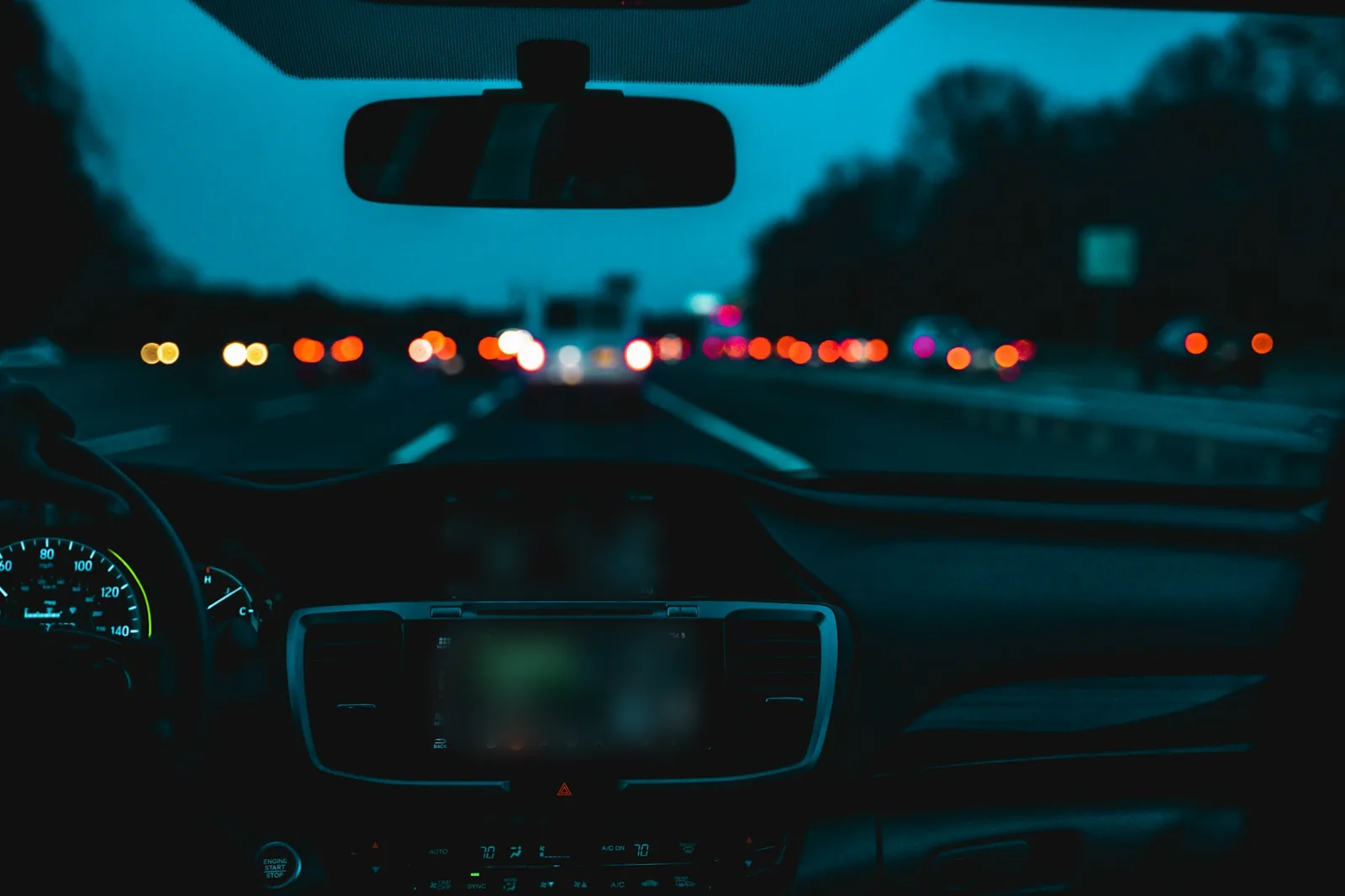
Inside a car on a highway at dusk with tail lights ahead
  • −9 LUFS
  • −1 dBTP

Car & gym playlists

USB sticks and gym speakers don't normalize. −9 LUFS keeps quiet tracks from dropping out.

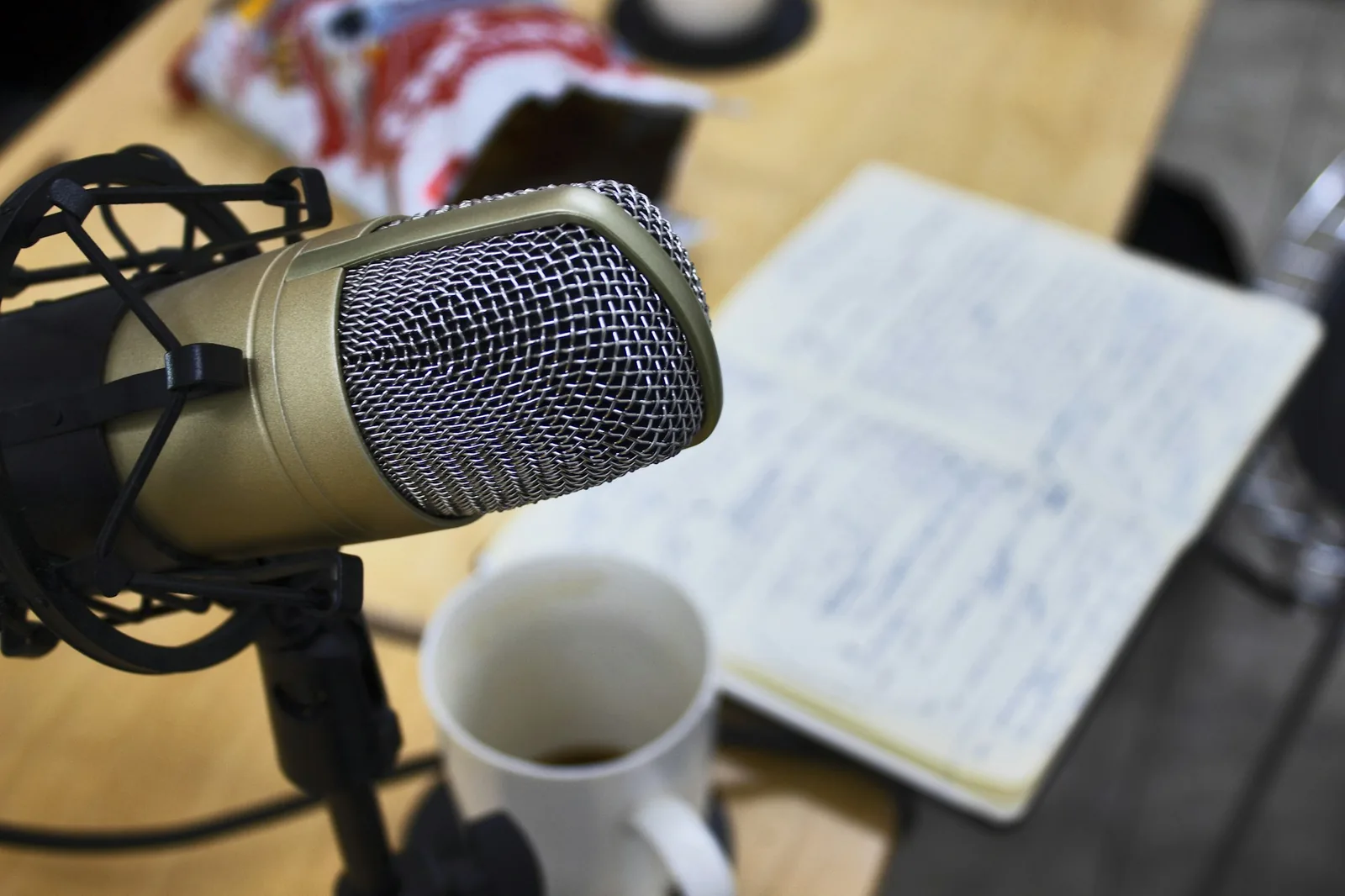
Studio microphone next to an open notebook for narration
  • −20 LUFS
  • −3 dBTP

Audiobook & narration drafts

ACX asks for −23 to −18 dB RMS with peaks under −3 dB; −20 LUFS and a −3 dBTP ceiling usually lands inside. Check with their meter.

Loudness 101

How loud should audio be? LUFS targets explained

Loudness is measured in LUFS: loudness units relative to full scale, weighted the way ears hear and averaged over the whole file. Each platform plays at its own level, so the right target depends on where your audio goes.

Where your audio plays — and how loud it should be

Where your audio plays — and how loud it should be
Where it playsPlays atPeak ceilingTab to use
Spotify (default setting)−14 LUFS−1 dBTPStreaming −14
YouTube≈ −14 LUFS−1 dBTPStreaming −14
Apple Music (Sound Check)≈ −16 LUFS−1 dBTPPodcast −16
Apple Podcasts & most podcast apps−16 LUFS ±1−1 dBTPPodcast −16
TV & radio (EBU R128)−23 LUFS−1 dBTPBroadcast −23
Car USB, DJ sets, gym speakersno normalization−1 dBTPLoud −9

Platform levels as published by each service or commonly measured (YouTube, Apple Music); they change now and then, so treat them as a guide.

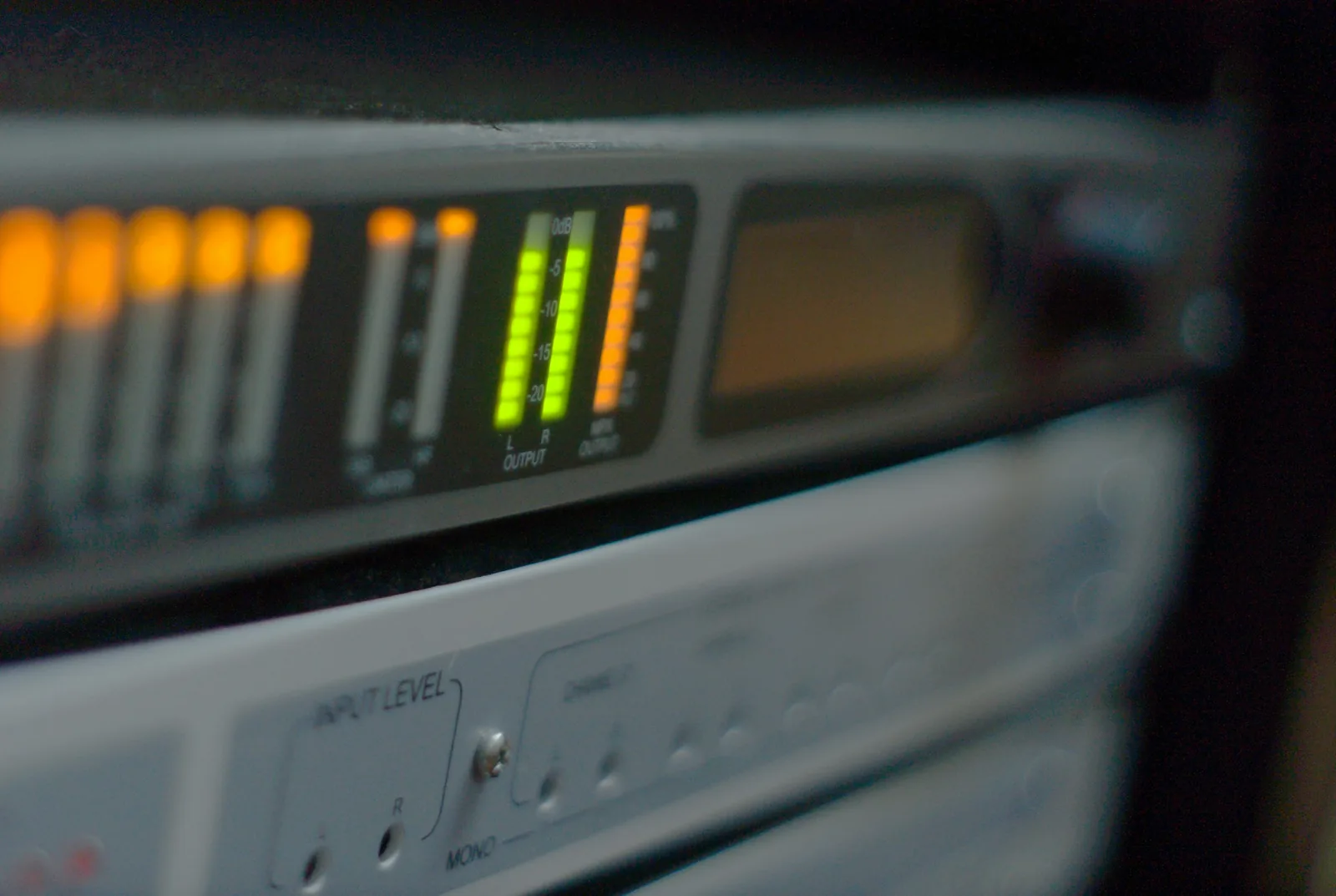
Green and orange LED level meters on a rack unit

LUFS, dB and "volume"

dB on a fader is a change; LUFS is a measurement. A file at −24 LUFS needs +10 dB to reach −14 LUFS. Peak meters (dBFS, dBTP) only show the single highest moment, so two files with the same peak can differ a lot in loudness.

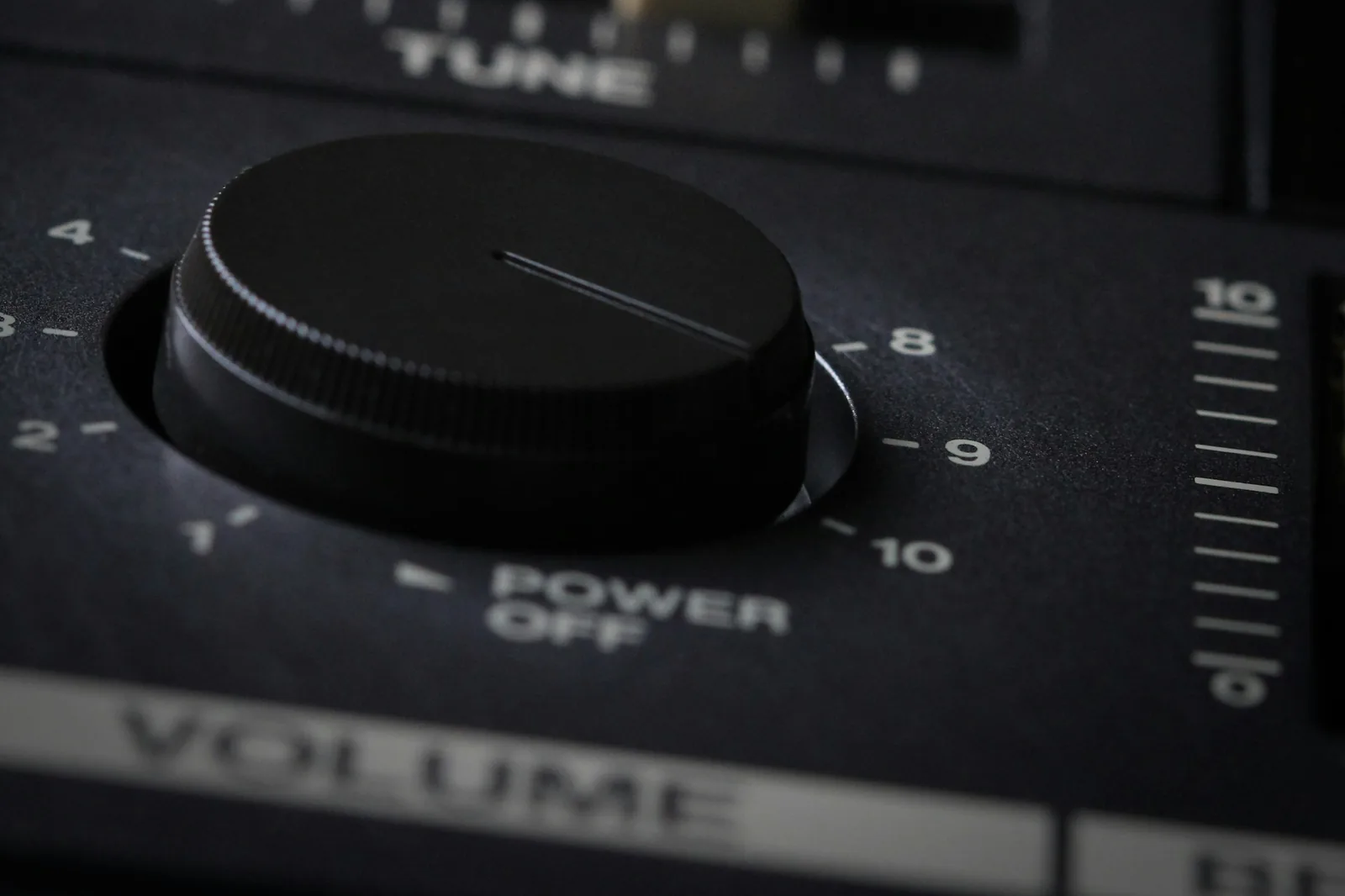
Close-up of a large volume knob on an amplifier

Louder isn't always better

Streaming services turn loud masters down to their level, so a −8 LUFS file plays no louder on Spotify than a −14 one — it just sounds flatter. Go loud only where nothing normalizes.

Plain gain: clipped
With limiter

Clipping vs limiting

Plain gain pushes peaks past 0 dBFS and flattens them — that's the crackle. A limiter turns down only those few milliseconds, so the waveform keeps its shape under the ceiling.

Three common mistakes

  1. 1Boosting a noisy recording. Gain raises the hiss as much as the voice; cut rumble first with the online equalizer.
  2. 2Normalizing twice. Set one target at the end of your chain, not on every clip and again on the mix.
  3. 3Exporting at 0 dBTP. MP3 and AAC encoders add a few tenths of a dB on peaks; keep the −1 dBTP default.

Only the low end is too quiet?

If a mix sounds thin rather than quiet, raise just the lows with the bass booster and then set the overall level here. Need a different format afterwards? Use audio to MP3.

FAQ

Make audio louder online: questions

Straight answers on how to make audio louder online, clipping and file formats.

Use gain plus a limiter rather than plain amplification. This tool raises the level to your target and a lookahead limiter turns down only the brief peaks that would clip, so the rest of the sound is untouched. Download WAV for a lossless file, or MP3 at 320 kbps.

For music on Spotify and YouTube, yes: they play everything at about −14 LUFS, so a louder master is simply turned down. Podcasts usually sit at −16 LUFS and TV at −23 LUFS. Go to −9 LUFS only where nothing normalizes, like a car USB stick or a DJ set.

A volume changer adds a fixed number of decibels, so a quiet file and a loud file stay different. Loudness normalization aims every file at the same measured loudness. Use Manual gain for the first and a LUFS target for the second.

Not here: peaks are held under the ceiling you choose (−1 dBTP by default), measured between samples too. If you ask for a lot of gain on a song that's already loud, the limiter has to work hard and the sound gets flatter. The After card shows how many dB it took off.

Yes. Drop in an MP4 or WebM and the tool decodes its soundtrack, then exports the louder audio as MP3 or WAV. Put it back under the picture in your video editor and mute the original track.

It works in Safari and Chrome on phones: tap Upload your own and pick the file from Files or Downloads. Nothing is uploaded — decoding, measuring, limiting and encoding all happen on your device with the Web Audio API and a Web Worker.

Free · no signup

Make your audio louder, without the clipping

Make audio louder online in three steps: measure, pick a target, download. Nothing leaves your device.

  • No signup
  • No clipping
  • MP3 + WAV export

Free · no signup · no watermark · processed in your browser