−2 st · voice
E → DTwo semitones lower for a singer
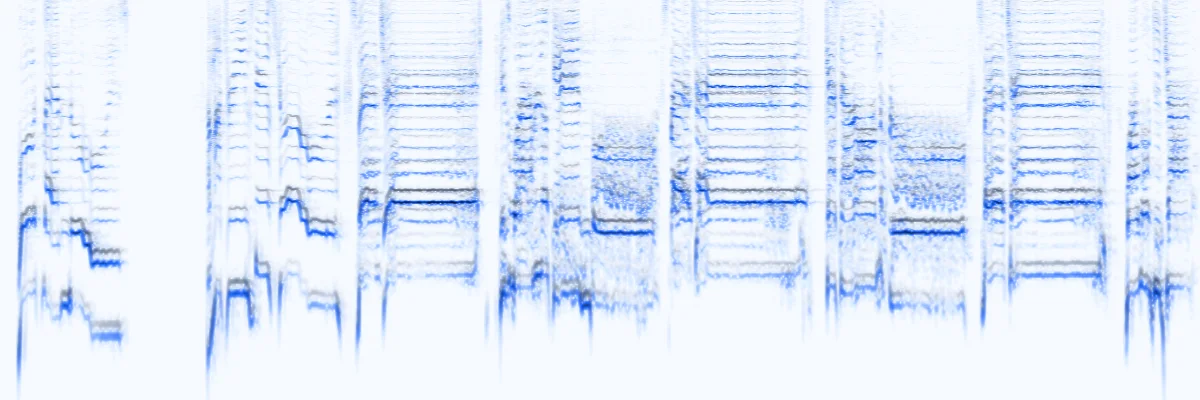
The a cappella vocal moved from E major to D major. The top of the chorus stops straining, and every breath and consonant still lands at the same moment.
0:00 / 0:30
Free · runs in your browser
Spare Change — full mix
Pitch shift
−2stmajor 2nd down
Key
E majorD major
estimated
Notes in the track, after the shift
Quick shifts
Off: the tempo stays exactly the same.
Free · no signup · no watermark · processed in your browser
Examples
Each clip was shifted by this pitch changer and plays live in your browser. Flip between Original and Shifted: the rhythm lines up exactly, only the key moves.
The a cappella vocal moved from E major to D major. The top of the chorus stops straining, and every breath and consonant still lands at the same moment.
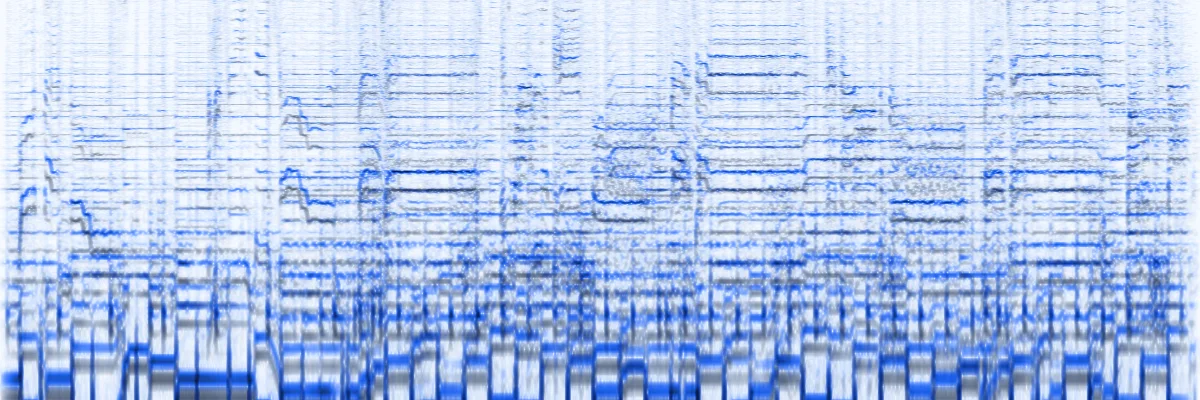
The full mix raised from E major to G major. Drums, strumming and voice move up together, so nothing drifts away from the beat.
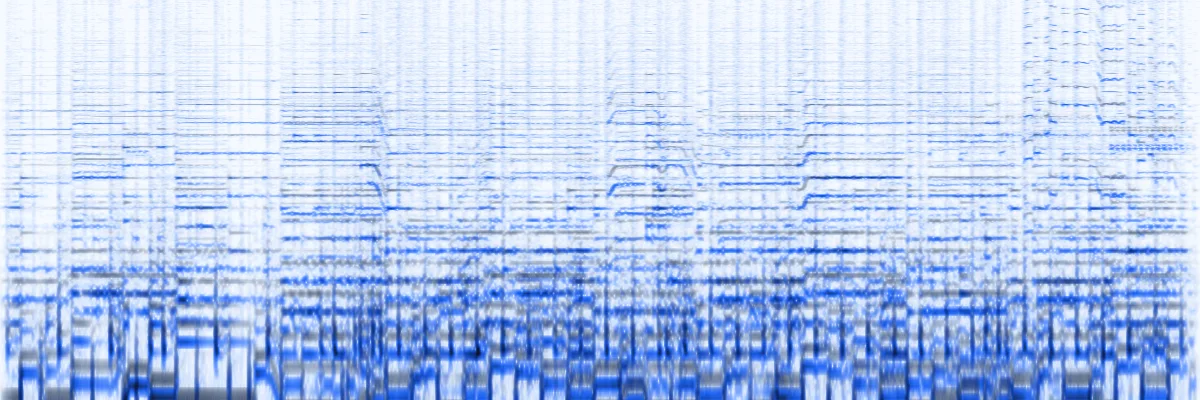
The instrumental dropped three semitones to D♭ major for a karaoke night. It is the same length to the millisecond, so it still lines up with a lyric video.
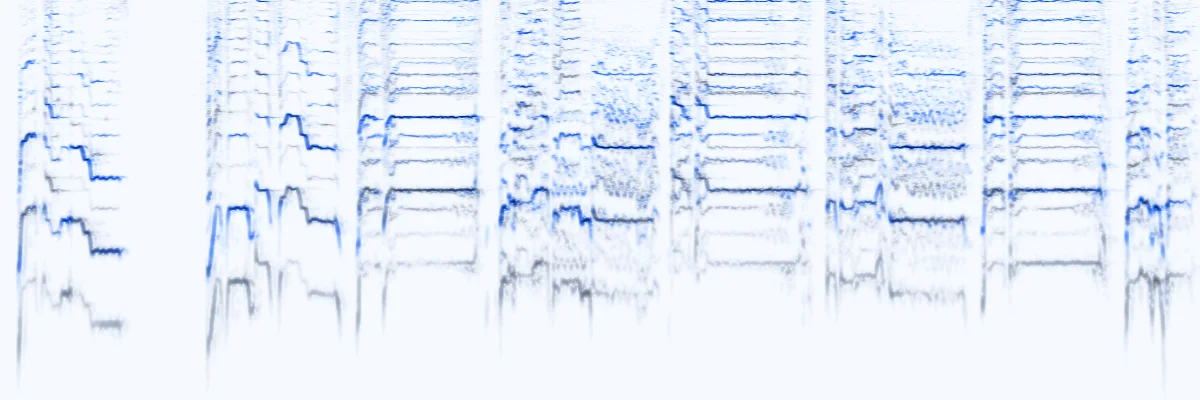
+12 semitones doubles every frequency. Melody and timing survive, but the voice's formants rise too: the chipmunk sound. Fun as an effect, too much for a natural vocal.
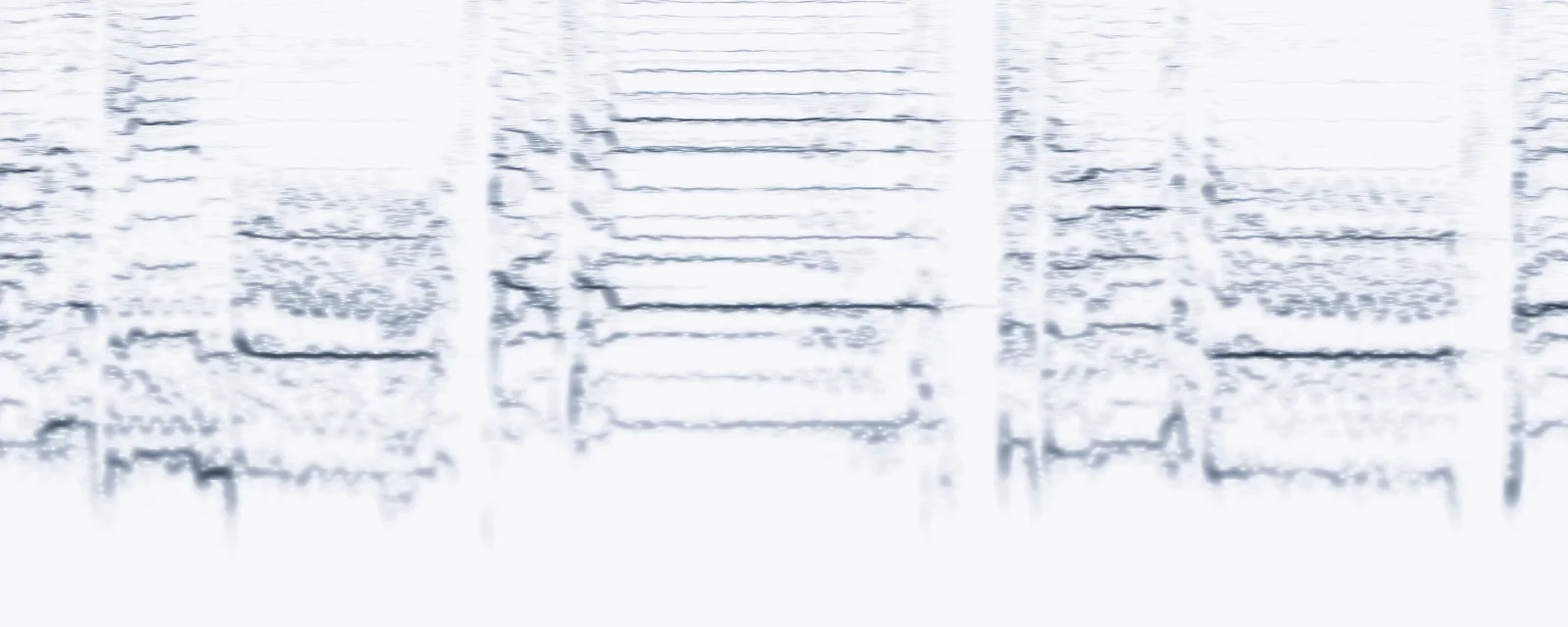
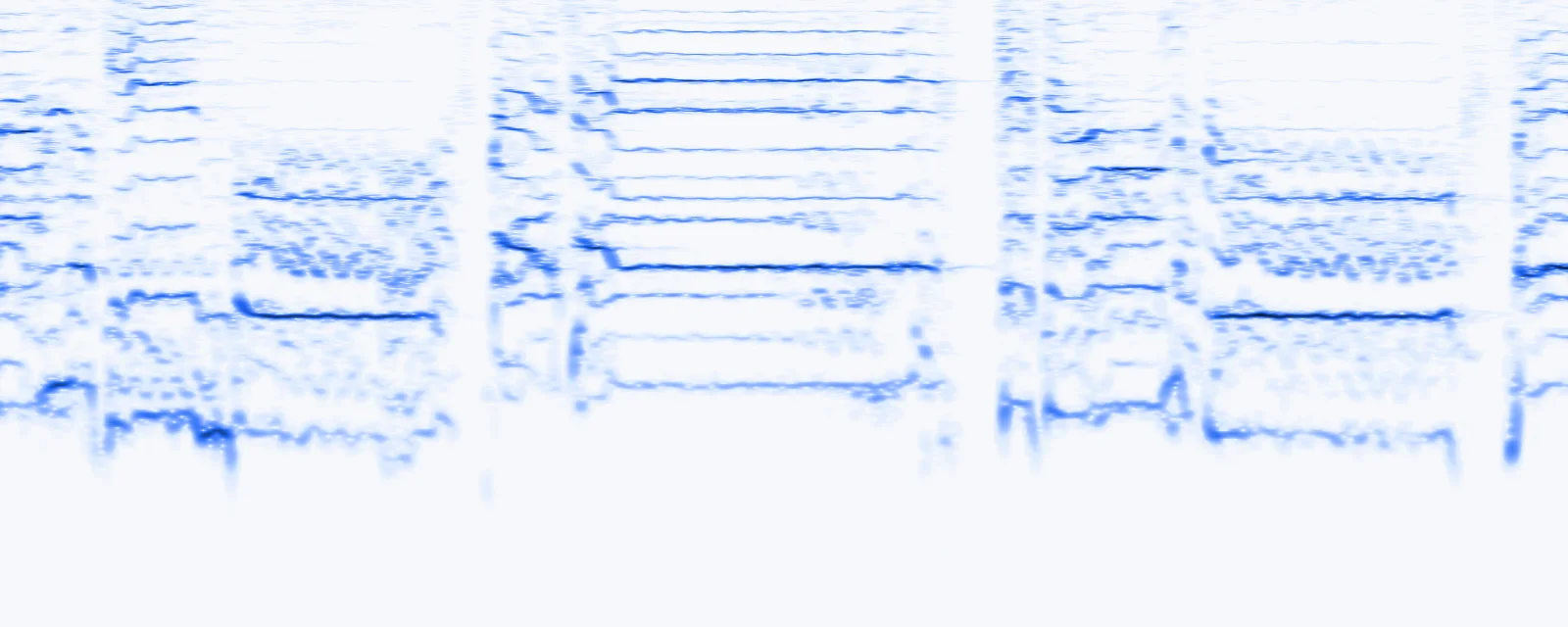
Drag the handle across a sung phrase shifted up four semitones. Each harmonic climbs by the same ratio (×1.26), and every note still starts and ends at the same time.
How it works
Three steps, no install. The online pitch changer reads, previews and renders everything on your own device.
Drop an MP3, WAV, M4A, FLAC or OGG up to 50 MB (500 MB with Pro), or start with a demo. The key is estimated right away.
Use the semitone slider, a quick shift or the key menu, fine-tune in cents and flip A/B while it plays.
The whole track is rendered at its original tempo and saved as a 192 kbps MP3 (320 kbps with Pro) or a WAV.
Settings explained
Everything in this audio pitch changer has one job. Here is what each control does, in numbers.

Use cases
A music pitch changer saves you from relearning a song or retuning an instrument. These are the shifts people reach for most.
 −2 … +2 st
Move a cover or a backing track into your range before rehearsal, not halfway through the gig.
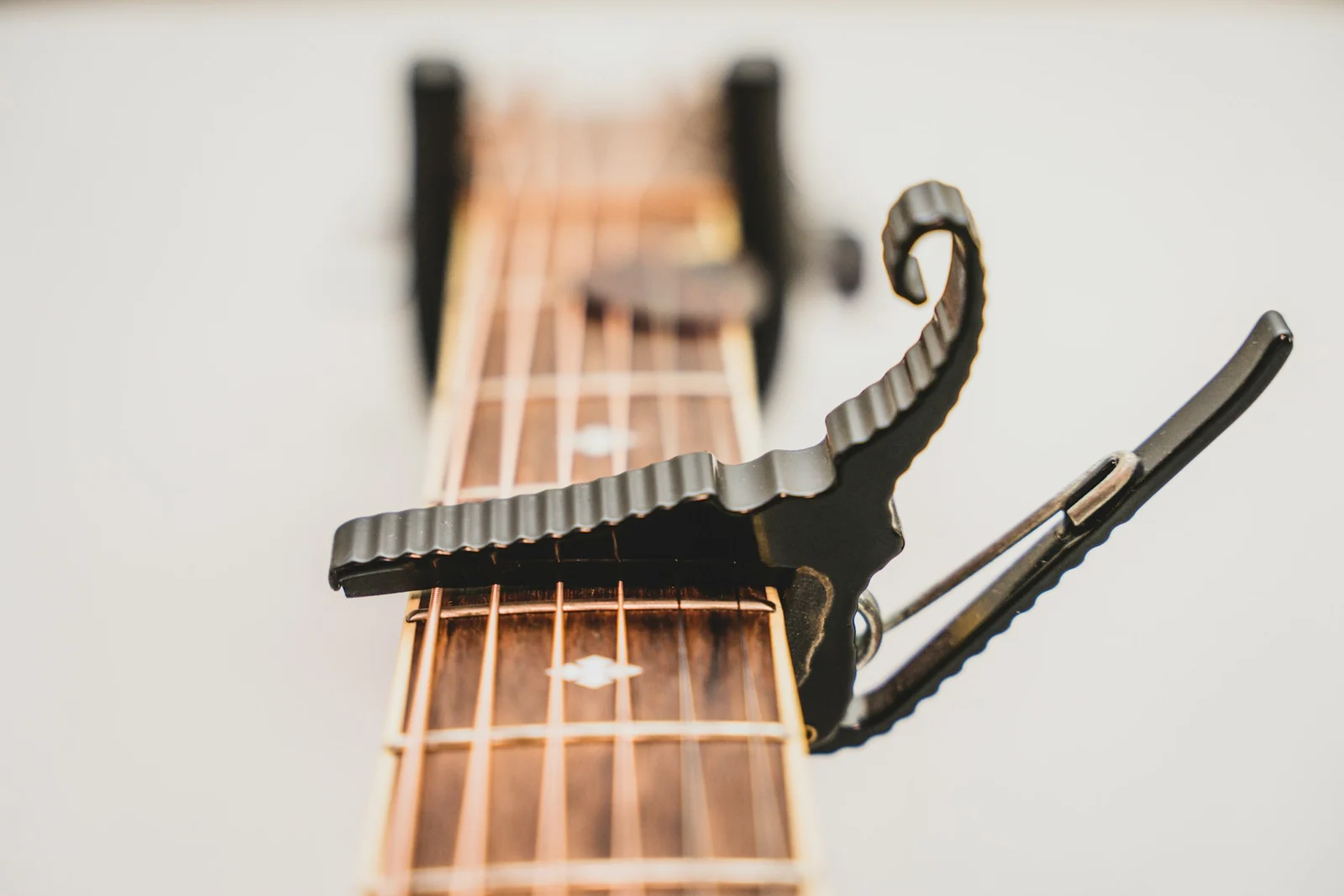 Capo 2 → −2
Play capo songs without the capo, or bring an E♭-tuned record up to standard tuning.
 D♭ → C · −1
Learn a piece by ear in an easier key first, then move back to the original.
 B♭ part · +2
Hear a concert-pitch recording in the key your part is written in.
 −3 st
Lower the instrumental so the whole room can reach the chorus.
Guide
Changing the key of a song is called transposing. The pitch changer does the audio part; this is how to choose the number.
Sing along with the highest line of the chorus. If it strains, lower the song one semitone at a time and compare A/B until it sits easily. If the verses rumble too low, go the other way.
Swapping a song between a high and a low voice? A fourth or fifth (5 to 7 semitones) usually works better than a full octave.
Transposing instruments read one note and sound another. To hear a concert-pitch recording in the key your part is written in, shift it like this:
| Instrument | Written C sounds as | Shift |
|---|---|---|
| B♭ trumpet, clarinet, soprano sax | B♭, a tone lower | +2 st |
| E♭ alto sax | E♭, a major 6th lower | −3 st |
| F horn | F, a 5th lower | −5 st |
| B♭ tenor sax | B♭, a 9th lower | +2 st |
A voice has resonances (formants) that stay put when a person sings higher. Shifting a recording moves them too, so beyond about ±4 semitones voices start to sound smaller or bigger than life. Instruments tolerate more.
Three ways to change a recording. Only the pitch changer moves the key and leaves the tempo alone.
| Pitch changer | Speed changer | Tape mode | |
|---|---|---|---|
| Key | ±12 st | Unchanged | Follows the speed |
| Tempo | Unchanged | 0.5× to 2× | Follows the pitch |
| 3:30 song, +2 st or ×1.12 | 3:30, two semitones higher | 3:07, same key | 3:07, two semitones higher |
| Best for | Singing, playing along, key matching | Practice, podcasts, lectures | Nightcore-style edits, artefact-free shifts |
Every semitone multiplies each frequency by the twelfth root of two (2^(1/12) ≈ 1.0595). One cent is a hundredth of that step.
f′ = f × 2^(n / 12)
1 ¢ = ×1.000578
440 Hz → 432 Hz = −31.77 ¢
| Shift | Interval | Ratio | A4 becomes |
|---|---|---|---|
| −12 st | octave | ×0.5000 | 220.00 Hz |
| −7 st | perfect 5th | ×0.6674 | 293.66 Hz |
| −5 st | perfect 4th | ×0.7492 | 329.63 Hz |
| −3 st | minor 3rd | ×0.8409 | 369.99 Hz |
| −2 st | major 2nd | ×0.8909 | 392.00 Hz |
| −1 st | minor 2nd | ×0.9439 | 415.30 Hz |
| +1 st | minor 2nd | ×1.0595 | 466.16 Hz |
| +2 st | major 2nd | ×1.1225 | 493.88 Hz |
| +3 st | minor 3rd | ×1.1892 | 523.25 Hz |
| +4 st | major 3rd | ×1.2599 | 554.37 Hz |
| +5 st | perfect 4th | ×1.3348 | 587.33 Hz |
| +7 st | perfect 5th | ×1.4983 | 659.26 Hz |
| +12 st | octave | ×2.0000 | 880.00 Hz |
FAQ
No. The song is resampled to the new key and then time-stretched back to its original length, so a 3:30 track still lasts 3:30 and the beat stays where it was. Switch on Tape mode only if you want the record-player effect, where pitch and speed move together.
Start with one or two. Sing the highest line of the chorus; if it strains, go down a semitone at a time and use A/B until it feels easy. Shifts up to about three semitones keep a voice natural, while bigger jumps start to change its character.
Not directly: streaming services don't let a browser tool read their audio. Use a file you own or recorded yourself, such as an MP3, WAV, M4A, FLAC or OGG, or the soundtrack of an MP4 video, up to 50 MB (500 MB with Pro).
It is an estimate. The tool measures how strongly each of the 12 notes sounds across the track and compares that with major and minor key profiles. It is usually right for pop, rock and folk, but relative keys such as C major and A minor share the same notes and are easy to mix up, so you can set the original key yourself.
A cent is one hundredth of a semitone. Fine-tune when a recording is slightly sharp or flat, for example an old tape or a band tuned by ear, so it matches an instrument tuned to A = 440 Hz. Retuning to 432 Hz is −31.77 cents, and the 432 Hz converter does that in one click.
It is free, with no account and no watermark. Decoding, key detection, pitch shifting and MP3 or WAV encoding all happen in your browser, so your audio never leaves your device.
Shift any song up or down, keep its tempo and download it in seconds.