Deep on the full mix
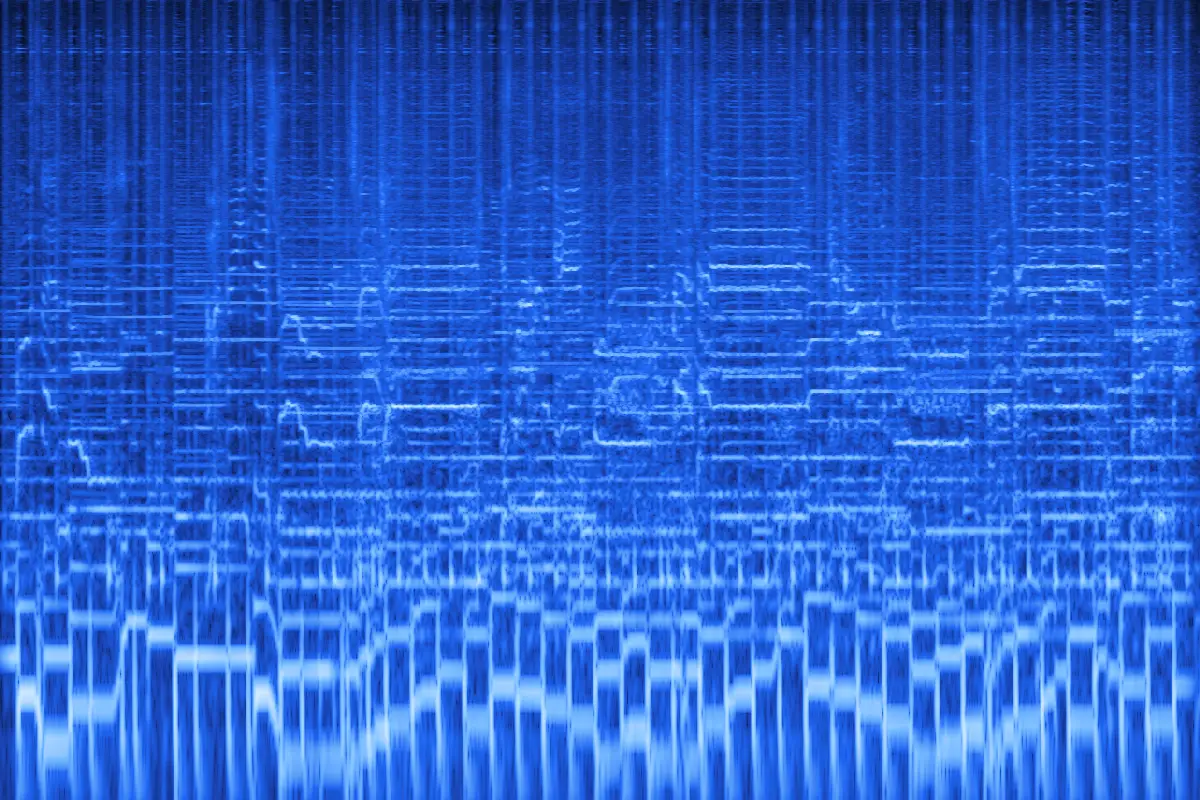
Cutoff 260 Hz, strong resonance, wobble and a long tail. The cymbals and the top of the voice disappear; the kick, bass and a blurred melody remain.
- Depth 260 Hz
- Q 6.0
- Wobble 55%
Free · runs in your browser
This underwater sound maker makes any song, voice or sound effect sound like it's playing under water: the highs sink away, a soft resonant hum appears, the pitch wavers a little and a dark tail follows. Pick a depth, hear it live and download MP3 or WAV.
Spare Change — full mix
0:30 · cutoff 600 Hz · wobble 40% · reverb 50%
Free · no signup · rendered in your browser
Ocean: most of the detail gone above 600 Hz, a soft hum and a slow sway.
Examples
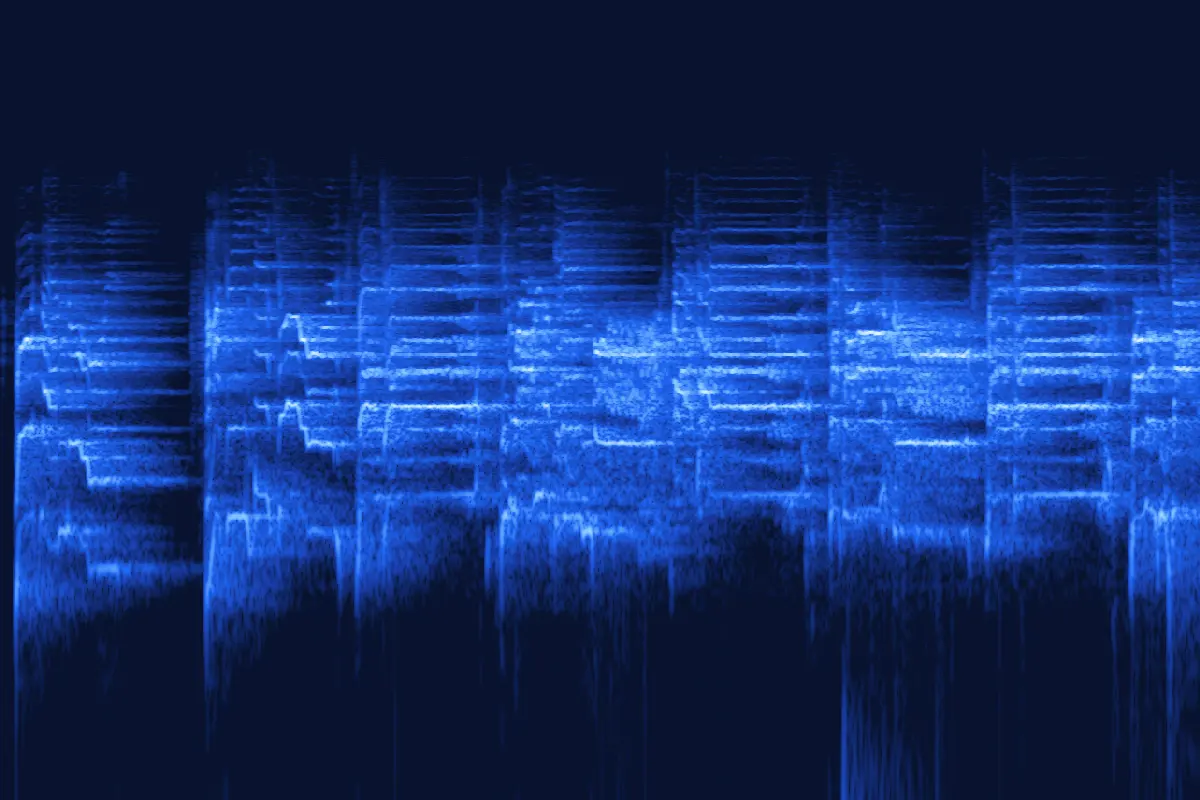
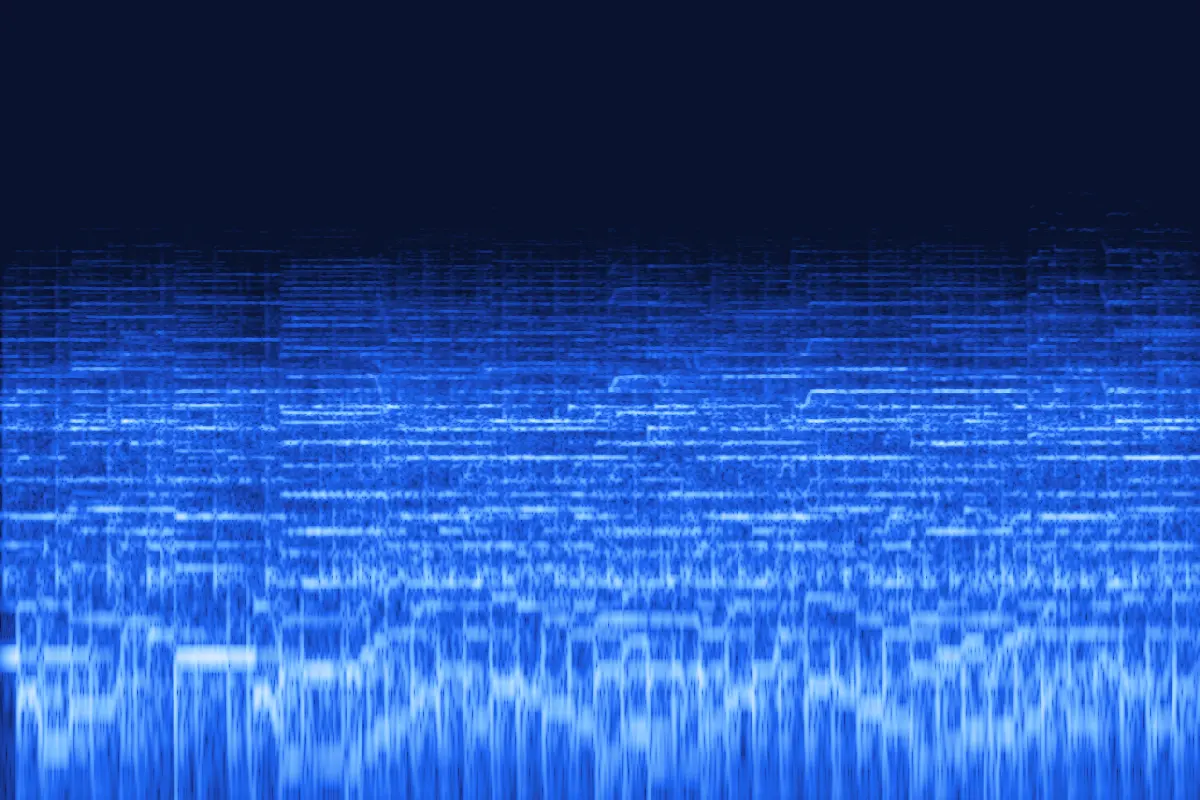
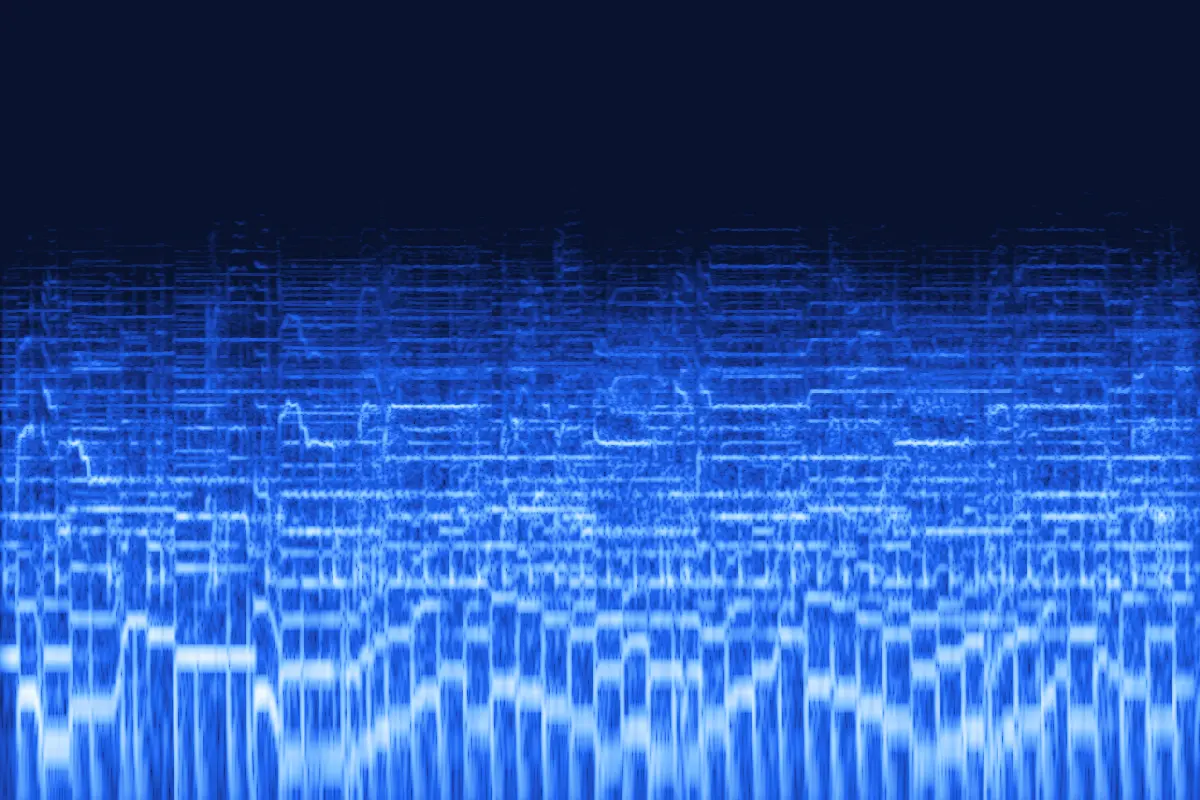
Four renders from this underwater sound maker on our demo song. Press play, then flip Original ⇄ Underwater at the same spot.


Cutoff 260 Hz, strong resonance, wobble and a long tail. The cymbals and the top of the voice disappear; the kick, bass and a blurred melody remain.

A 1.1 kHz cutoff keeps the words just readable — a voice heard from under the surface of a pool.

600 Hz with a slow sway: the guitar turns into a soft, swimming pulse.

500 Hz, no wobble, a small room. Not underwater at all — the song through a wall.
Each picture is a spectrogram of the exported file: time runs left to right, pitch goes up, brighter means louder. Under water, everything above the cutoff goes dark.
How to
Three steps in this underwater sound maker — no editing app, nothing to install.
Drop in a song, a voice line or a sound effect — MP3, WAV, M4A, OGG or FLAC up to 50 MB (500 MB with Pro) — or use a demo track.
Start from Pool, Ocean or Deep, then move Depth, Resonance, Wobble and Reverb while it plays.
Flip Original ⇄ Underwater at the same spot, then save a 192 kbps MP3 (320 with Pro) or a WAV for your editor.
Settings explained
One filter, one hum, one sway and one tail. Here is what each slider changes, drawn from the real filter response:
A steep low-pass filter. Sliding right lowers the cutoff from 4 kHz to 150 Hz: around 2 kHz sounds just under the surface, 500–800 Hz sounds properly underwater, below 300 Hz sounds deep.
A hump right at the cutoff that gives the boomy, enclosed tone of water. Q 3–6 sounds natural; Q 8 starts to whistle on vocals.
A slow chorus that bends the pitch a few cents up and down, slightly differently in each ear. Keep it at 0 for a plain muffled sound.
A dark, diffuse tail after the filter. More reverb makes the space feel bigger and farther away; 40–65% suits most scenes.
Depth presets
Each tile plays a demo clip through one preset. The table lists every preset's exact settings.

Pool · vocals0:30
Pool: a clear, tiled-room sound with a light wobble and a bright reflection tail.

Ocean · instrumental0:30
Ocean: most of the detail gone above 600 Hz, a soft hum and a slow sway.

Deep · full mix0:30
Deep: only the low end survives, with a strong resonance, more wobble and a long dark tail.
| Preset | Cutoff | Resonance | Wobble | Reverb | Best for |
|---|---|---|---|---|---|
| Just under | 2.4 kHz | Q 1.6 | 15% | 20% | Dipping under, transitions |
| Pool | 1.1 kHz | Q 3.5 | 25% | 45% | Voices, pool and bath scenes |
| Ocean | 600 Hz | Q 4.5 | 40% | 50% | Songs, swimming scenes |
| Deep | 260 Hz | Q 6.0 | 55% | 65% | Deep-sea scenes, drops |
| Muffled (next room) | 500 Hz | Q 1.0 | off | 12% | Music through a wall |
Use cases
From film scenes to the music next door. Each card plays a demo through the underwater sound maker with the settings shown.

Ocean · full mix0:30
A character dives in and the soundtrack sinks with them. Export WAV, drop it on the timeline and crossfade from the dry mix at the cut.

Deep · instrumental0:30
Make an underwater version of a level's music or of your sound effects for swimming sections.

Muffled · full mix0:30
The muffled “party through the wall” sound for edits and transitions — an audio muffler, without the water wobble.

Pool · verse0:30
Start a video or a slowed edit muffled and let the full song break through at the drop — Pool works well for that.
Behind the sound
The underwater sound you know from films is part physics, part convention. Here is what actually happens.

Sound travels well in water, but our ears are built for air. Almost all of a sound coming from above bounces off the surface, and under water you hear mostly through the bones of your skull, so everything seems duller, closer and hard to place.
Sound designers don’t simulate the physics; they fake the feeling with a low-pass filter, a little resonance, some movement and a dark reverb. That’s exactly the chain inside this underwater sound maker.
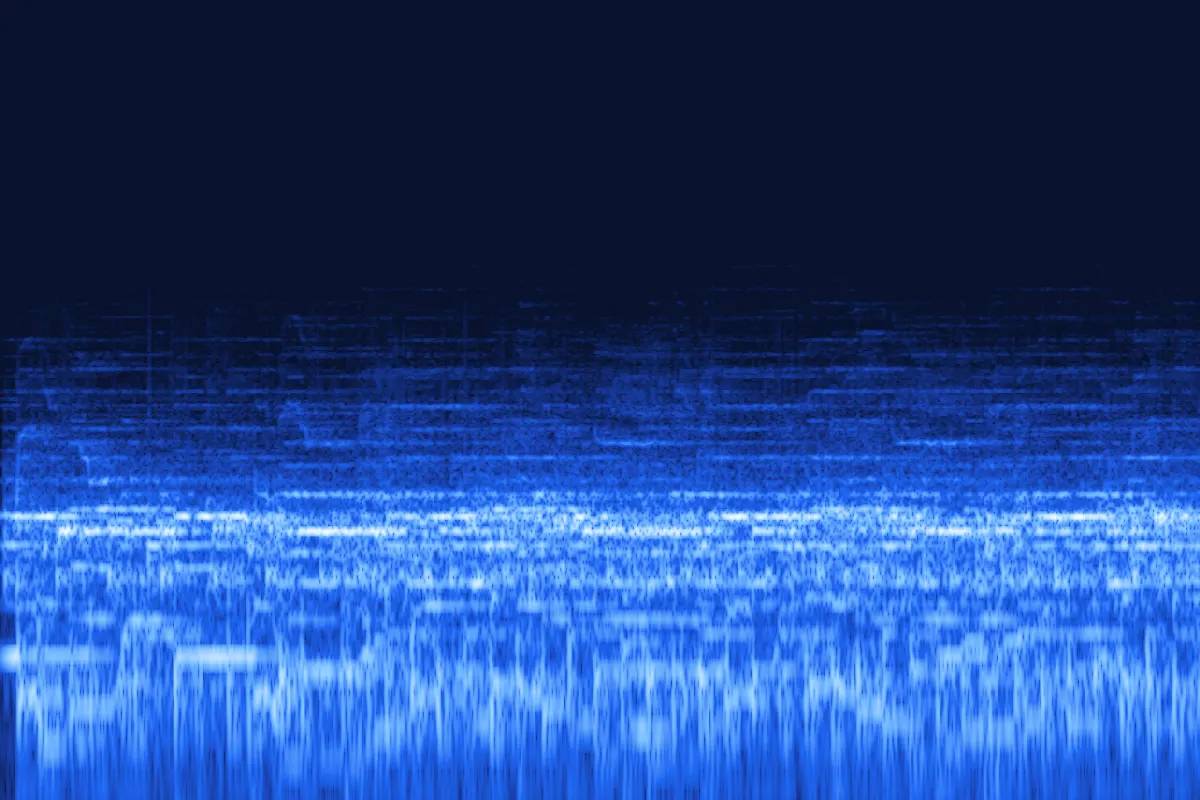
Music through a wall loses its highs too, but it doesn't sway. For an audio muffler, use Muffled (next room) or set Wobble to 0 and keep Reverb low.
This tool only processes your audio. If your scene needs bubbles or splashes, layer your own sound effects in your editor.
Fine-tune the tone afterwards with the online equalizer, or make the sound drift around your head with the 8D audio converter.
FAQ
Short answers about the underwater effect and how this tool works.

Making a swim scene?
Export the Ocean version as WAV and crossfade it with the original at the moment the camera goes under.
Make it sound underwaterDrop your file into the underwater sound maker above, pick Pool, Ocean or Deep, and adjust Depth until the highs are as muffled as you want. Add a little Wobble and Reverb for movement and space, then download MP3 or WAV.
Mostly a low-pass filter: it removes the high frequencies that make sound crisp. A resonance at the cutoff adds the boomy, enclosed tone, a slow pitch wobble adds movement and a dark reverb adds distance.
Yes. It works on dialogue, voice notes, game sounds and full songs. For speech, start with Pool so the words stay understandable.
Choose the Muffled (next room) preset. It uses the same low-pass filter without the wobble and with only a little reverb, which is how music sounds through a wall.
No. The tool never adds sound effects; it only changes how your audio sounds. If you want bubbles, add your own sound effect in your video or audio editor.
It's free, with no signup and no watermark. Your file is processed in your browser and never uploaded. MP3, WAV, M4A, OGG and FLAC files up to 50 MB and 10 minutes work for free; Pro opens files up to 500 MB and 2 hours.
Pick a depth in the underwater sound maker, hear it live and download it. No signup, no watermark.
Free · no signup · no watermark · processed in your browser