0.5× · pitch kept0:30 → 1:00
1:00
Half speed for learning
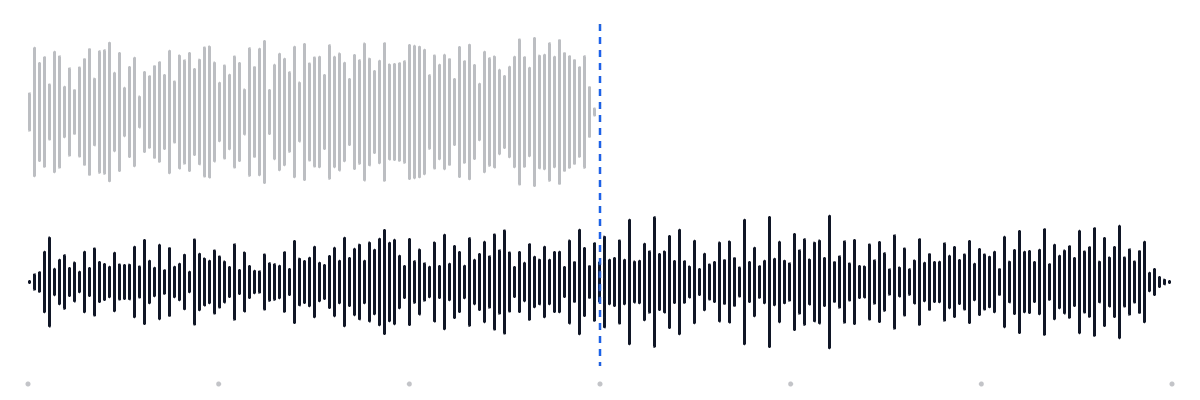
The instrumental at half speed: 30 seconds become a full minute and every strum is spaced out, yet the chords sit in the same key as the record.
This audio speed changer slows down or speeds up any song, podcast or lecture from 0.5× to 2× and keeps the original pitch, so voices never turn into chipmunks or giants. It all runs in your browser, then you download MP3 or WAV.
Spare Change — full mix
Original 0:30, Output 0:40
Speed
0.75×25% slower
New length 0:30 → 0:40
Time-stretch: the tempo changes, the key stays put.
Free · no signup · no watermark · processed in your browser
Examples
Each card runs a 30-second demo through the audio speed changer, live in your browser. Flip between Original and the result while it plays; the waveform shows how long the exported file really is.
The instrumental at half speed: 30 seconds become a full minute and every strum is spaced out, yet the chords sit in the same key as the record.
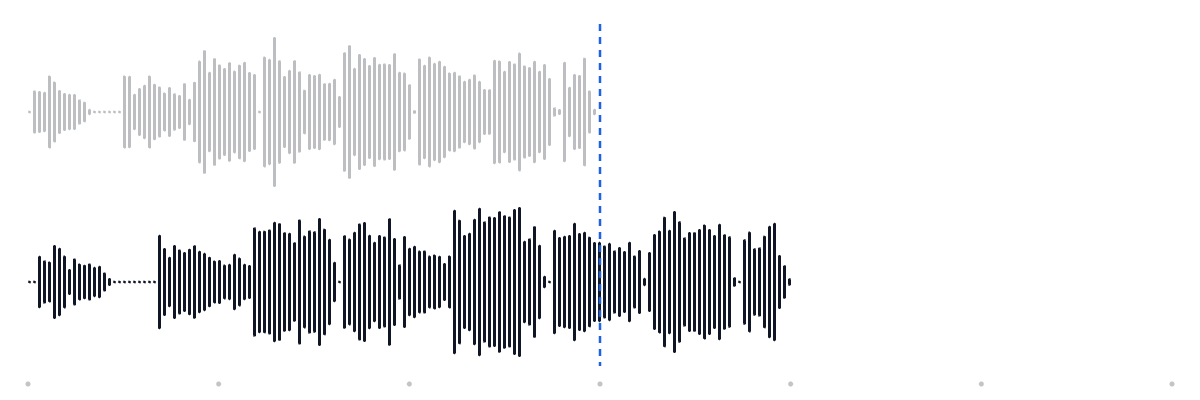
The a cappella line at 0.75× with the Voice setting. Words land a beat later, which is exactly the room you need to type lyrics or write down a melody.
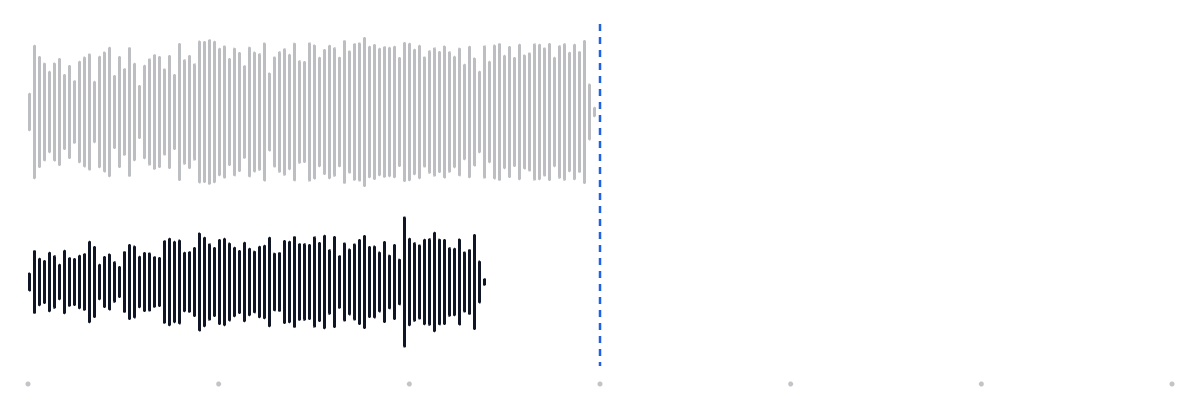
The full mix 25% faster: the chorus ends at 0:24 instead of 0:30, and the singer keeps a natural tone because the pitch is locked.

Same speed with Keep original pitch switched off, so the key rises 3.9 semitones as well — the bright sped-up sound. Want the full anime look? Try the Nightcore Maker.
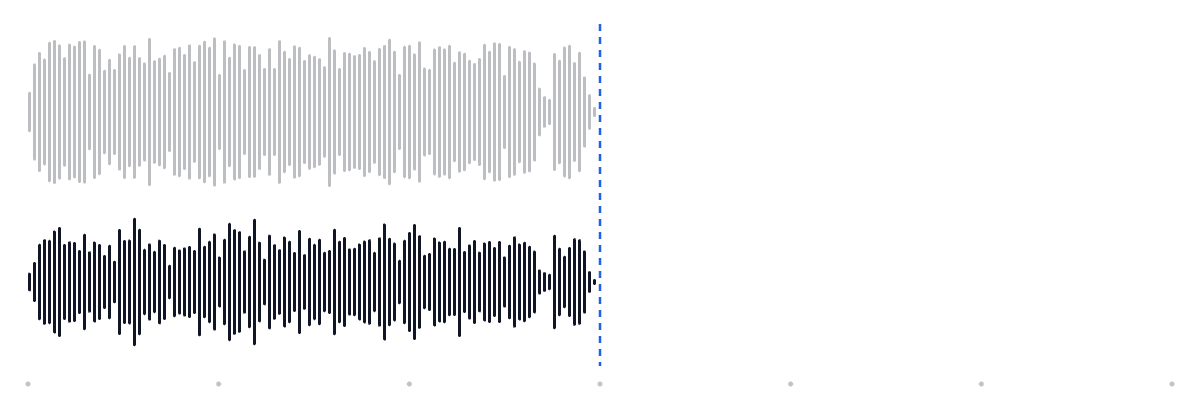
Speed left at 1× and the verse shifted down two semitones, the usual fix when a song sits slightly too high for your voice.
Drop your own song, lecture or voice memo into the audio speed changer above and hear it at any speed.
Drag the handle. The slowed copy keeps every note in the same key; it just takes twice as long, 0:30 becomes 1:00.

How it works
No install and no account: the audio speed changer decodes, previews and renders everything on your own device.
Drop an MP3, WAV, M4A, OGG or FLAC file (free up to 50 MB), or start with a demo clip. Nothing is uploaded.
Drag from 0.5× to 2× or tap a preset to change audio speed. Press play and the preview follows every change from the playhead.
The whole file is rendered in a background thread with a progress bar, then saved as 192 kbps MP3 or lossless WAV.
Settings explained
Five controls in the audio speed changer, each with one job. These are the numbers behind them.
A multiplier on the tempo. The new length is the old length divided by the speed: a 3:00 song at 0.75× runs 4:00, at 1.5× it runs 2:00.
On by default. The audio is cut into overlapping 93 ms slices, re-spaced to the new tempo and phase-aligned again, so sustained notes stay steady and in tune.
Switch pitch-keeping off and the file plays like a record at another RPM: 1.25× lifts the key 3.9 semitones, 0.8× drops it 3.9. Zero processing artefacts.
Moves the key without touching the tempo. One semitone is one piano key; twelve is a full octave. Combine it with any speed: that is what makes this an audio speed and pitch changer, not just a speed slider.
Music analyses 4096-sample windows for smooth chords and bass. Voice uses 2048 samples, which keeps consonants crisp in podcasts, lectures and audiobooks.

Stretched, not resampled
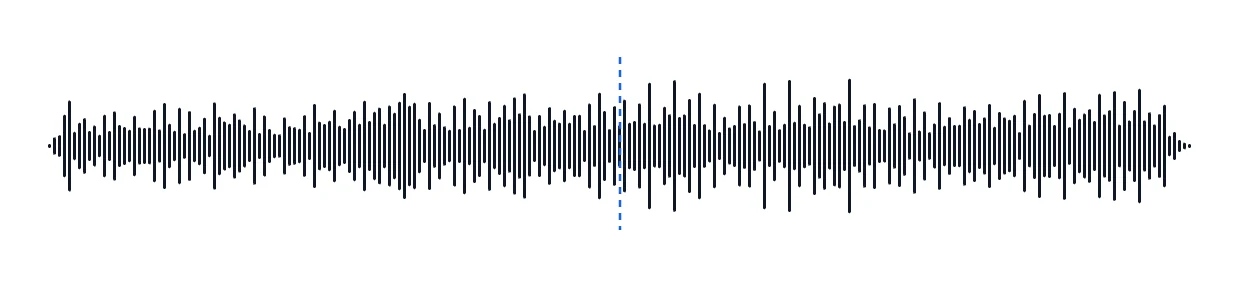
With pitch kept, time is pulled apart like these lines: every shape survives, only the spacing changes.
Use cases
Musicians use a music speed changer to learn parts. Students, editors and podcast fans use the same slider for very different reasons.
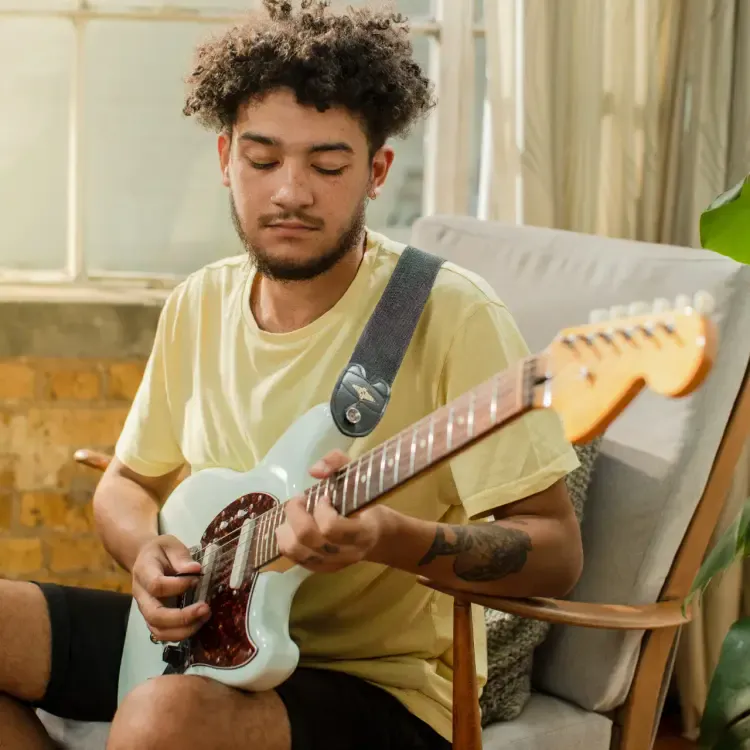
Instrumental · 0.7× pitch kept0:42
Slow a solo to 0.6–0.8× in the original key, play along, then step up until you reach full speed. A music speed changer that keeps the key means your instrument stays in tune with the track.

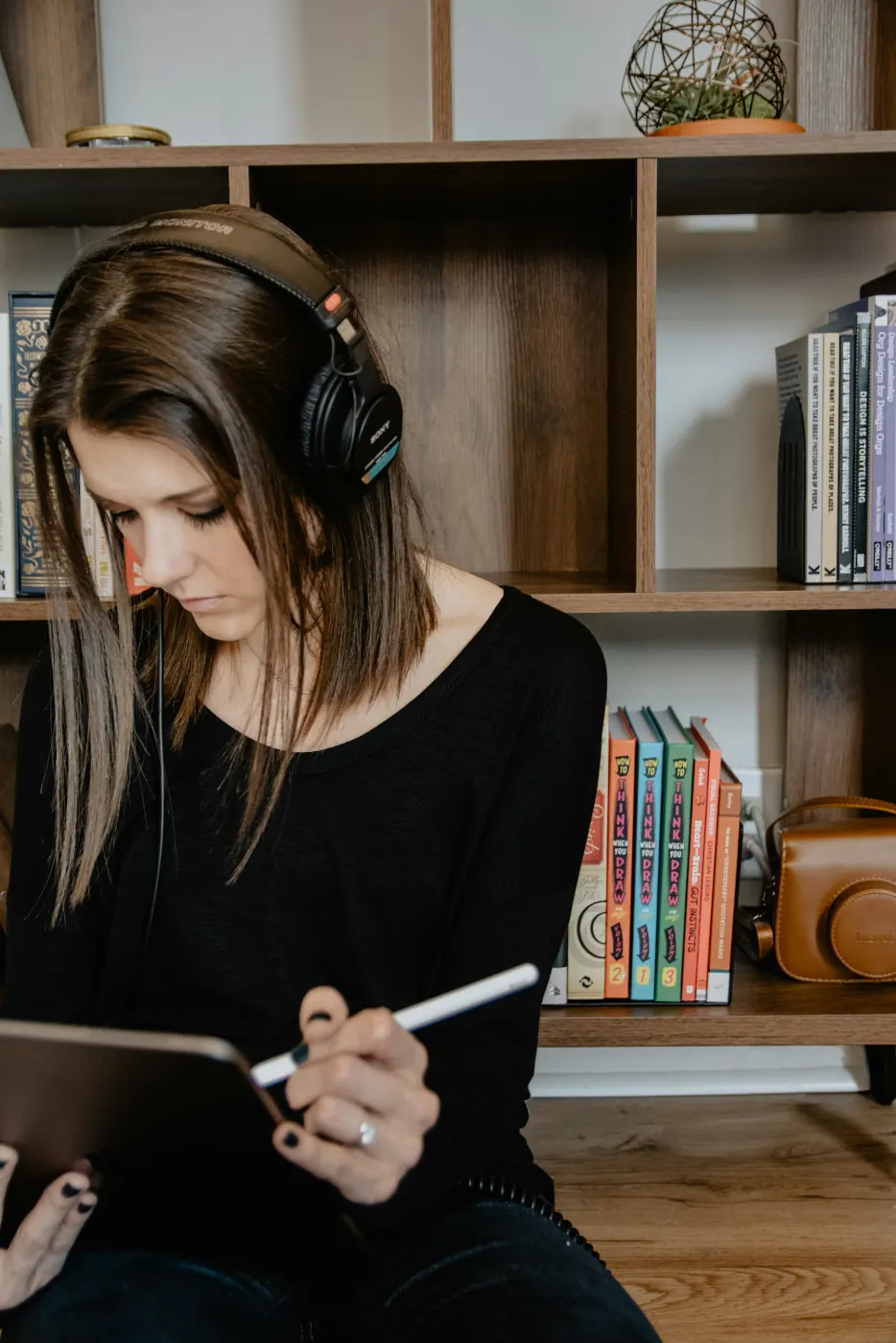
Vocals · 0.75× voice0:40
At 0.75× with the Voice setting, every syllable gets room, so you can type along without pausing.

Vocals · 1.4× voice0:21
1.25–1.5× turns a 60-minute lecture into 40–48 minutes, and speakers still sound like themselves.

Full mix · 1.25× varispeed0:24
Turn pitch-keeping off at 1.2–1.3× for the bright, high sped-up sound used on TikTok and Reels.
In practice
Musicians, students, editors and listeners reach for an audio speed changer for different reasons. These are the settings that work for each.
 0.7× · pitch kept
 1.5× · voice
 0.6× → 1×
 0.8× · voice
 ±0.01× · fit to cut
 0.8× · music
 1.3× · voice
 1.25× · voice
Guide
A tempo changer alters how fast the music moves but leaves the key alone. Varispeed is older and simpler: it plays the samples faster or slower, exactly like nudging a turntable, so pitch and tempo move together. Neither is better; they answer different questions.
| Speed | New length | Pitch with varispeed | Typical use |
|---|---|---|---|
| 0.5× | 7:00 | −12.0 st | Learning fast passages |
| 0.75× | 4:40 | −5.0 st | Practice, transcription |
| 0.9× | 3:53 | −1.8 st | Gentle practice tempo |
| 1.1× | 3:10 | +1.7 st | Tighter talks, voice notes |
| 1.25× | 2:48 | +3.9 st | Podcasts, sped-up edits |
| 1.5× | 2:20 | +7.0 st | Lectures, audiobooks |
| 2× | 1:45 | +12.0 st | Skimming, effects |
you will play or sing along, transcribe, or listen to speech. A tempo changer keeps the key of the original, so your instrument stays in tune with the recording.
you want a sound effect: sped-up or slowed edits, tape-style warble, or the cleanest possible result, since varispeed adds no processing artefacts.

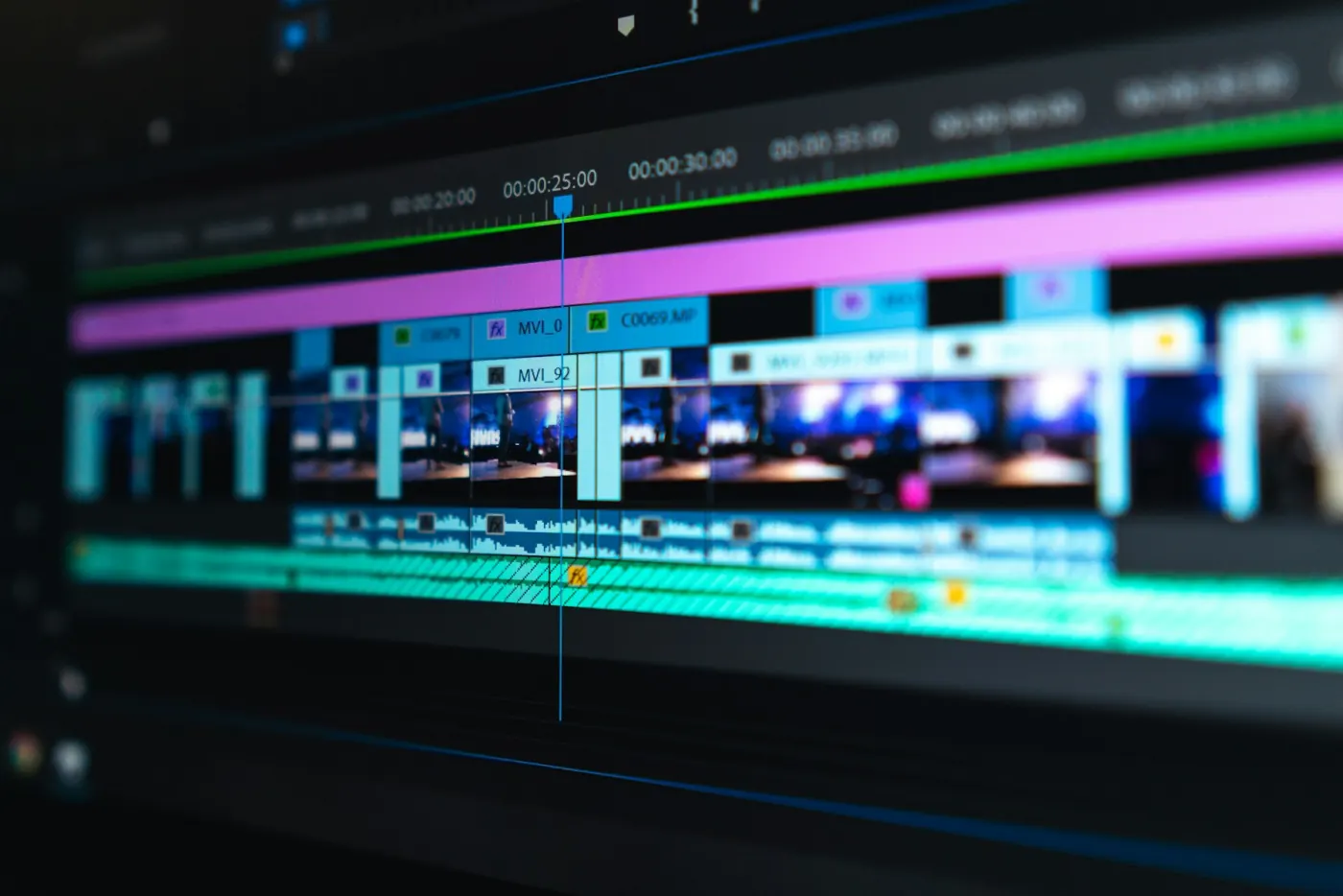
Musicians often learn a hard passage at 0.6×, then climb in 0.05× steps only after three clean run-throughs. The ±0.01× buttons make those small steps exact.
Both can stretch audio to the project tempo inside a session. If you only need a slower or faster copy of a file, render it here and drag the WAV into your project: it already plays at the new speed, with no stretch settings to configure.
FAQ
Not unless you want it to. With Keep original pitch on (the default), the audio speed changer time-stretches the file so the key stays exactly where it was. Turn it off for varispeed, where pitch rises and falls with the speed like a record player.
The audio speed changer goes from 0.5× (twice as long) to 2× (half as long), in 0.01× steps. Most material sounds most natural between 0.7× and 1.5×; at the extremes, drums soften a little because every hit has to be stretched or squeezed.
The audio speed changer is free, with no signup and no watermark. Your audio is decoded and processed by your browser on your own device and is never sent to a server.
You can open MP3, WAV, M4A, AAC, OGG and FLAC files up to 50 MB and 10 minutes for free (500 MB and 2 hours with Pro), and MP4 or WebM videos too: their audio track is decoded and processed. The download is audio only, as a 192 kbps MP3 or a 16-bit WAV at the original sample rate; Pro adds 320 kbps MP3 and 24-bit WAV.
Not from the stream itself: music in Spotify and other streaming apps is copy-protected, so no browser tool can open it. If you have the song as a file you own, such as a purchase, your own recording or a practice track, open it here and set any speed from 0.5× to 2×.
Yes. Leave the speed at 1×, keep pitch on, and move the pitch shift slider up to 12 semitones in either direction. The length of the file does not change; you only change audio speed when you move the speed slider.
Slower to learn, faster to get through, or a new key for your voice. The audio speed changer is free, private and ready in your browser.
Free · no signup · no watermark · processed in your browser