Updated 2026-11-15

Reverb audio · six rooms · no speed change

Add Reverb to Audio Online

Reverb audio, right in your browser: put any song, voice or MP3 into a bathroom, a studio, a concert hall or a cave. Shape pre-delay, decay and damping as it plays, then download MP3 or WAV. Your file never leaves your device.

  • No signup
  • No watermark
  • Speed and pitch untouched
Room reverb
Runs locally · 0 uploads
Vocals

Spare Change — vocals

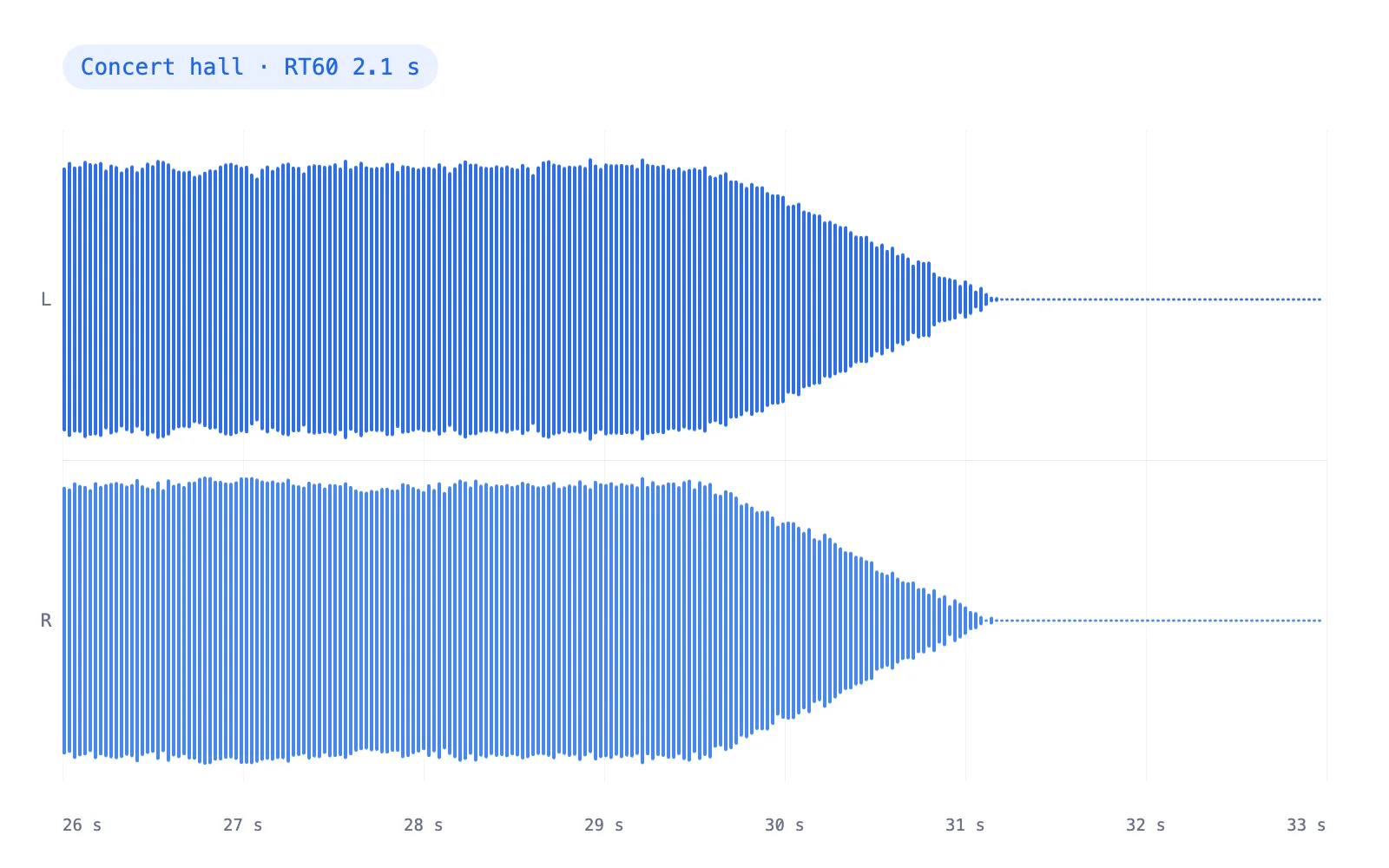
0:30 · Concert hall · RT60 2.1 s · wet 36%

RT60 —
0:00 / 0:30
24 ms
2.1 s
40%
100%
36%

Exports include the reverb tail, so the room rings out naturally.

Two seconds of warm, wide decay. The fastest way to make audio sound like a concert.

  • 0 uploadsThe convolution runs on your device
  • 6 roomsBathroom to cave, each with its own reflections
  • 1.00×Speed and pitch stay exactly as recorded
  • MP3 · WAV192 kbps MP3 or 16-bit WAV (320 kbps / 24-bit with Pro), tail included

Examples

Reverb audio examples, room by room

One demo song in four of our rooms. Play each, switch between dry and reverb, then load the room into the tool.

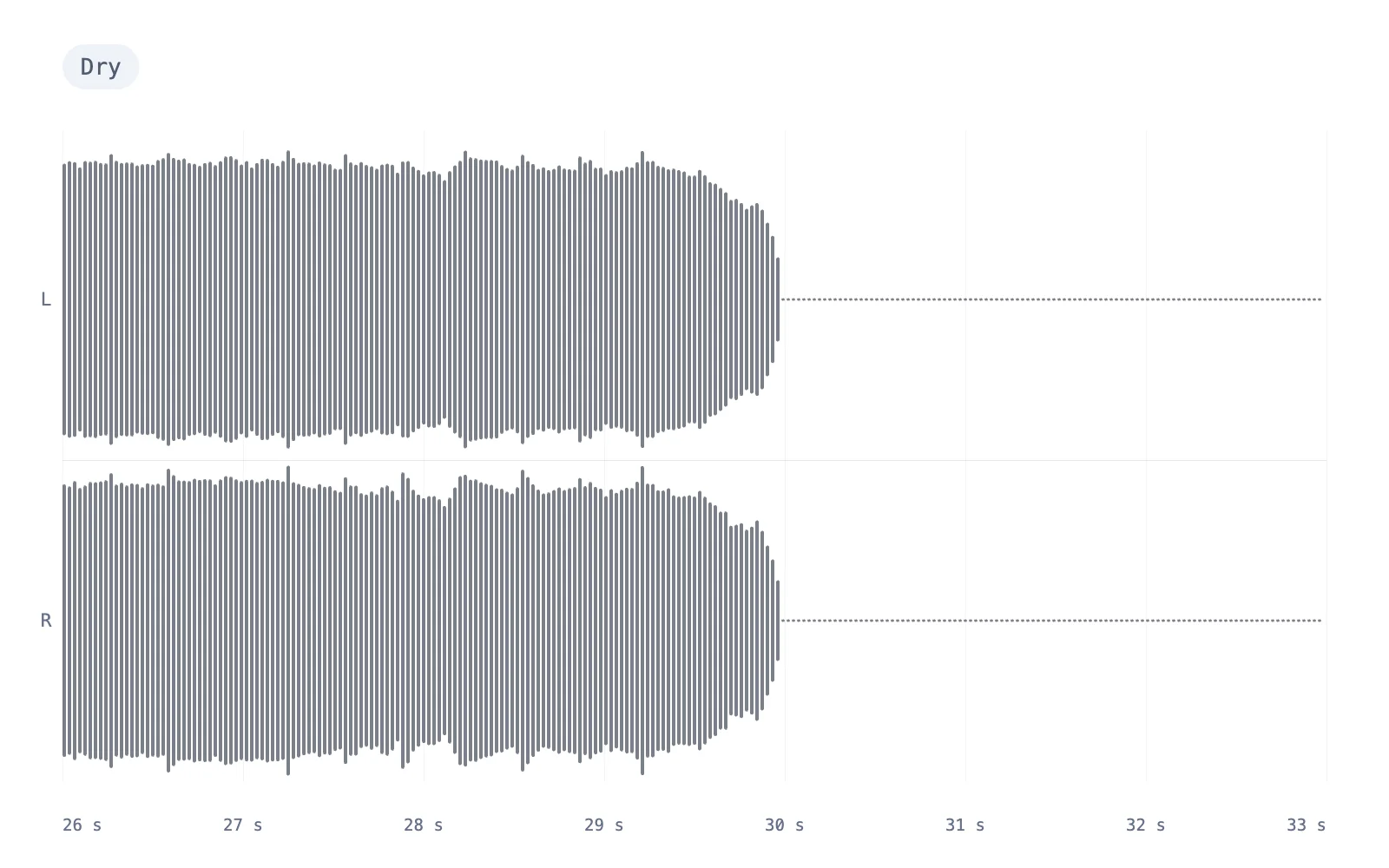
Dry chorus waveform before adding reverb
The same chorus after concert hall reverb, with the tail filling the gaps
DryReverb
Drag to compare
Full mix

Concert hall on the full mix

2.1 s of warm decay, with early reflections from the side walls 11–72 ms after the sound. The quickest way to make audio sound like a concert.

  • Concert hall · RT60 2.1 s
  • Pre-delay 24 ms
  • Wet / dry 36%
0:30
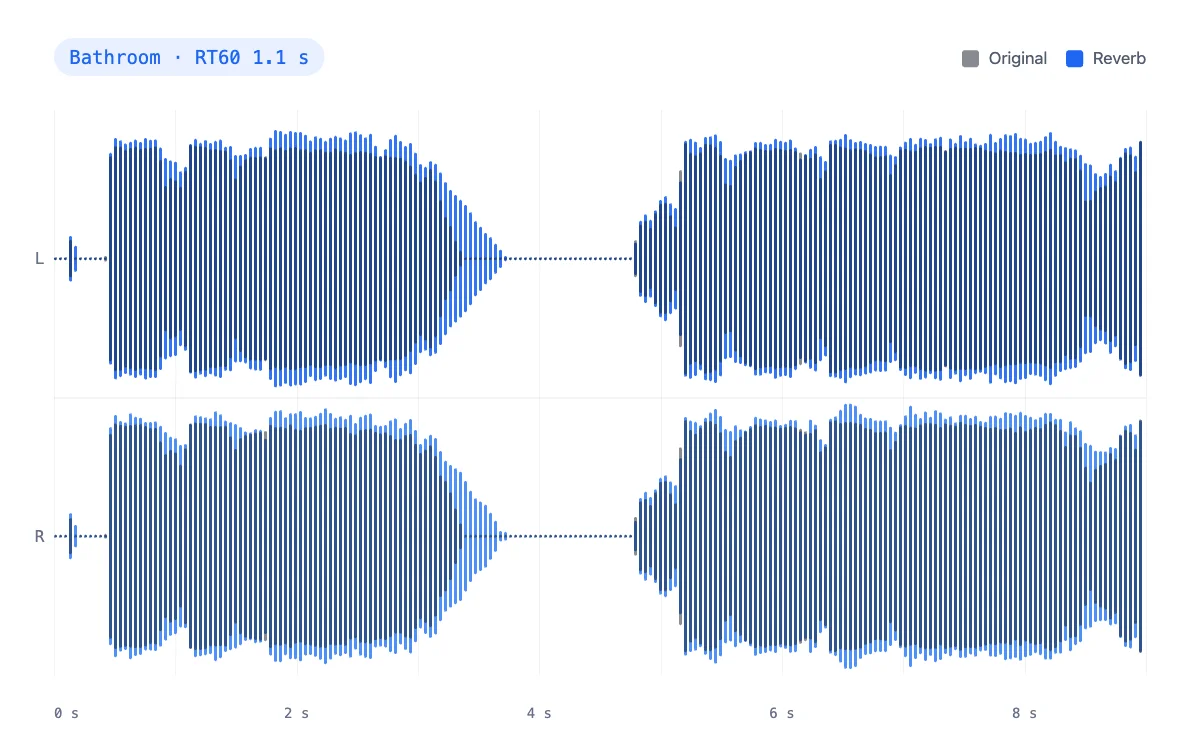
Add reverb to audio example: vocal waveform in a tiled bathroomVocals

Bathroom on a dry vocal

Bright tiles and a 1.1 s tail. Ten reflections land in the first 21 ms, which is what makes a shower sound so dense.

  • Bathroom · RT60 1.1 s
  • Pre-delay 2 ms
  • Wet / dry 36%
0:30
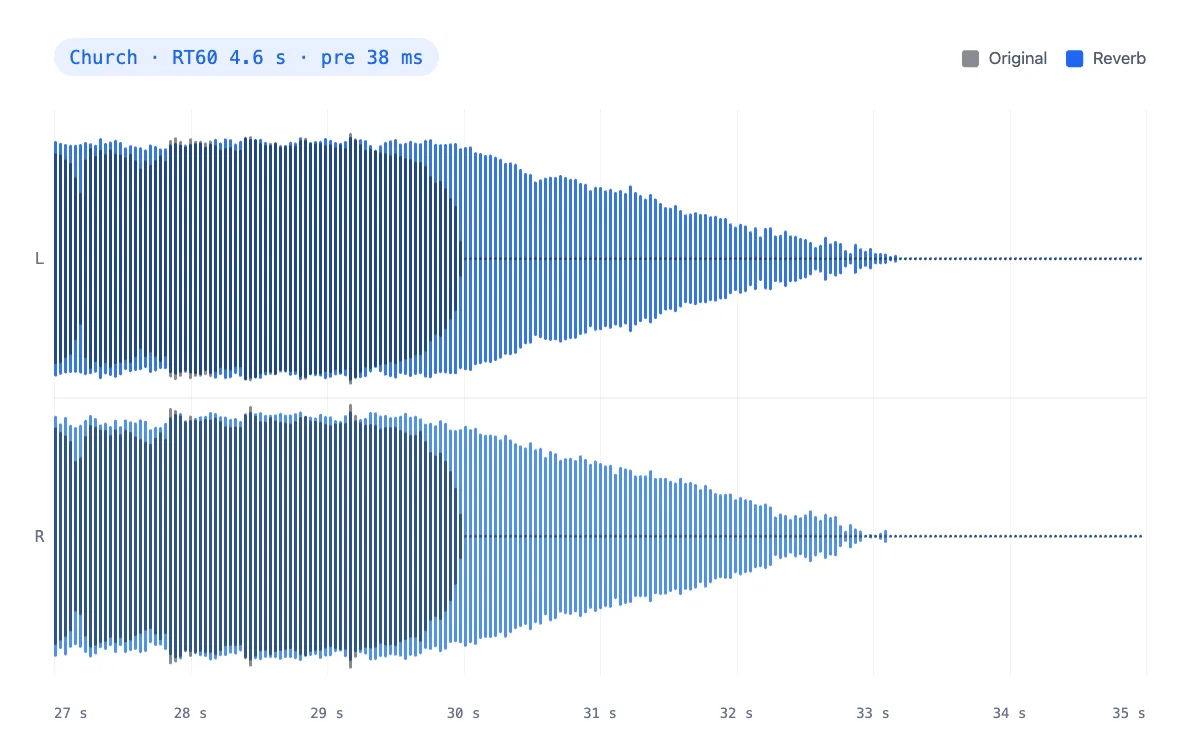
Church reverb example: verse waveform with a long stone-room tailVerse

Church on the verse

A 38 ms pre-delay keeps every word clear before a dark 4.6 s tail fills the nave between phrases.

  • Church · RT60 4.6 s
  • Pre-delay 38 ms
  • Wet / dry 42%
0:30
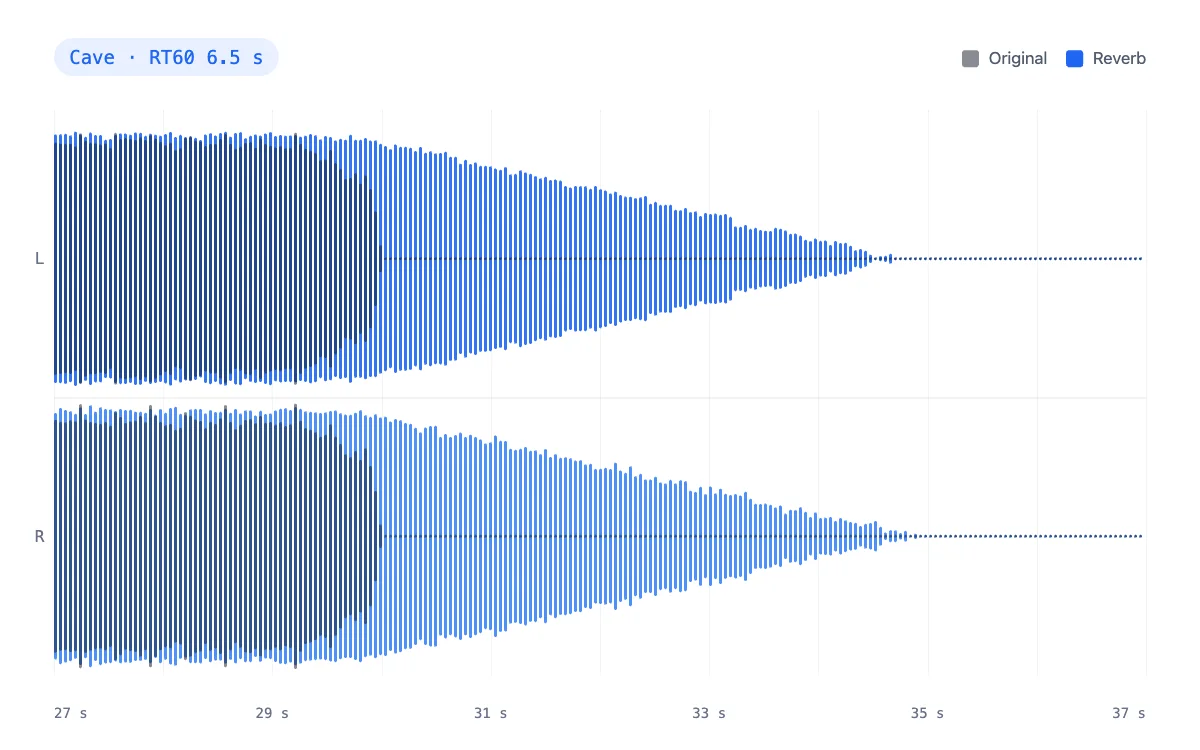
Cave reverb example: instrumental waveform with slap echoes and a very long tailInstrumental

Cave on the instrumental

Rock walls slap back at 24, 61 and 103 ms, then a 6.5 s tail. Half wet, for an eerie, far-away mix.

  • Cave · RT60 6.5 s
  • Pre-delay 48 ms
  • Wet / dry 50%
0:30

How to

How to add reverb to audio

Three steps in this tab. Speed and pitch stay exactly as you recorded them.

  1. Add your audio

    Drop an MP3, WAV, M4A, OGG or FLAC, or try a demo clip. Dry recordings, like a voice note or a home demo, gain the most.

  2. Choose a room

    Pick Bathroom, Bedroom, Studio, Concert hall, Church or Cave. Each one has its own early reflections, not just a longer tail.

  3. Fine-tune and download

    Set pre-delay, decay, damping, width and wet/dry while it plays, compare with B, then download MP3 or WAV.

Settings

Reverb audio settings that shape the room

Five controls, each tied to something real about a space. The curves below come from the actual impulse responses.

  • Pre-delay

    Range: 0–200 ms

    The gap before the first reflection. Real rooms have it because the walls are metres away; in a mix, 20–40 ms keeps a singer's consonants clear of the wash.

  • Decay (RT60)

    Range: 0.2–10 s

    The time for the reverb to fall by 60 dB. A bedroom sits near 0.4 s, a concert hall around 2 s and a large stone church at 4 s or more. The studio measures it from the real impulse response.

  • Damping

    Range: 0–100%

    How much faster the highs die than the lows. Soft furnishings and large volumes of air absorb treble, so more damping gives a darker, more natural tail; less sounds like tile and glass.

  • Width

    Range: 0–100%

    Stereo spread of the reverb only, never your source. At 0% the whole room sits in the centre, which is safe on phone speakers; at 100% it wraps around the listener.

Wet / dry

0–100%

The balance of dry sound and reverb. Around 25% sounds like a room around you, 40–50% like a big space, and 100% leaves only the reverb, handy for ambient pads.

Use cases

Make audio sound like a concert, a studio or a church

Each card plays a demo through the room we would start with. Hit play, flip A/B, then load the room for your own file.

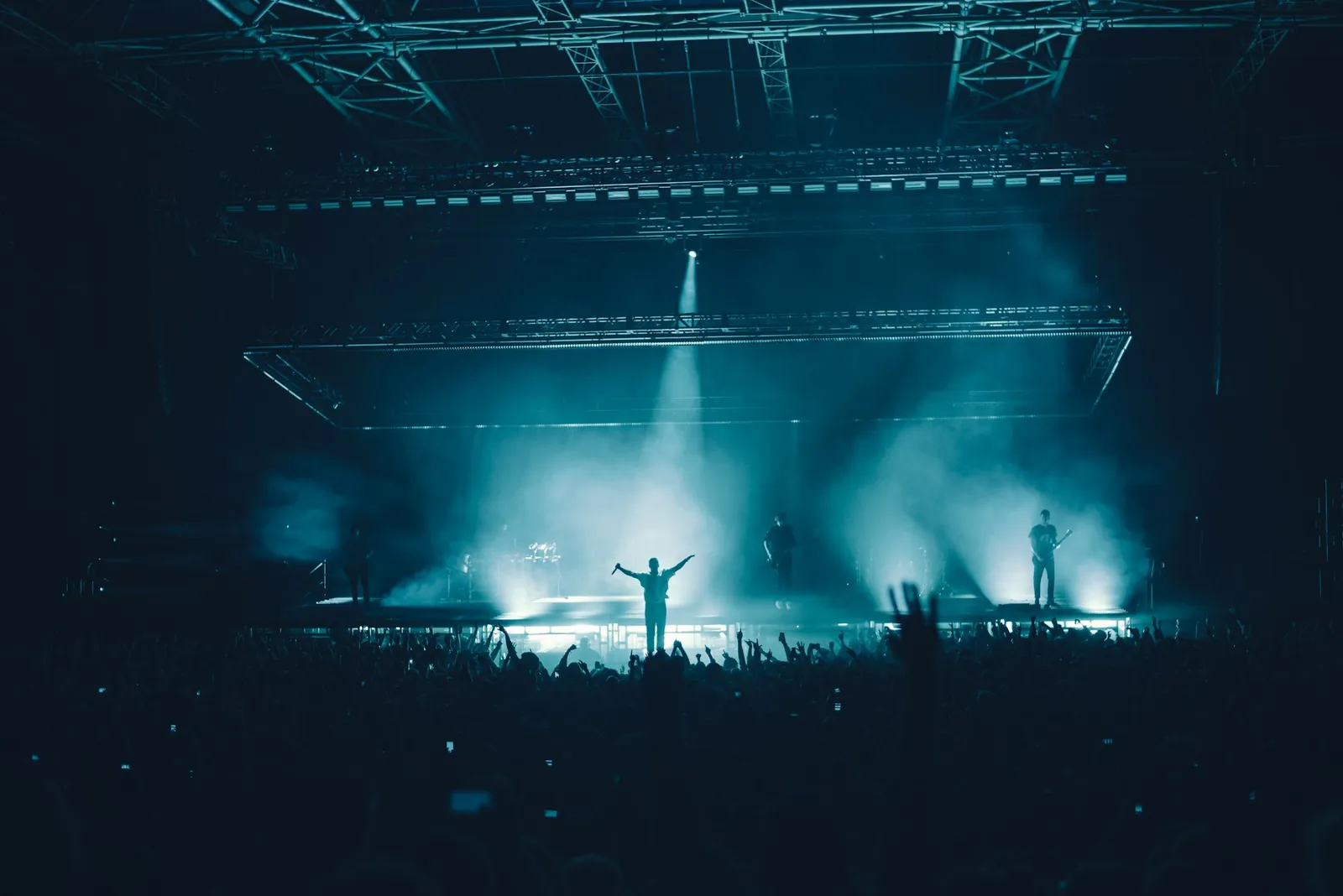
Concert crowd under teal stage lights, the sound concert hall reverb recreates
0:30

Live concert feel

Dry studio mixes feel small next to a venue. Concert hall reverb adds the two-second bloom of a real hall, ideal for live-style edits and fan covers.

  • Concert hall
  • RT60 2.1 s
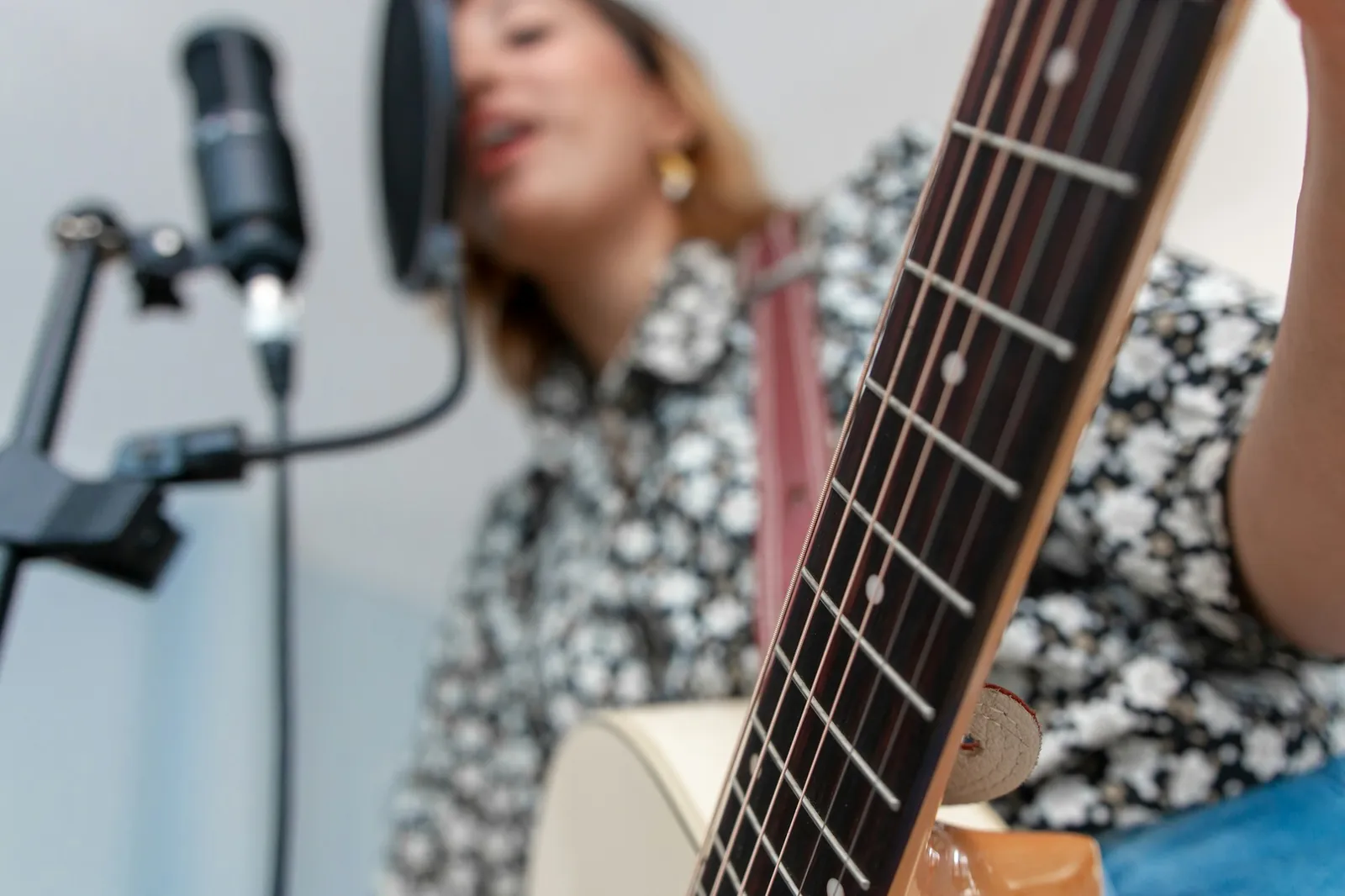
Singer recording vocals and acoustic guitar at home, a dry take that benefits from reverb
0:30

Covers and home demos

A bedroom mic records a dry, boxy voice. The Studio room at about 27% wet adds polish without sounding processed.

  • Studio
  • RT60 0.75 s
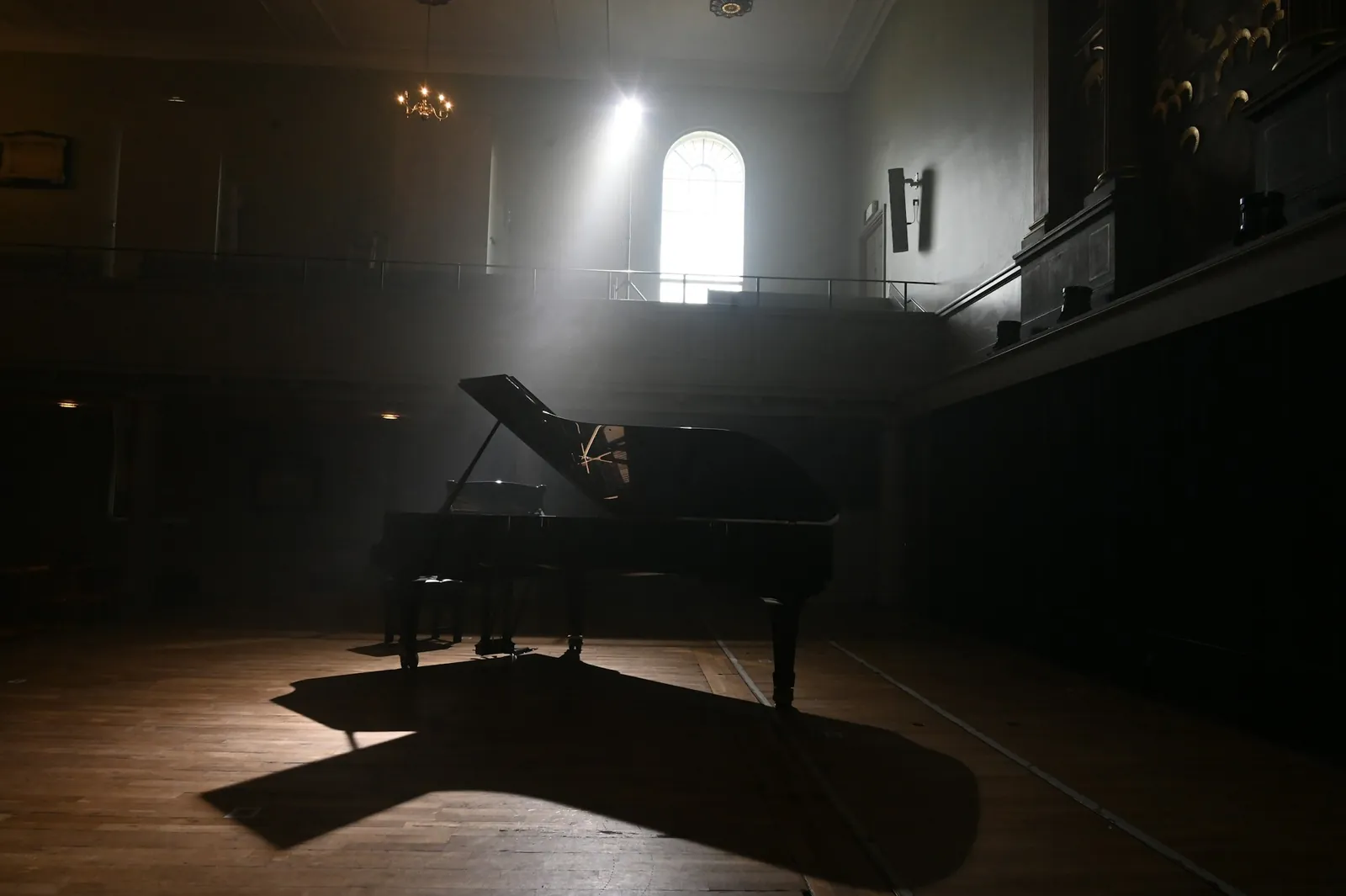
Grand piano in a dim hall lit by a shaft of window light
0:30

Piano, strings and ambient

Long church and hall tails turn simple chords into atmosphere. Raise damping so the tail stays warm rather than hissy.

  • Church
  • RT60 4.6 s

Rooms

Reverb audio presets: six real kinds of room

Every preset sets the decay, pre-delay and damping you would measure in that kind of space, plus its own pattern of early reflections.

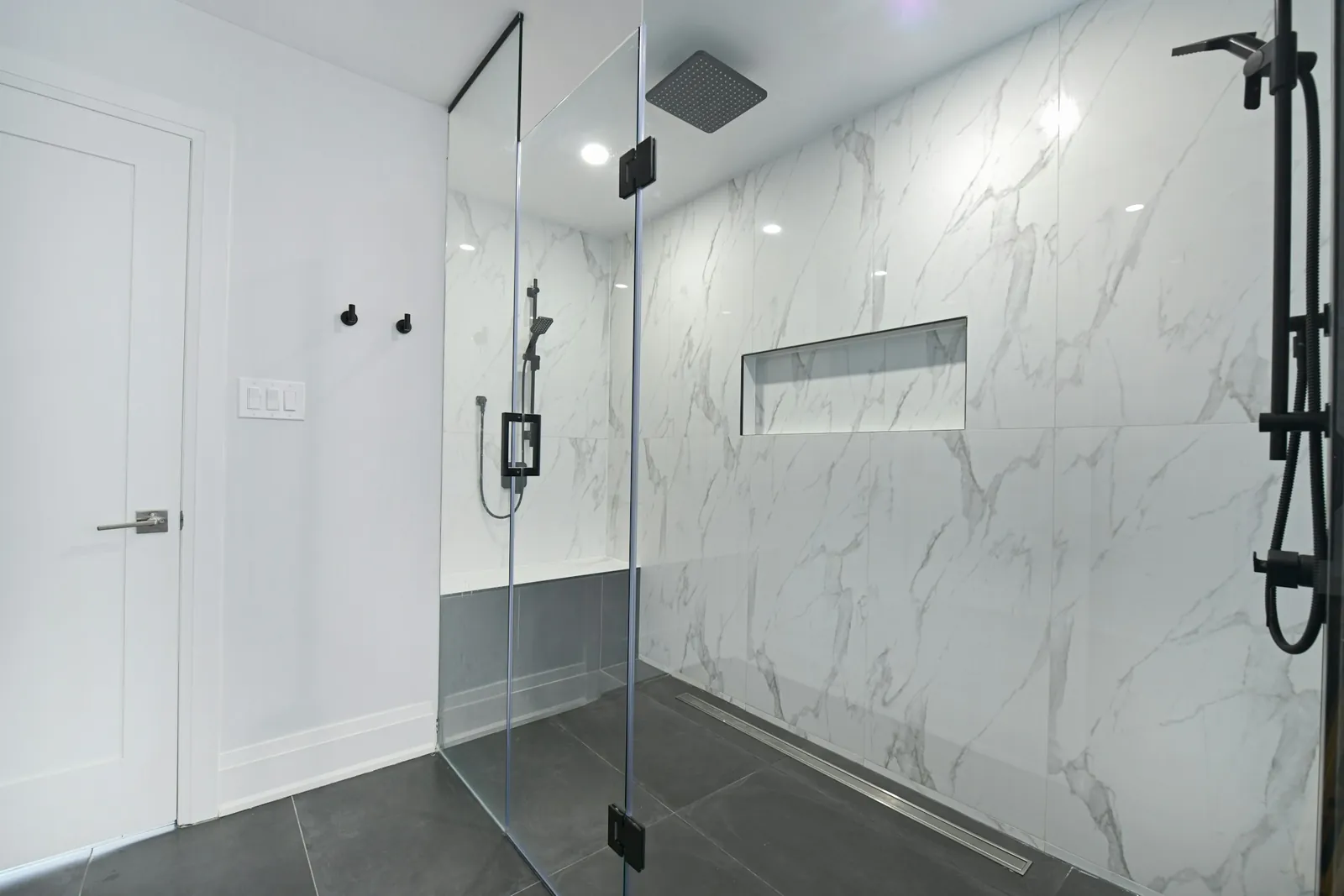
  • Tiled walk-in shower, a small and very reflective roomRT60 1.1 s

    Bathroom

    Hard tiles and glass reflect almost everything, so many strong reflections pile up in the first 20 ms.

    Typical real RT60
    0.6–1.5 s
    Our preset
    1.1 s · 2 ms
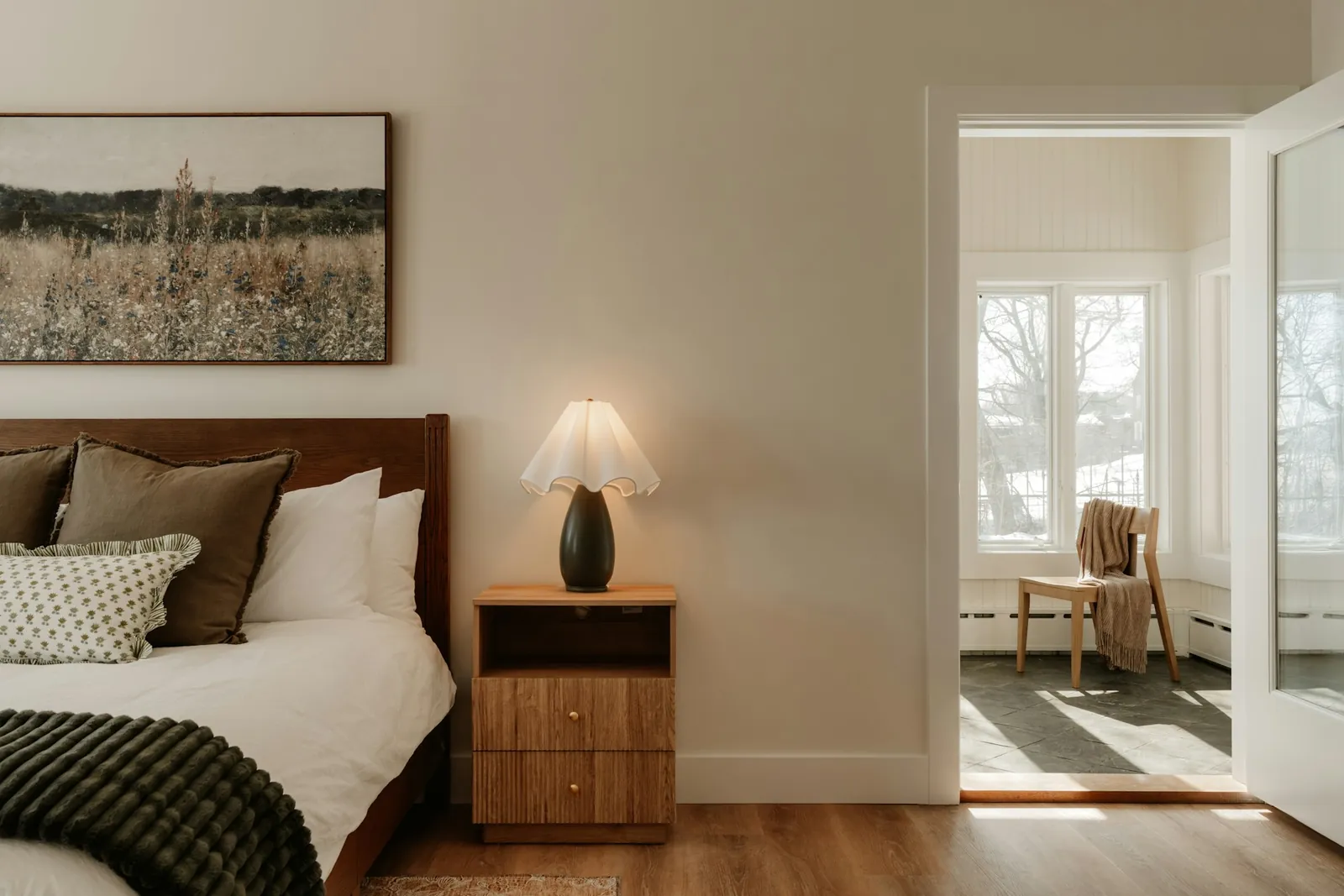
  • Cosy bedroom with bed, lamp and soft furnishingsRT60 0.45 s

    Bedroom

    Bed, curtains and carpet absorb the highs. Barely there, but it stops a voice sounding pasted on.

    Typical real RT60
    0.3–0.5 s
    Our preset
    0.45 s · 3 ms
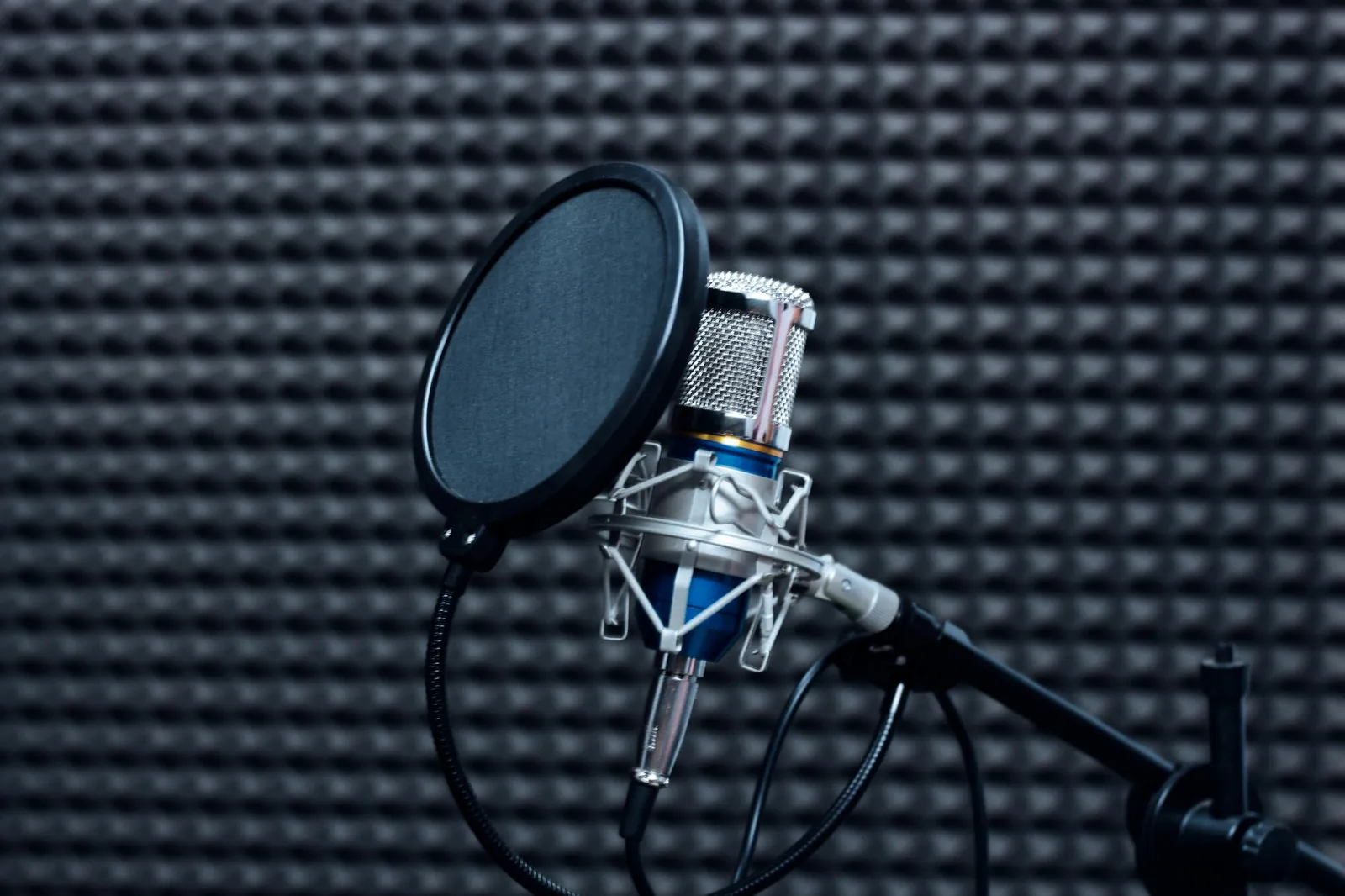
  • Microphone in front of acoustic foam in a recording studioRT60 0.75 s

    Studio

    A treated live room: controlled reflections and an even, short tail. The safe choice for vocals and speech.

    Typical real RT60
    0.3–0.8 s
    Our preset
    0.75 s · 10 ms
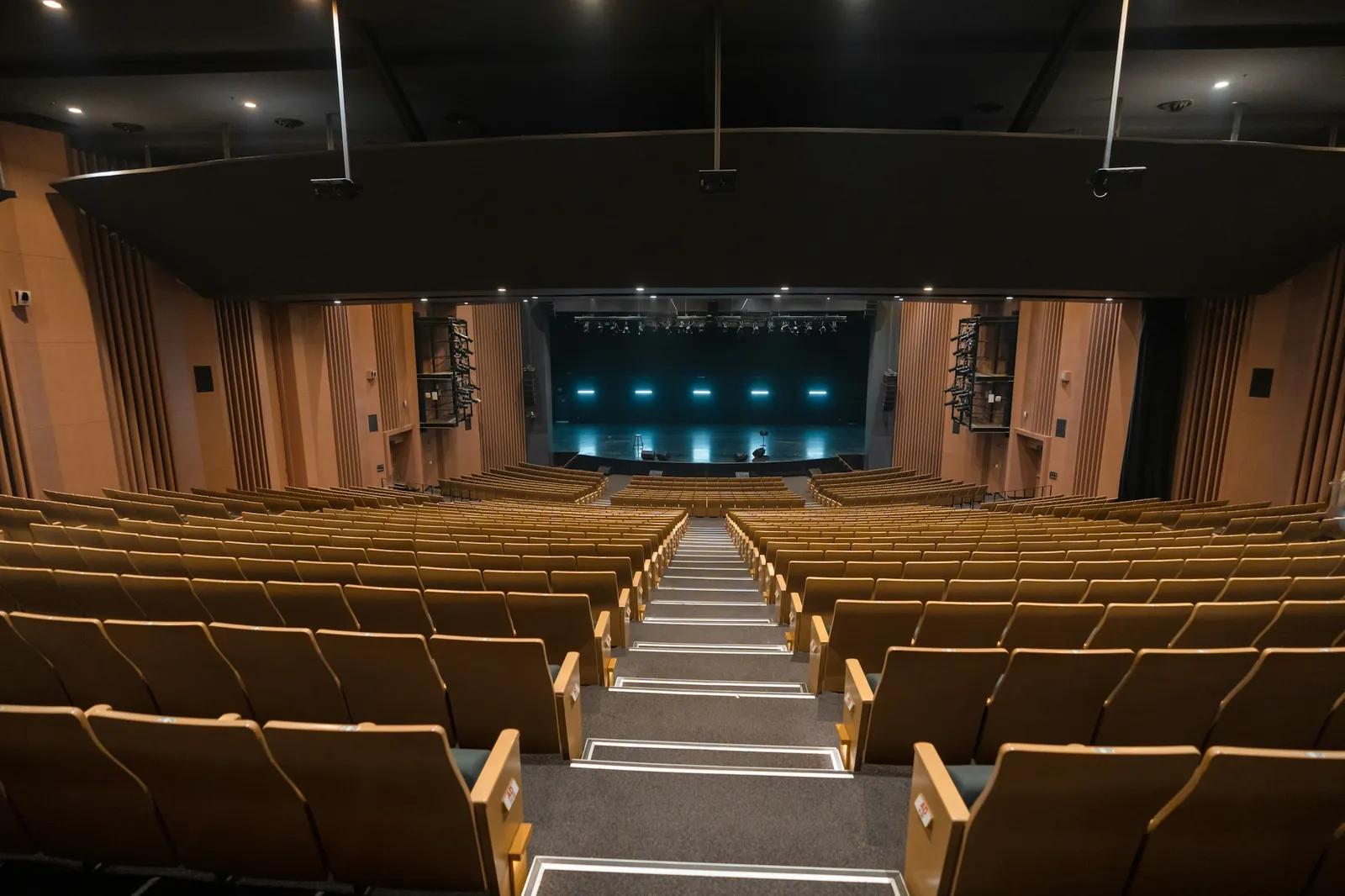
  • Empty concert hall seen from the back rows towards the stageRT60 2.1 s

    Concert hall

    Designed for music: side-wall reflections for width and about two seconds of warm decay.

    Typical real RT60
    1.8–2.2 s
    Our preset
    2.1 s · 24 ms
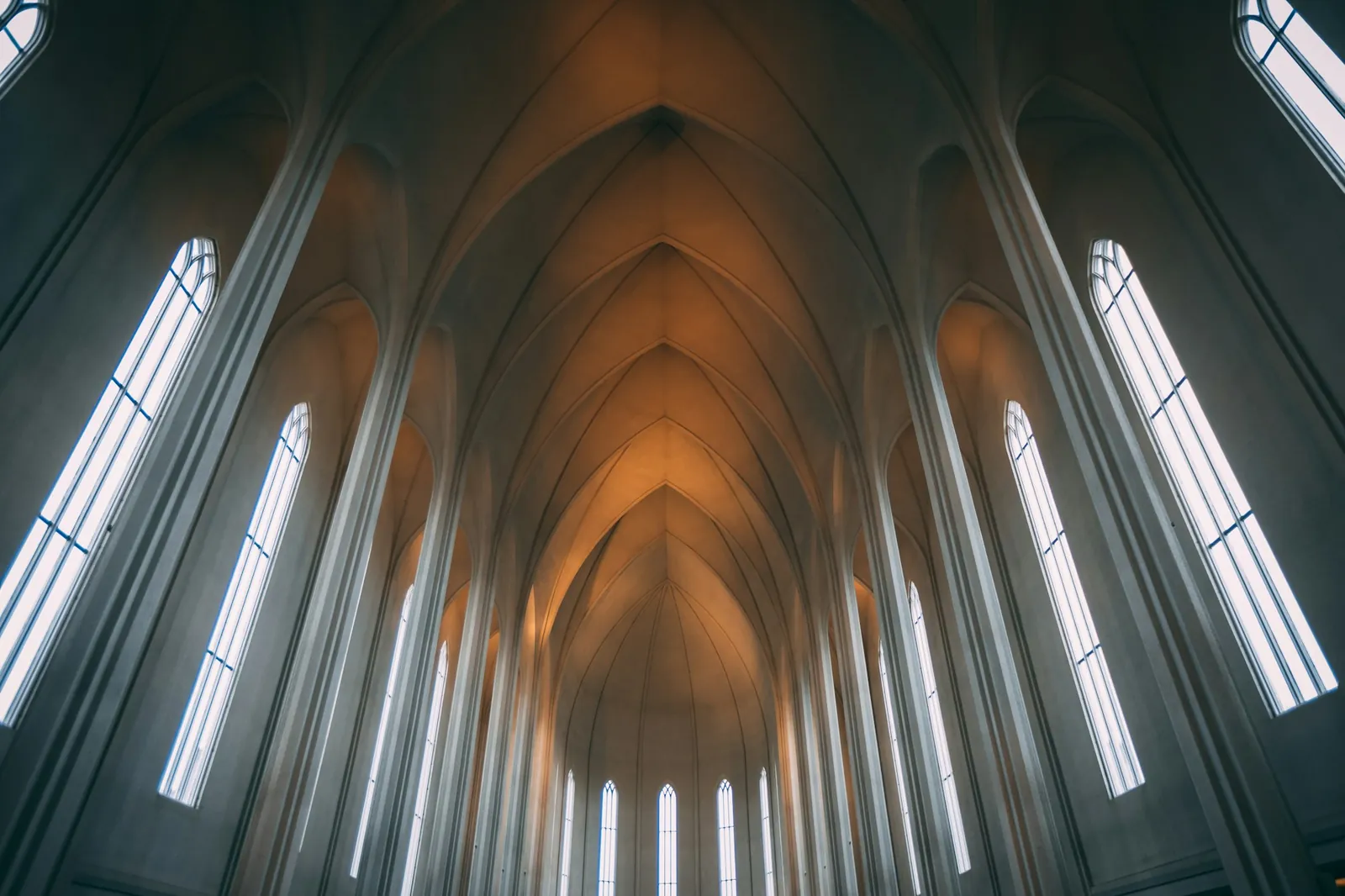
  • Gothic church nave with tall arches and windowsRT60 4.6 s

    Church

    Stone, height and volume: late first reflections and a long tail that blurs fast passages.

    Typical real RT60
    3–8 s
    Our preset
    4.6 s · 38 ms
  • Limestone cave with stalactites, a space with a very long reverbRT60 6.5 s

    Cave

    Distant rock returns discrete slaps before the wash. Use it for sound design, intros and drama.

    Typical real RT60
    2–10 s
    Our preset
    6.5 s · 48 ms

Reverb 101

What reverb is made of, and how this tool builds it

Every reverb has three parts. Knowing them makes the settings obvious.

  1. Direct sound

    What reaches you first, in a straight line.

  2. Early reflections

    The first bounces off nearby walls, roughly within 100 ms. They tell your ear the room's size and shape.

  3. Reverb tail

    Thousands of reflections blur into a wash that decays; RT60 measures how long it lasts.

Convolution, explained in one paragraph

An impulse response is a room's fingerprint: what you would hear if you clapped once inside it. Convolving your audio with it plays every sample through that room. Our rooms are synthesised, not recorded: each starts from the same decaying-noise tail our slowed + reverb tool uses, adds that room's early reflections, then applies the decay, damping and width you set.

Reverb or echo?

Reverb is a room: reflections too dense to count. Echo is a reply: distinct repeats from one far surface. Want repeats you can count? Use the echo effect with tempo sync.

Mixing tips for natural reverb

  1. 1If you can clearly hear the reverb, back the wet/dry off by 10%. Good reverb is felt before it is noticed.
  2. 2On vocals, 20–40 ms of pre-delay keeps the words up front while the room blooms behind them.
  3. 3Check with width at 0% once. If it still sounds good in mono, it will survive phone speakers.

FAQ

Reverb audio questions

Rooms, MP3s, concerts and privacy.

Drop your file into the tool at the top of this page, pick a room such as Studio or Concert hall, adjust wet/dry and decay while it plays, then click Download MP3 or WAV. It runs entirely in your browser and the reverb tail is included.

Load the MP3 like any other file, choose a room and export. You can save the result as an MP3 again (192 kbps, or 320 kbps with Pro), or as a WAV (16-bit, or 24-bit with Pro) if you plan to edit it further and want to avoid encoding it twice.

Choose the Concert hall room: about 2 s of decay, 24 ms of pre-delay and full width. For a big arena feel, raise the decay to 2.5–3 s and the wet/dry to around 45%. Reverb gives the space, not crowd noise.

No. This tool only adds the room; the speed and pitch stay exactly as recorded. If you want the slowed-down, lower-pitched sound with reverb, that is what the tool on our home page is for.

RT60 is the time it takes for a sound's reverb to fall by 60 dB, roughly until it becomes inaudible. The Decay slider sets it, and the impulse-response view shows the measured value. Small rooms are under 1 s, concert halls about 2 s, big churches 4 s and up.

Yes. There is no signup and no watermark, and the convolution runs in your browser with the Web Audio API. Your audio is never uploaded, so it is safe for unreleased songs and private recordings.

Free reverb tool

Put your audio in a better room

Pick a room, set the mix, download. Free, no signup, nothing uploaded.

  • No signup
  • No watermark
  • Speed and pitch untouched

Free · no signup · no watermark · processed in your browser