Updated 2026-11-15

Free · 10-band EQ in your browser

Online Audio Equalizer

A free online equalizer with ten bands from 31 Hz to 16 kHz. Drag the curve or pick a preset — Bass boost, Vocal, Podcast, Lo-fi, Phone speaker fix — hear it change live against the original, then download the EQ'd song as MP3 or WAV.

  • No signup
  • Live A/B
  • MP3 + WAV export
Online Equalizer
Runs locally · 0 uploads
Full mix

Spare Change — full mix

0:30 · Bass boost · preamp −6 dB

Output peakOK
0:00 / 0:30
−6 dB

Free · no signup · processed in your browser · exports never clip

+6 dB at 31–62 Hz easing off by 250 Hz, with a −6 dB preamp so the boost has room.

  • 10 bands31 Hz to 16 kHz, ±12 dB each, one octave apart
  • 0 uploadsFiltered on your device with the Web Audio API
  • Live A/BOriginal and EQ on the same clock
  • MP3 · WAV192 kbps MP3 or 16-bit WAV (320 kbps / 24-bit with Pro), peak-safe

Examples

Online equalizer presets, before and after

Our own renders: each card plays a demo clip through this online equalizer with fixed settings. Press play, then flip between Original and EQ on.

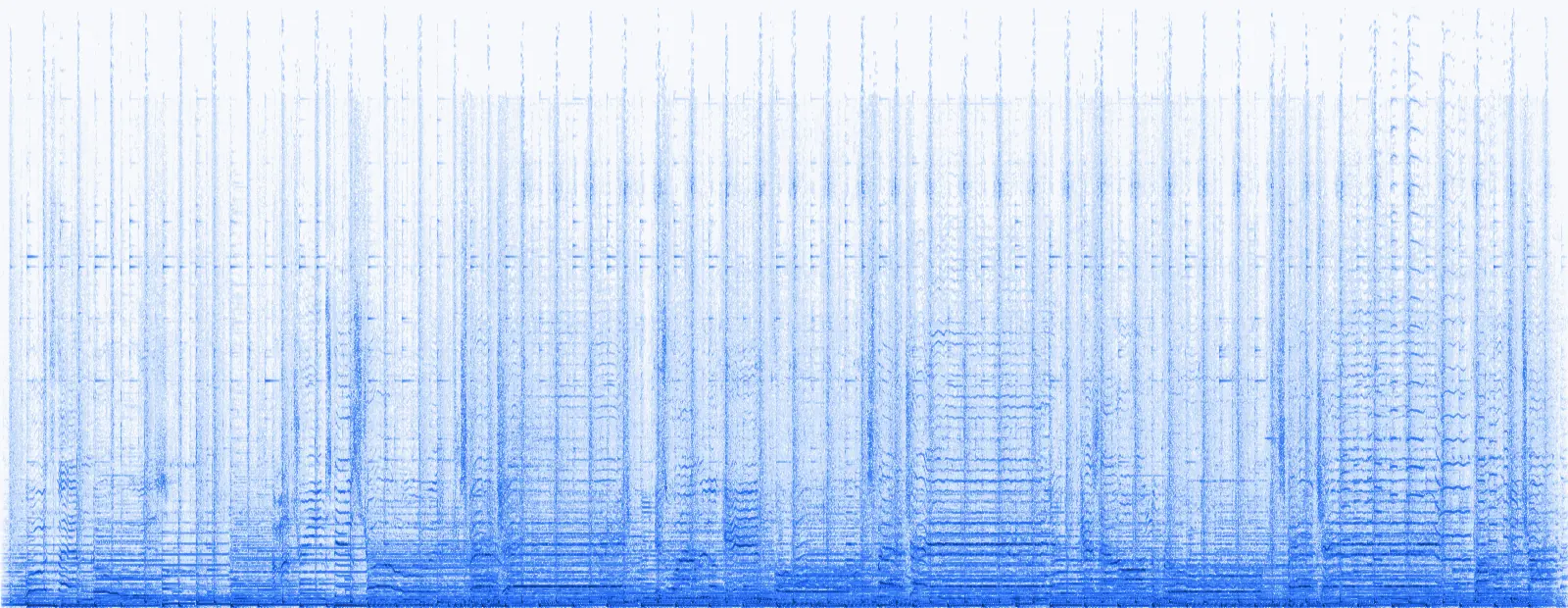
Spectrogram of the original song before the online equalizer
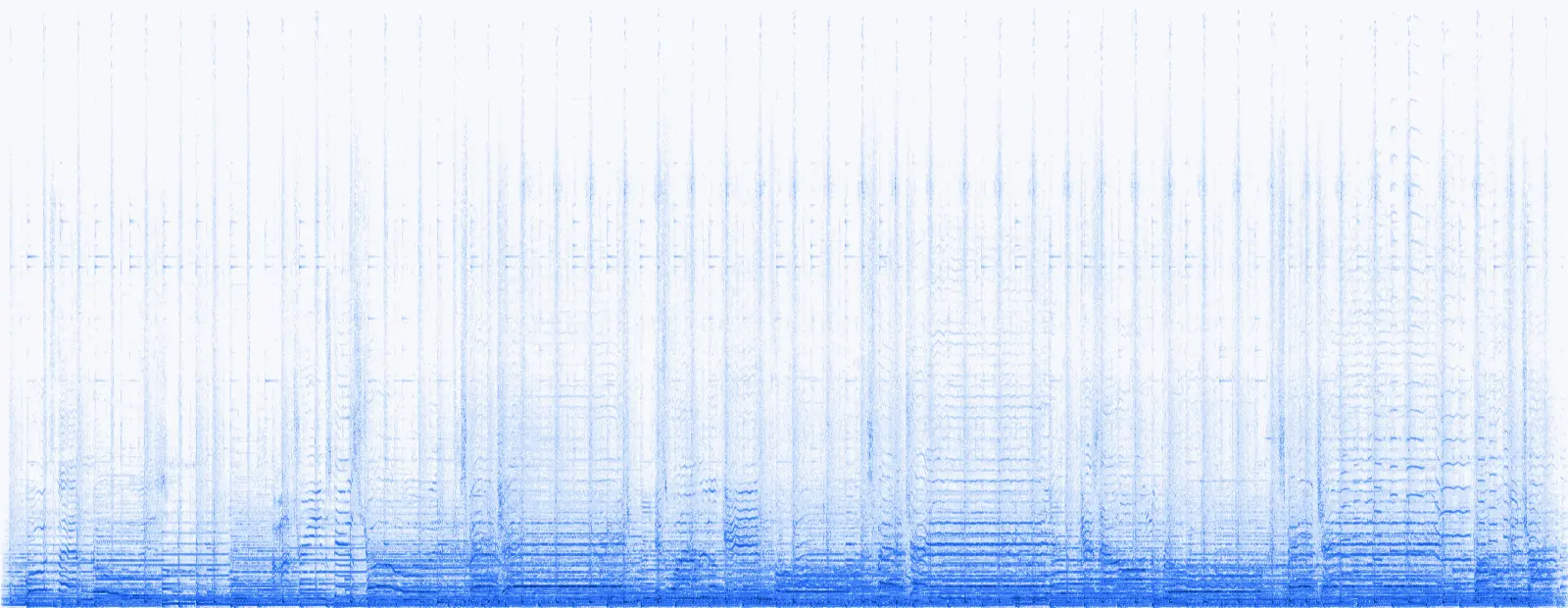
Spectrogram of the same song after the Lo-fi online equalizer preset, with the highs removed
OriginalLo-fi EQ
Drag to compare
  • Lo-fi
  • −9.6 dB @ 10k
  • preamp −2 dB

Lo-fi on the full mix

The Lo-fi preset cuts 9.6 dB at 10 kHz and 7.6 dB at 50 Hz while nudging 250 Hz up 3 dB. In the spectrogram the top of the picture goes dark — the cymbals and air are gone, leaving that warm, boxed-in tape sound.

0:30
31 Hz → 16 kHz
0:30
  • Bass boost
  • +8 dB @ 60 Hz
  • preamp −6 dB

Bass boost on the instrumental

+6 dB at 31 and 62 Hz adds up to about +8 dB around 60 Hz; the −6 dB preamp keeps the peaks in check. The kick and bass line come forward, the guitar stays put.

31 Hz → 16 kHz
0:30
  • Vocal
  • +4 dB @ 2–3k
  • preamp −3 dB

Vocal clarity on the lead voice

About +4 dB at 2–3 kHz and −3 dB below 100 Hz. Consonants get crisper and the low hum under the voice drops away — what you want before a voice-over or a podcast.

31 Hz → 16 kHz
0:30
  • Phone speaker fix
  • +4 dB @ 250 Hz
  • preamp −4 dB

Phone speaker fix on the verse

−12 dB at 31 Hz that a phone can't play anyway, +4 dB at 250 Hz that it can. On a laptop it sounds thinner; on a phone speaker the bass line suddenly becomes audible.

How to

How to use this equalizer online in three steps

No app, no account. Your song is filtered in the browser and never leaves your device.

  1. Add a song

    Pick a demo or drop your own MP3, WAV, M4A, OGG or FLAC (up to 50 MB, 500 MB with Pro). It starts playing through a flat EQ.

  2. Shape the sound

    Choose a preset, or drag points on the curve and the ten faders. Every change is live, and the spectrum shows what moved.

  3. Compare and download

    Press B to flip between Original and EQ on. Happy? Download MP3 or WAV — rendered with exactly the same filters.

The ten bands

What each band of a sound equalizer online does

A sound equalizer online splits music into ten octaves. Knowing which instrument lives where tells you which fader to reach for.

Where instruments and voices sit

  • Kick drum40–120 Hz
  • Bass guitar41–400 Hz
  • Male voice85–6k Hz
  • Female voice165–8k Hz
  • Acoustic guitar82–5k Hz
  • Cymbals3k–16k Hz
311255002k8k
BandWhat you hearBoost forCut for
31 HzSub-bass rumble you feel808s, cinematic weightWind, traffic, mic handling
62 HzKick drum and bass bodyPunchier beatsBoomy rooms and earbuds
125 HzBass warmth, fullnessThin acoustic recordingsMuddy, wooly mixes
250 HzLow mids, chest of a voiceSmall speakers, phonesMud and boxiness
500 HzBody of guitars and pianoInstruments that feel distantCardboard, honky tone
1k HzMids, nasal edgeSnare crack, lead linesTelephone, nasal voices
2k HzClarity of wordsSpeech, podcastsHarsh, shouty guitars
4k HzPresence, attackVocals that hide in the mixListening fatigue
8k HzBrightness, sibilanceDull or old recordingsSharp “s” sounds, hiss
16k HzAir and sparkleOpen, expensive shimmerTape hiss, lo-fi feel

Preset settings at a glance

Preset settings at a glance
Preset31 Hz → 16 kHzPreampBest for
Bass boost−6 dBHip hop, EDM, laptop listening
Vocal−3 dBSingers, voice-overs, karaoke
Treble−4.5 dBDull MP3s, old records
Podcast−2 dBInterviews, calls, lectures
Lo-fi−2 dBLo-fi edits, intros, memes
Phone speaker fix−4 dBSongs for phone or laptop speakers
Smile curve−4.5 dBParty playlists, low-volume listening
Less boom0 dBBoomy rooms, bass-heavy earbuds

Made for

An audio equalizer online for every speaker

The same song needs a different EQ on earbuds, a laptop or a podcast mic. Pick your case and the studio loads a matching preset.

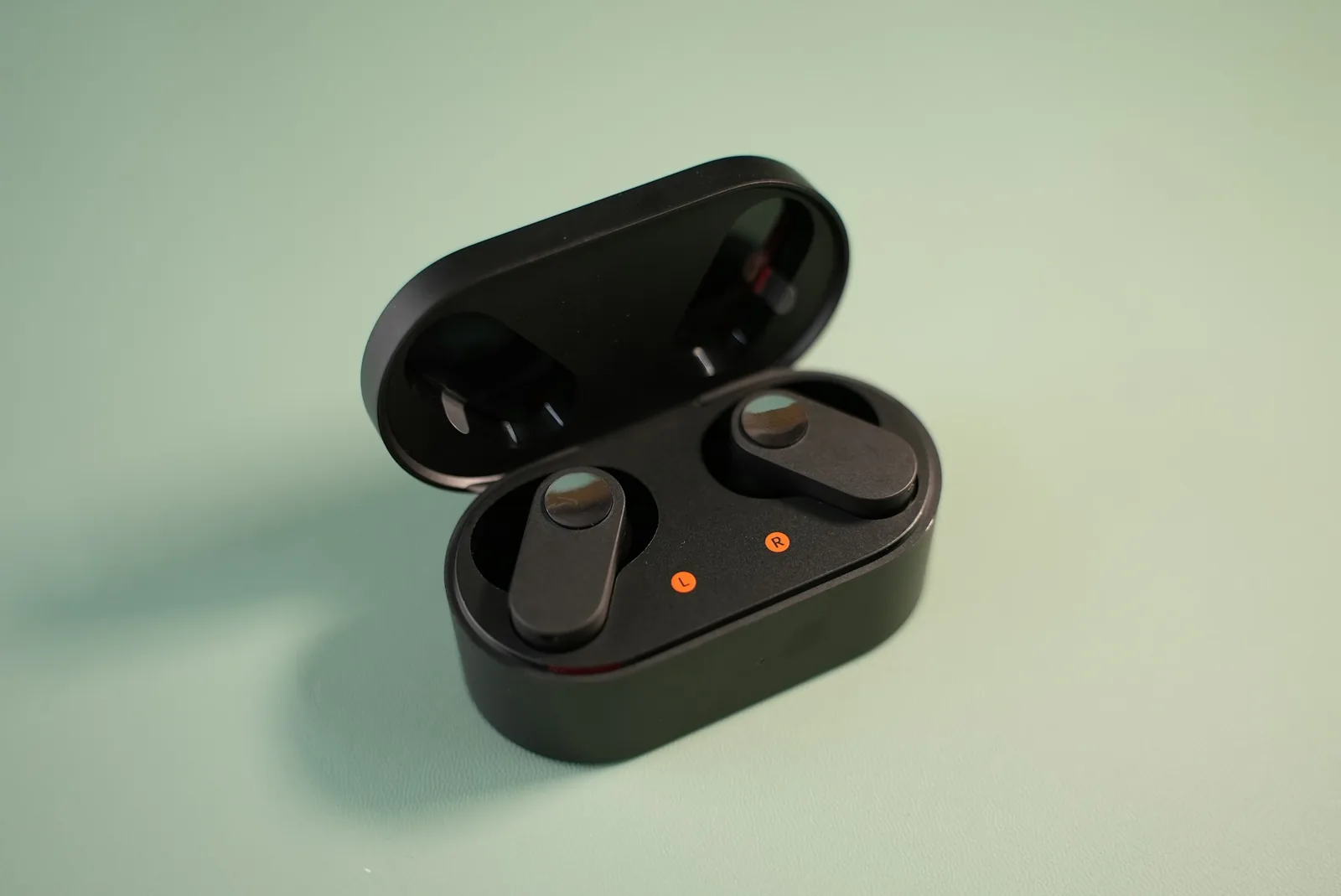
Open wireless earbuds case on a mint backgroundLess boom

Earbuds & cheap headphones

Tame boomy bass or add the treble that small drivers lose.

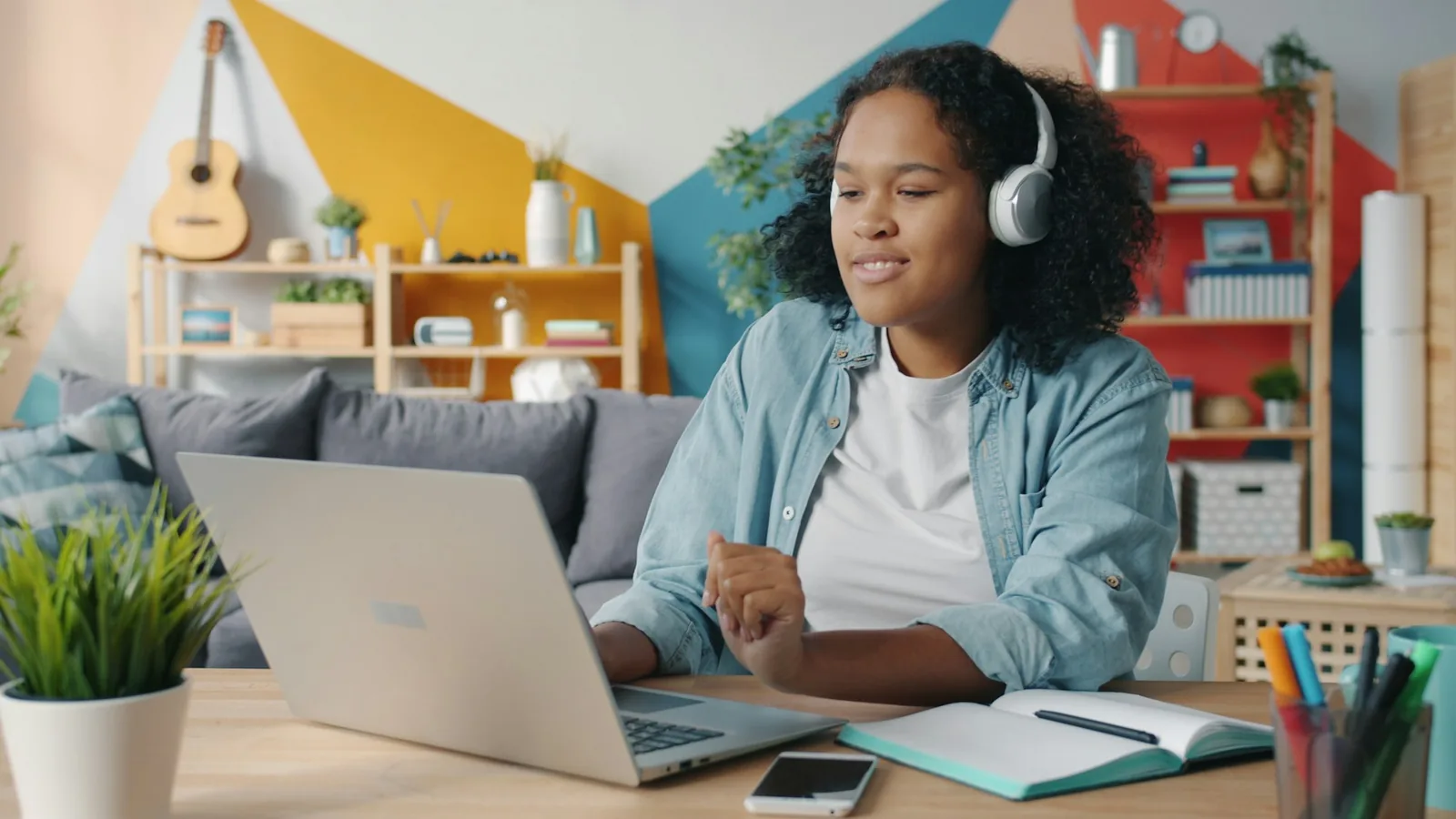
Woman in headphones listening to music on a laptop at homePhone speaker fix

Laptop & phone speakers

Shift energy from the sub-bass they can't play to the 250–500 Hz they can.

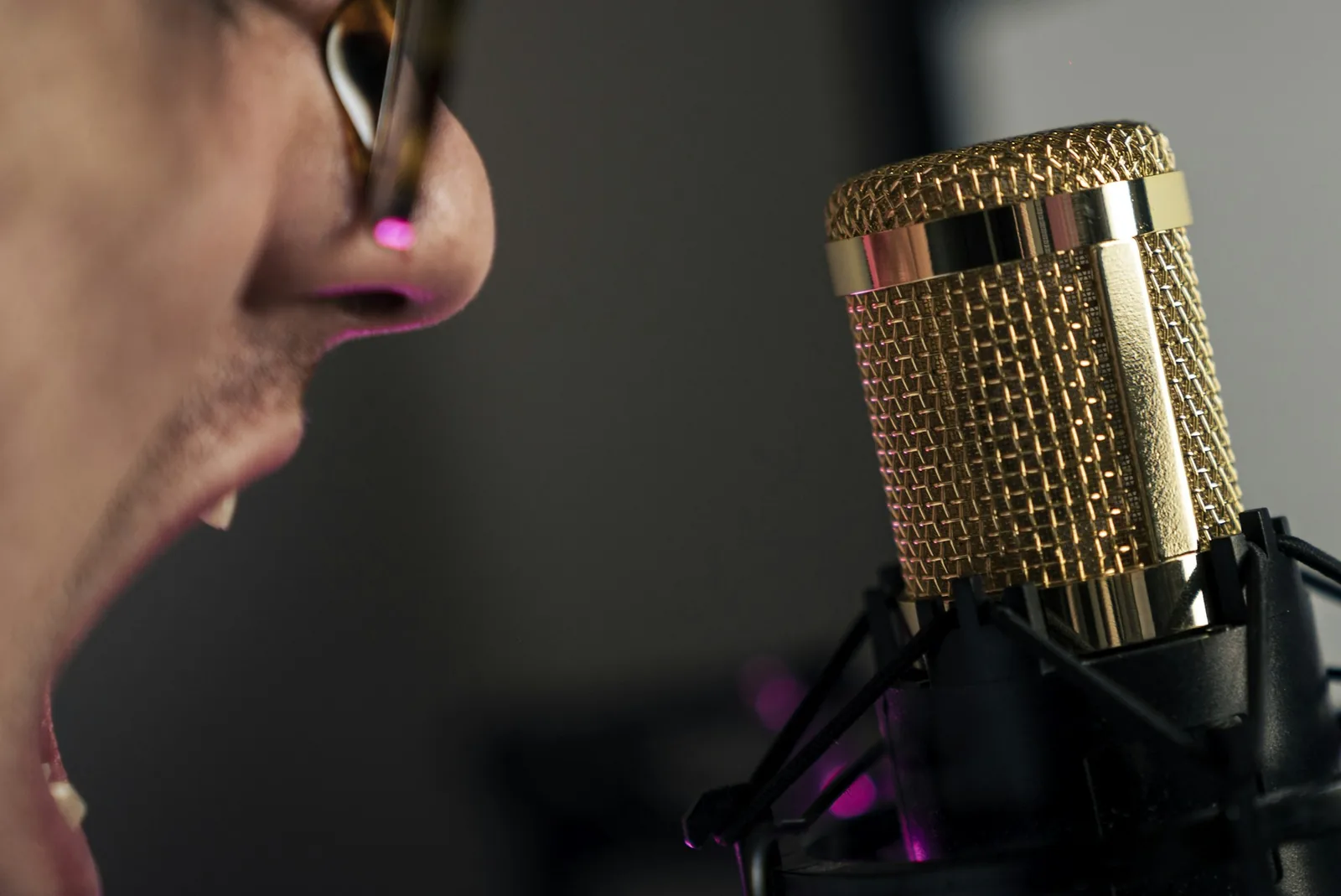
Singer close to a gold studio condenser microphoneVocal

Vocals & voice-overs

Clear the mud, lift 2–4 kHz and words cut through without turning up the volume.

Vinyl record spinning on a turntable in warm amber lightLo-fi

Lo-fi edits & intros

Roll off the lows and highs for that warm, faraway radio sound.

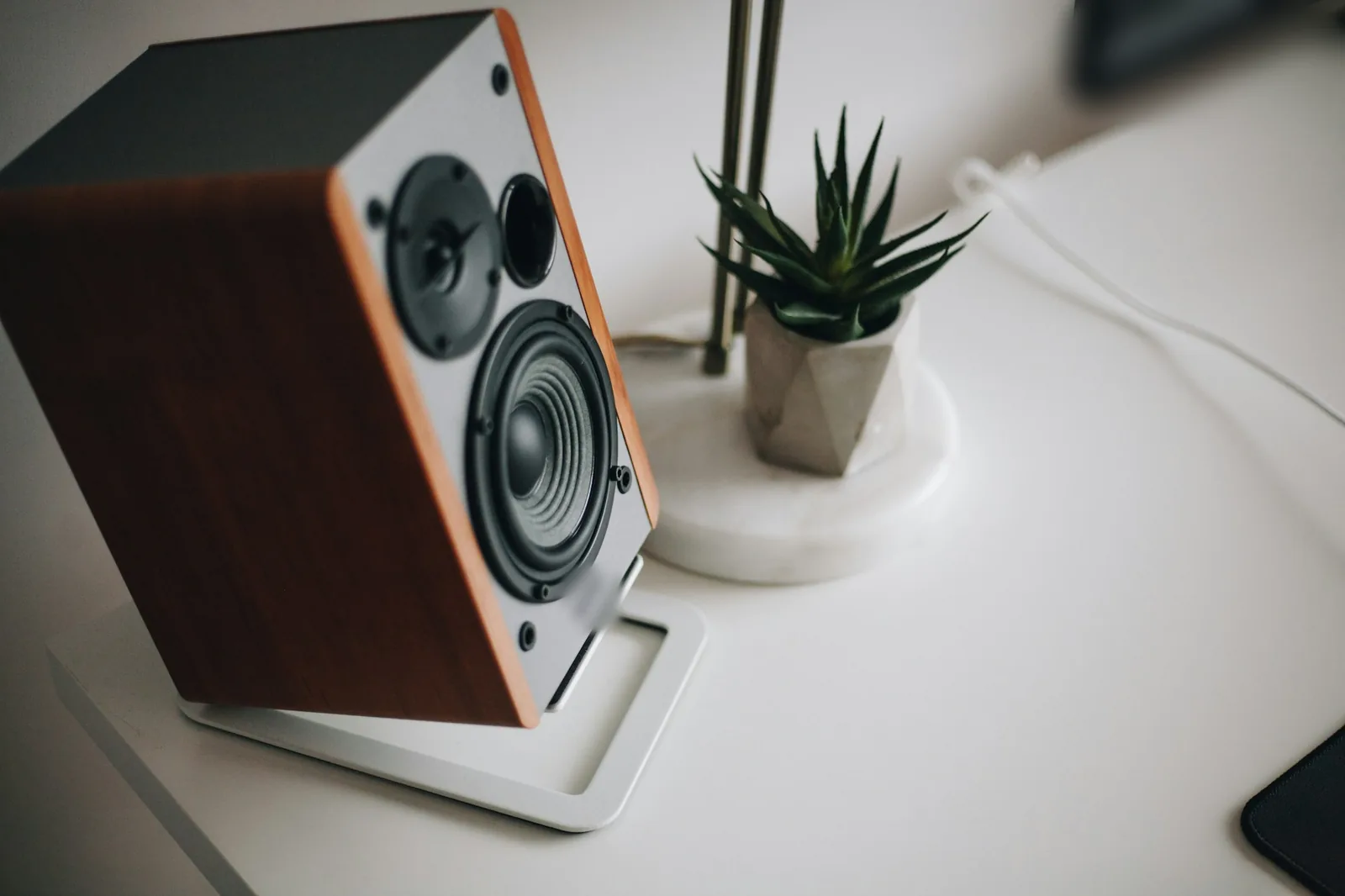
Bookshelf studio speaker on a bright white deskFlat

Checking a mix on monitors

Solo a band, find what's harsh or boomy, then fix it in your project.

EQ tips

Audio equalizer online: tips that make EQ sound better

A little EQ goes a long way. These habits come from mixing engineers and work in any sound equalizer online, on a phone recording or a finished song.

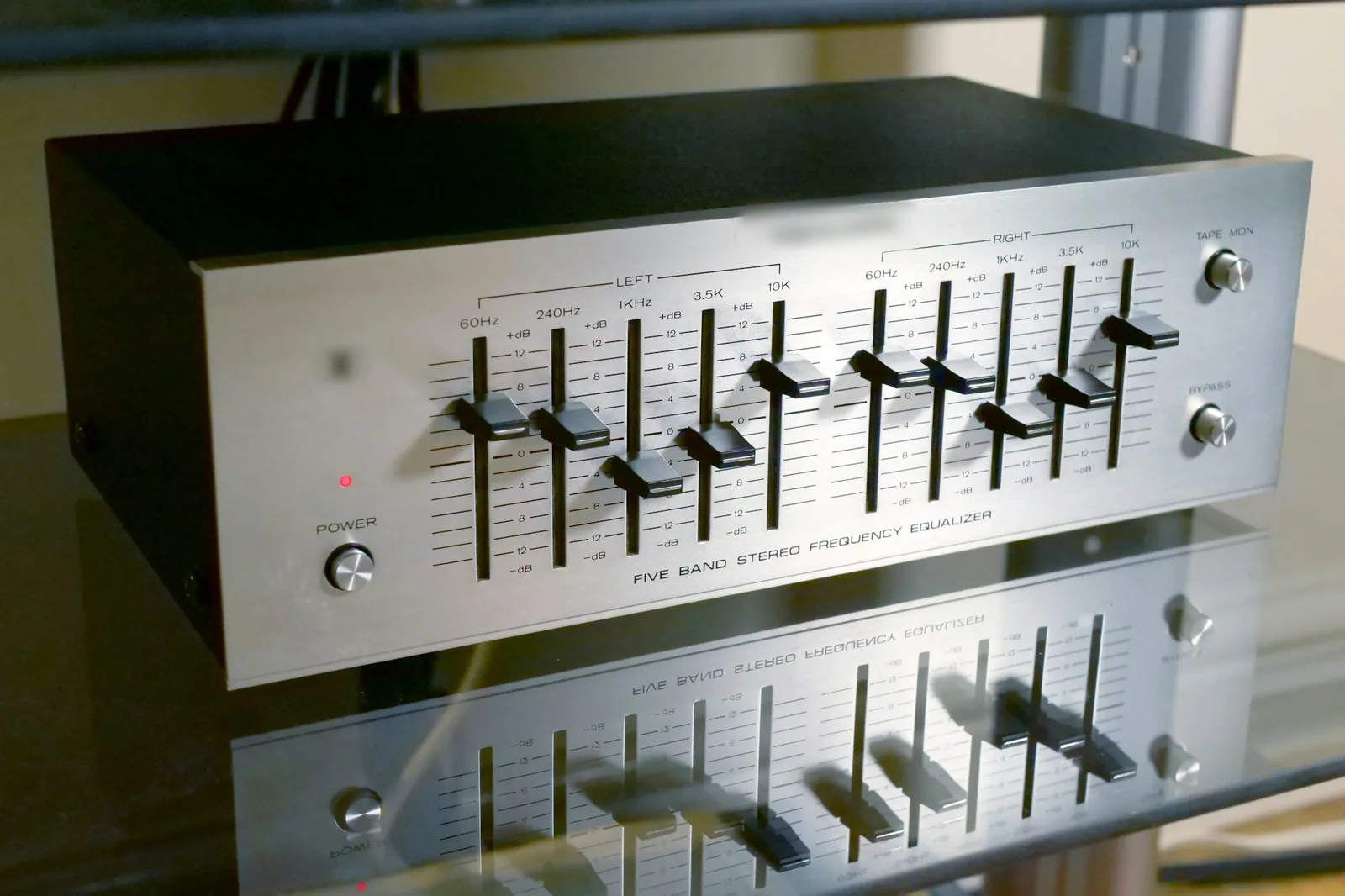
Silver five-band hardware graphic equalizer with sliders

Cut before you boost

If a song sounds dull, first try cutting the mud at 250–500 Hz instead of boosting the highs. Cuts sound natural, keep headroom and never clip; big boosts do the opposite.

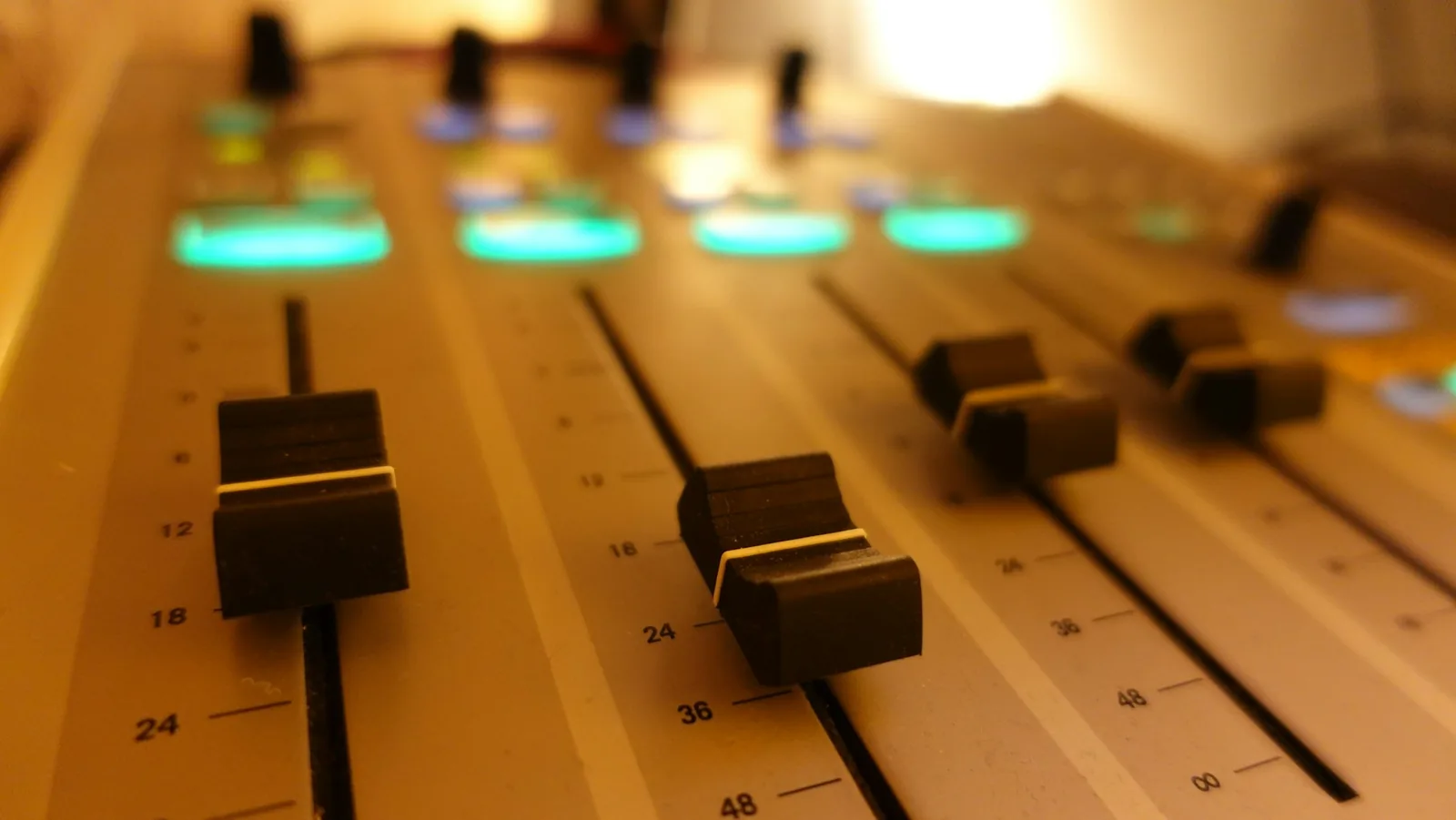
Close-up of mixing desk faders with a teal glow

Graphic vs parametric EQ

This is a graphic EQ: ten fixed bands, one octave wide, like the sliders on a hi-fi. A parametric EQ lets you move the frequency and width of each band — finer, but slower to use. For fixing a whole song, ten octaves are plenty.

Why the export can come out quieter

Boosts push peaks up, so presets lower the preamp and the export turns the whole file down if anything would pass −1 dBFS. To get the level back, run the result through make audio louder.

Three rules of thumb

  1. 1Move a band by 3 dB at most first; you can always go further.
  2. 2Switch to Original every few seconds — ears get used to any EQ within a minute.
  3. 3Judge on the speakers your audience uses, not just your best headphones.

Listening on Spotify?

Streams can't be downloaded and edited here. For Spotify's built-in equalizer see how to bass boost on Spotify; for files you own, a bass booster does just the low end in one slider.

FAQ

Online equalizer FAQ

Quick answers about using an audio equalizer online: presets, quality and privacy.

Yes — this one. It's a 10-band online equalizer that runs in your browser with no signup and no watermark. Load an MP3, WAV, M4A, OGG or FLAC, shape it with a preset or the curve, and download the result as MP3 or WAV.

For bass, raise 31–62 Hz by 4–6 dB and lower the preamp by the same amount (our Bass boost preset). For vocals, lift 2–4 kHz by 3–4 dB and cut below 100 Hz (our Vocal preset). Then A/B: if the change is obvious within a second, it's probably too much.

Not directly: streams are protected and can't be loaded into a web page. Spotify has its own equalizer in its playback settings. Use this online equalizer for audio files you own — your recordings, beats, podcasts or purchased songs.

Presets that boost lower the preamp, and the export turns the file down if a peak would pass −1 dBFS, so it can't clip. Our ears hear quieter as worse, so compare at equal loudness — or bring the level back up with the Make Audio Louder tool.

The filters themselves are clean 32-bit float maths. Quality is lost only by clipping, which the export prevents, or by re-encoding to MP3. Download WAV if you plan to edit the file again.

Nothing is uploaded: the EQ runs on your device with the Web Audio API, even offline once the page has loaded. It works in Safari and Chrome on iPhone and Android — the faders are touch-friendly and the curve can be dragged with a finger.

Free · no signup

Shape your sound with a free online equalizer

Ten bands, live A/B, peak-safe MP3 and WAV. Nothing leaves your device.

  • No signup
  • Live A/B
  • MP3 + WAV export

Free · no signup · no watermark · processed in your browser