Online Tone Generator
This online tone generator plays any frequency from 1 Hz to 22 kHz in your browser. Type a number or pick a note, choose sine, square, triangle or sawtooth, run a sweep or a two-ear beat, and save the tone as a WAV file. Start with the volume low.
- Free, no signup
- 1 Hz – 22 kHz
- WAV download
Tone
440 Hz
Start quiet. Raise your device volume slowly to a comfortable level.
Download as WAV
Built in
A tone generator with four modes
One steady pitch, a sweep across the spectrum, a different tone in each ear, or up to six tones at once — each one renders to a WAV.
- 1 Hz – 22 kHzAny frequency, typed or picked from a keyboard
- 4 wavesSine, square, triangle and sawtooth
- 6 tonesPlay together in mix mode
- WAV16-bit, 44.1 kHz, 5 min free · 60 min with Pro
Tone
- A4 = 440 Hz
- 0.01 Hz
- Left
- Right

Sweep
- 1–60 s
- Linear
- Log

Two-ear beat
- 0.5–40 Hz
- stereo

Mix
- 350 + 440 Hz
- A · C♯ · E
- ≤ 6
Examples
Tones made with this tone generator
Each clip below came out of this tool's WAV export (shortened and kept quiet for the page). The pictures are their spectrograms and waveforms, drawn with our own tools.


Same note, four waveforms
220 Hz as a sine is one clean line. The square, triangle and saw add harmonics above it — that is why they sound brighter at the same pitch.
- 220 Hz
- Sine
- Square
- Triangle
- Saw
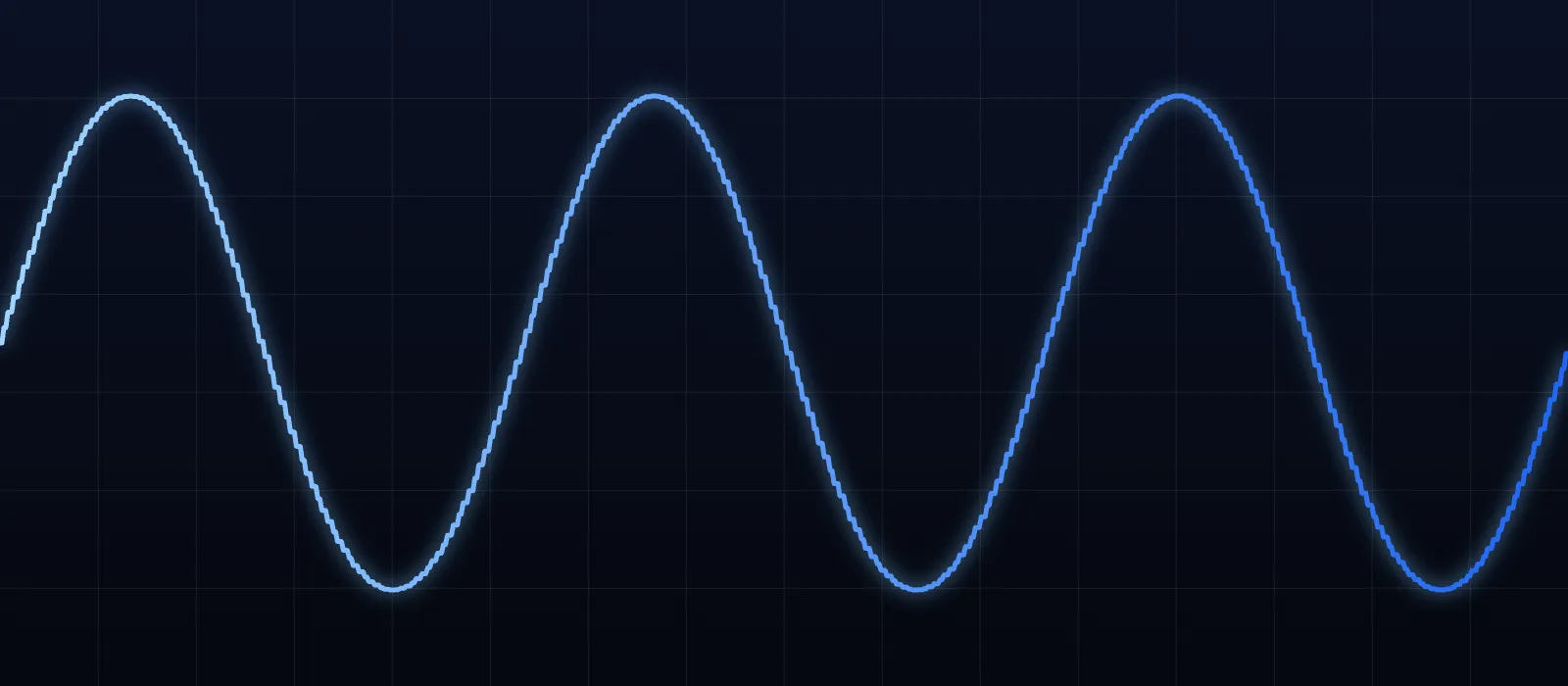
A4 at 440 Hz, pure sine
The tuning reference most orchestras and apps use. One frequency, no harmonics.
- 440 Hz
- Sine
- A4

20 Hz → 20 kHz log sweep
Ten seconds across the whole hearing range. On a log axis the sweep is a straight line.
- 20 Hz → 20 kHz
- Log
- 10 s
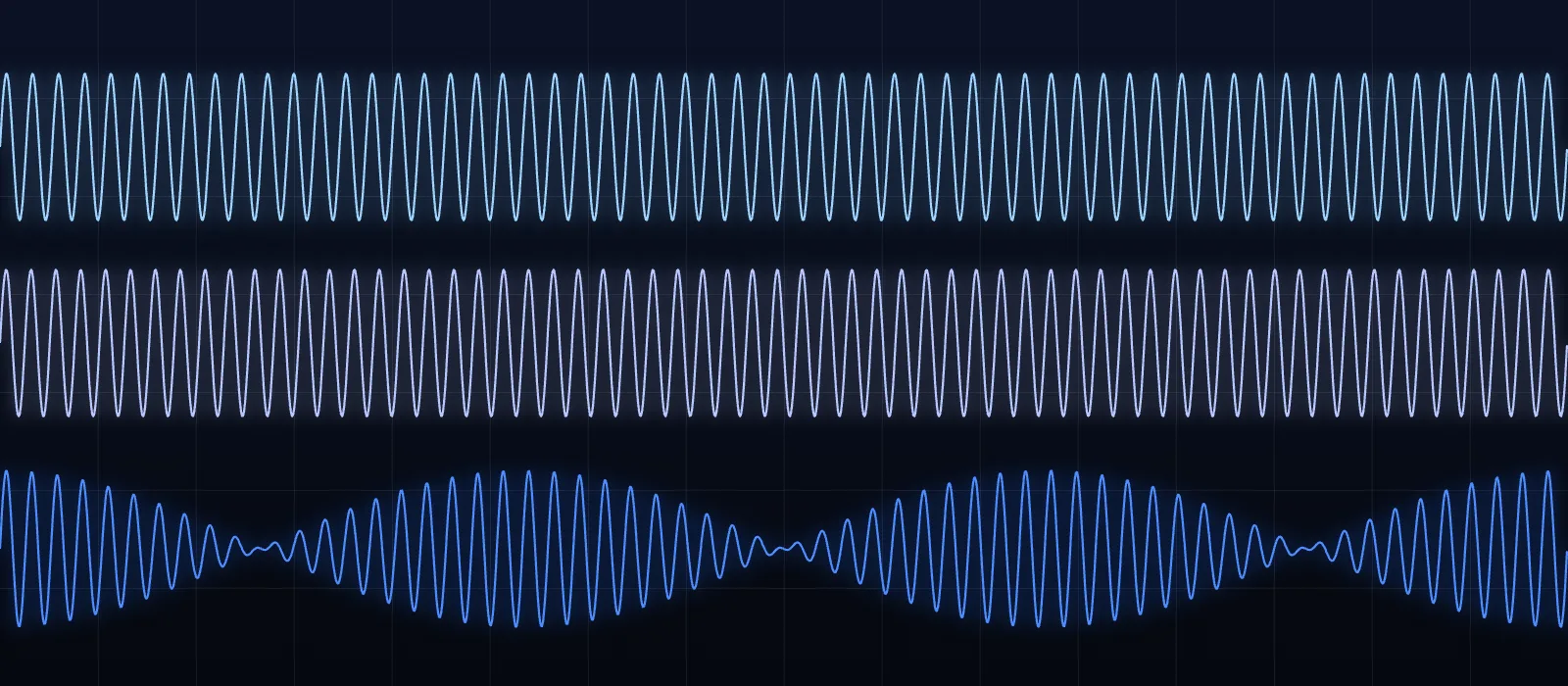
Two-ear beat, 200 + 10 Hz
Left 200 Hz, right 210 Hz. Played through one speaker, the sum swells 10 times a second.
- L 200 Hz
- R 210 Hz
- Δ 10 Hz
- stereo
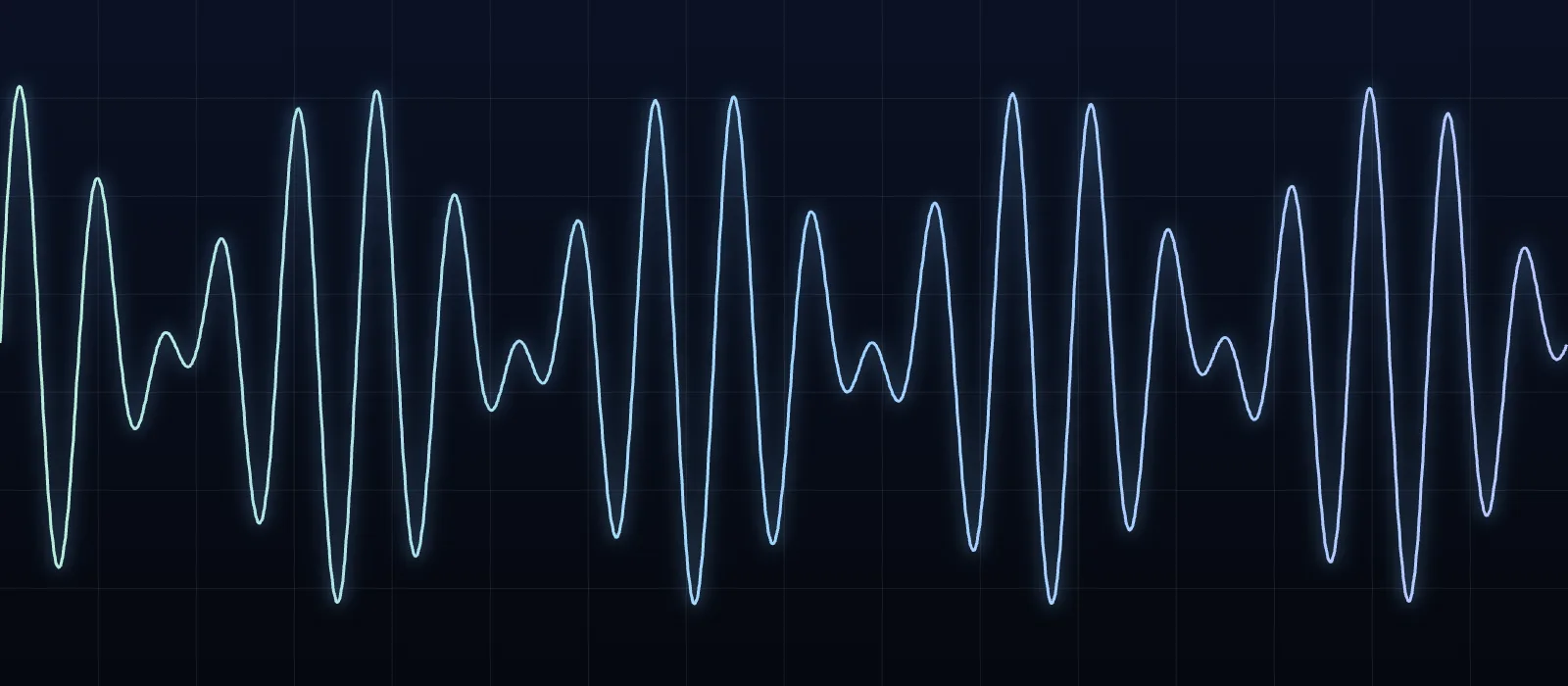
North American dial tone
350 Hz and 440 Hz together in mix mode — the sound you hear when you pick up a landline in the US.
- 350 Hz
- 440 Hz
- Mix
Want to see your own tone as a picture? Load the WAV into the spectrogram, or tune a whole song with the 432 Hz converter.
How it works
Use the frequency tone generator in three steps
Set the frequency
Type a number, drag the log slider, or tap a note. Arrow keys nudge it by 1 Hz.
Shape the sound
Pick a waveform and a mode: steady tone, sweep, two-ear beat or a mix of up to six.
Play quietly, then save
Start at a low volume and raise it slowly. Download a WAV when it sounds right — up to 5 minutes free, 60 with Pro.
Settings
What each control does
Real numbers, so you know exactly what you are hearing and exporting.
Frequency, 1 Hz to 22 kHz
- 1 Hz
- 1 kHz
- 22 kHz
Notes and A4 reference
- A4 400–480 Hz
- ¢
Waveforms, level-matched
- Square −6 dB
- Saw −4.4 dB
Left, right or both
Sweeps
Volume and headroom
- 25% = −24 dB
- 50% = −12 dB
Keyboard shortcuts
- Space
- ← →
- Shift
- ↑ ↓
- 1–4
Listen safely
Use cases
What people use a tone generator for
From tuning a violin to finding a buzzing panel in a car, a steady test tone is a surprisingly handy tool.
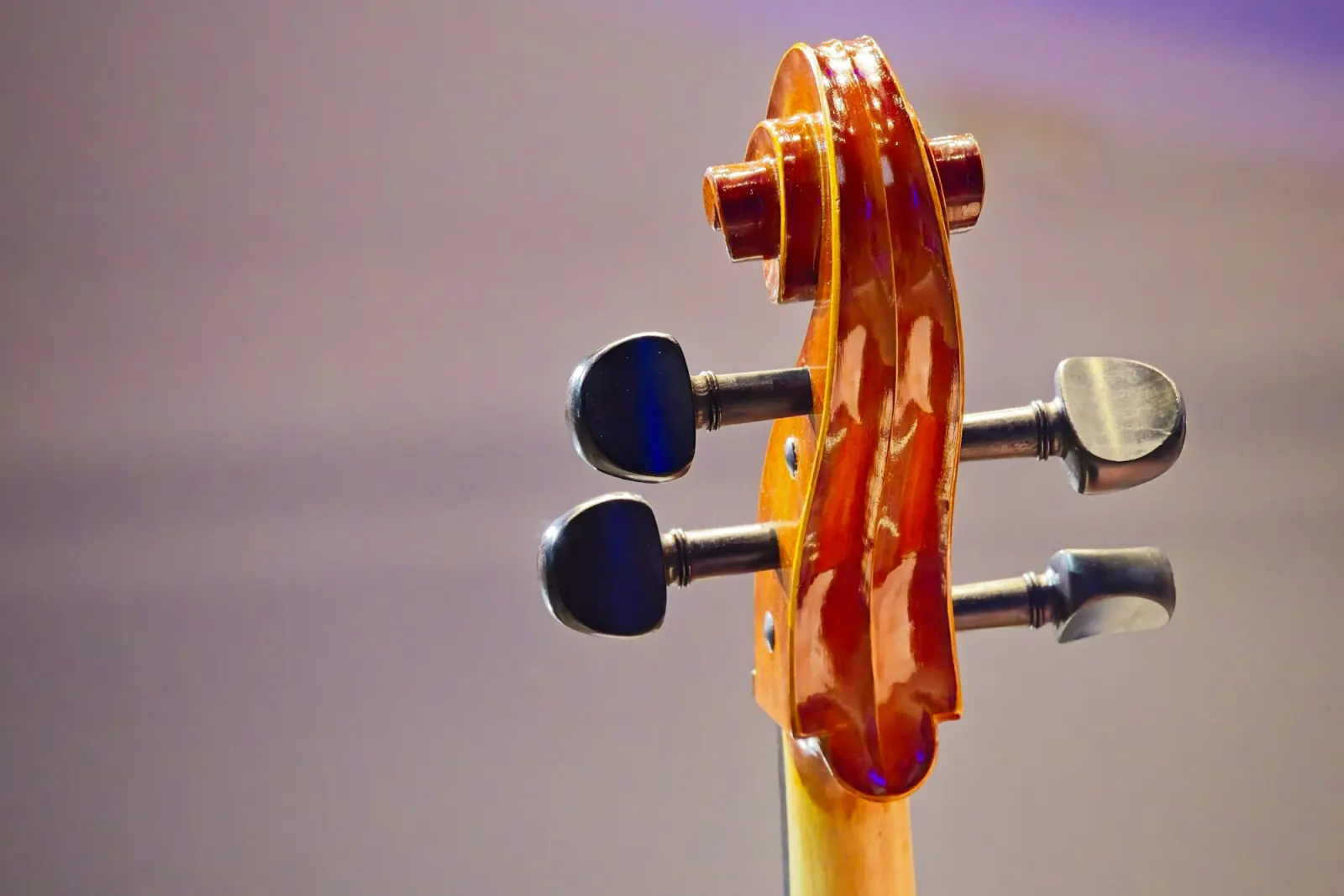
Tune an instrument
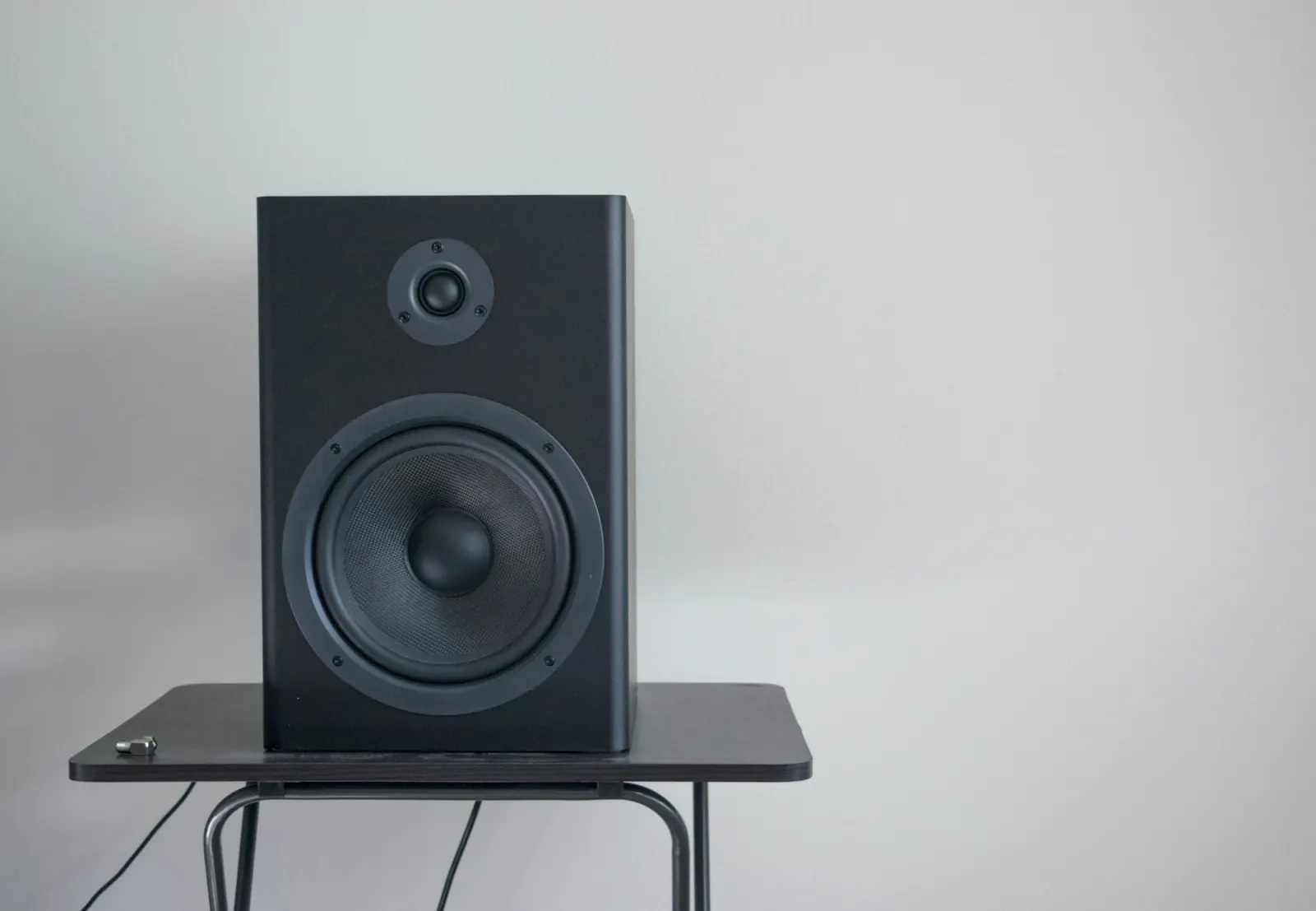
Test speakers and headphones
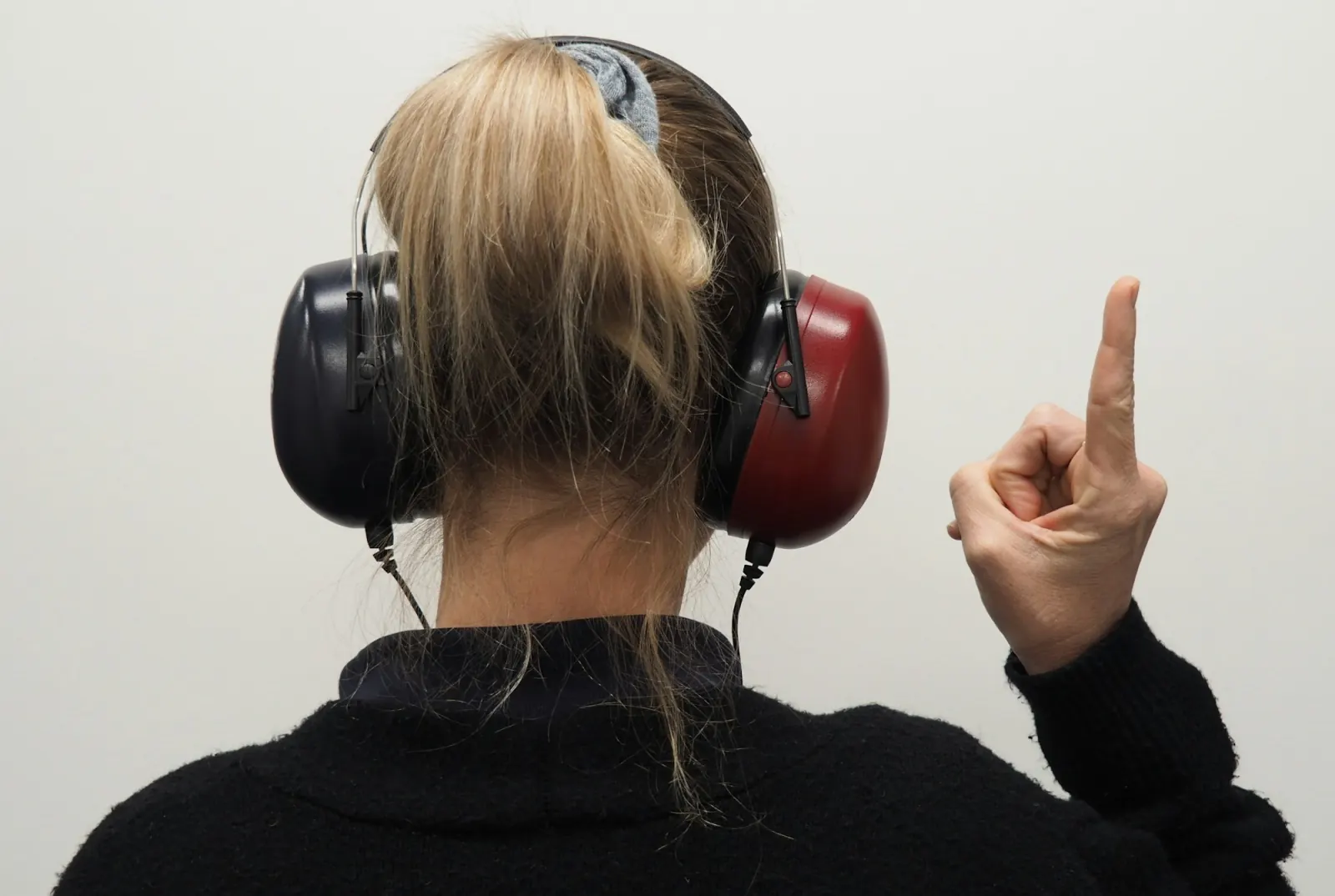
Explore your hearing range

Room and sound checks
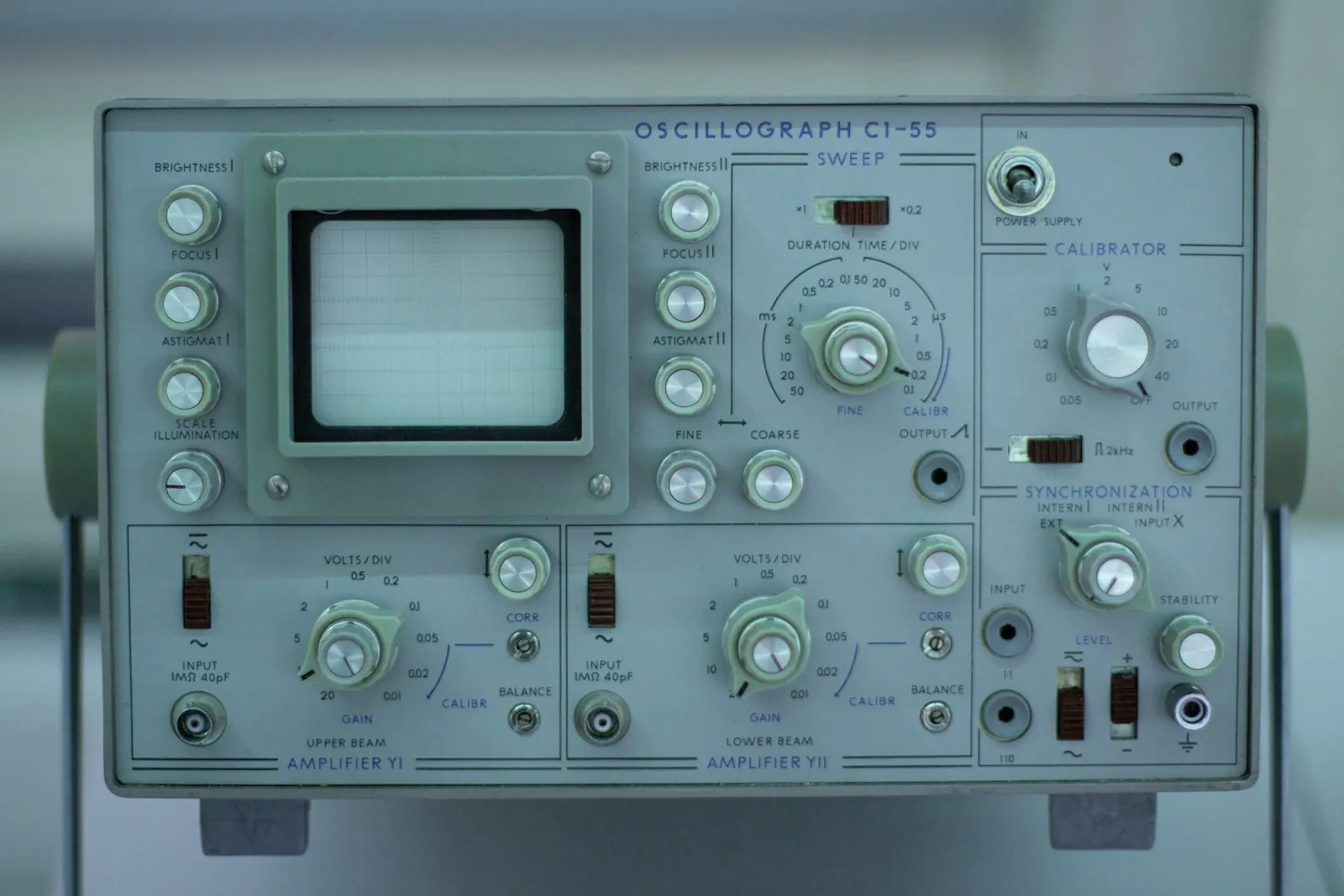
Science class

High-frequency curiosity
Photos: Unsplash (Unsplash License). Audio clips and diagrams: made with this tool and our spectrogram.
Reference
A frequency chart for the pure tone generator
A pure tone is a single sine wave: one frequency, no harmonics. It is the simplest sound there is, which is why tuners, audiologists and engineers all reach for it. The other waveforms add harmonics at whole-number multiples of the note: a square wave adds the odd ones (3×, 5×, 7×…), a triangle adds the same ones much more quietly, and a sawtooth adds every harmonic.
Two tones close together in pitch produce beats: the sound swells and fades at the difference between them, which is how musicians tune by ear. Played one into each ear on headphones, the same pair is often called a binaural beat. Many listeners perceive a gentle pulse; research on other effects is mixed, so we leave it at that. If you are working in 432 Hz, the 432 Hz converter retunes whole songs.
Listen safely
Frequencies worth knowing
| Frequency | What it is |
|---|---|
| Common lower limit of human hearing | |
| Mains hum in Europe and Asia (50) or the Americas (60) | |
| Middle C (C4) | |
| A4, the usual concert pitch (ISO 16) | |
| Standard reference and line-up tone | |
| 350 + 440 Hz | North American dial tone |
| Where the ear is most sensitive | |
| Upper limit for many adults | |
| Common upper limit of human hearing |
FAQ
Tone generator questions
An online tone generator makes a steady sound at a frequency you choose, right in your browser. This one covers 1 Hz to 22 kHz with four waveforms, sweeps, two-ear beats and mixes of up to six tones, and saves any of them as a WAV.
Type the number into the frequency box (for example 432 or 1k), drag the log slider, or tap a note on the keyboard. Press Play or Space. The arrow keys move the frequency by 1 Hz, or a semitone with Shift.
A pure tone is a sine wave: a single frequency with no harmonics. Choose Sine in this tone generator for a pure tone. Square, triangle and sawtooth add harmonics and sound brighter at the same pitch.
Yes. Pick a length — up to 5 minutes free, or up to 60 minutes with Pro — and press Download WAV. You get a 16-bit, 44.1 kHz file — mono, or stereo when the tone goes to one ear or uses a two-ear beat. A sweep exports one full pass.
It plays one frequency in the left ear and a slightly higher one in the right, so you need headphones. Many people hear a slow pulse at the difference. We make no health, sleep or focus claims about it.
At sensible levels, yes. Start quiet, raise the volume slowly, keep sessions short and stop if anything hurts or rings. High and low tones can be loud even when hard to hear. This is not a medical hearing test.
Play your tone
Pick a frequency, keep the volume low, and download a WAV when it sounds right.
Free · no signup · no watermark · processed in your browser