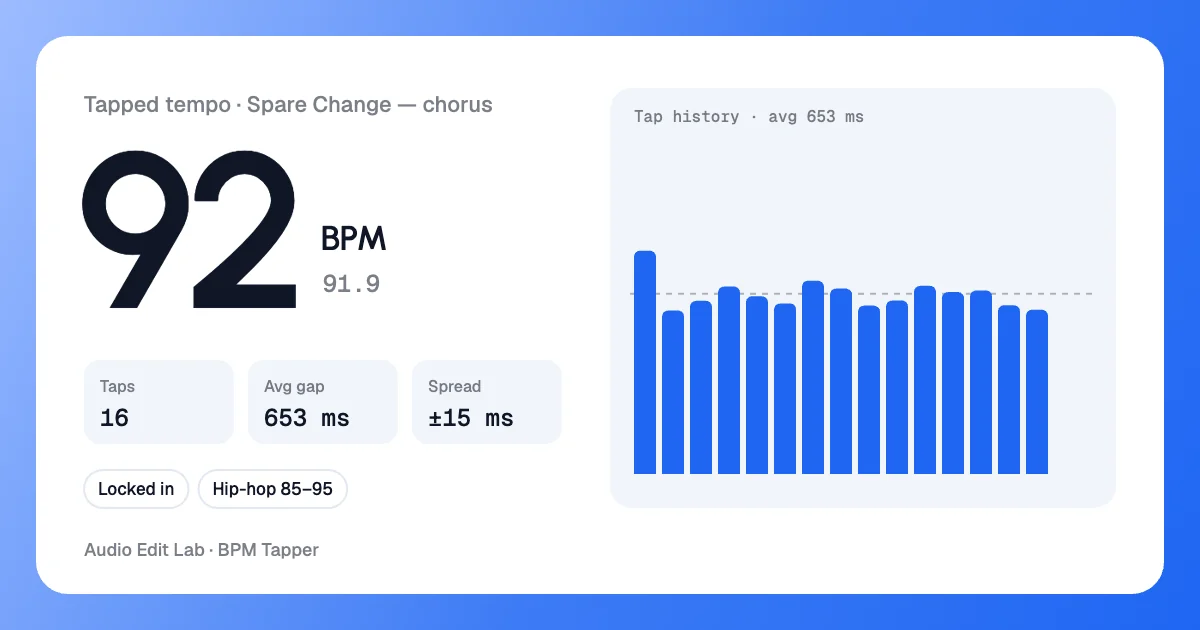
16 taps on the beat
16 taps · ±15 ms · 91.9 BPM
One tap on every beat of the chorus. The reading locked in at 91.9 BPM, within 0.1 BPM of the 92.0 the file detector found.
This free BPM tapper finds the tempo of any song: play it and tap for BPM on the pad, with Space or with any key. Live BPM, a tap metronome that clicks at your tempo and BPM detection from a file, all in your browser.
Your tempo
WaitingEvery tap adds a bar here
Tap metronome
Click track · download 60 seconds of this click as MP3 (192 kbps) or WAV
Examples
We ran our demo song, Spare Change, through the BPM tapper and the file detector. Every card below is an image the BPM tapper saved, with the settings we used.
16 taps · ±15 ms · 91.9 BPM
One tap on every beat of the chorus. The reading locked in at 91.9 BPM, within 0.1 BPM of the 92.0 the file detector found.
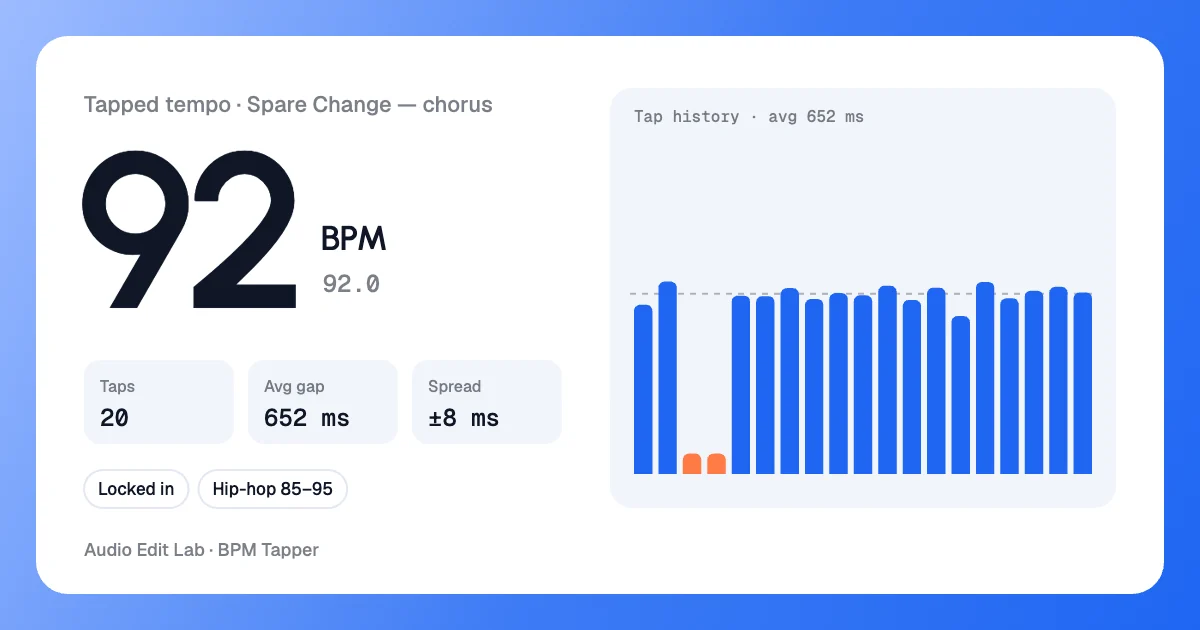
20 taps · 2 ignored
One accidental double tap left two gaps far off the median (the coral bars). The BPM tapper ignored both, so the tempo stayed on 92.0.
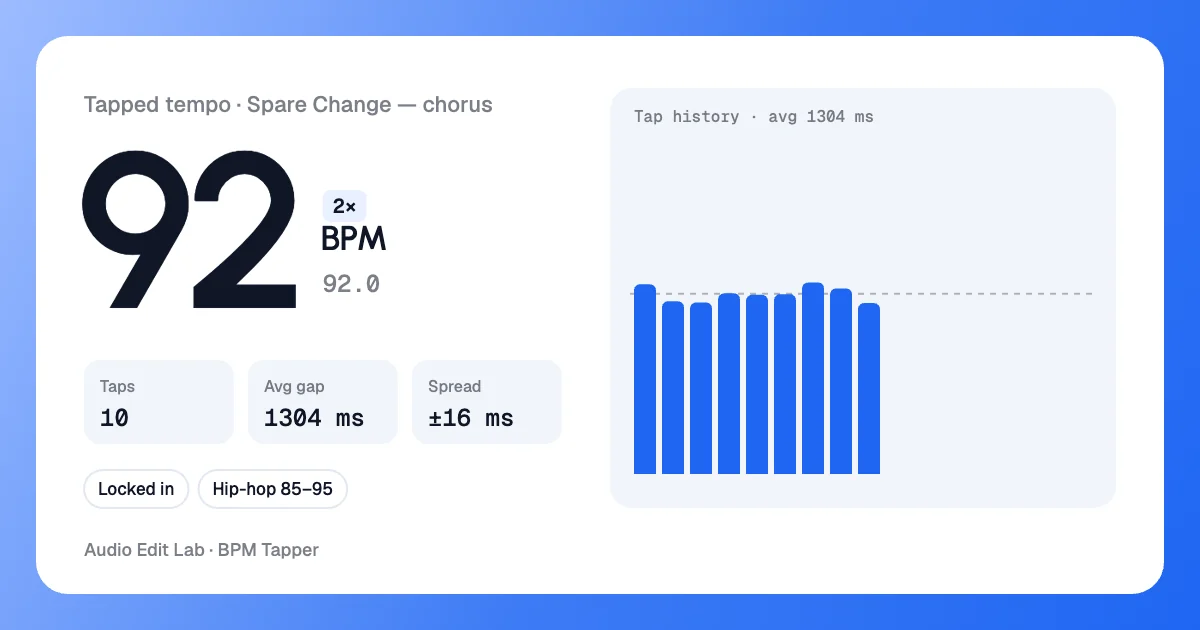
tapped 46.0 · 2× = 92.0
Tapping only every other beat reads about 46 BPM. One press of 2× in the BPM tapper gives the real tempo — the same fix works when trap or drum & bass reads as 70 or 87.
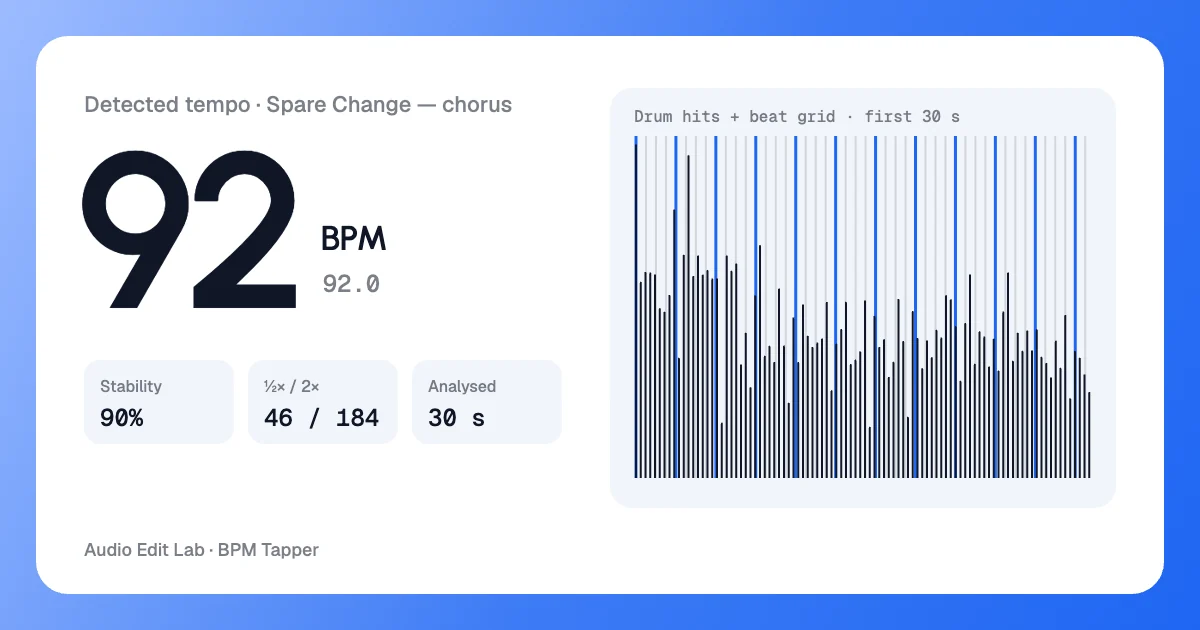
auto · 92.0 BPM · 90% stability
No tapping: the detector found 92.0 BPM in the chorus clip and laid a beat grid over the drum hits. Press play to hear the click on that grid.
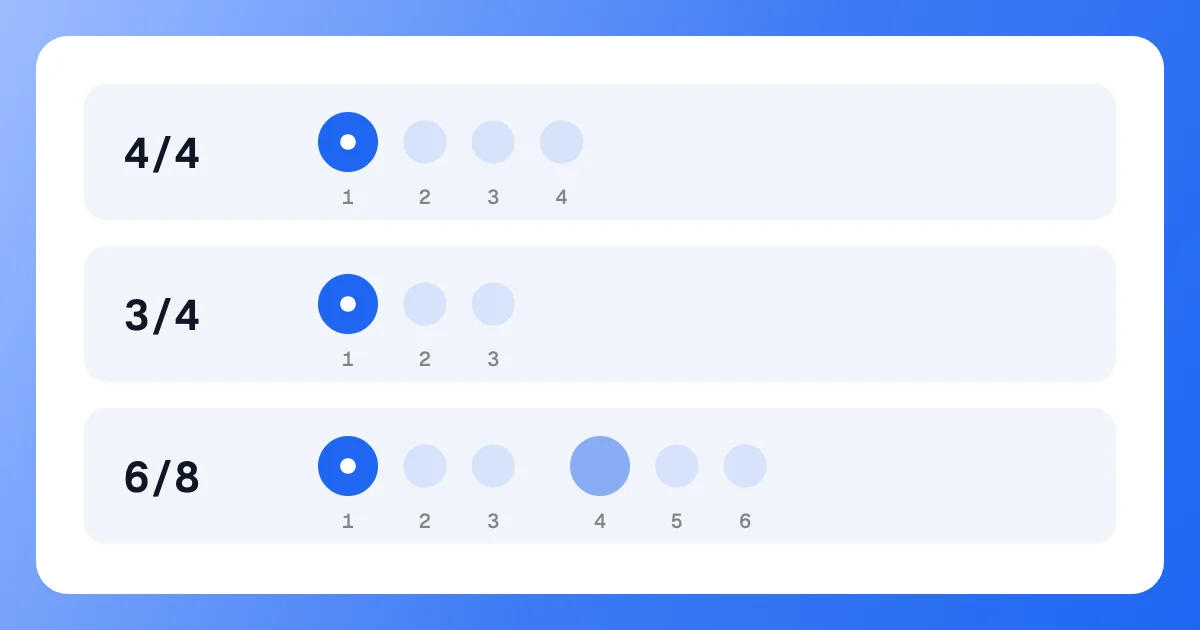
accent on 1 · 6/8 also on 4
How the tap metronome counts each bar: a high click on beat one; 6/8 plays three clicks per tapped beat with a second accent on four.
How to
Play your track anywhere — a streaming app, a DJ deck, a rehearsal — or pick a demo clip under the pad.
Tap the pad, Space or any key on each kick or snare. The BPM tapper shows the tap BPM from the second tap; it settles by the eighth.
Fix half or double with ½× or 2×, start the tap metronome, save the result as an image or retime the song.
What the numbers mean
Every figure on this BPM counter comes from the gaps between your taps. Here is what each one tells you.
Tempo is 60,000 divided by the average gap between taps in milliseconds. Taps 652 ms apart give 92.0 BPM. The BPM tapper rounds the big number; the small one keeps one decimal.
Spread is how far your taps wander from the average. The meter weighs it against how many taps you have: steady taps reach Locked in after about ten.
A gap more than 22% away from the median of your last 16 — a double tap or a missed beat — is ignored, so one slip doesn't drag the tempo.
Pause for 3 seconds (or 2, or never) and the next tap starts a fresh count, so you can move on to the next song without pressing Reset.
Made for
One BPM tapper with a tap metronome, six everyday jobs: from the DJ booth and the drum stool to the classroom and the running track.
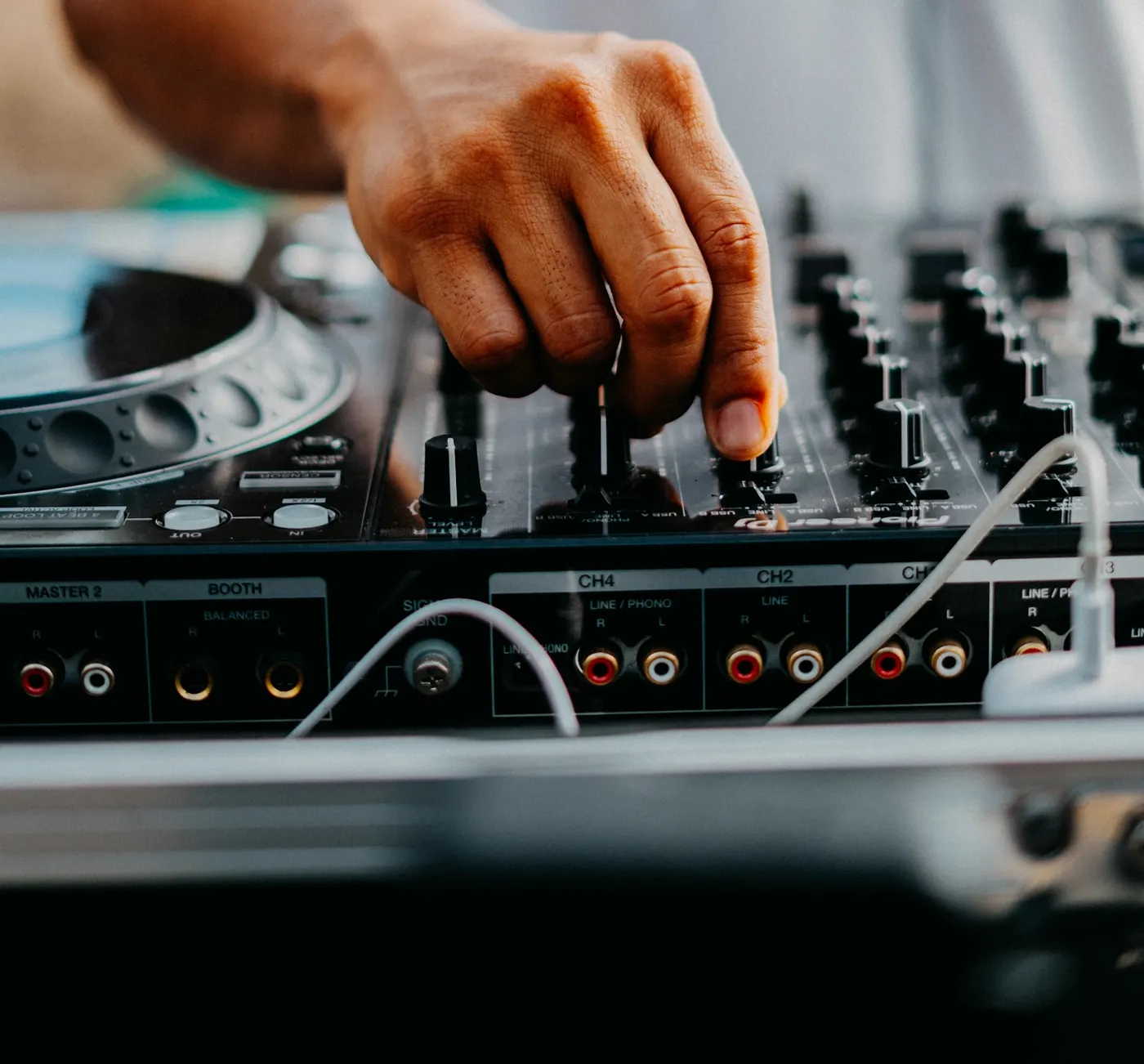 124 → 128 BPM · pitch +3.2%
 4/4 · ●○○○
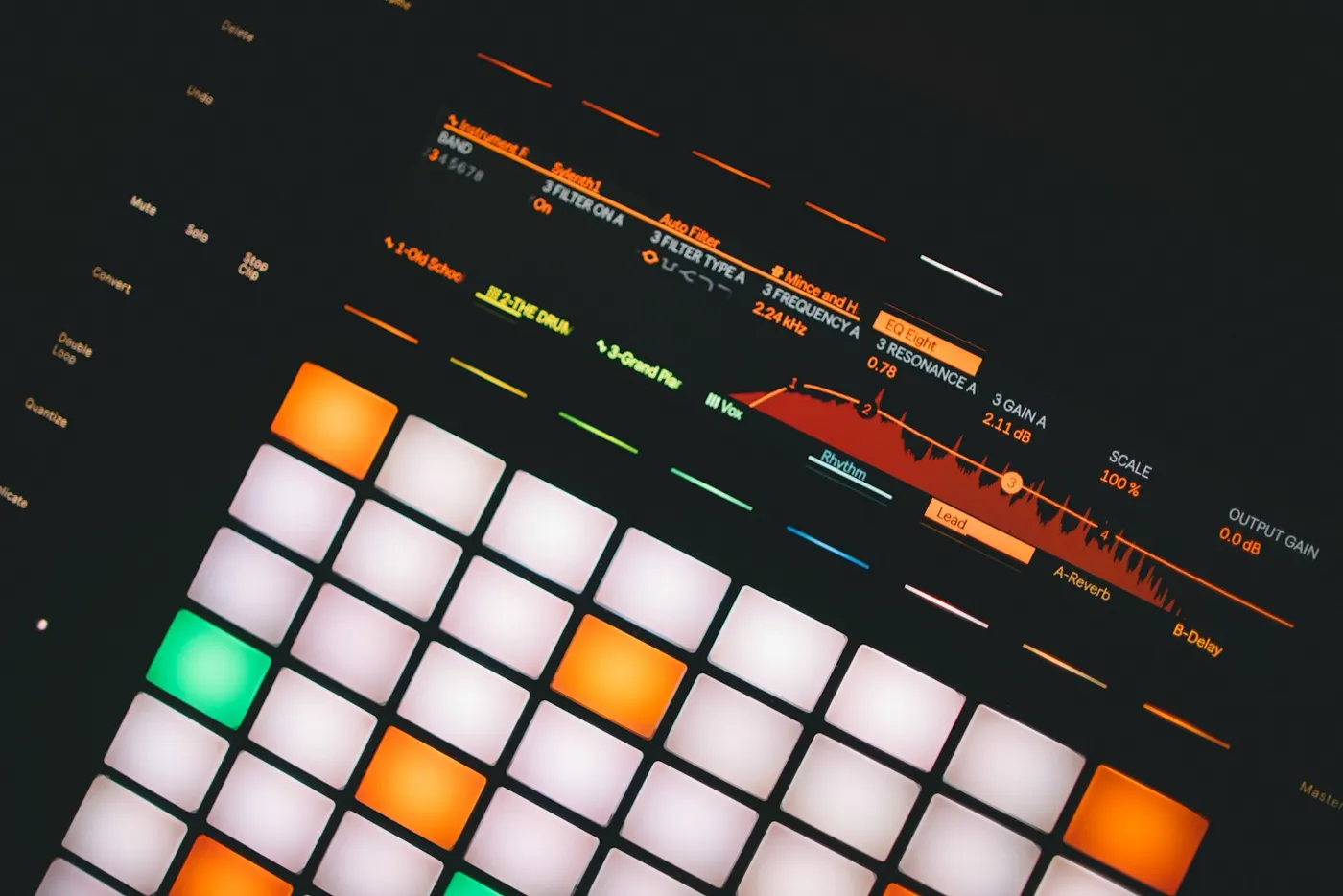 92.0 · Project tempo
 5 · 6 · 7 · 8
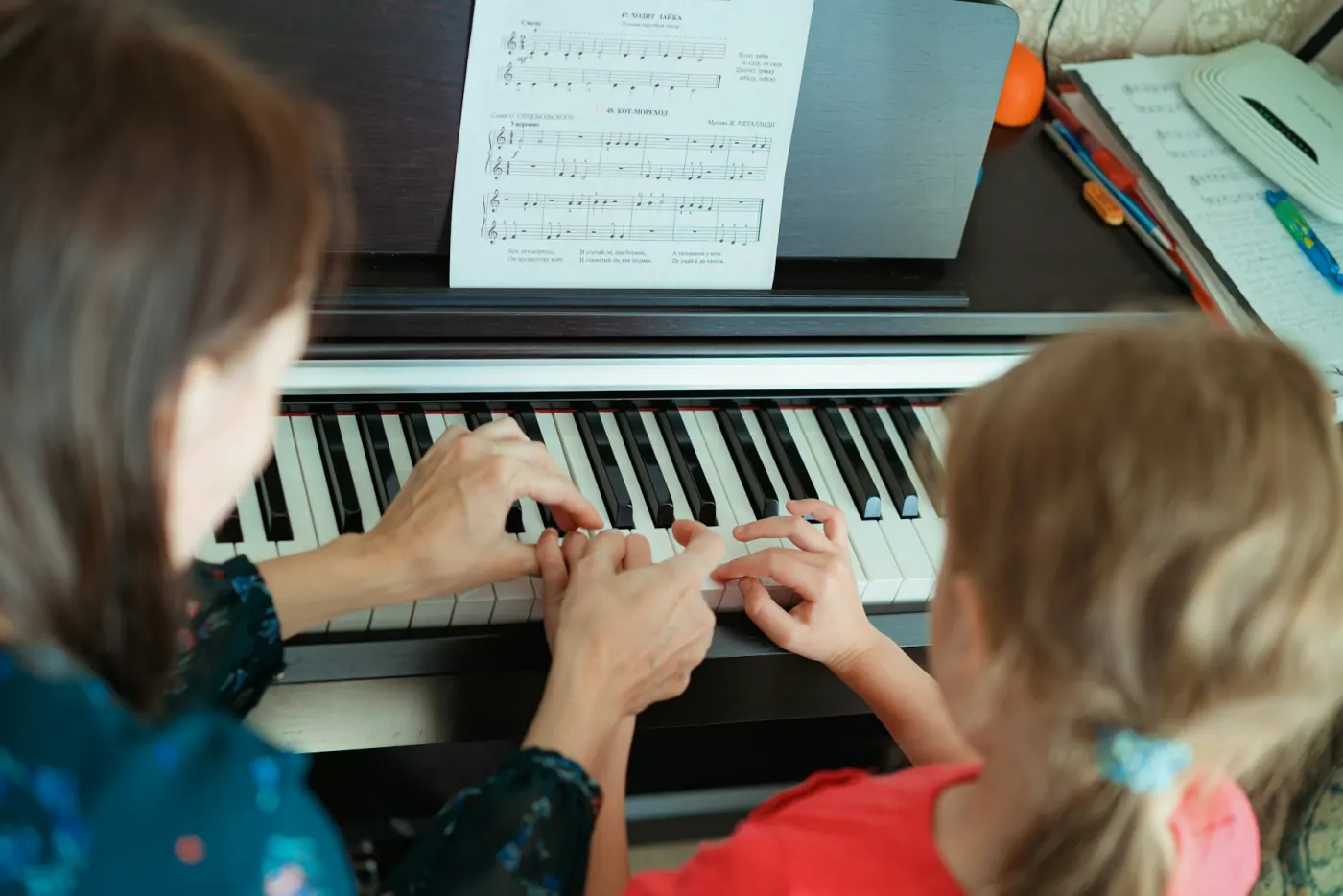 92 → 83 BPM · 90%
 170 spm
Guide
BPM (beats per minute) is a song’s tempo: how many beats — the pulse you clap or nod along to — fit into one minute. 60 BPM is one beat per second; 120 BPM is two.
The formula
BPM = 60,000 ÷ average gap between taps (ms)
A BPM tapper times the gap between each tap and averages them. Taps 500 ms apart are 120 BPM; 652 ms apart, 92 BPM.
Only your first and last tap set the average gap, so every extra tap you give the BPM tapper shrinks the error. Figures for a 120 BPM song when each tap lands within about ±20 ms:
| Taps | Typical error |
|---|---|
| 4 | ±2.3 BPM |
| 8 | ±0.98 BPM |
| 16 | ±0.45 BPM |
| 32 | ±0.22 BPM |
There is no single average BPM: most pop songs sit between 100 and 130, house between 120 and 128, and DnB BPM lands around 170–175. Trap and dubstep are often felt at half time, so a tapped 70 can mean 140. Typical ranges, not rules.
| Genre | Typical BPM |
|---|---|
| Hip-hop | 85–95 |
| Reggaeton | 90–100 |
| Pop | 100–130 |
| House | 120–128 |
| Techno | 125–140 |
| Traphalf-time feel 65–75 | 130–150 |
| Dubstephalf-time feel 70 | 138–142 |
| Drum & bass (DnB) | 170–175 |
pitch % = (target − source) ÷ source × 100
124 → 128 BPM needs +3.2%, well inside a classic ±8% pitch fader. For bigger jumps, retime the file first with the BPM Changer.
Tap BPM for the song, then build up to it with the tap metronome:
Want the recording itself slower? Use the Audio Speed Changer.
Long before tap tempo, musicians set the beat by hand. The BPM tapper does the same job with a keyboard.
 downbeat
 1 · 2 · 3 · 4
 ♩ = 92
 40–208 BPM
FAQ
Play the song, then tap for BPM: hit the pad, Space or any key on every beat. The BPM tapper shows the tempo from the second tap, and after 8–16 taps it is steady to within about 1 BPM. Pause for 3 seconds and your next tap starts a new count.
At least 8. Only the first and last taps set the average gap, so the error shrinks with every tap: roughly ±2 BPM after 4 taps, ±1 after 8 and under ±0.5 after 16, for a 120 BPM song tapped within about ±20 ms.
You tapped every other beat, or every off-beat too. Both are fair ways to feel a song, so press ½× or 2× in the BPM tapper to switch. Trap and drum & bass are often felt at half speed: 70 or 87 usually means 140 or 174.
A metronome you set by tapping instead of typing a number. Tap the song, press play and the click starts in time with your taps, with an accent on beat one in 2/4, 3/4, 4/4 or 6/8. You can also download a 60-second click track as MP3 or WAV.
Yes. Open Detect from a file and drop an MP3, WAV, M4A, OGG or FLAC — up to 50 MB and 10 minutes free, or 500 MB and 2 hours with Pro. The beat is found in your browser and the file is never uploaded. Press play to hear the click over the song and check it by ear.
Yes. The BPM tapper’s pad is a large touch target that registers the moment your finger lands, so tap tempo with a thumb works well. On a computer, Space or any letter key does the same job.
A free BPM tapper — no signup, nothing uploaded. Tap the beat, read the BPM, start the click.
Free · no signup · no watermark · processed in your browser