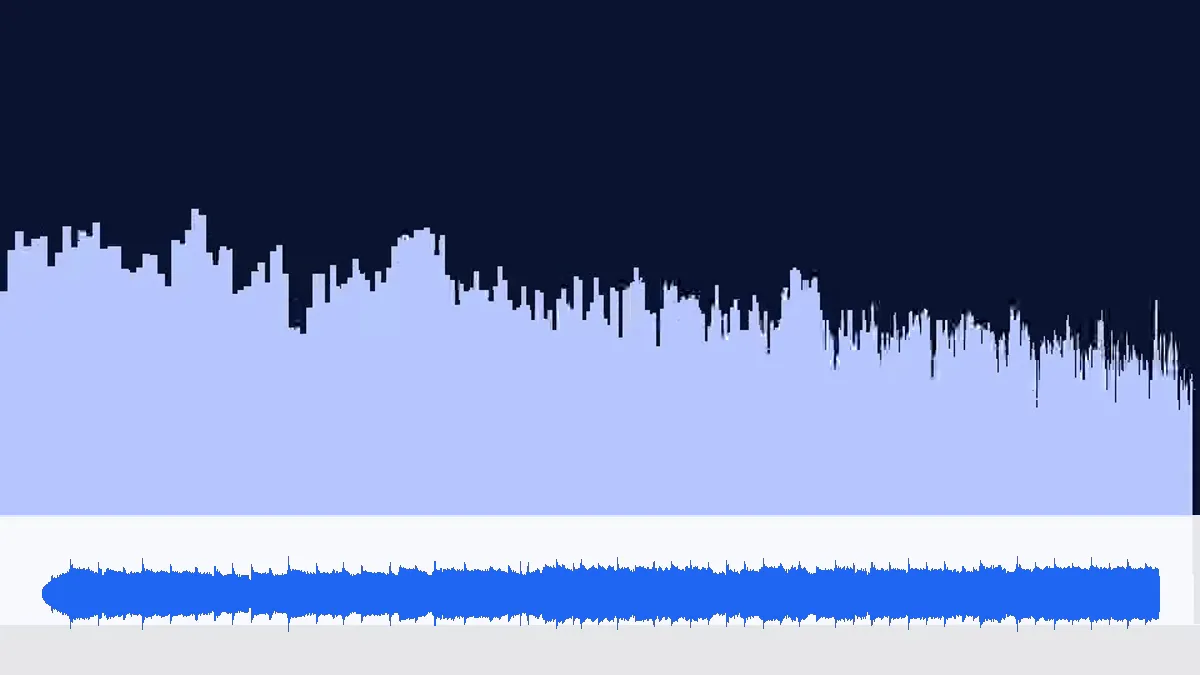
 WebM 1.23 MBMP3 481 KB
WebM browser recording → MP3
Browser-based recorders usually save WebM with Opus sound at 48 kHz. Converted at 192 kbps, the MP3 stays at 48 kHz and comes to 481 KB for 20 seconds.
- Opus → MP3
- 192 kbps
- 48 kHz
Any video → MP3, WAV or FLAC
A video to MP3 converter for the files your browser can play: MP4, MOV, WebM and MKV go in, the sound comes out as MP3 — or as WAV and FLAC when you need a video to audio converter for editing. Nothing is uploaded.
Each video is opened by your browser's media engine; the first audio track is decoded here and encoded in the background. No server ever sees the file.
One page, many formats
A WebM, an MKV, a 5.1 MP4 and an M4V, all made from our own demo songs and converted with this tool. Each card loads its video into the converter if you want to try it yourself.

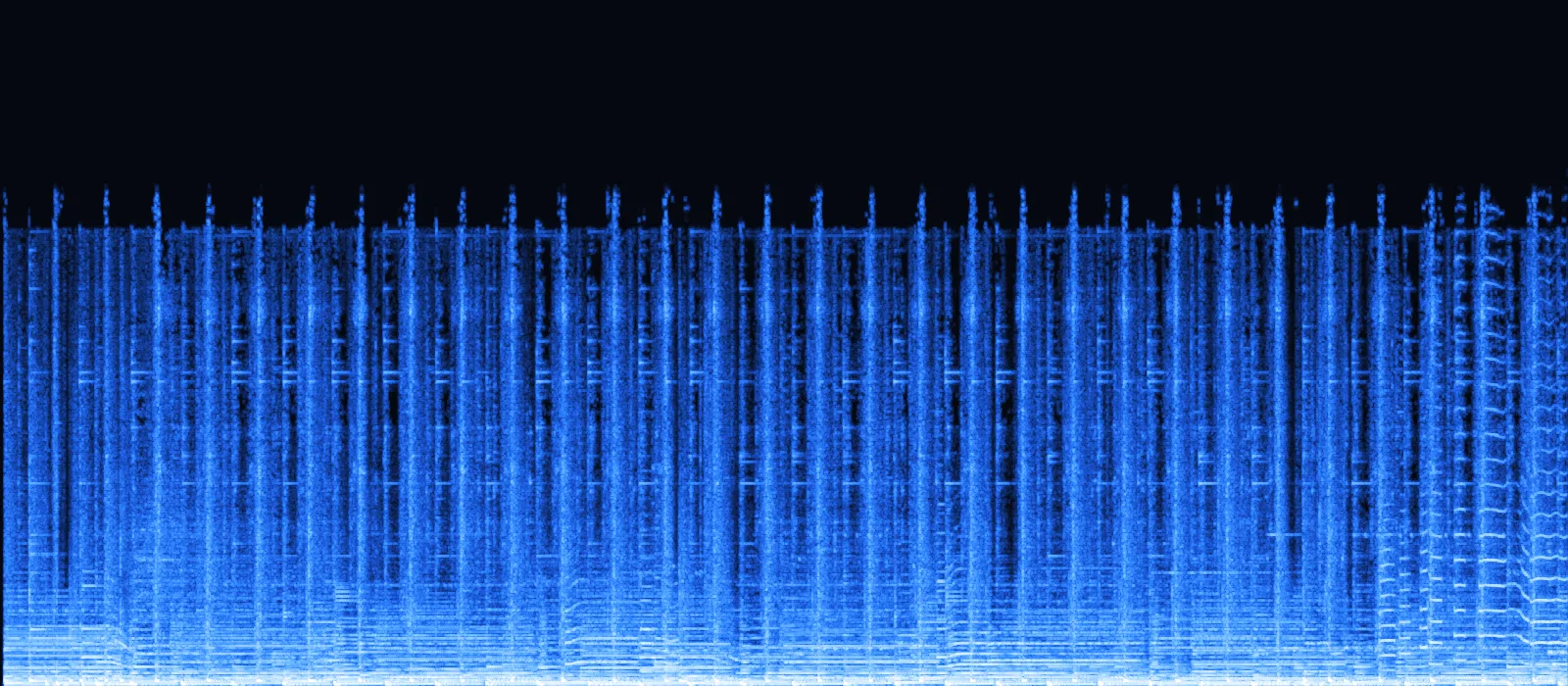
Drag the handle: on one side a frame of our MKV screen capture, on the other the spectrogram of the MP3 this page pulled out of it. The picture is thrown away; every sound in it — beat, bass line, cymbals — stays.
WebM 1.23 MBMP3 481 KBBrowser-based recorders usually save WebM with Opus sound at 48 kHz. Converted at 192 kbps, the MP3 stays at 48 kHz and comes to 481 KB for 20 seconds.
 MKV 1.98 MBMP3 641 KB
An OBS-style Matroska file with H.264 video and 160 kbps AAC. MKV isn't in every converter's list; in Chrome it opens like any other video.
 MP4 828 KBMP3 601 KB
Six AAC channels in, two MP3 channels out. Centre and surrounds are mixed into left and right so dialogue and effects aren't lost.
 M4V 828 KBMP3 361 KB
An M4V is an MP4 with Apple's file extension. We set the rate to 44.1 kHz for an older car stereo; the 48 kHz source is resampled cleanly.
Video to audio in three steps
Mixed formats are fine — drop a WebM, an MKV and an MP4 together and they convert one after another.
Any mix of MP4, MOV, WebM and MKV — 3 at a time free, up to 100 with Pro. Each row shows the audio codec found inside.
MP3 for listening and sharing, WAV for editing in a DAW, FLAC for a lossless copy that's smaller than WAV.
Files keep their names with the new extension; with Pro, two or more can be saved as one zip.
Formats
A video file is a container plus codecs. The converter uses your browser's own decoders, so we tested each common combination in Chrome instead of guessing.
| Format | Usually made by | Sound inside | Converts | Dedicated page |
|---|---|---|---|---|
| MP4 · M4V | Phones, editors, HandBrake, screen recorders | AAC, HE-AAC, sometimes MP3 or Opus | Yes | MP4 to MP3 |
| MOV | iPhone, Mac, video cameras | AAC or uncompressed PCM | Yes (not ALAC) | MOV to MP3 |
| WebM | Browser recorders and screen-capture extensions | Opus or Vorbis | Yes | This page |
| MKV | OBS and other recording software, video archives | AAC or Opus; sometimes AC-3 | Yes, except AC-3 | This page |
| AVI · WMV · FLV · TS | Older cameras, Windows apps, TV and broadcast recorders | MP3, WMA, AAC | No — the container isn't readable | Re-save as MP4 first |
| 3GP | Old feature phones | AMR speech codec | No — AMR isn't decodable | — |
Movie-style 5.1 tracks are folded into two channels: each side keeps its front channel and gets the centre and its surround channel at about 70% (−3 dB). The LFE channel is left out, as in most stereo downmixes. Our 6-channel test file came out as a normal stereo MP3.
The row turns red with a short reason. Almost always it's one of three things:
Video to audio converter
This page is a video to audio converter, not only a video to MP3 converter. The format tabs above the queue switch the output; sizes below are per minute of stereo sound.
| Output | Per minute | Best for | Note |
|---|---|---|---|
| MP3 192 kbps | 1.44 MB | Listening, sharing, car and phone playback | The default here; plays on everything |
| MP3 320 kbps | 2.40 MB | Music videos and concerts | Highest MP3 quality (Pro); worth it for PCM or 256 kbps sources |
| WAV 16-bit · 48 kHz | 11.5 MB | Editing in Audacity, GarageBand or a DAW | Uncompressed, no further loss; large |
| FLAC 16-bit · 48 kHz | ≈ 6–8 MB | Archiving a soundtrack | Lossless and smaller than WAV; size depends on the material |
Each video can be up to 200 MB and 10 minutes on the free plan, or 1 GB and 2 hours with Pro. While converting, the sound is held as raw samples — about 23 MB of memory per minute of 48 kHz stereo — so very long recordings are the ones that fail, especially on phones.
As a guide, our 10-minute, 12.4 MB test video converted to MP3 in 15 seconds in desktop Chrome. For a multi-hour stream, cut it into parts first.
There's no URL field: we don't download from YouTube, TikTok or any other site, and copy-protected purchases and streaming downloads can't be decoded. Convert recordings you made or have permission to use.
Already have an audio file in another format? The audio to MP3 converter handles M4A, WAV, FLAC and OGG.
Use cases
From streams to living-room movies: wherever the sound matters more than the picture, a video to MP3 converter saves space and makes it portable.
OBS recordings are often MKV. Pull the commentary or the soundtrack out as MP3 for a highlight reel or a podcast episode.

Browser recordings arrive as WebM. An hour of MP3 at 128 kbps mono is about 58 MB.

Your own surround mixes fold down to stereo for headphones.

Pick WAV to edit a vlog's voice in Audacity or a DAW, then export the finished audio. No quality is lost along the way.
Video to MP3 FAQ
What works, what doesn't, and why — based on files we tested.

Try it with your own video
Drop any MP4, MOV, WebM or MKV above — the sound is usually ready within seconds.
Convert video to MP3MP4, M4V, MOV, WebM and MKV, as long as the sound inside is AAC, MP3, Opus, Vorbis or PCM. AVI, WMV, FLV, MPEG-TS and 3GP don't open in Chrome; re-save those as MP4 first.
No. There's no link field and we don't download from websites. The converter works only on files already on your device that you have the right to use.
Yes. Switch the format tabs above the queue to WAV (16-bit, or 24-bit with Pro) or FLAC. That makes this page a video to audio converter for editing as well as listening.
Browsers can't open those containers, even when the sound inside is ordinary MP3. Open the file in any video editor or converter, save it as MP4, then convert that.
Free: videos up to 200 MB and 10 minutes per file; Pro: 1 GB and 2 hours. Length matters for memory too: the sound is unpacked into memory (about 23 MB per minute), so multi-hour recordings should be split first.
No. The file is read by your browser and converted on your device; nothing is sent to a server. Close the tab and every trace is gone.
MP4, MOV, WebM or MKV in — MP3, WAV or FLAC out, without uploading a single byte.
Free · no signup · no watermark · processed in your browser