Waveform Image Generator
Make a waveform image from any song, podcast clip or voice note in seconds. Pick a style, colours and a size, drag to the part you want, then download a PNG or a print-ready SVG. It is a free waveform generator, and your audio never leaves the browser.
- Free, no signup
- PNG + SVG export
- 1,920 px free, 8,000 px with Pro
Shape from
PNG keeps transparency · SVG stays sharp at any size
Built in
A waveform generator that works like a design app
Pick the moment, style it, export it, all on your device. These are the numbers behind every image.
- 0 uploadsAudio is decoded and drawn in this tab
- 6 stylesBars, mirror, line, filled, dots and radial
- 8,000 pxLongest side of a Pro PNG (1,920 px free); SVG scales to any size
- 50 MBLargest free file (500 MB with Pro): MP3, WAV, M4A, OGG, FLAC
Examples
Waveform image examples from one song
Six images, one 30-second demo song, all made with the generator above. Each card lists the exact settings. Press “Use this look” to load them into the tool, then swap in your own audio.
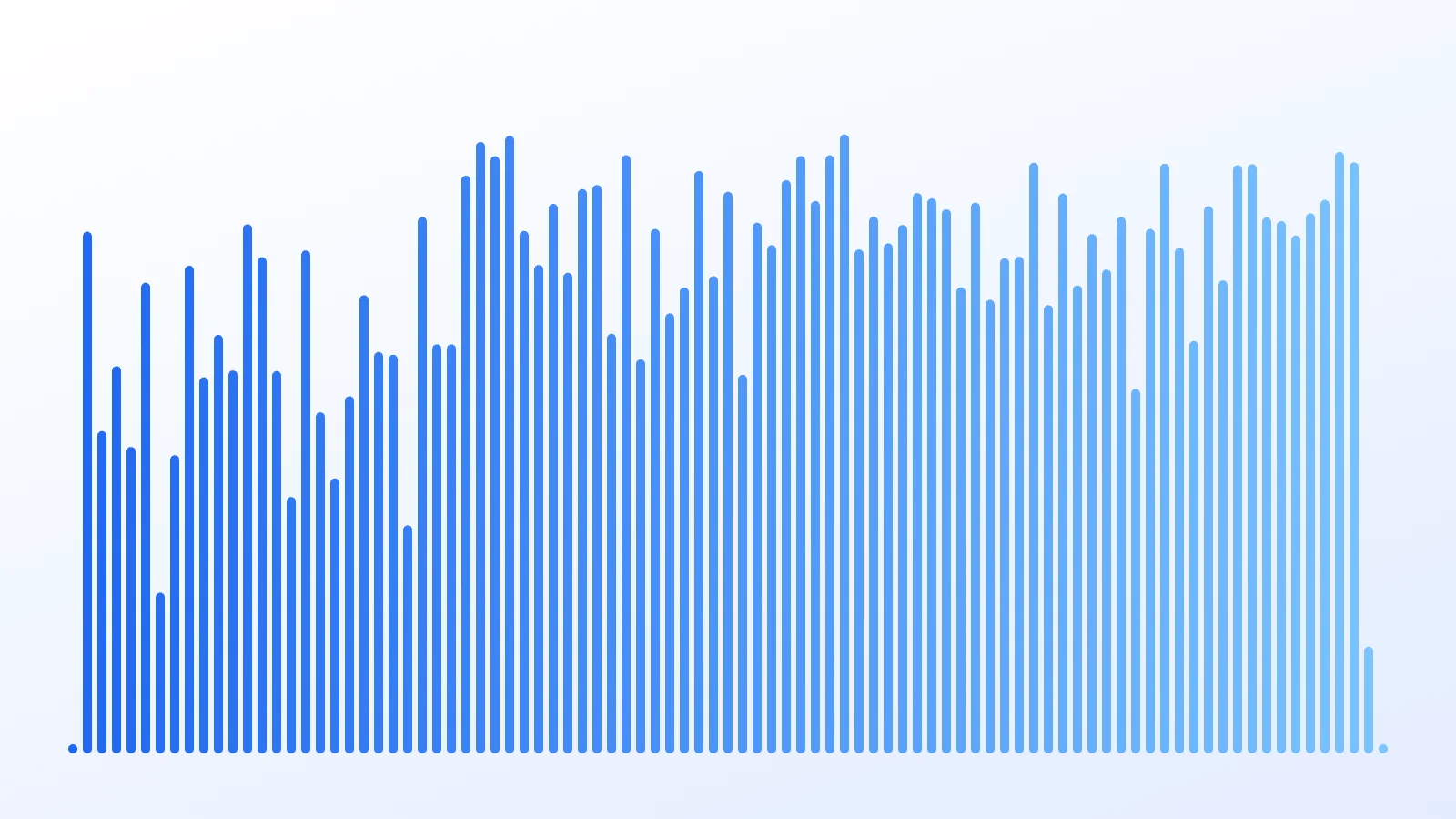
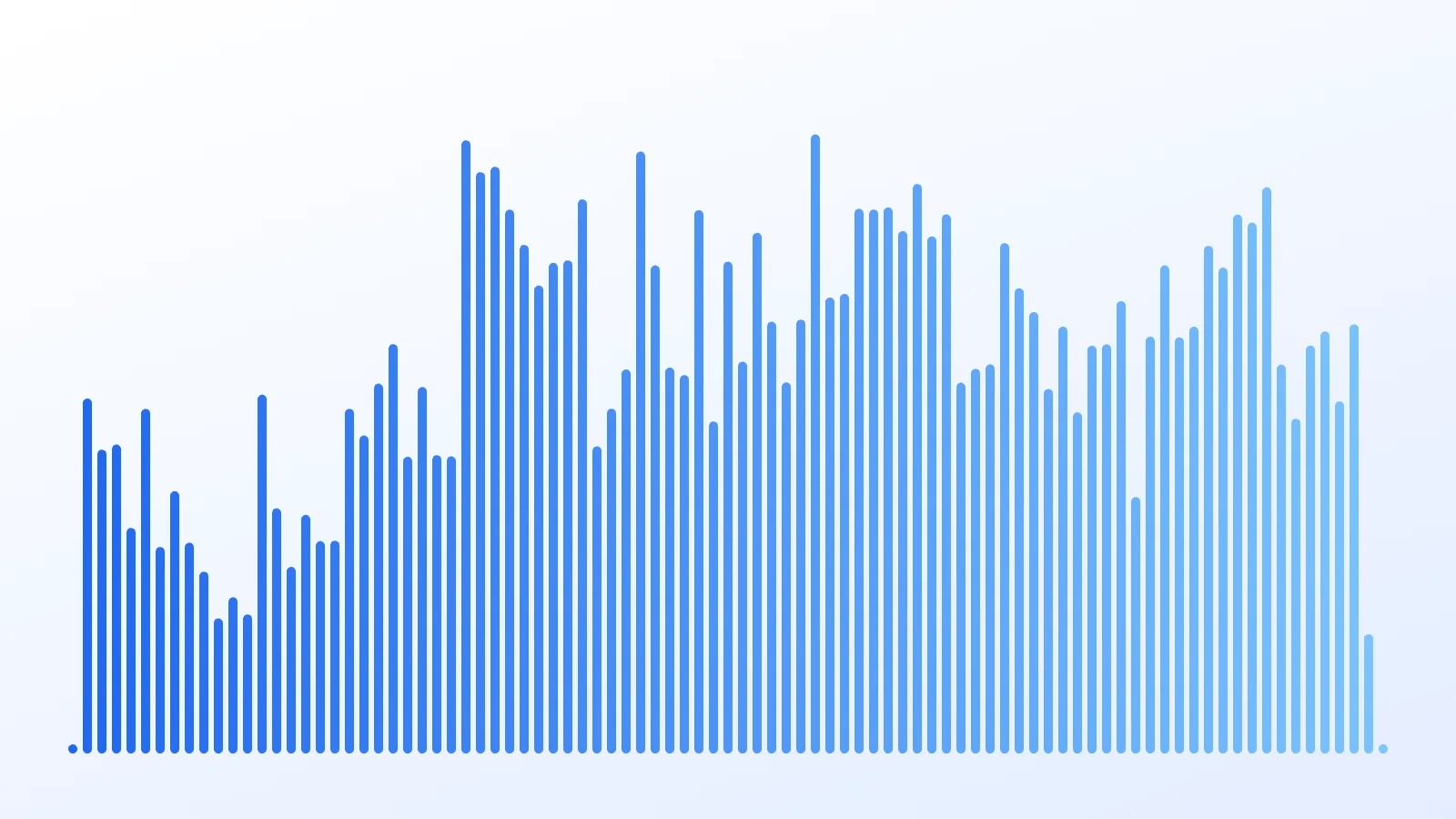
Peaks vs average, same clip
Drag the handle. Peaks follow the loudest sample in each slice, so drums and consonants spike; Average (RMS) follows loudness the way you hear it and gives a calmer shape.
- Full mix
- Bars
- 10/6 px
- Peaks ↔ Average
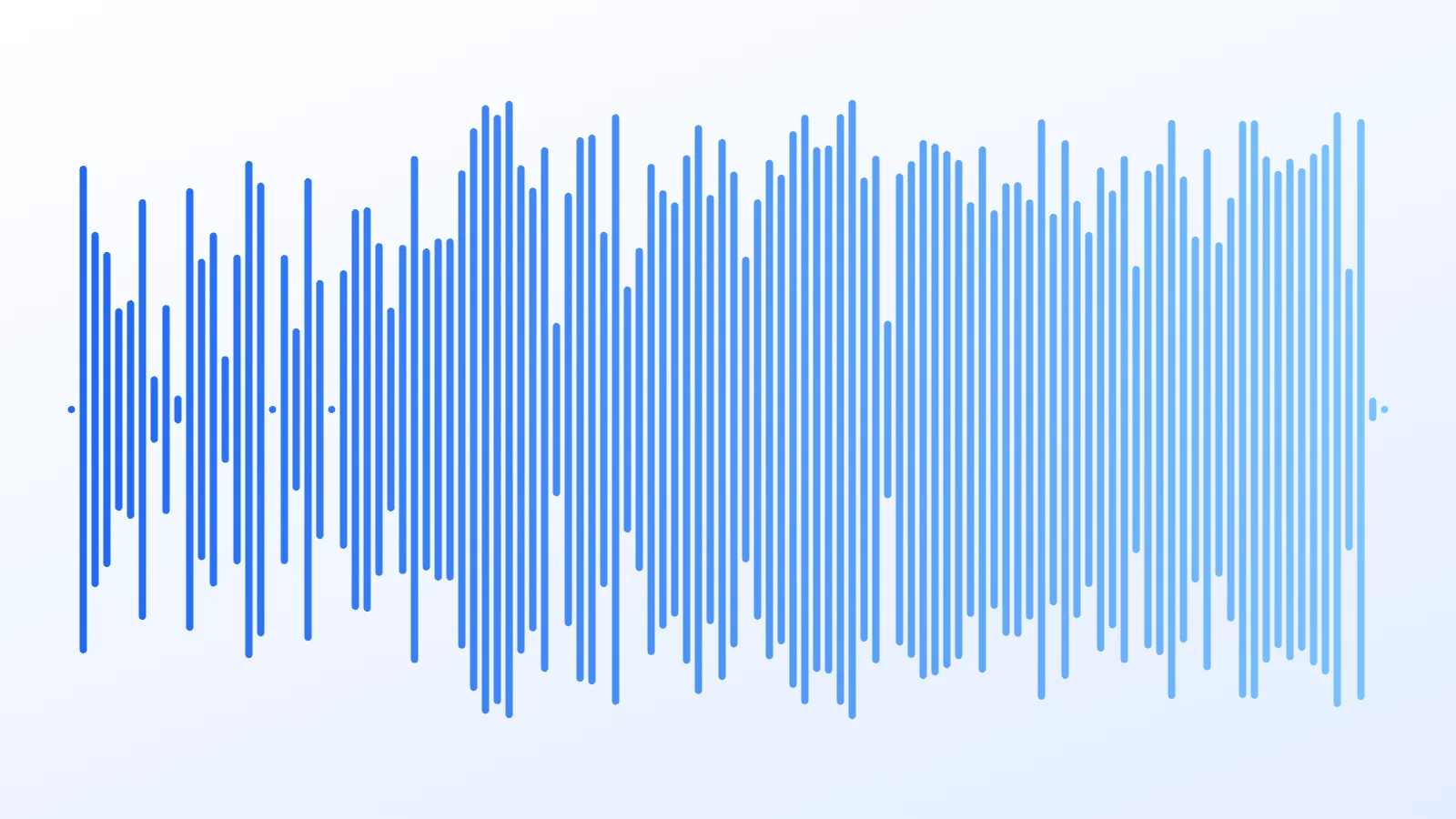
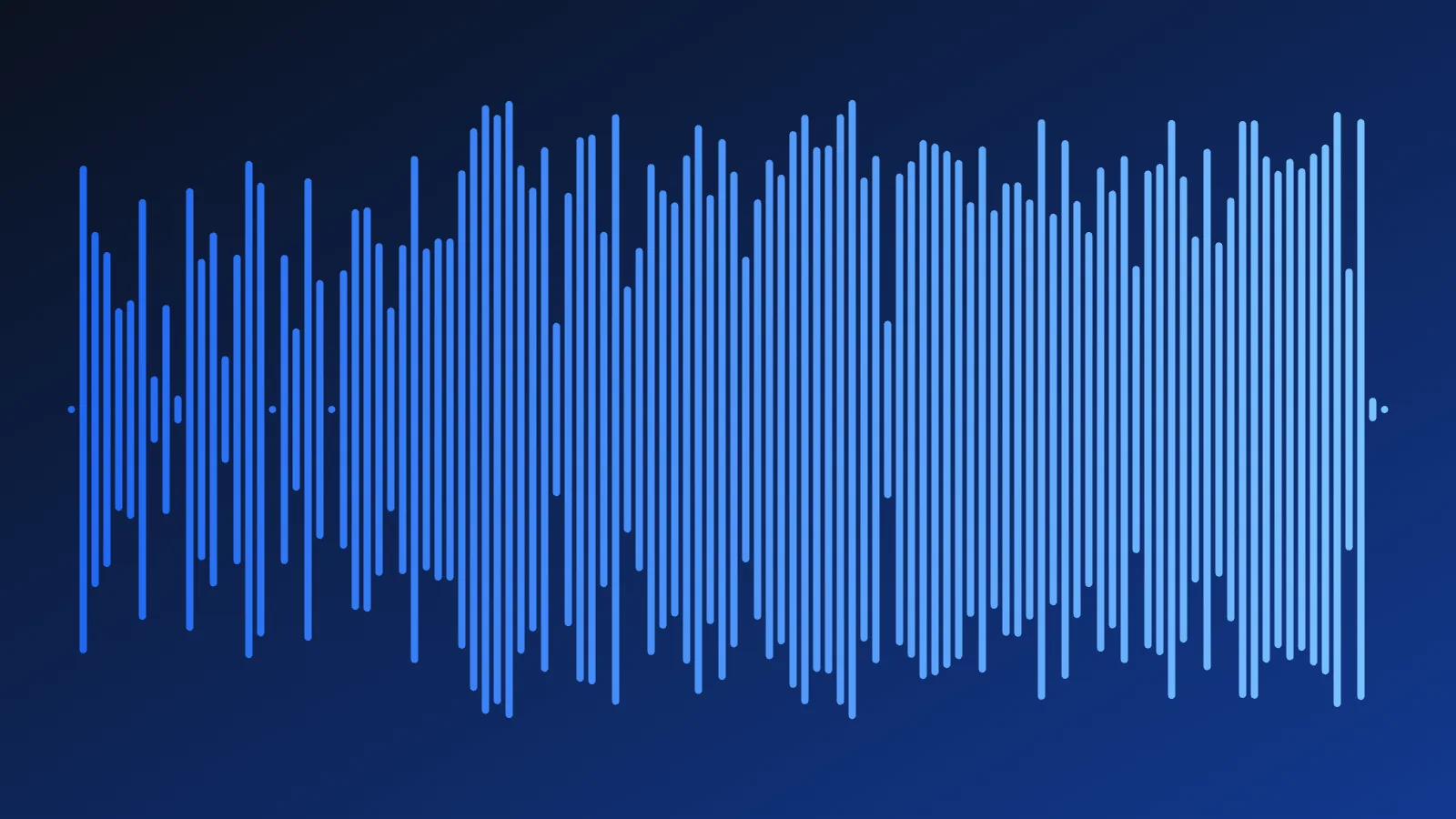
Light card vs midnight, same bars
Only the background changes. The ice gradient reads crisp on white for print and slides; on midnight it glows, which suits covers, stories and dark websites.
- Full mix
- Mirror
- Ice blue
- Soft ice ↔ Midnight
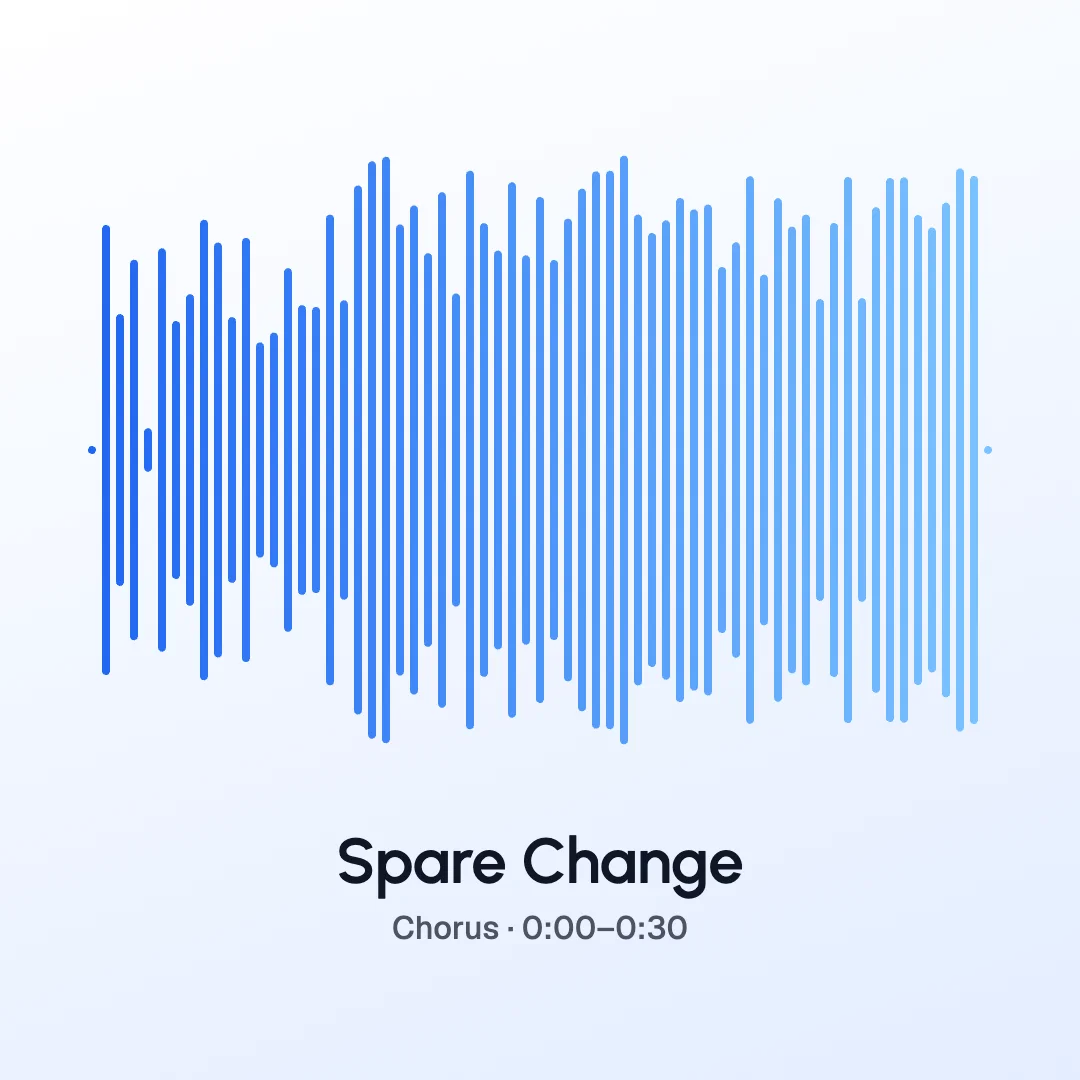 1080×1080
Ice mirror
Mirrored bars in our ice gradient, brand blue to sky, on a soft white-to-ice card with the song title underneath. The default look, and a classic song poster.
- Mirror
- 8/6 px
- Full mix · 0:00–0:30
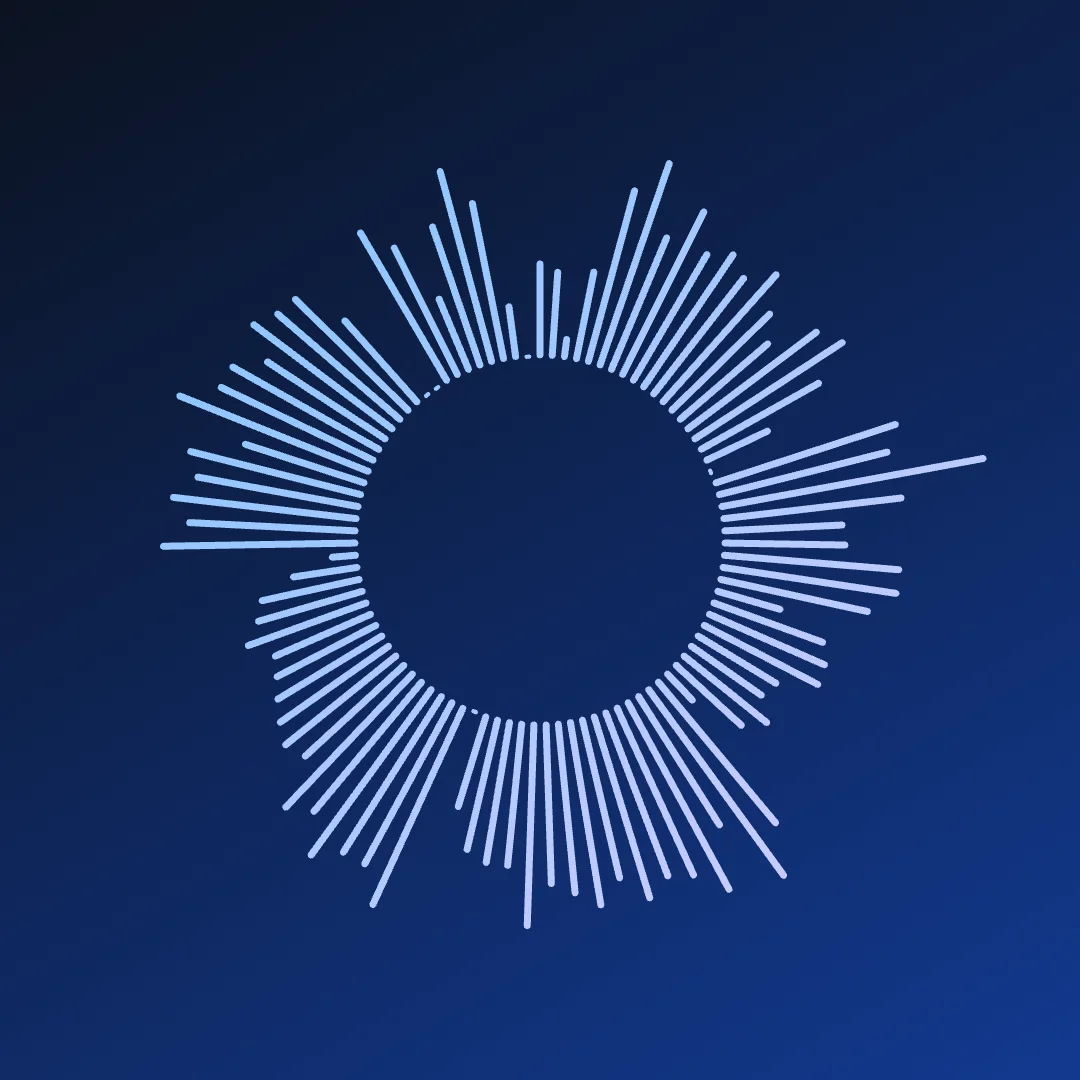 1080×1080
Midnight ring
The vocal line wrapped into a circle, each bar pointing out from the centre in sky blue to lavender on a midnight gradient. Square and bold, made for avatars and record labels.
- Radial
- 7/5 px
- Vocals · 0:08–0:30
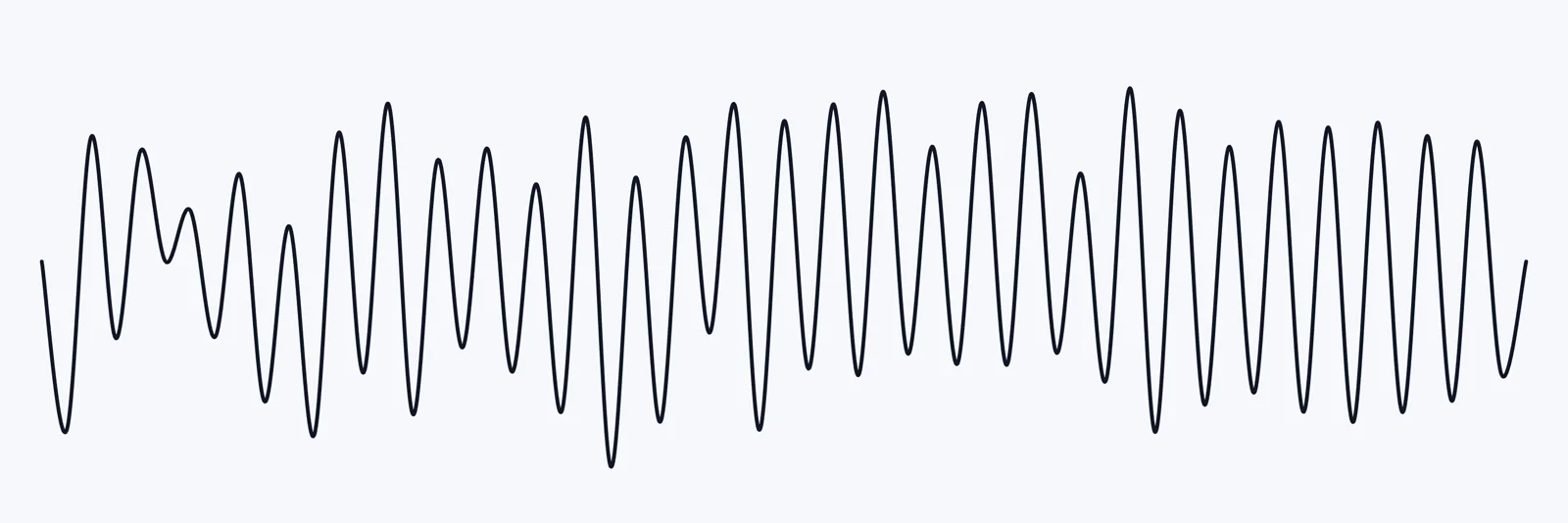 3000×1000
Line banner
A single navy line that swings with the instrumental, on a 3000 × 1000 banner. Minimal enough for a website header or a canvas print.
- Line
- 16/10 px
- Instrumental · 0:04–0:26
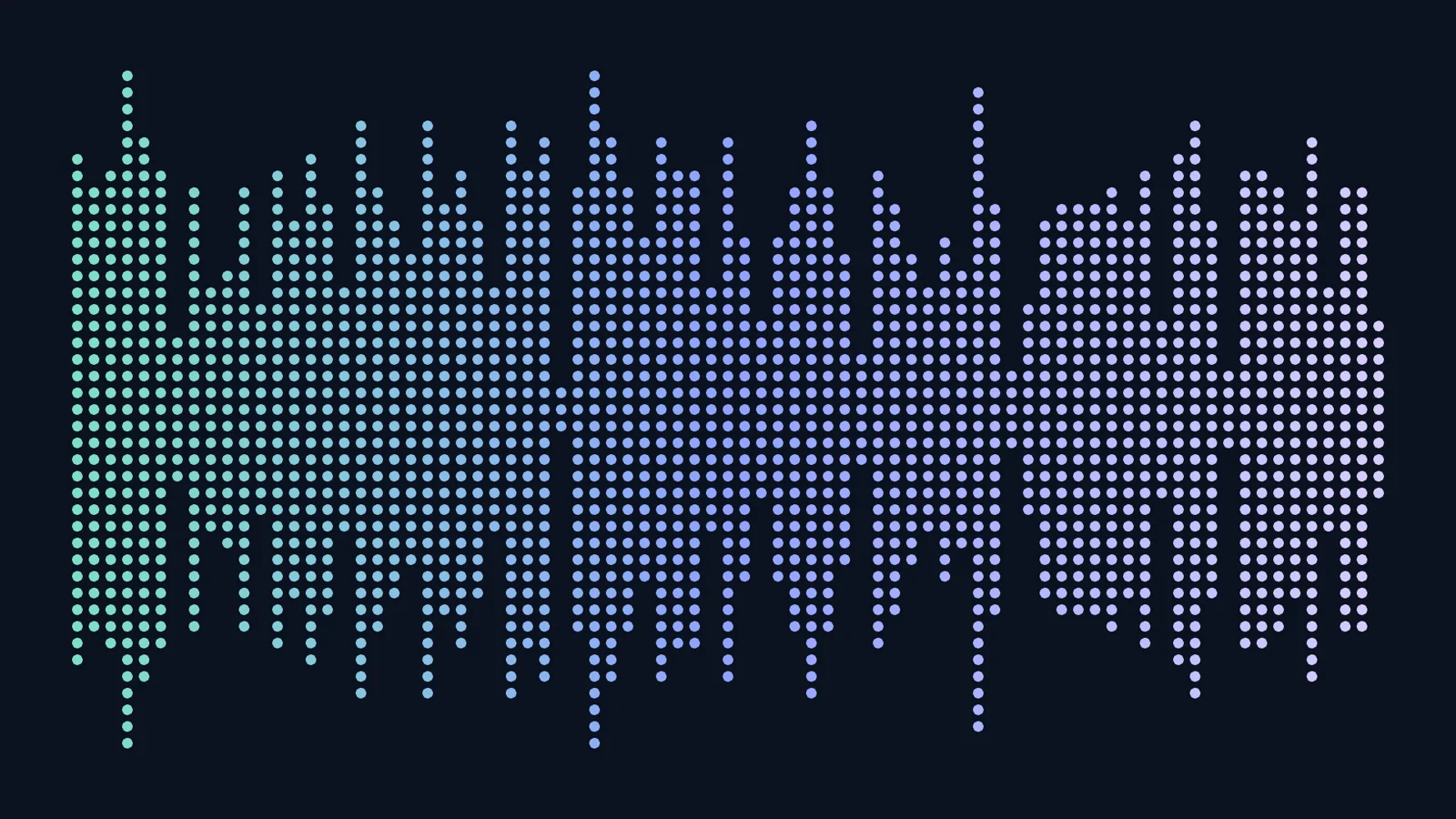 1920×1080
Dot matrix
Stacked dots in an aurora gradient, mint to periwinkle, on night navy in YouTube’s 1920 × 1080. Reads like an LED meter, nice as a lyric-video backdrop.
- Dots
- 14/8 px
- Intro · 0:02–0:22
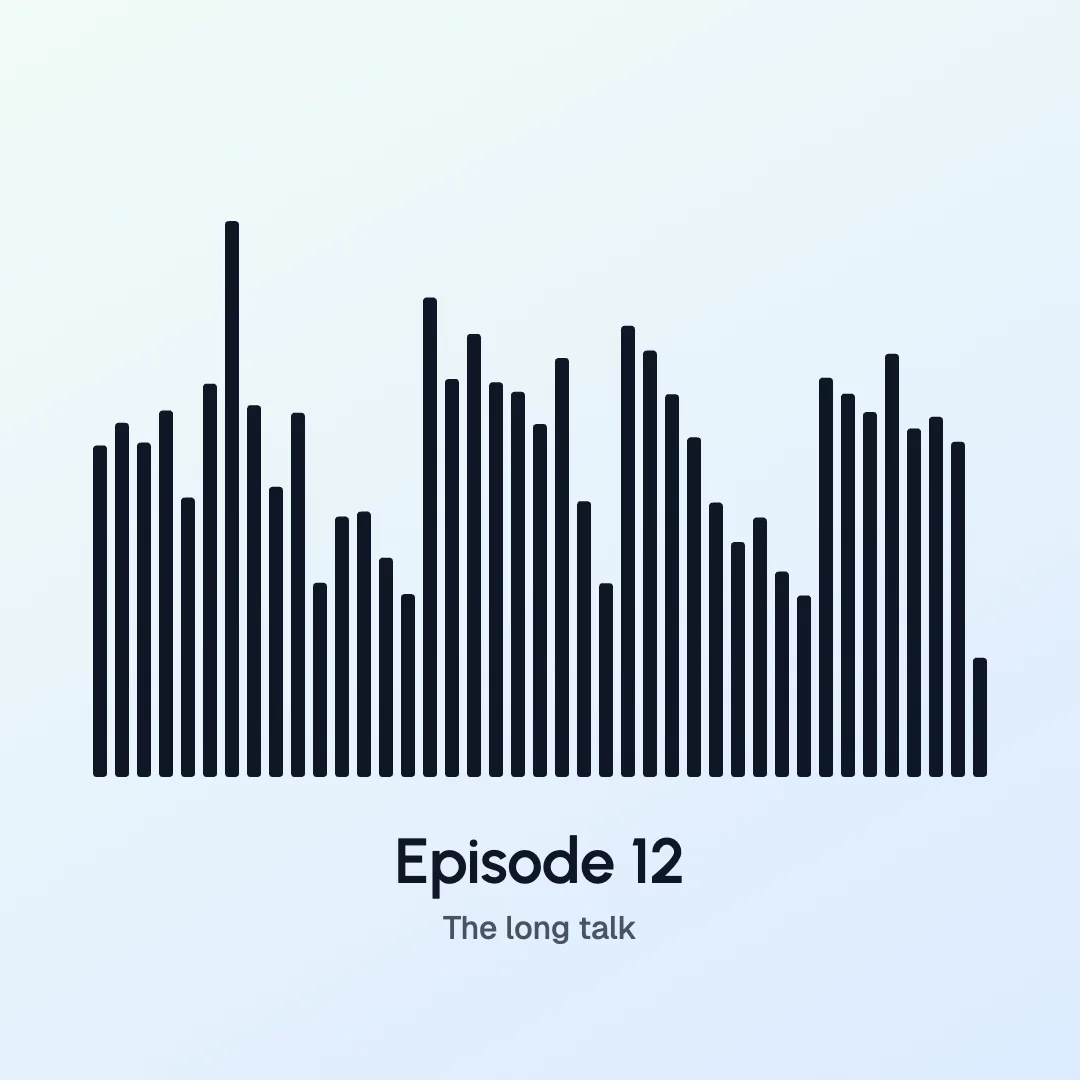 1080×1080
Podcast cover
Chunky bottom-aligned bars with half-rounded ends in navy on a soft mint-to-ice gradient, plus an episode title. Still legible as a small thumbnail.
- Bars
- 14/8 px
- Vocals · 0:10–0:28
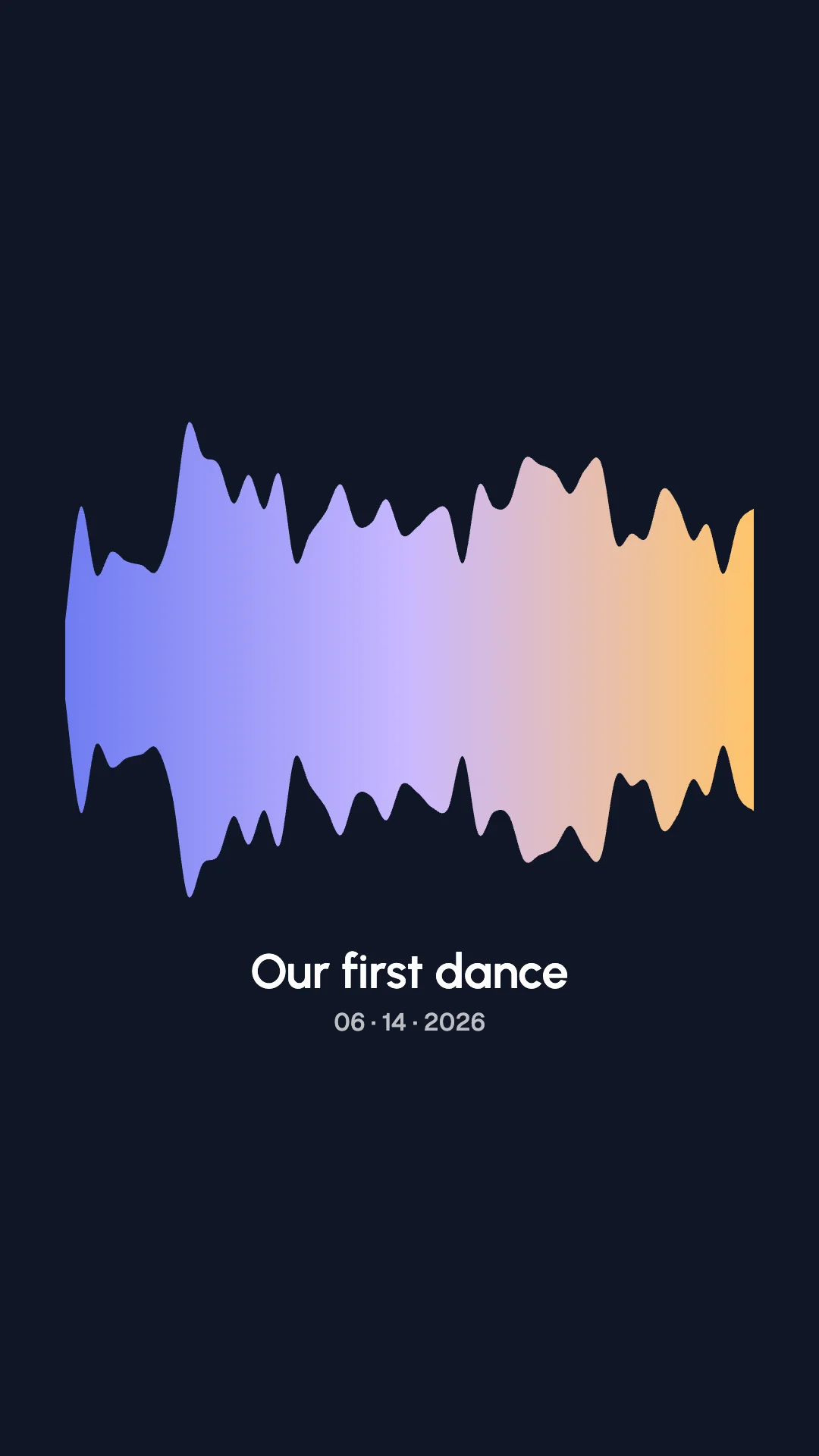 1080×1920
First-dance story
A smooth filled shape from the Average envelope, periwinkle to a warm amber tip on night navy, in story format with a title and a date.
- Filled
- 10/10 px
- Full mix · 0:06–0:24
On the wall, on wood, on a phone
Off the screen, waveform art ends up on walls, wood and jewellery. The first three below are our own renders from this page placed in real rooms; every piece starts as a high-resolution file.
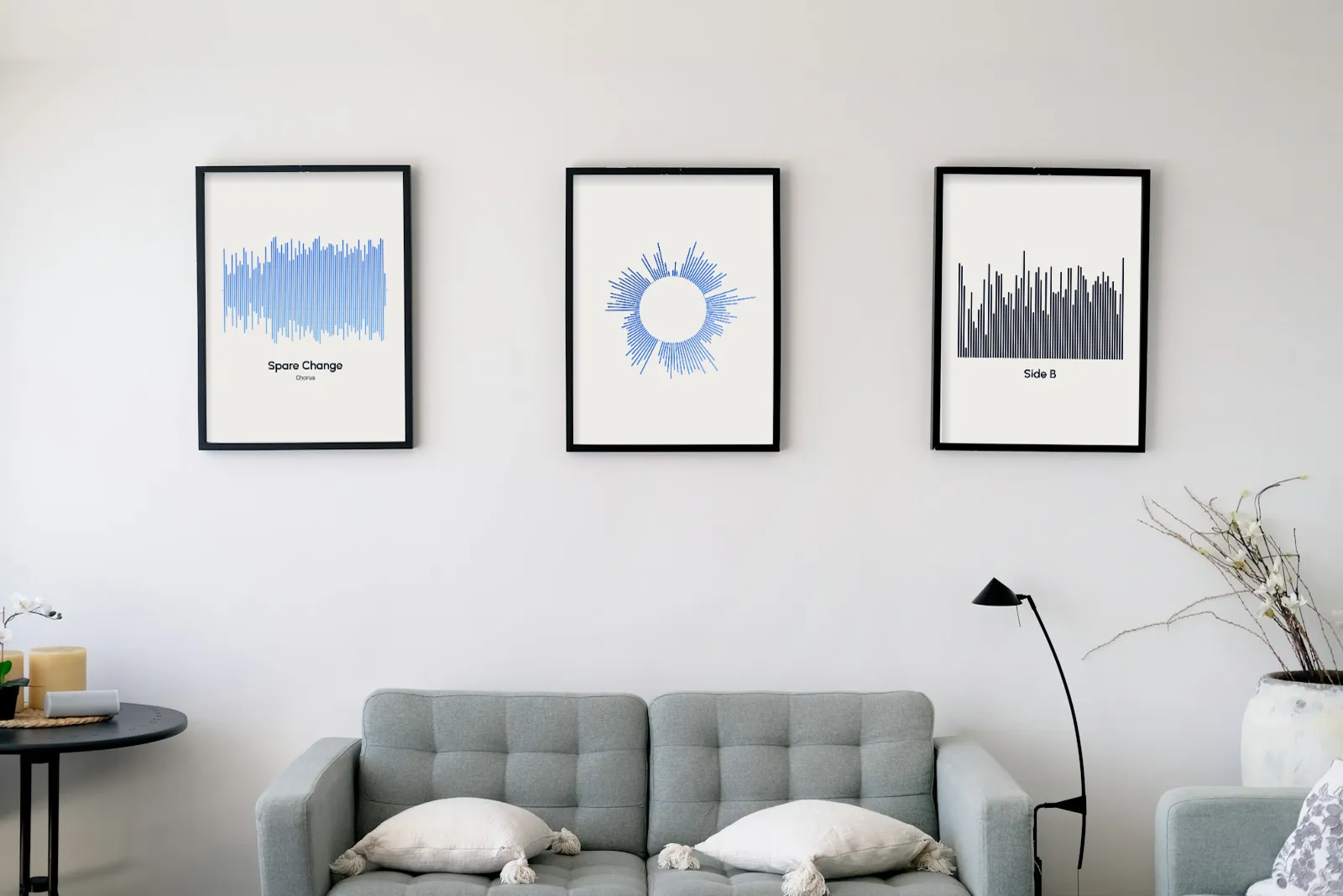
A triptych of 3:4 prints above the sofa3 × 1200×1640 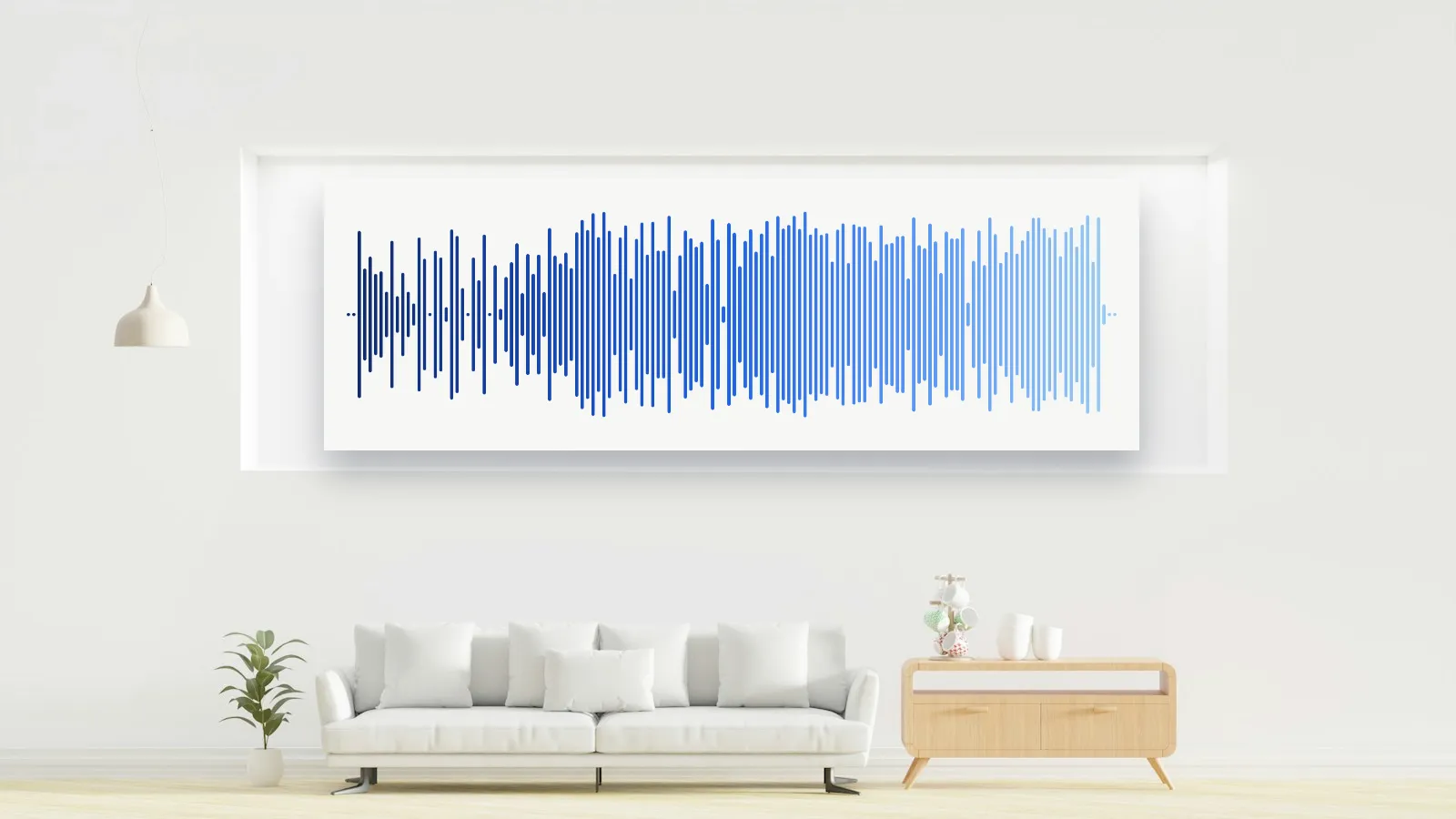
A 3000 × 1000 banner as a wide canvas3000×1000 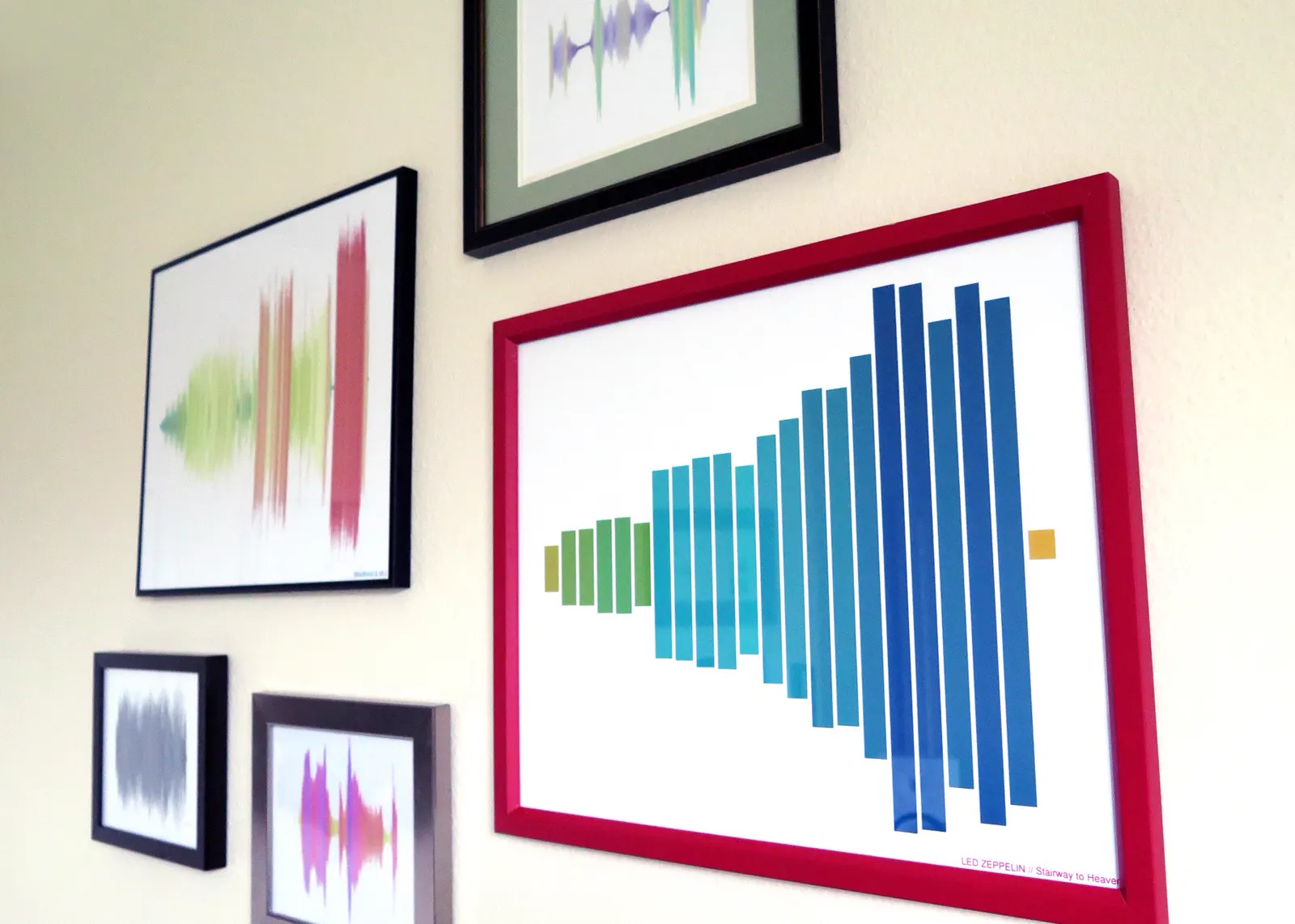
A gallery wall of colour-graded bar waveforms 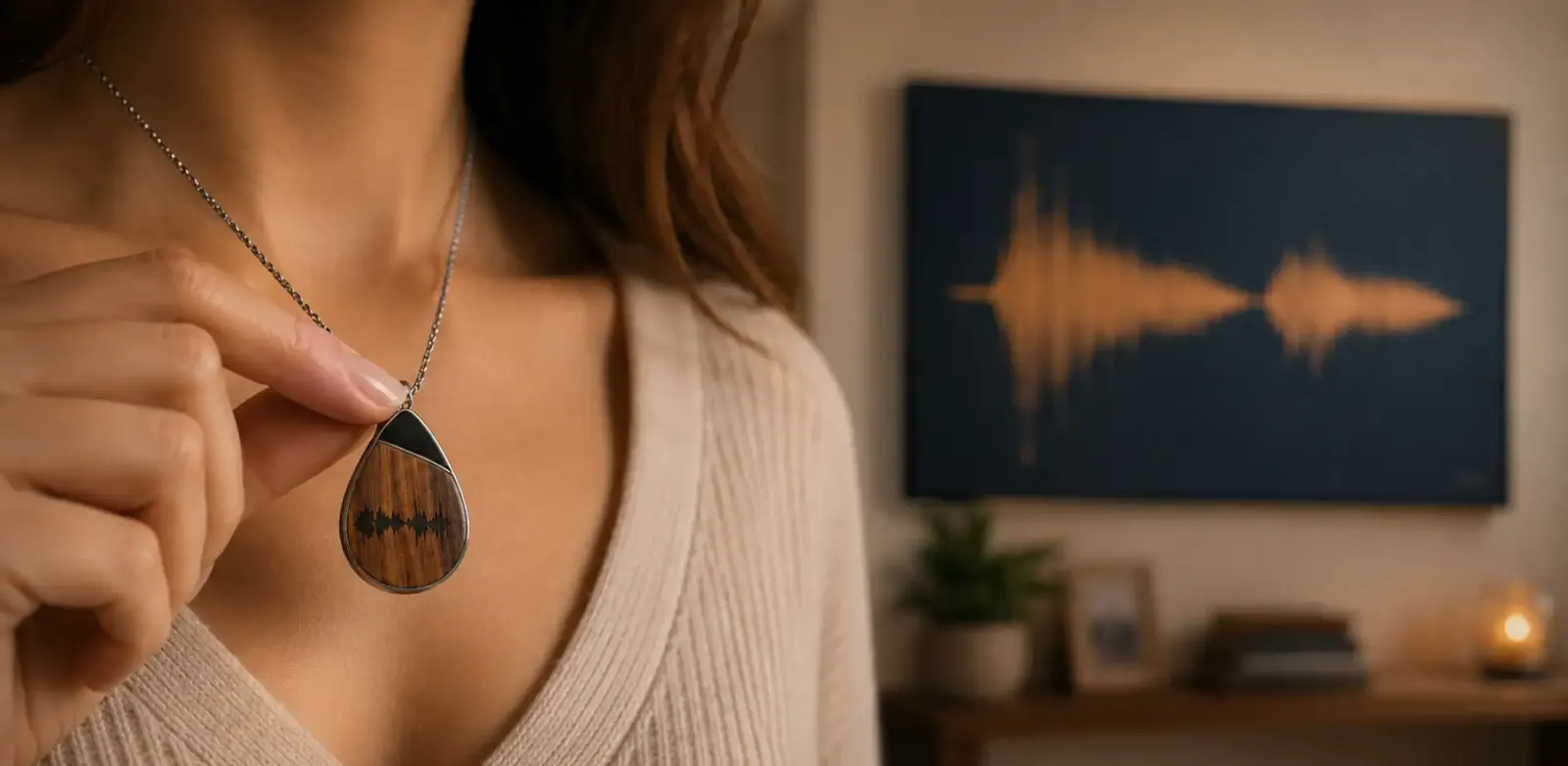
Engraved pendant with a matching canvas 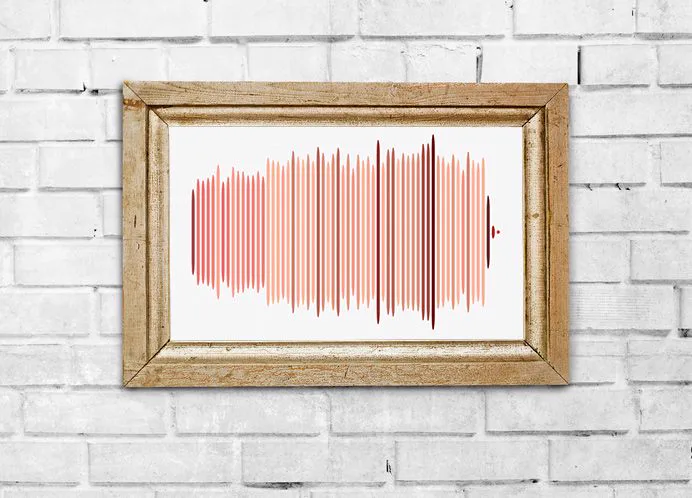
Coral bars in a gilded frame on brick 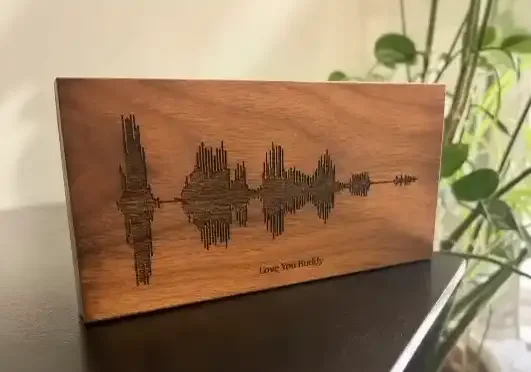
Laser-engraved walnut block, cut from a vector file 
A gallery wall of framed prints 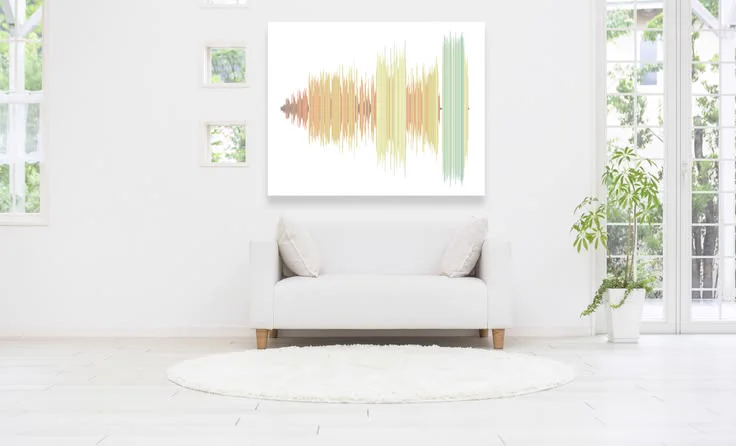
A song poster in a bright living room
How it works
Turn audio into a waveform image in three steps
Choose the audio
Try a demo clip or drop in an MP3, WAV, M4A, OGG or FLAC up to 50 MB (500 MB with Pro). Drag the handles to keep only the chorus, a quote or the vows.
Style it
Pick bars, mirror, line, filled, dots or radial, then set the bar width, gap, colours, background and an optional title. The preview redraws as you go.
Download
Save a PNG at the exact size you picked, transparent if you like, or an SVG that stays sharp on a poster or a laser cutter.
Settings explained
Every setting in the waveform generator, explained
Four controls in the waveform generator decide whether the result looks crisp or muddy. Here are the numbers that work for most songs, and why.
Bar width & gap
Default: 8 / 4 pxTogether they decide how many bars fit. On a 1080 px canvas, 8 px bars with a 4 px gap give about 78 bars: enough to show the song's shape without turning into grey fuzz. Wider canvases can take thinner bars.
Rounding
Default: 100%0% gives square, technical bars; 100% gives soft pills that print, cut and embroider more cleanly. Rounding only changes the ends of each bar, never the shape of the audio.
Peaks or average
Default: PeaksPeaks follow the loudest sample in each slice, so drums and consonants spike. Average (RMS) follows loudness the way you hear it, which gives a calmer curve, ideal for the filled style.
Canvas size
Default: 1080²Instagram post 1080 × 1080, Story 1080 × 1920 and YouTube 1920 × 1080 are free, as is any custom size up to 1,920 px a side; Pro adds the 3000 × 1000 banner and custom sizes up to 8,000 px. The waveform generator measures bar width in real output pixels, so what you see is what you download.
Use cases
What people make with an audio waveform image
An audio waveform image is the fingerprint of one moment of sound, which is why it ends up on covers, walls, wedding cards and feeds.
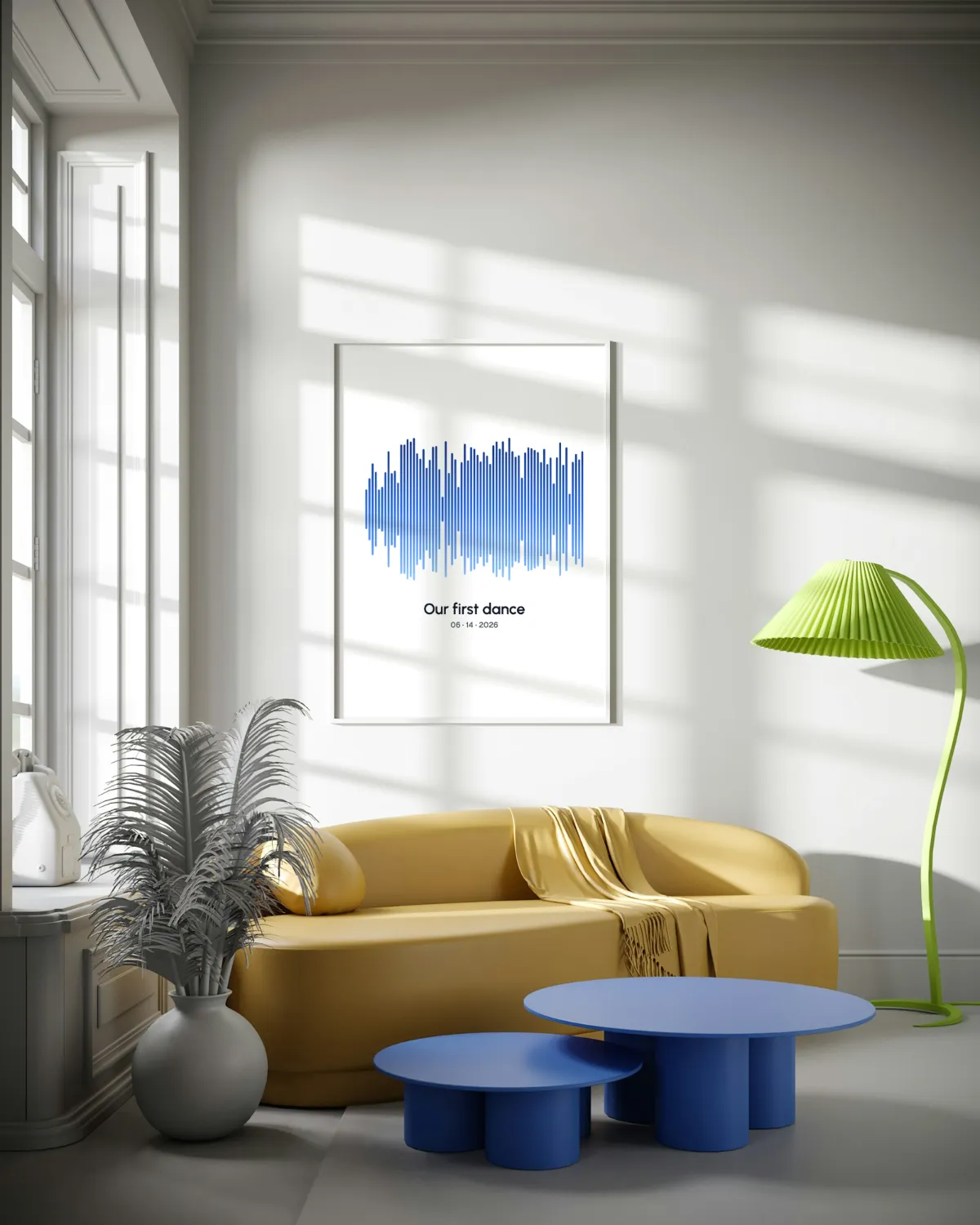 A4 · 1240 × 1754
Song posters & prints
- SVG
- PNG 3000×1000
- A4 1240×1754
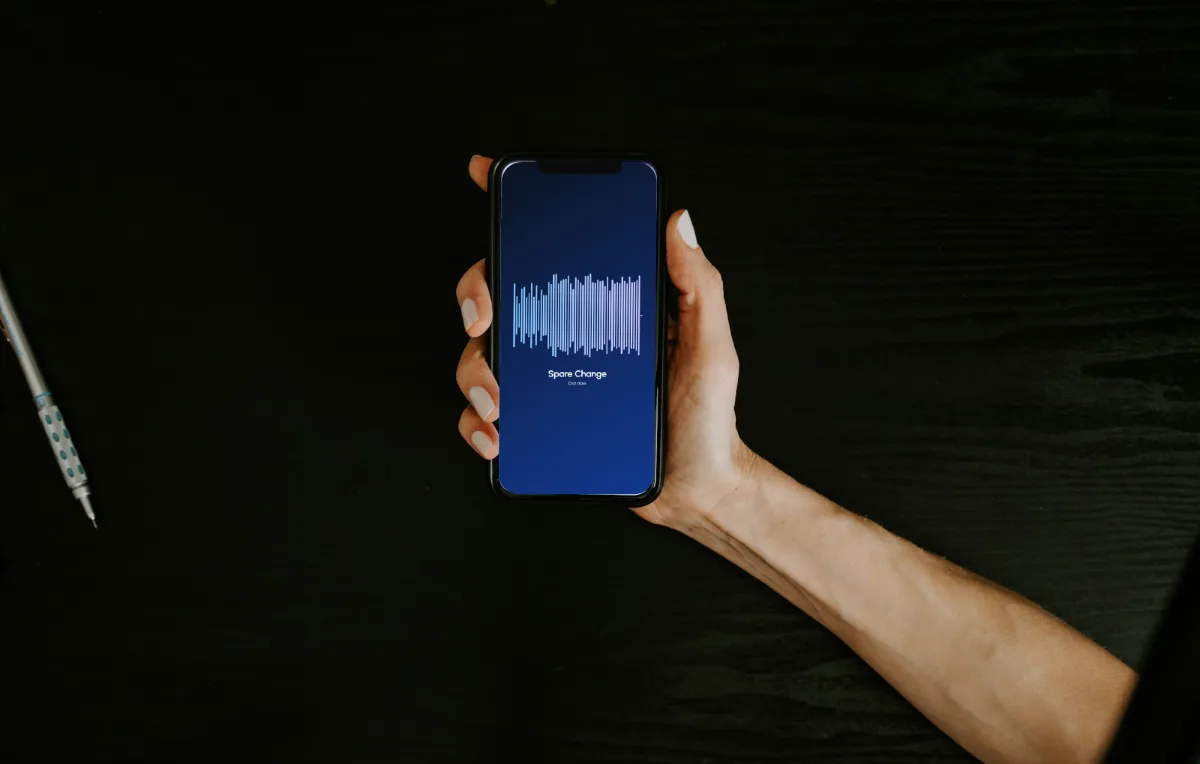 1080 × 1920
Social posts & thumbnails
- 1080×1920
- 1080×1080
Podcast artwork
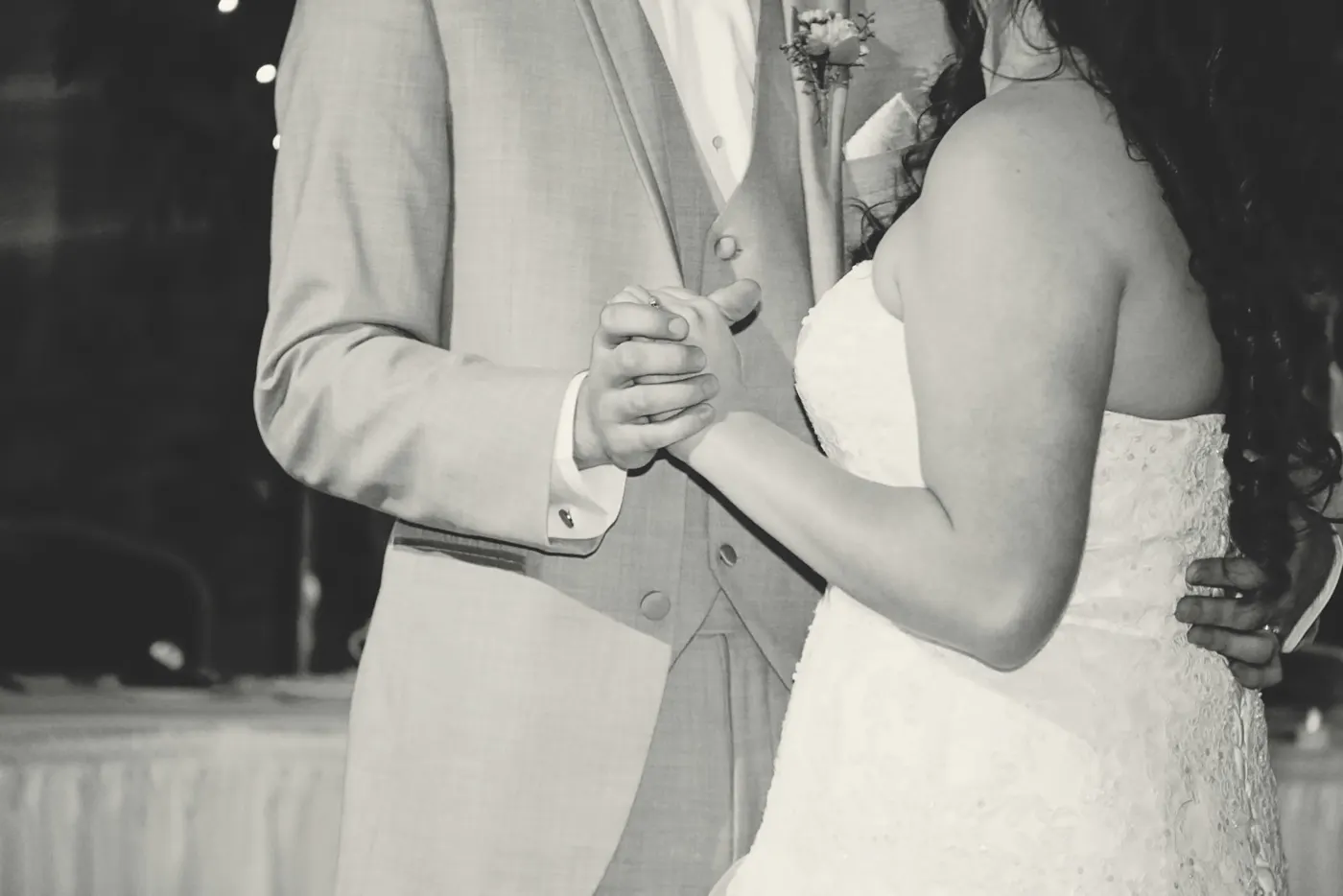 Names + date
Wedding & first dance
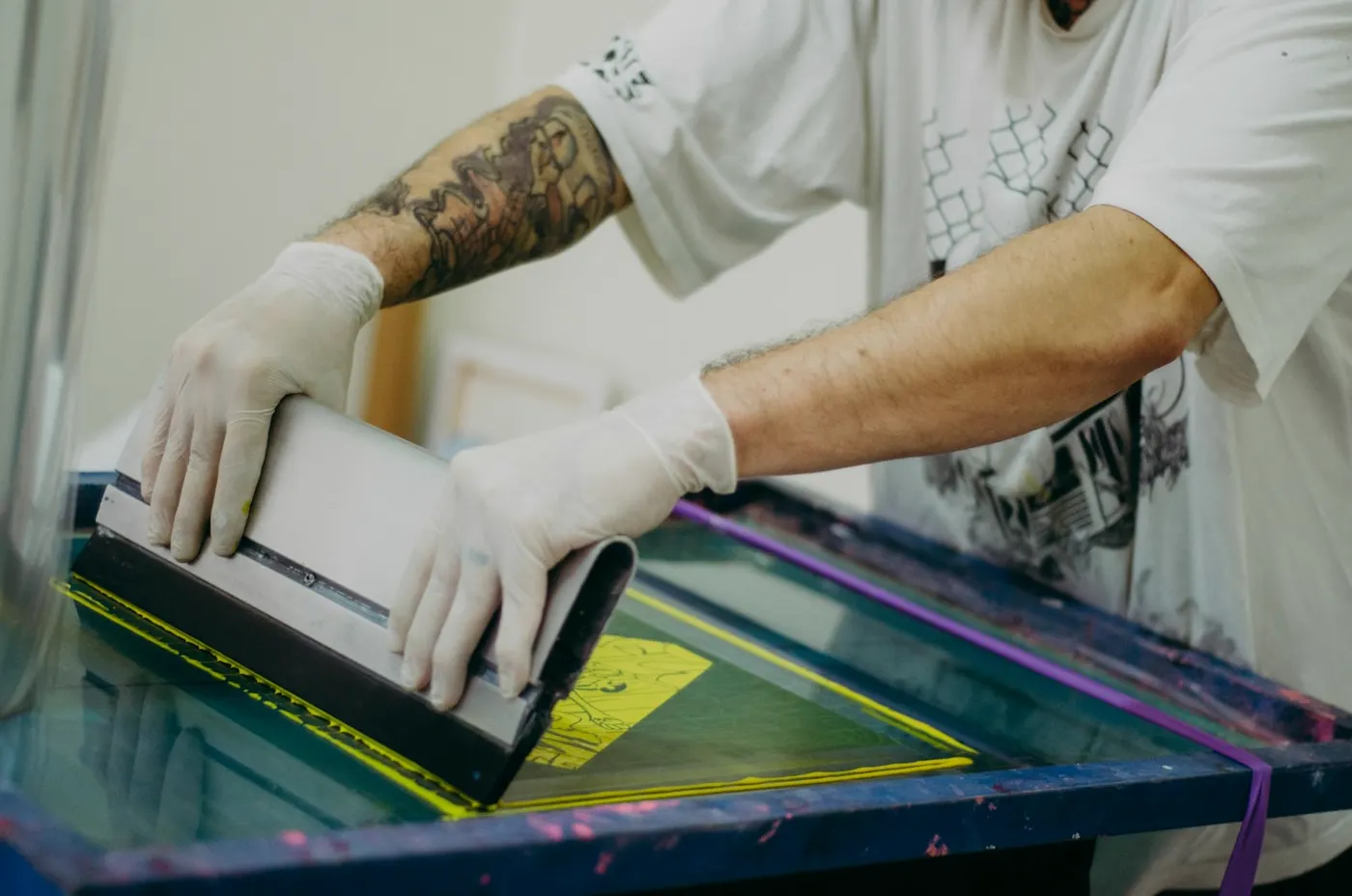 SVG · 1 colour
Merch and screen printing
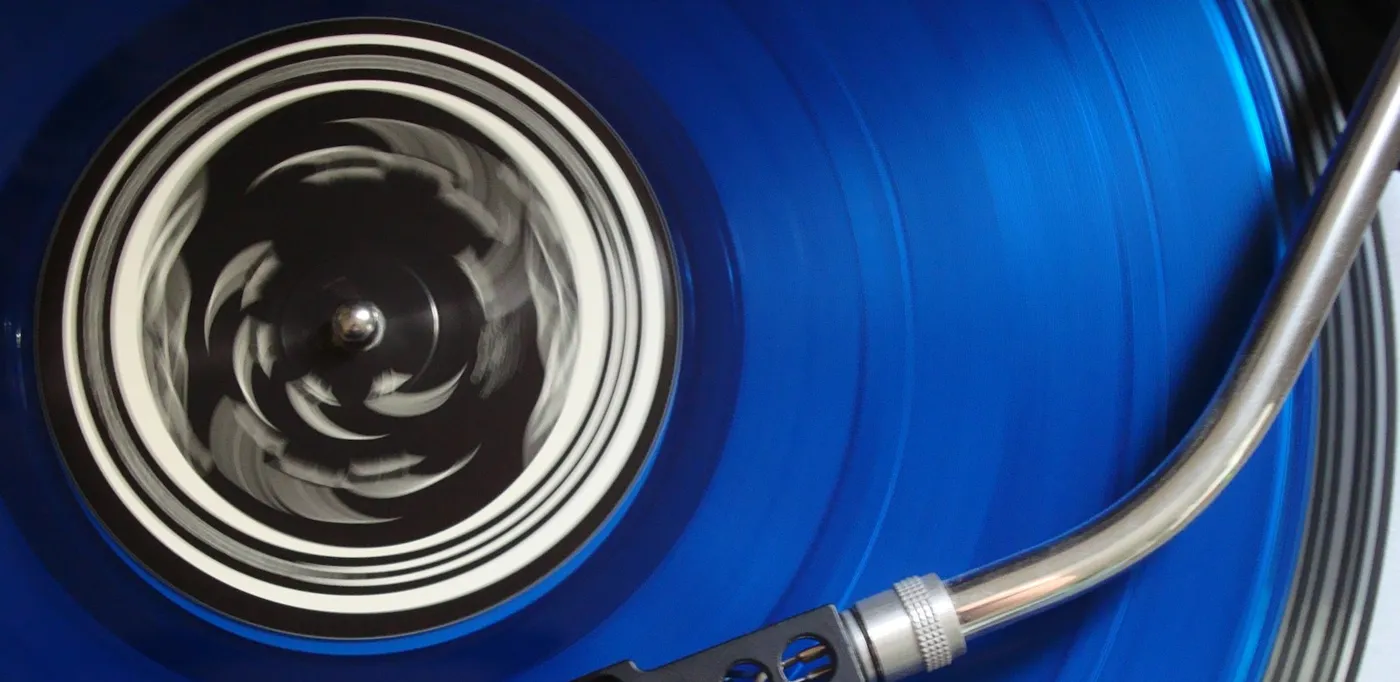 Radial · 1080²
Cover art and release teasers
Guide
What an audio waveform shows, and how to make it print well
Five minutes of background that make the difference between a pretty picture and one that still looks right framed on a wall.
Amplitude over time
A waveform plots loudness from left to right. The horizontal axis is time; the height of each bar is how far the signal swings at that moment. Quiet verses sit low, the chorus fills the frame, and the pauses between phrases show up as thin necks. It tells you how loud, not which notes: to see pitch and frequencies, open the spectrogram instead.
Why some songs look like a brick
Modern pop and EDM masters are compressed and limited until nearly every peak touches the ceiling, so their waveform is a solid block. Acoustic, jazz and classical recordings keep their dynamics and show clear swells and dips. If your song looks flat, raise Contrast to 60–80%, switch to Average, or select a shorter range where the arrangement changes.
Make it look good
- 1Aim for 60–150 bars. Fewer looks graphic and bold; more looks like a real recording but needs a bigger canvas.
- 2Keep the gap around half the bar width. Smaller gaps melt into one solid shape when printed small.
- 3Choose the range on purpose. A 15–30 second chorus has more shape than a whole four-minute song squeezed into one strip.
- 4Contrast first, colour second: a light gradient on a dark background, or ink on a pastel, survives phone screens and home printers.
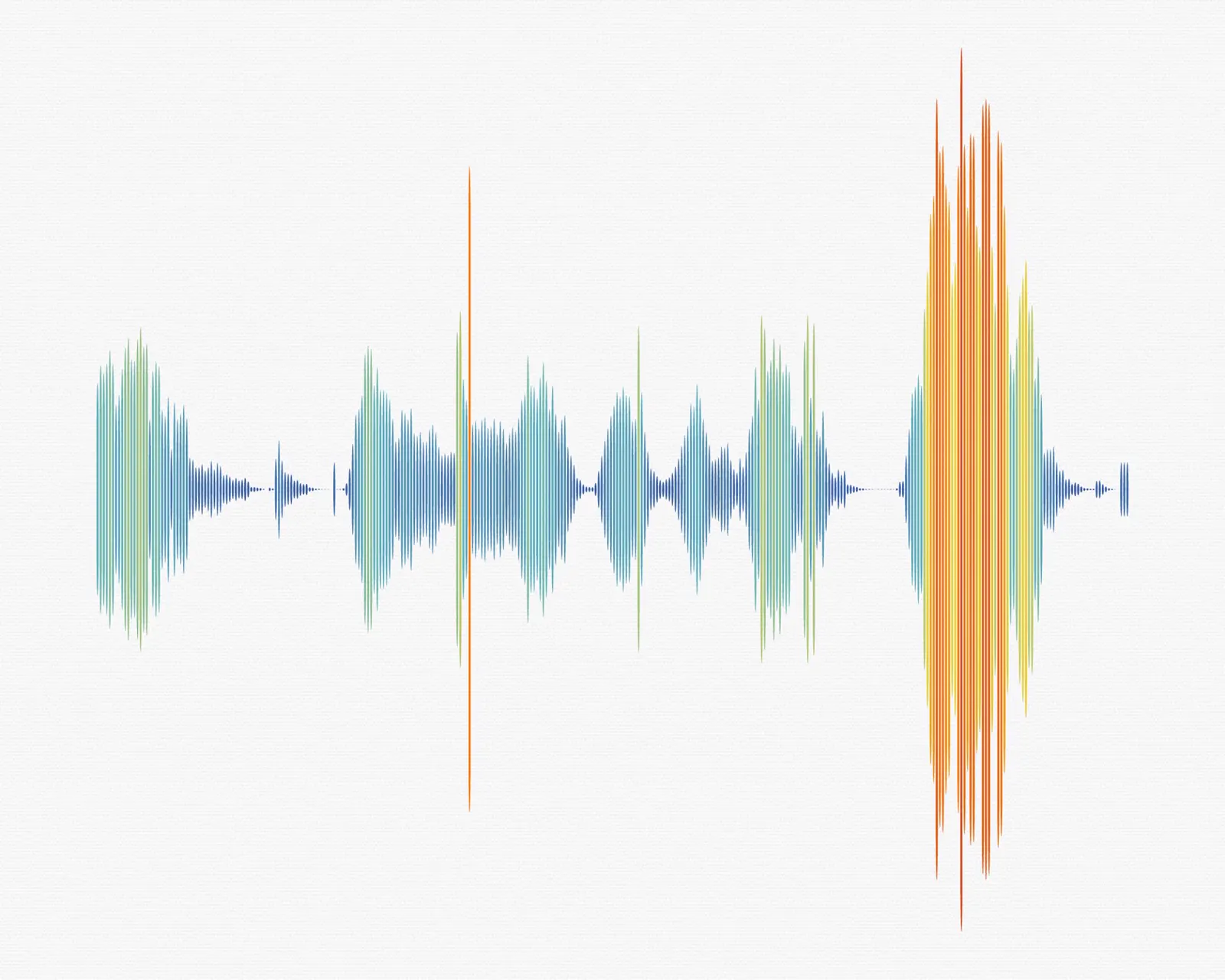
Print sizes at 300 dpi
Pixels = inches × 300. The 3000 × 1000 banner preset (Pro) prints sharp at 10 × 3.3 in; for anything larger, set a custom size or use the SVG.
| Pixels needed | In the generator | |
|---|---|---|
| 8 × 10 in poster | 2400 × 3000 | Custom size |
| 12 × 12 in canvas | 3600 × 3600 | Custom size |
| 18 × 6 in panorama | 5400 × 1800 | Custom size or SVG |
| T-shirt front, 12 × 16 in | 3600 × 4800 | SVG, transparent PNG |
- Transparent PNG for shirts, mugs and video overlays: the print shop only inks the waveform.
- SVG for screen printing, vinyl cutting and laser engraving. It scales without blur; outline the text in your design app if the printer asks.
- Dark garments need white, sky-blue or amber bars. Pale periwinkle and lavender fade on black cotton.
FAQ
Waveform image FAQ
Yes, the waveform generator is free: no signup and no watermark, with 10 downloads a day and images up to 1,920 px a side. Pro lifts the daily limit and goes up to 8,000 px. The audio is decoded and drawn in your browser, so the file is never uploaded to a server.
Yes. Set Background to Transparent and download a PNG. Everything except the waveform and the text stays see-through, ready for T-shirts, mugs or a video overlay.
The PNG is a pixel image at exactly the size you chose, up to 1,920 px a side free or 8,000 px with Pro. The SVG is made of vector paths, so it can be scaled to a billboard or sent to a laser cutter without losing sharpness.
Yes. Drag the two handles under the preview to pick a range, press play to hear it, and the image redraws from just that section. Arrow keys nudge a handle by 0.5 s, or 5 s with Shift.
MP3, WAV, M4A/AAC, OGG, Opus, FLAC and the audio track of MP4 or WebM files, up to 50 MB free or 500 MB with Pro. If your browser can play it, the generator can usually draw it.
Multiply the print size in inches by 300. A 12 × 12 in canvas needs 3600 × 3600 px and a 24 × 8 in banner needs 7200 × 2400 px. For very large prints, download the SVG instead.
Turn your favourite song into a waveform image
Pick the moment, style it, download it. Free, private and ready for print.
Free · no signup · no watermark · processed in your browser