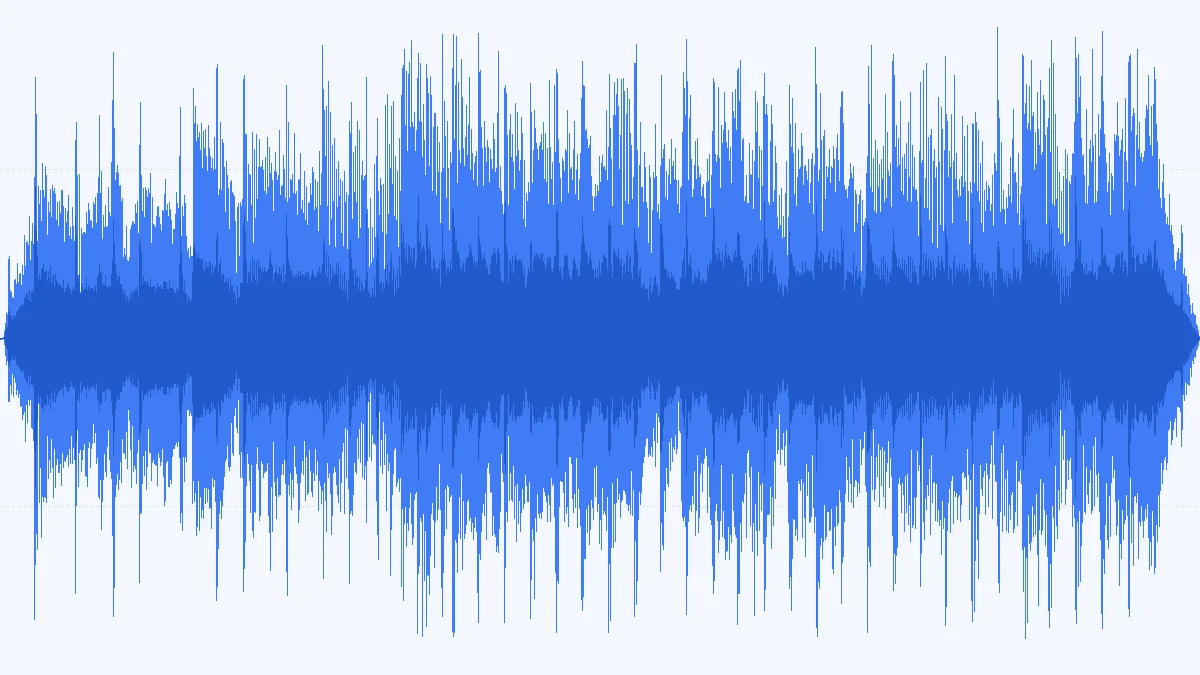
 WAV 4.32 MBMP3 601 KB
24-bit mix → MP3 320 kbps · Pro
A 15-second, 24-bit / 48 kHz bounce of the kind a DAW exports for mastering. At 320 kbps it stays at 48 kHz and drops from 4.32 MB to 601 KB.
- 320 kbps
- Stereo
- 48 kHz
Recorder takes · DAW bounces · CD tracks
This WAV to MP3 converter turns recorder takes, DAW bounces and CD tracks into MP3 files 7–12× smaller, at 128 or 192 kbps — 256 or 320 kbps with Pro. It runs inside your browser, so your session files never leave your computer.
Converted on your device by your browser's own decoder and a background encoder — nothing is uploaded.
Real conversions
Four WAV files cut from our demo songs — a 24-bit mix, a CD track, a mono field take and a 32-bit float export — run through this converter. The sizes are exact for any WAV of the same format and length. Play the MP3, or load the same file and settings into the tool.
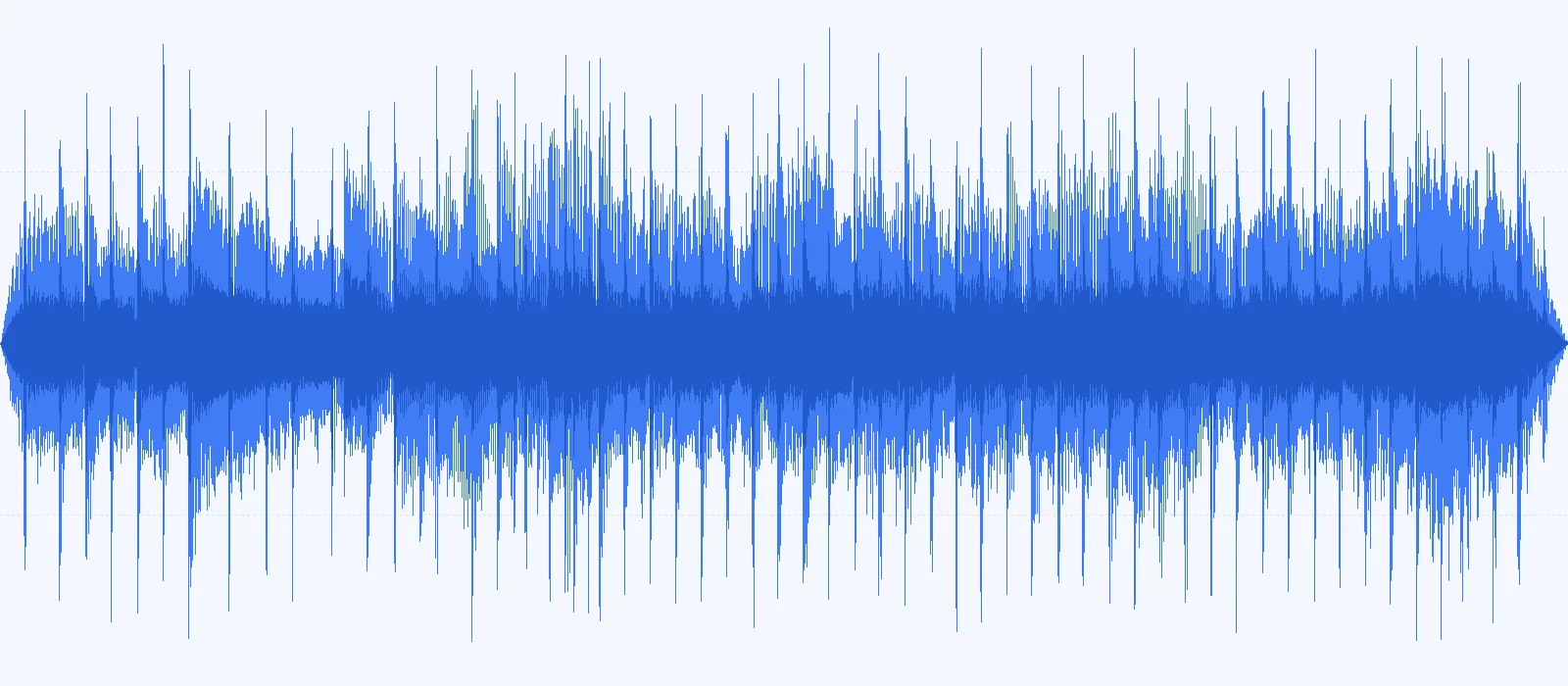
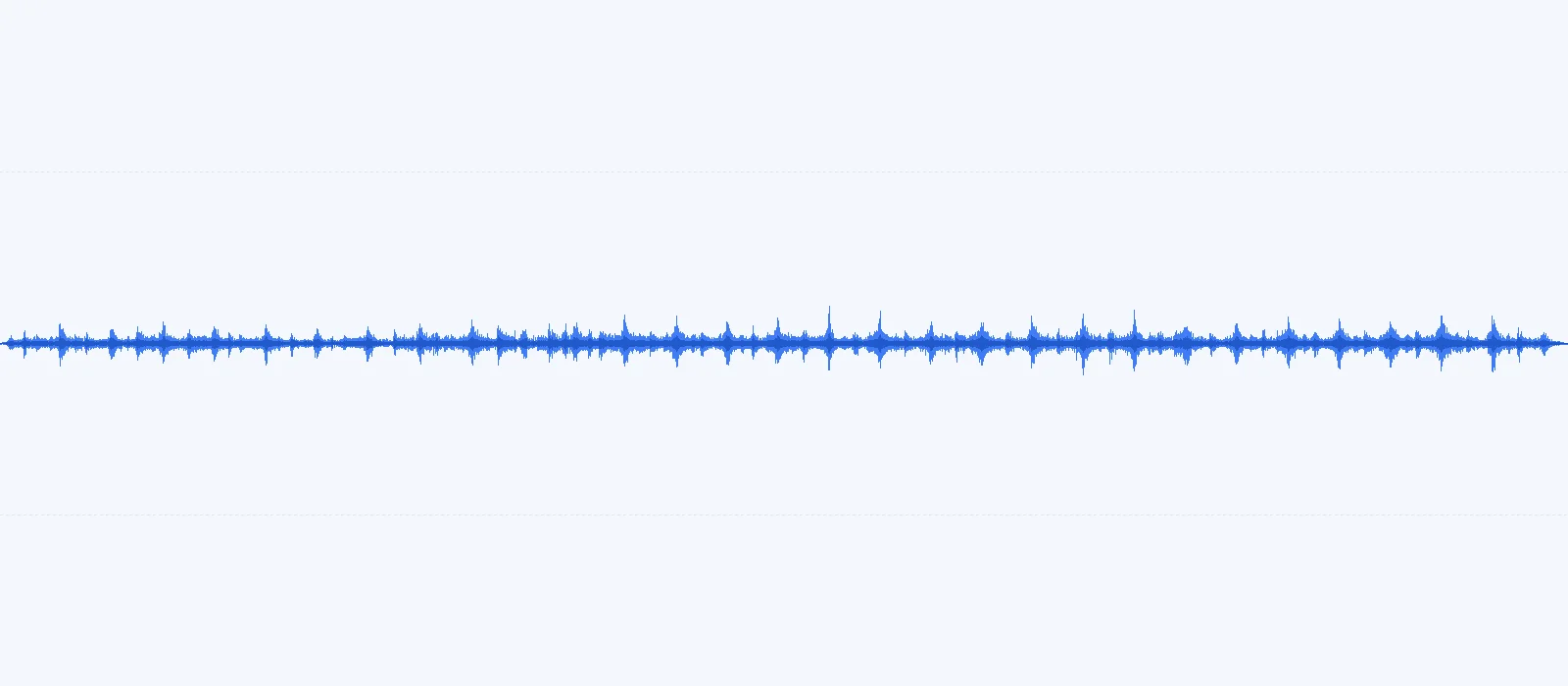
Left: the 16-bit WAV. Right: the WAV minus our 192 kbps MP3 — a null test — on the same vertical scale. The removed signal sits about 26 dB below the music: mostly the top octave and detail hidden under louder sounds.
WAV 4.32 MBMP3 601 KBA 15-second, 24-bit / 48 kHz bounce of the kind a DAW exports for mastering. At 320 kbps it stays at 48 kHz and drops from 4.32 MB to 601 KB.
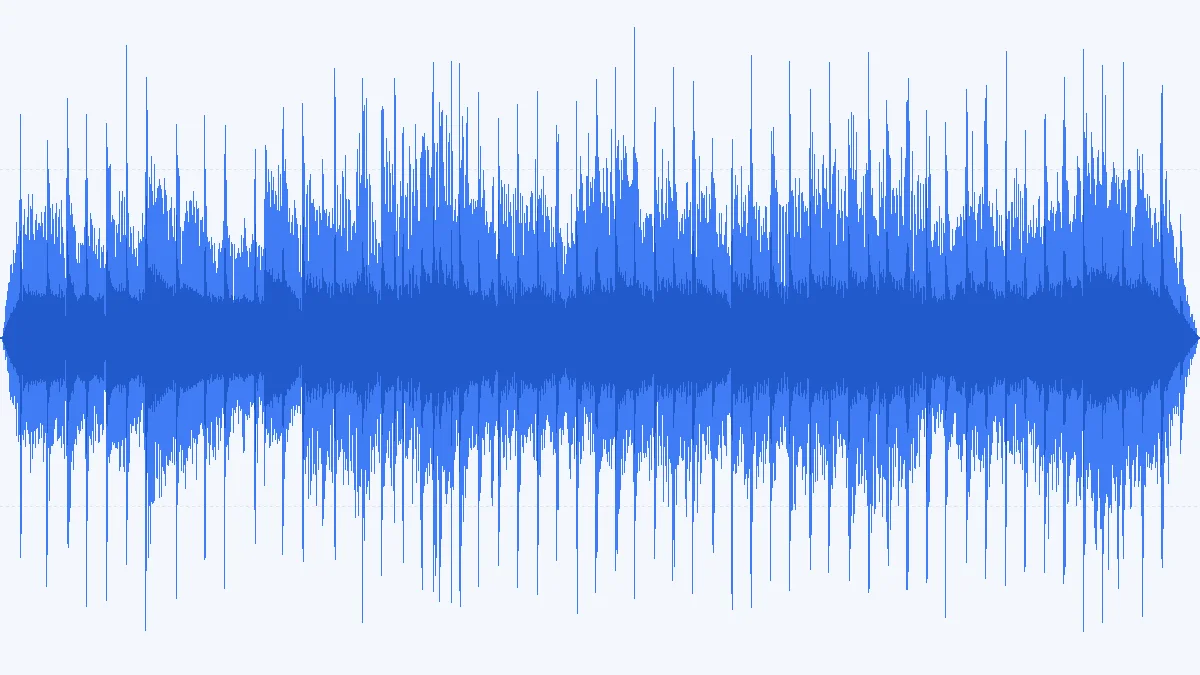 WAV 3.53 MBMP3 481 KB
16-bit / 44.1 kHz stereo, 20 seconds. The default 192 kbps gives 481 KB from 3.53 MB — a size phones, car stereos and upload forms all accept.
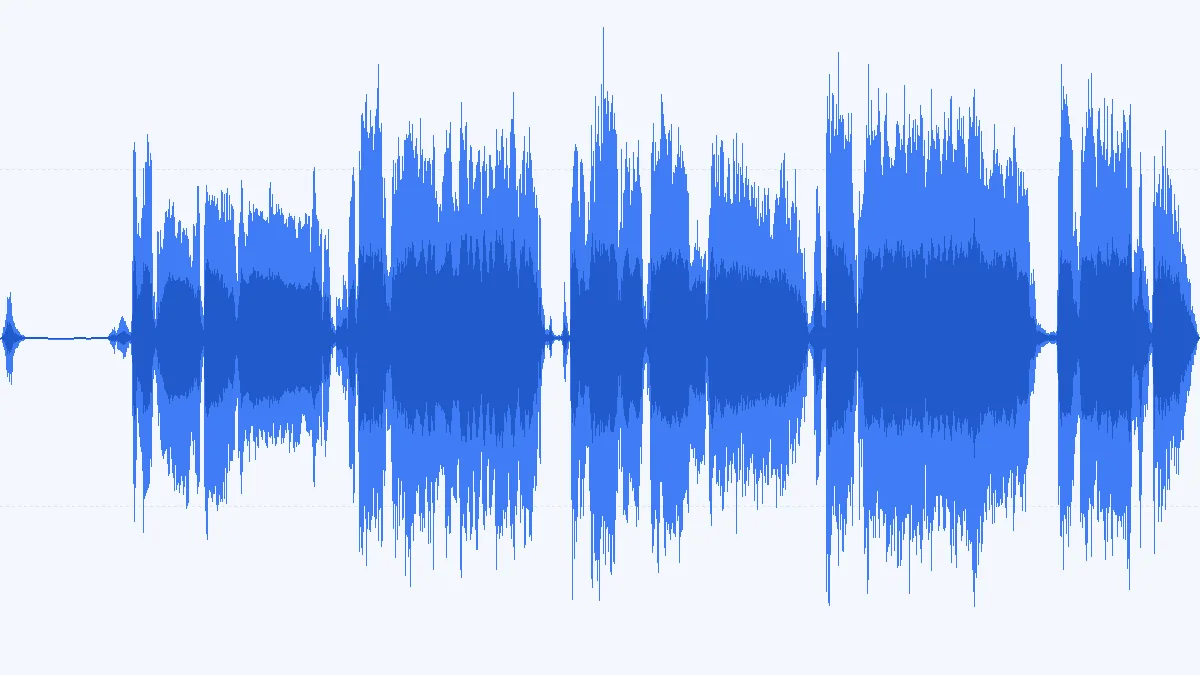 WAV 2.88 MBMP3 321 KB
A mono 24-bit / 48 kHz voice take, as handheld recorders write it. 128 kbps mono turns 2.88 MB into 321 KB, and the speech stays clear.
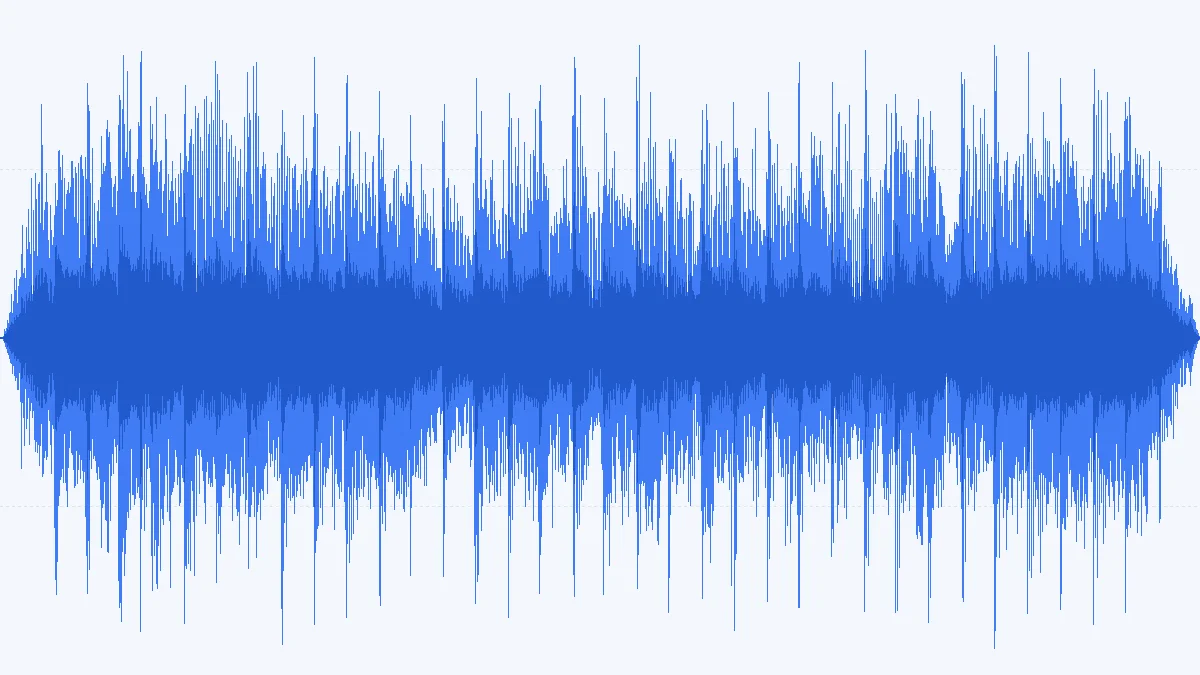 WAV 4.61 MBMP3 385 KB
Floating-point WAV from a DAW export dialog decodes like any other. 4.61 MB of float audio becomes a 385 KB MP3 — 12× smaller, because float WAV is the bulkiest kind.
Three steps
Nothing to install and no account. Your browser decodes the WAV and runs the MP3 encoder itself.
Drag WAVs onto the converter or browse for them — 3 at a time, 50 MB each free, or up to 100 files of 500 MB with Pro. Every row shows the bit depth, sample rate and length as soon as the file is read.
192 kbps suits everyday music, 320 kbps (Pro) the copy you'll keep, 128 kbps mono for voice. The size estimate updates before anything is encoded.
On a recent laptop a 20-second WAV converts in about half a second. Download files one by one, or with Pro grab the whole batch as a single .zip.
Which WAV files work
WAV is a container, not a single format. We fed this converter the variants that recorders, DAWs and old dictaphones produce and wrote down what happened.
| WAV type | Usually comes from | Converts? | Worth knowing |
|---|---|---|---|
| PCM 16-bit | CD rips, Audacity and GarageBand exports, Windows Sound Recorder set to WAV | Yes | The classic: 10.6 MB per stereo minute at 44.1 kHz. |
| PCM 24-bit | Handheld recorders, audio interfaces, DAW bounces | Yes | MP3 has no bit depth, so the extra 8 bits only help on the way in. |
| 32-bit float | DAW exports, 32-bit float recorders | Yes | Peaks above 0 dBFS are clipped during encoding — normalize a mix that went into the red first. |
| Broadcast WAV (BWF) | Field and location recorders, radio workflows | Yes | The audio converts; the timestamp and scene notes in the bext chunk stay behind. |
| RF64 | Recorders and DAWs once a take passes 4 GB | Yes | Decodes fine; the 50 MB file limit (500 MB with Pro) applies long before 4 GB. |
| 8-bit and µ-law | Old games, telephone systems, answering-machine exports | Yes | Low fidelity going in, so 128 kbps mono is more than enough. |
| IMA ADPCM | Older dictaphones and some voice recorders | No | Chrome refuses to decode it. Open it in Audacity and export as PCM WAV, then convert. |
Size math
WAV stores every sample uncompressed, so its size depends only on the format — never on the music. MP3 size depends only on the bitrate.
Exact figures: WAV = rate × bytes per sample × channels × 60; MP3 = kbps × 7.5 KB.
| WAV format | Per minute | Fits in 50 MB | As MP3 192 |
|---|---|---|---|
| 16-bit · 44.1 kHz · Stereo | 10.6 MB | 4:57 | 7.1 MB |
| 24-bit · 48 kHz · Stereo | 17.3 MB | 3:02 | 4.4 MB |
| 24-bit · 48 kHz · Mono | 8.6 MB | 6:04 | 8.7 MB |
| 32-bit float · 48 kHz · Stereo | 23.0 MB | 2:16 | 3.3 MB |
| 24-bit · 96 kHz · Stereo | 34.6 MB | 1:31 | 2.2 MB |
Many email services cap attachments at about 25 MB. That holds 2 min 22 s of CD-quality WAV, or 17 minutes of 192 kbps MP3 — the most common reason people convert.
A one-hour 24-bit stereo take is about 1 GB as WAV. Split it into parts in your recorder or in Audacity, then queue the parts here — 3 per batch free, or up to 100 with Pro.
Bit depth & sample rate
MP3 stores frequency data, not samples, so some WAV settings carry over and some simply stop mattering.
There is no 16- or 24-bit MP3. A 24-bit take and a 16-bit copy of it encode to practically the same file, so don't bother reducing the WAV first.
With Original selected, 32, 44.1 and 48 kHz WAVs keep their rate. 88.2 kHz comes out at 44.1 kHz, and 96 or 192 kHz at 48 kHz — the highest rate MP3 supports.
MP3 is for listening and sharing. If you may edit, remix or master the recording later, keep the WAV and convert a copy: editing an MP3 and saving it again adds a second round of loss.
| Recording | Bitrate | Why |
|---|---|---|
| Interviews, lectures, voice notes | 128 kbps · Mono | Speech needs no stereo and little treble: 0.96 MB per minute. |
| Demos, rehearsals, rough mixes | 192 kbps | Good enough to judge a mix on headphones at 1.44 MB per minute. |
| Podcast episode masters | 128–192 kbps | Many hosts re-encode anyway; a clean 128–192 kbps upload keeps quality without wasting space. |
| Finished songs, DJ sets | 320 kbps | Keeps the most detail MP3 can hold — measured low-pass at 20.4 kHz. |
Converting a different source format?M4A to MP3FLAC to MP3Any format to MP3
Who uses it
WAV is how audio gets recorded and produced; MP3 is how it gets heard and passed around.
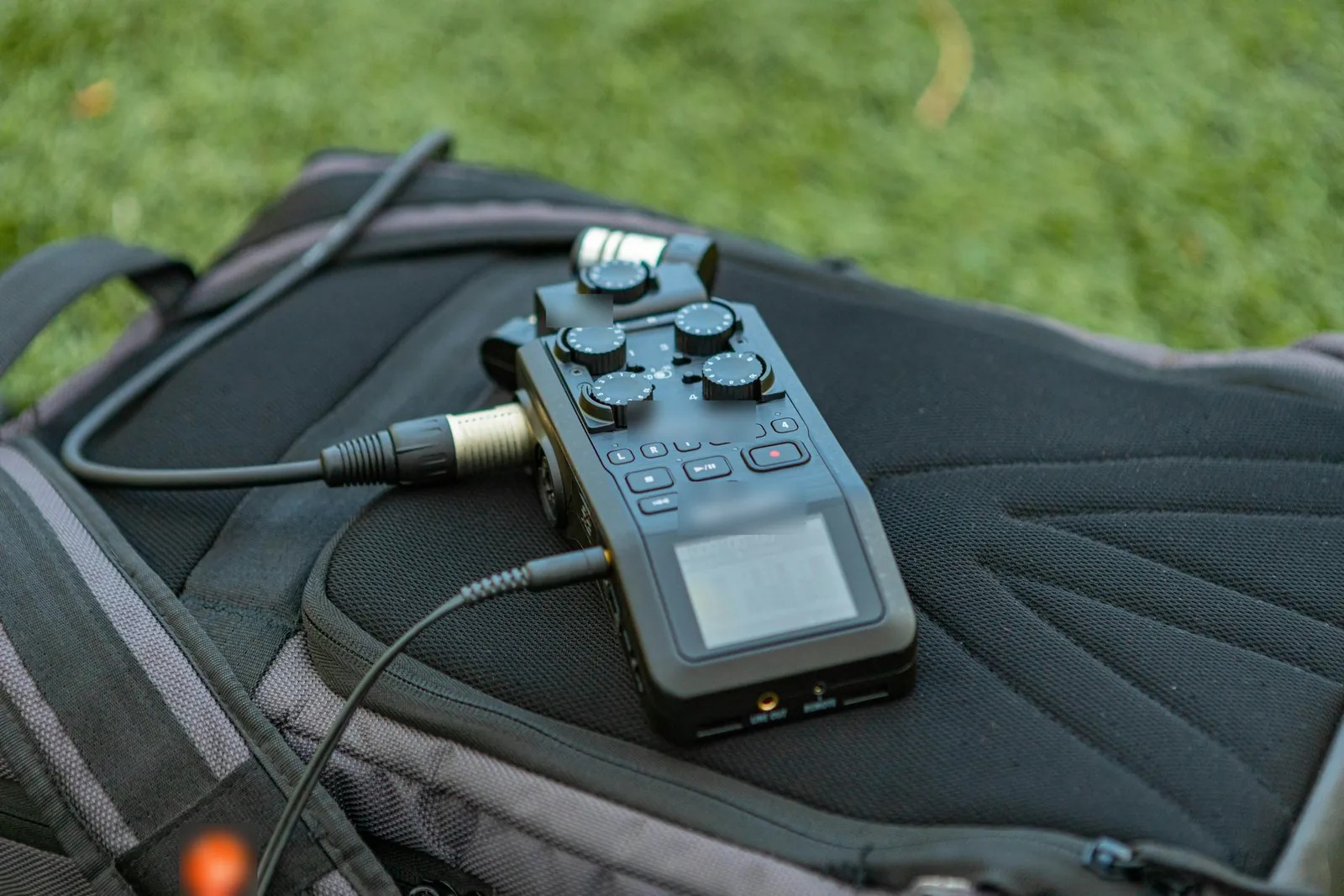
Handheld recorders write WAV by default. Turn a day of 24-bit takes into MP3s small enough for a shared folder or a chat thread.
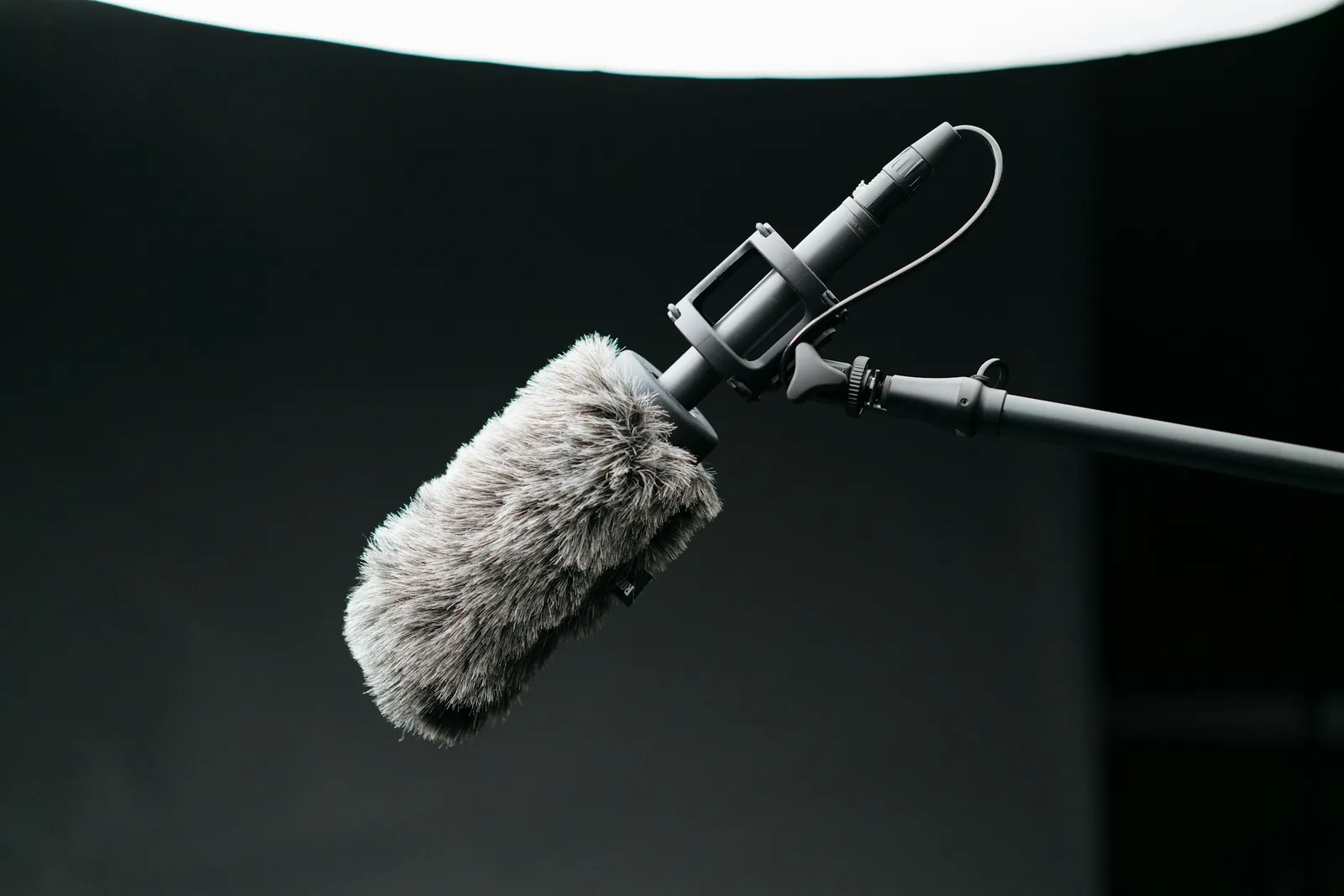
Send the director or transcriber MP3 copies of the day's sound while the 48 kHz WAVs go to the editor.
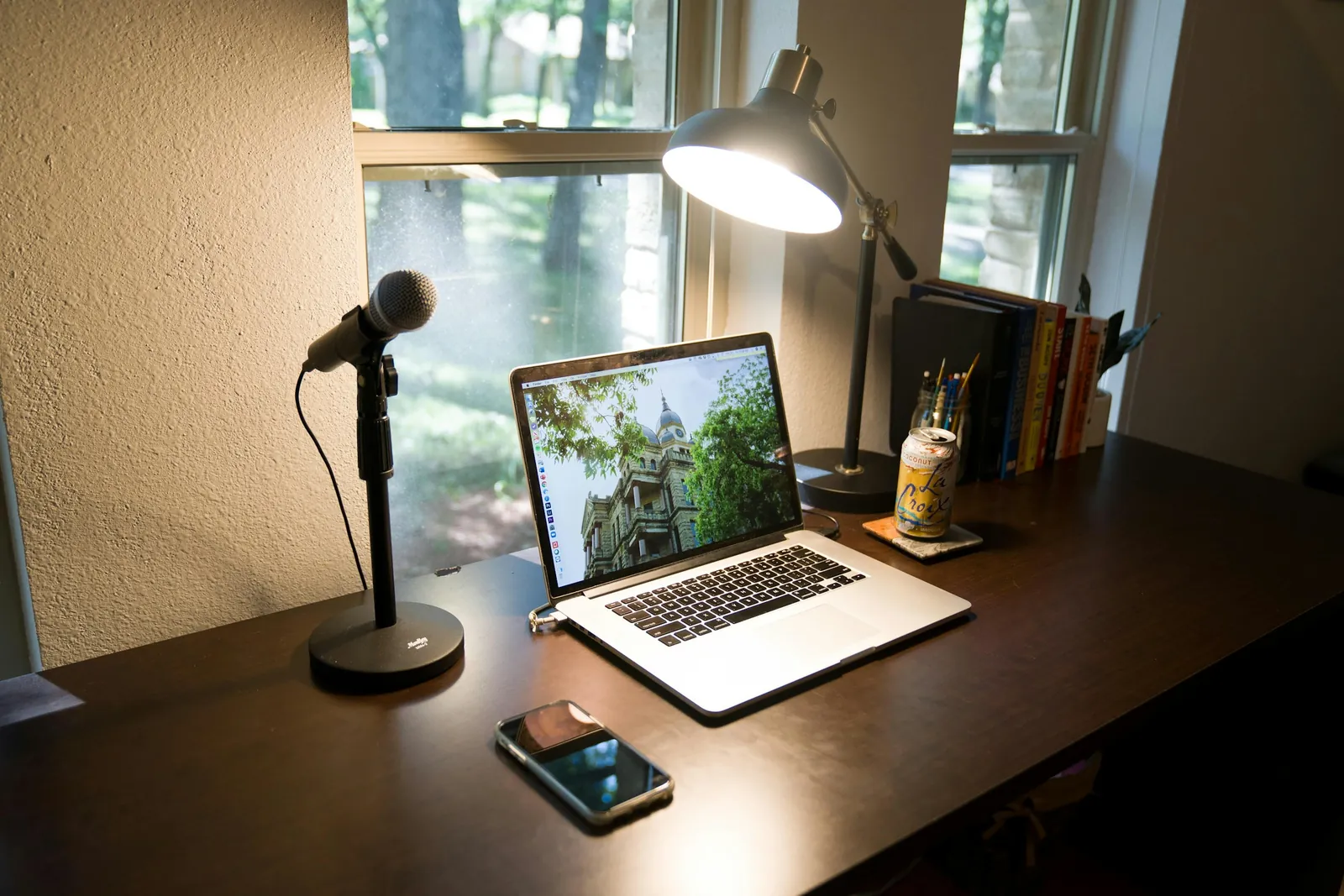
Clients and casting sites often ask for an MP3 demo. Record in WAV, send the MP3, keep the WAV for the booking.
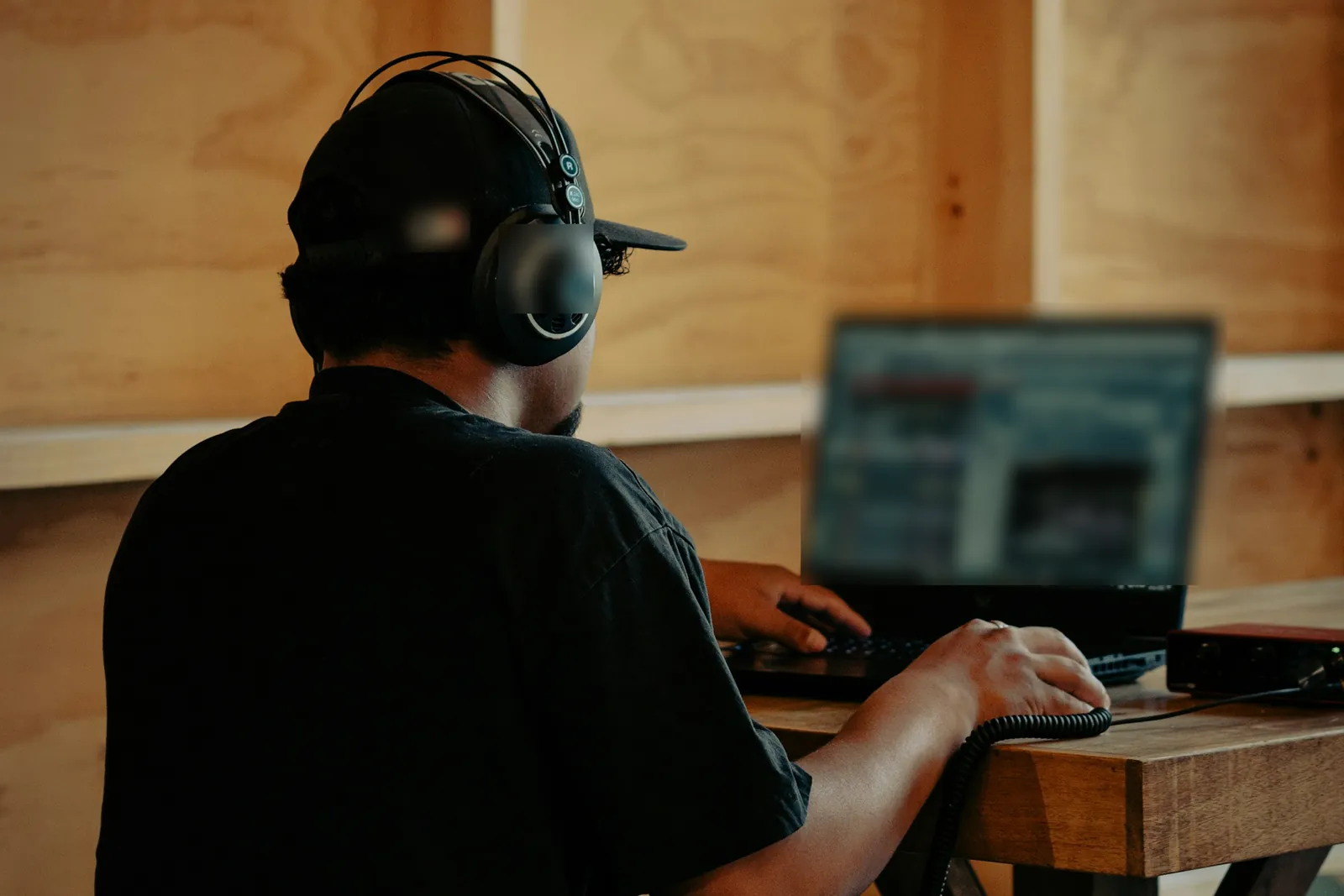
Bounce a 24-bit WAV, convert it at 192 kbps — or 320 with Pro — and share the mix for notes instead of a 60 MB file.
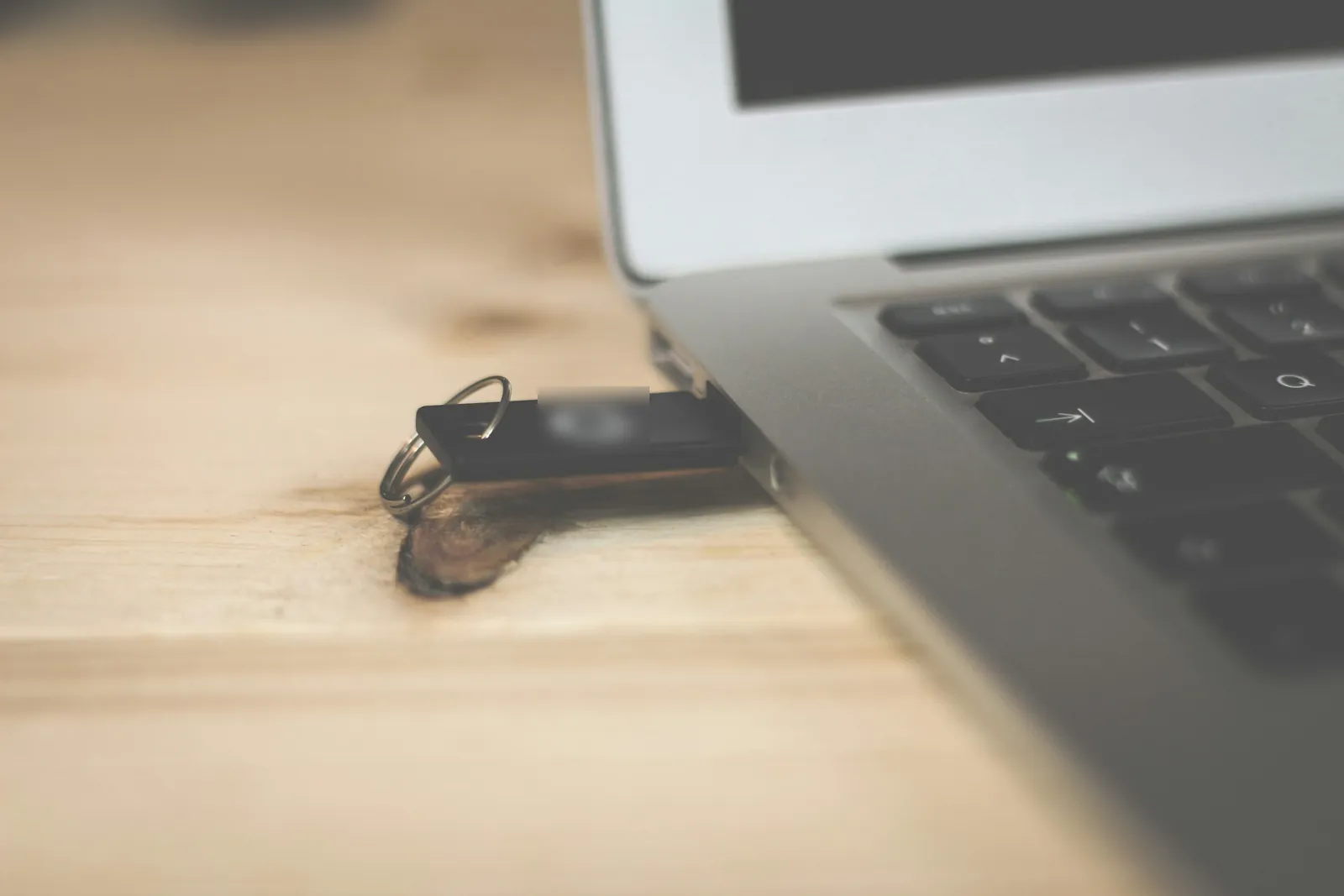
MP3 is the format most car stereos and media players read from a USB stick, and the stick fills 7× slower than with WAV.
FAQ
Straight answers, with the numbers we measured.
Converting a whole session?
Drop the takes in — 3 at a time free, up to 100 with Pro. They convert one after another; with Pro they download as a single zip.
Convert WAV to MP3Yes — MP3 is a lossy format. In our null test the removed signal sat 17 dB below the music at 128 kbps, 26 dB at 192 kbps and 37 dB at 320 kbps, mostly high frequencies and sounds masked by louder ones. At 192–320 kbps many listeners can't pick the MP3 in a blind test, but keep the WAV if you'll edit again.
192 kbps for everyday music, 320 kbps (a Pro option) when the MP3 is the copy you'll keep, and 128 kbps mono for speech. The bitrate fixes the size exactly: 0.96 MB per minute at 128, 1.44 MB at 192 and 2.4 MB at 320 kbps.
Yes. 16-bit, 24-bit, 32-bit float, Broadcast WAV and RF64 all decode. The one common type that failed in Chrome is IMA ADPCM from some older dictaphones — re-export it as PCM WAV in Audacity first. Float peaks above full scale get clipped, so normalize clipped mixes before converting.
No. The browser reads the file from your disk and the MP3 encoder runs on your device; there is no upload step. Open your browser's network panel while converting and you will see no request carrying the audio.
No. The MP3 gets the audio only — WAV cue markers, bext timestamps and INFO tags are not copied. Add ID3 tags afterwards in a tag editor or your music app if you need them.
Free takes files up to 50 MB and 10 minutes: about 4 min 57 s of 16-bit / 44.1 kHz stereo, 3 min of 24-bit / 48 kHz stereo or 6 min of 24-bit mono. Pro takes 500 MB and 2 hours — ten times as long. Split longer recordings first; free queues 3 files at a time, Pro 100.
Drop a WAV, pick a bitrate, download. Free, private and without a watermark.
Free · no signup · no watermark · processed in your browser