Updated 2026-11-15

Free · both directions · in your browser

Mono to Stereo Converter

This mono to stereo converter turns a flat, one-channel recording into natural stereo that still folds back cleanly to mono — and works the other way too: merge stereo to mono, swap or split left and right. Watch the meters, check in mono, download WAV or MP3.

  • No signup
  • Nothing uploaded
  • WAV + MP3
Mono ⇄ stereo converter
Runs locally · 0 uploads
Mono vocal

Mono vocal (1 channel)

0:00 / 0:30
press play
L−∞
R−∞
Correlation
−10+1
—
Input—
Export—

Method

Adds a delayed copy to the left and subtracts it from the right. Folds back to exactly the original in mono.

60%
14 ms

16-bit WAV or 128 / 192 kbps MP3 (320 with Pro), made on your device.

Builds stereo from the mono sum. Mid/side and decorrelate fold back to the original in mono; Haas is wider but combs when summed.

  • 4 methodsMid/side, decorrelate, Haas delay and dual mono
  • 1 or 2 chStereo to mono saves a true 1-channel file — or dual mono
  • Live metersGoniometer, L/R levels and a correlation meter
  • 0 uploadsFiles up to 50 MB free (500 MB with Pro) never leave your device

Our own renders

Mono to stereo examples, measured

Each picture is the real output of this converter: left and right waveforms plus a goniometer of the result. Press play, flip Original ⇄ Converted, then load the settings.

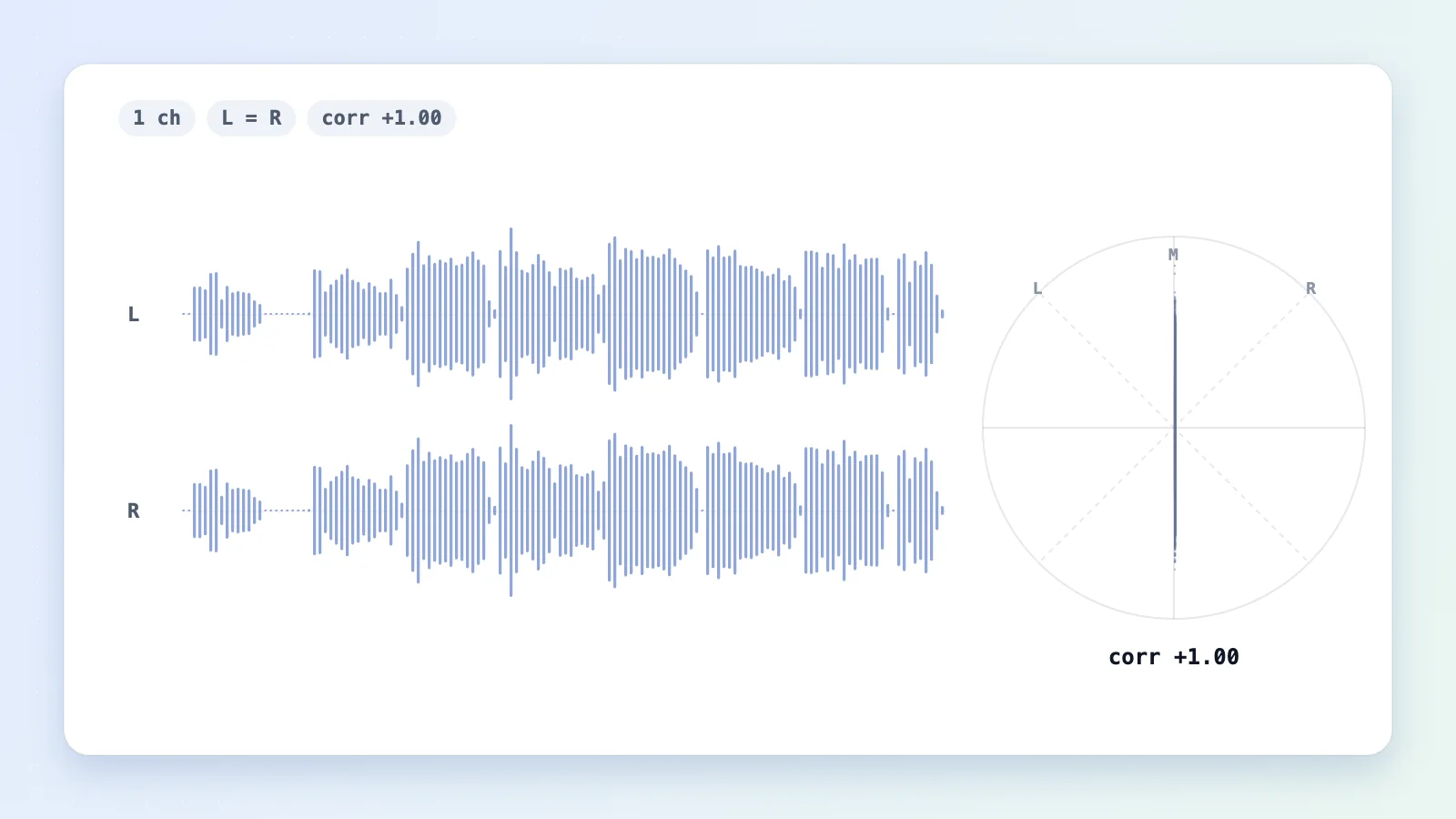
The mono original: identical left and right waveforms and a vertical goniometer line
Mono to stereo converter output: different left and right waveforms and a wide goniometer cloud
OriginalConverted
Drag to compare

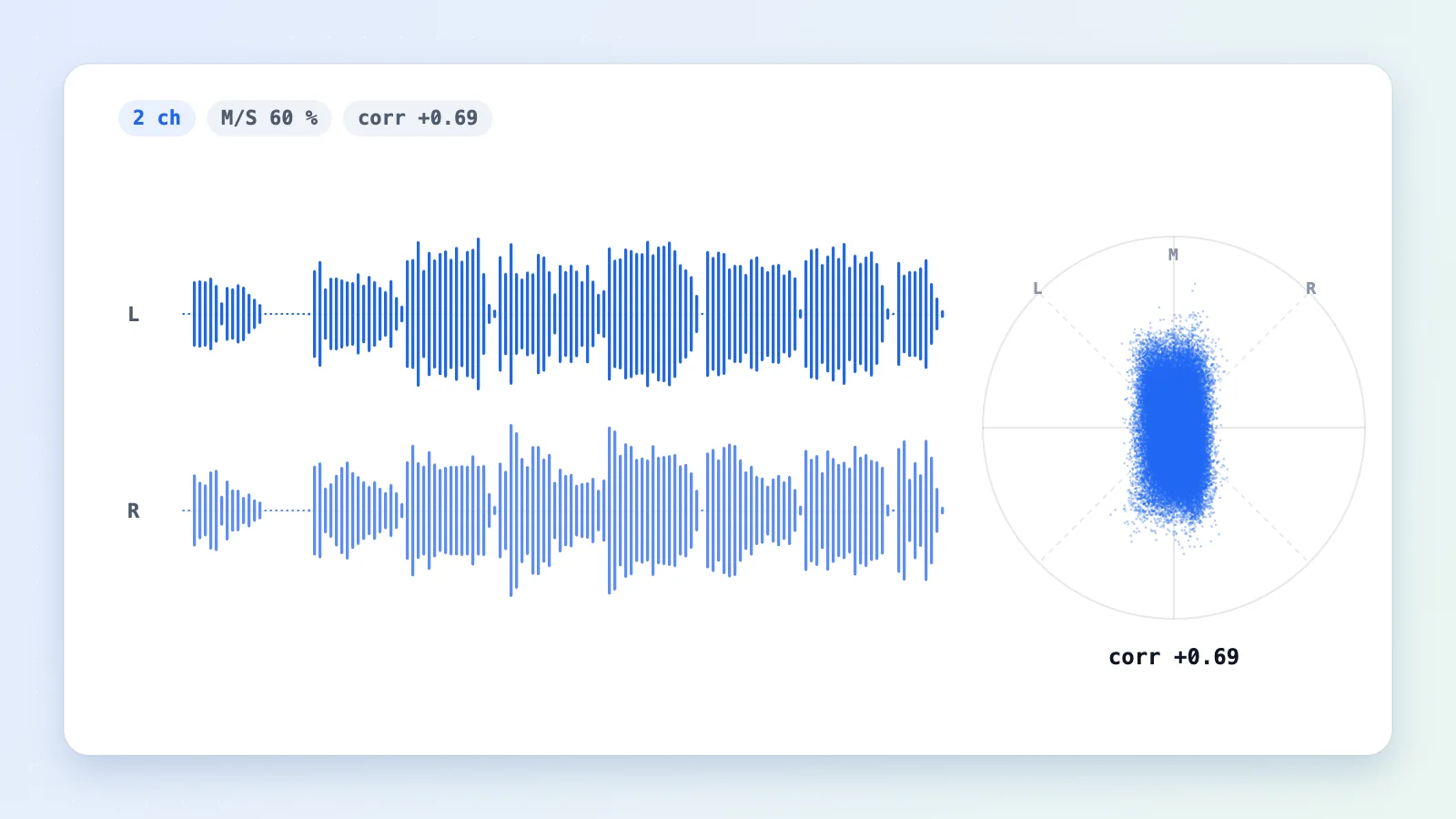
Mono vocal to wide, mono-safe stereo

Mono vocal · 1 ch → 2 ch

Mid/side at 60 % with a 14 ms side delay and the bass kept centred. The goniometer opens from a thin line into a cloud, yet L + R gives back the original vocal sample for sample.

  • Mid/side
  • 60 %
  • 14 ms
  • corr +0.69
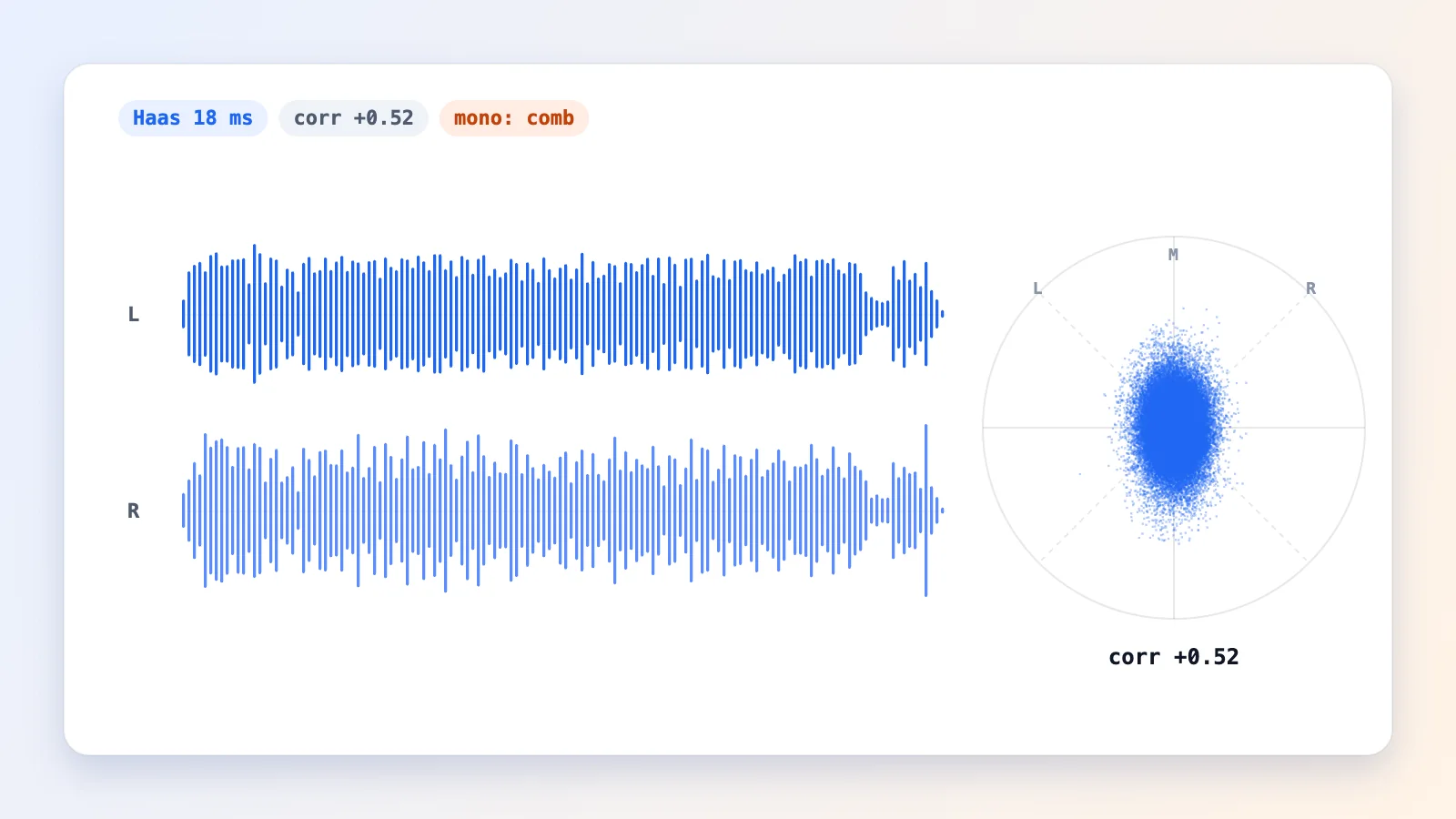
Waveforms of a mono song widened with an 18 millisecond Haas delay

Haas delay on a mono song

Mono song · Haas 18 ms

The right side arrives 18 ms late, so guitar and voice spread wide. Turn on Mono check to hear the price: a hollow, phasey tone.

  • Haas delay
  • 18 ms
  • corr +0.52
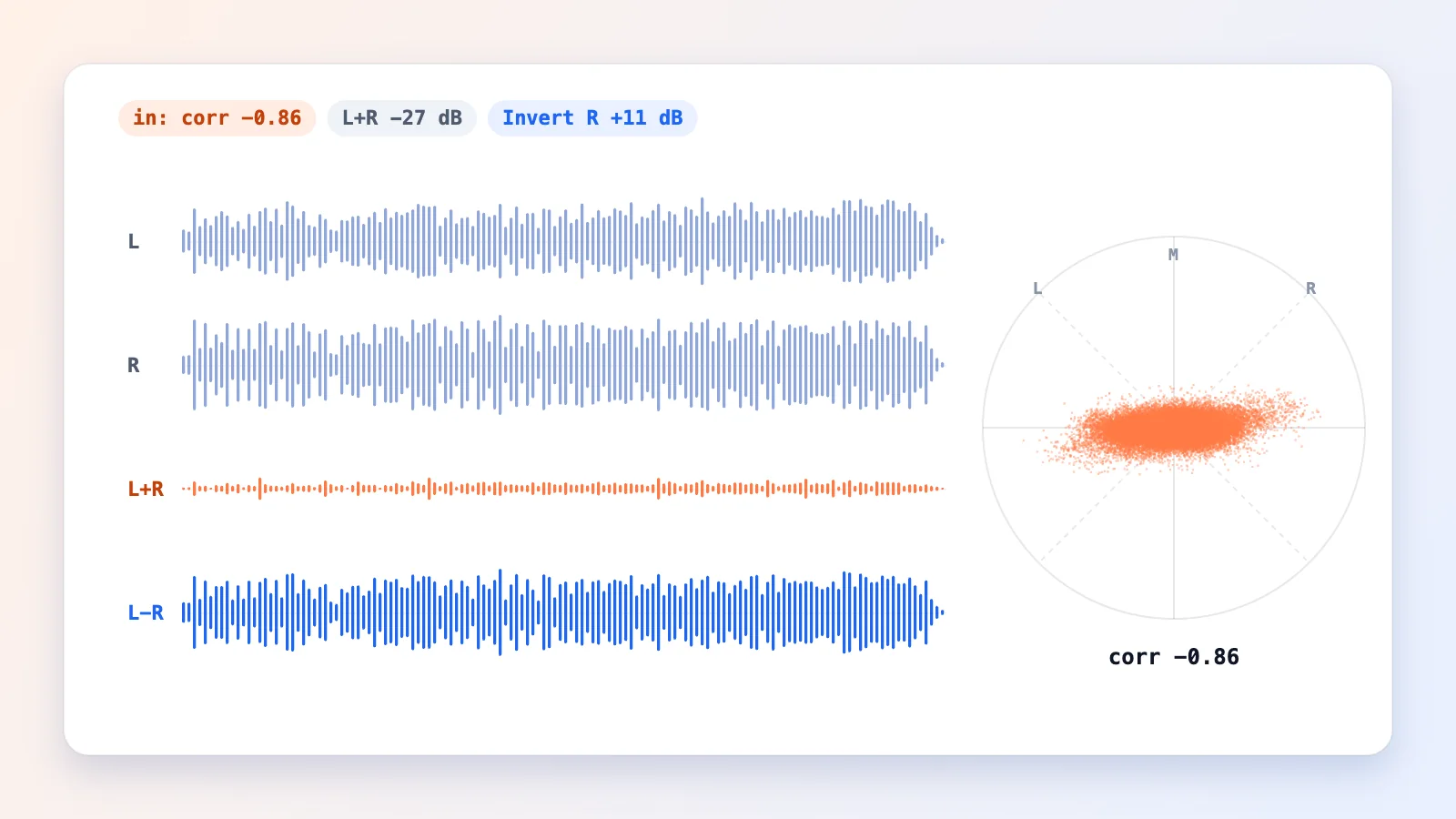
Before and after levels of an out-of-phase stereo file merged to mono

Rescuing an out-of-phase file

Out-of-phase stereo → mono

The right channel of this instrumental is inverted (correlation −0.86). A plain L + R merge loses about 11 dB and hollows out the centre; Invert R flips it back first, so the mono file keeps its full level.

  • Invert R
  • 1 ch
  • +11 dB rescued
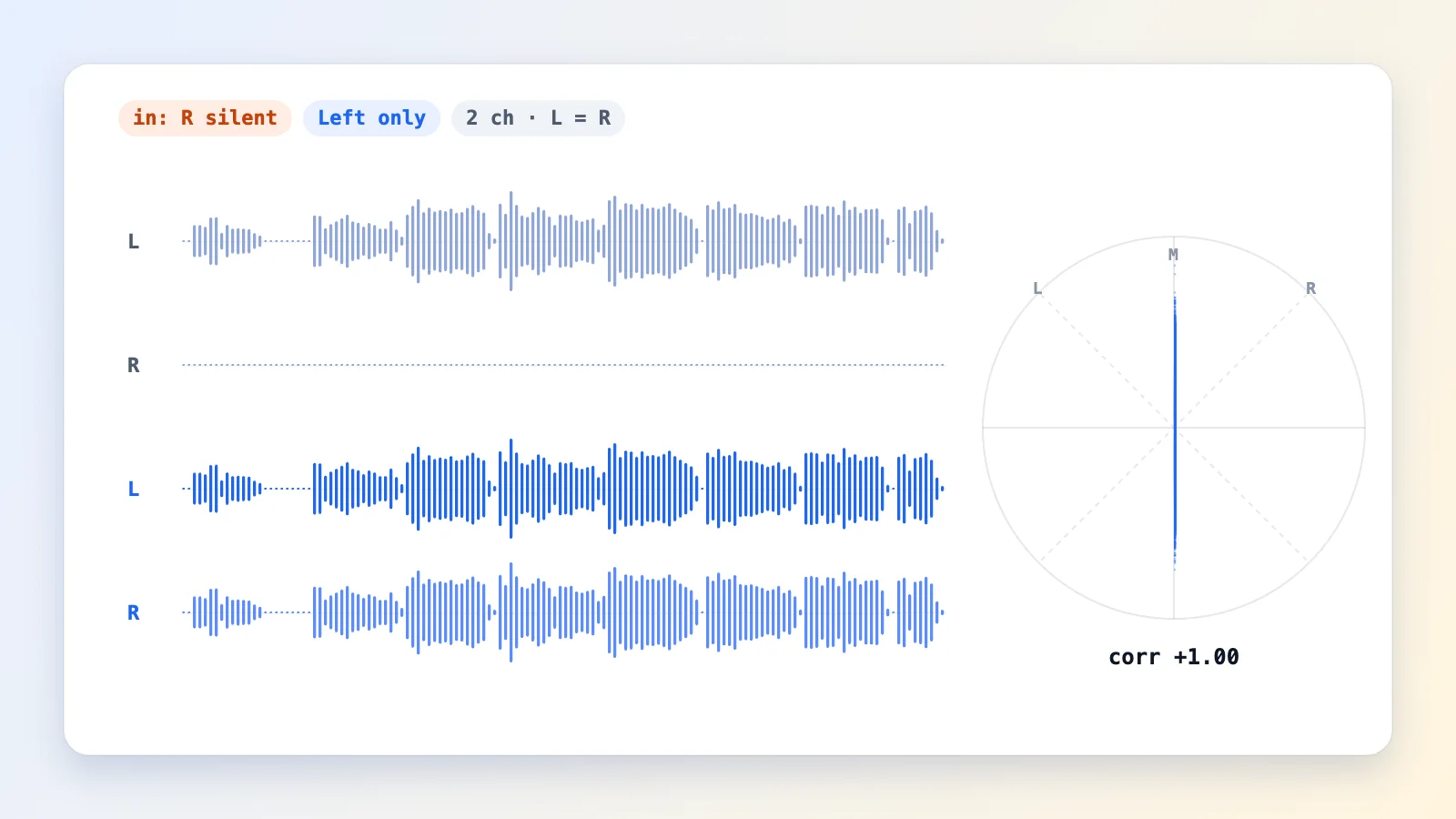
A one-sided recording converted so both channels carry the voice

Voice stuck in the left ear

Left only → both ears

A typical one-mic recording: sound on the left, silence on the right. Left only, saved as 2 channels, puts the voice in both ears at full level.

  • Left only
  • 2 ch
  • L = R

Step by step

How to make mono audio stereo

Here is how to make mono audio stereo in three steps — and the same three steps work in reverse for stereo to mono.

  1. Add your file

    Drop in an MP3, WAV, M4A, OGG or FLAC. The converter reads the channels and tells you what you have: mono, dual mono, one-sided or out of phase.

  2. Pick a direction and a method

    Choose Mono → stereo and a widening method (mid/side is the safe default), or Stereo → mono, Width, Swap or Split.

  3. Check in mono, then export

    Watch the correlation meter, press M to hear it summed to mono, and download a WAV or an MP3 at the bitrate you need.

Methods

Four ways a mono to stereo converter can add width

True stereo needs two microphones. From one channel you can only create the impression of width — here is how each method does it and what it costs in mono.

corr ≈ +0.7

Mid/side

Adds a short delayed copy to the left and subtracts it from the right. Natural width that cancels out exactly in mono.
  • Mono-safe
  • 8–25 ms
corr ≈ +0.6

Decorrelate

Six all-pass filters spread each frequency band a little left or right. Smooth, with no audible echo.
  • Mono-safe
  • 6 × all-pass
corr ≈ +0.5

Haas delay

Delays one side by 5–35 ms. Your ears read it as width — the widest option, but it combs in mono.
  • Check in mono
  • 5–35 ms
corr = +1

Dual mono

Copies the same signal to both channels. No width; just a proper 2-channel file.
  • L = R
  • 2 ch
Mono to stereo methods compared
MethodHow it worksWidthBack to monoBest for
Mid/sideL = M + S, R = M − S, with S a delayed copyNaturalExactly the originalVocals, podcasts, old recordings
DecorrelateS = M through all-pass filtersSoft, diffuseExactly the originalPads, guitars, ambience
Haas delayR = M delayed a few millisecondsWidestComb filtering (hollow tone)Headphone-only listening, effects
Dual monoL = R = MNoneExactly the originalPlayers or editors that want 2 channels

Stereo → mono

Four merges: the L + R average, left only, right only, or Invert R for channels that cancel. Save a true 1-channel file or 2-channel dual mono.
  • (L+R)/2
  • L
  • R
  • L−R

Width

For files that are already stereo: squeeze the image towards mono or widen it up to 200 %, bass kept centred.
  • 0–200 %
  • M/S

Swap L/R · Split L/R

Fix reversed left and right, or save each channel as its own mono file.
  • L ⇄ R
  • 2 × 1 ch

Where it helps

Real problems a channel converter fixes

Every card loads the right mode and demo into the converter above.

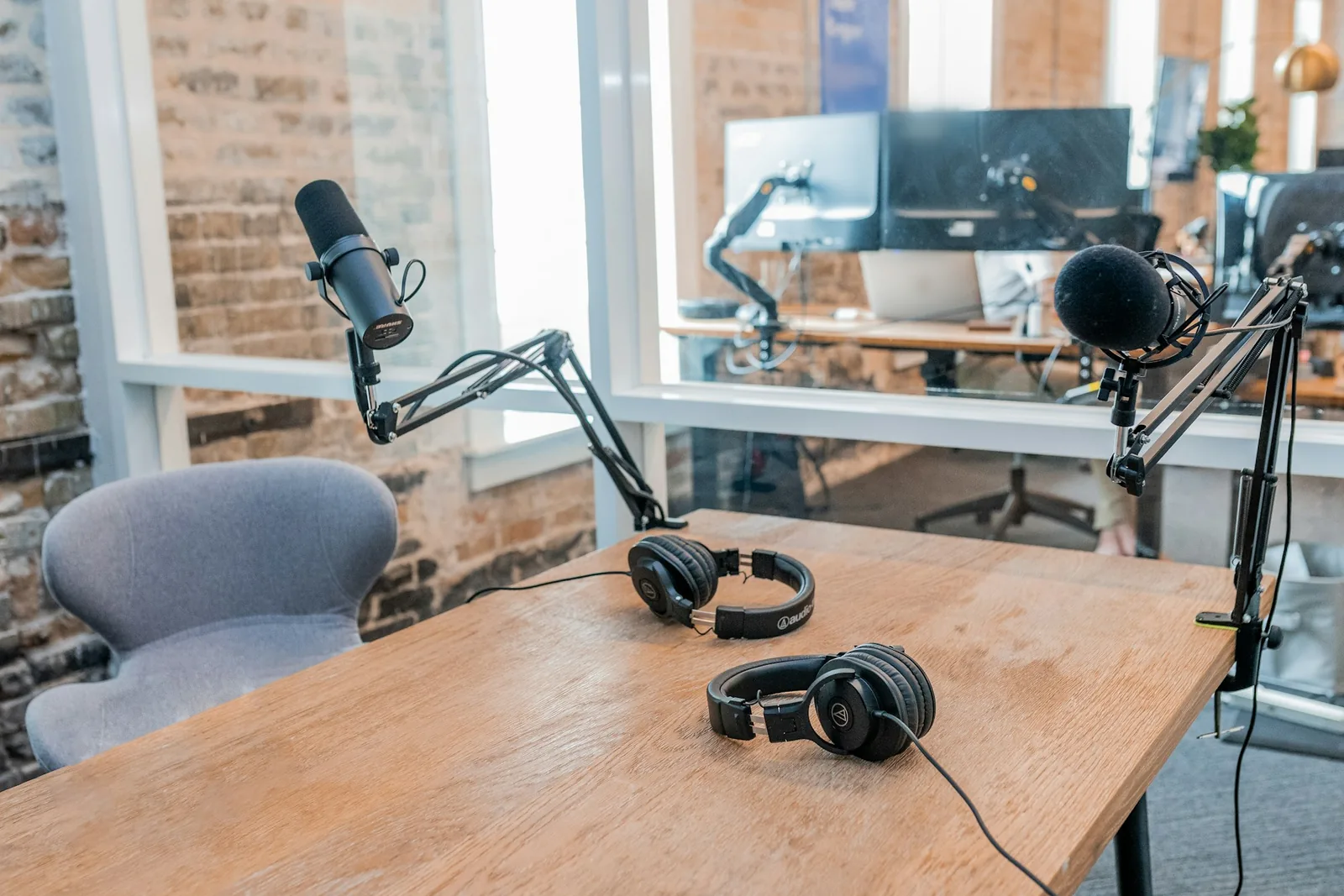
Two podcast microphones on a table ready for an interview
  • Left only
  • 2 ch

Podcast or interview in one ear

One mic in one input of a two-channel recorder often leaves the voice on the left only. Left only, saved as 2 ch, puts it in both ears.

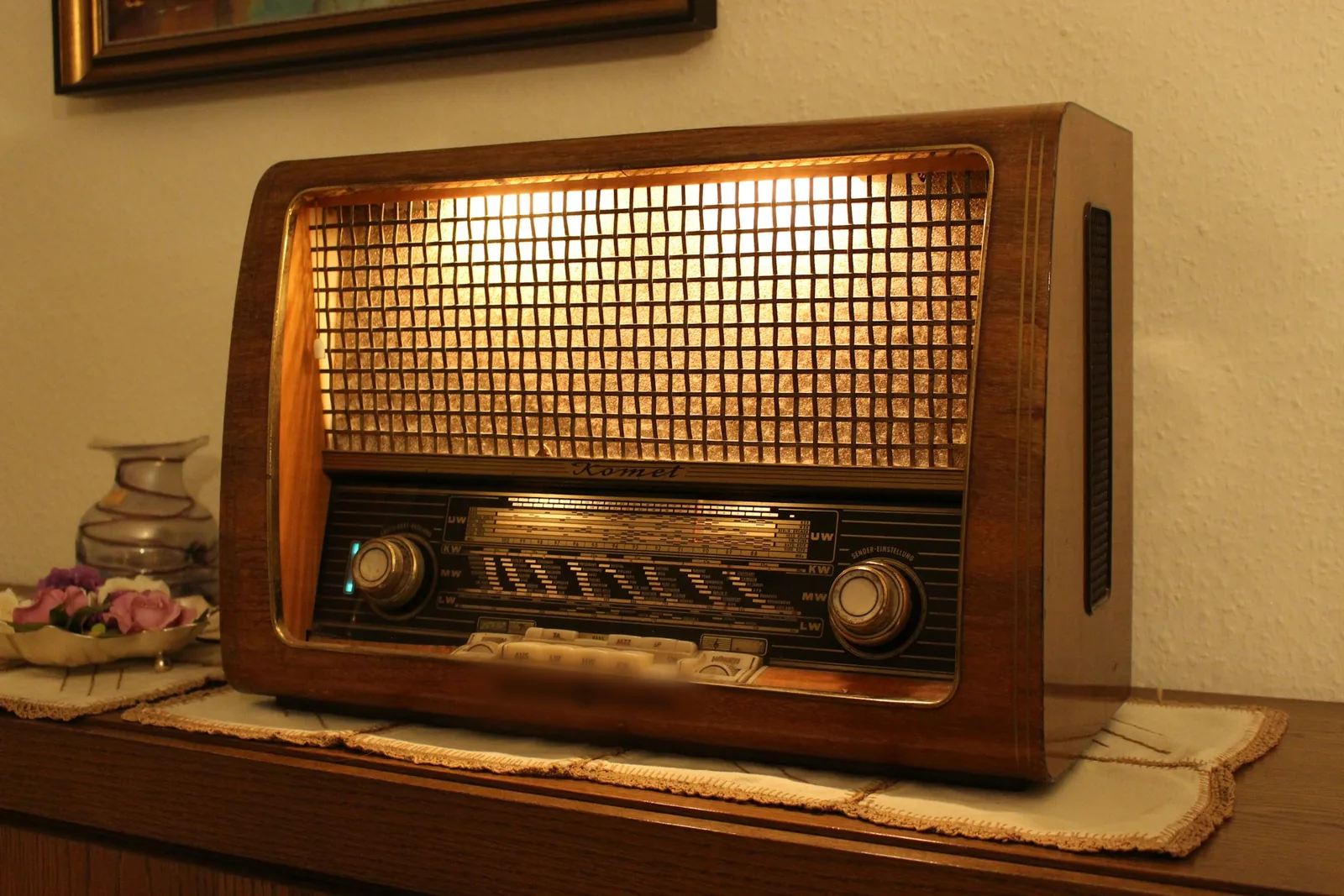
A vintage radio receiver on a wooden shelf
  • Mid/side
  • 40 %

Old mono records and voice memos

Give a mono transfer or phone memo a little room with gentle mid/side width — it sounds the same on a mono speaker.

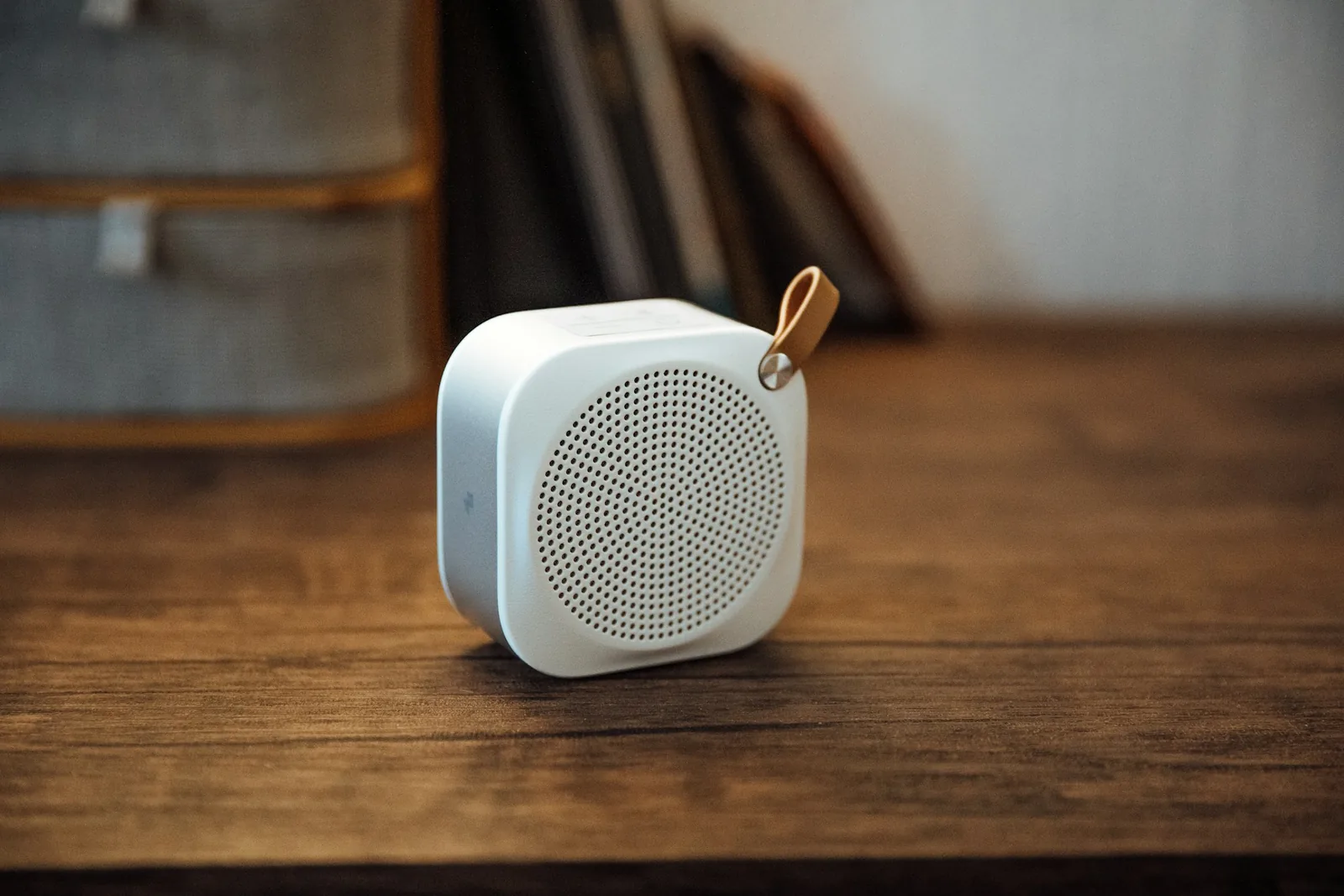
A small portable speaker on a table
  • Mono check
  • M

Phones and smart speakers play mono

Many small speakers sum to one channel. Use Mono check to hear what they will play before you publish.

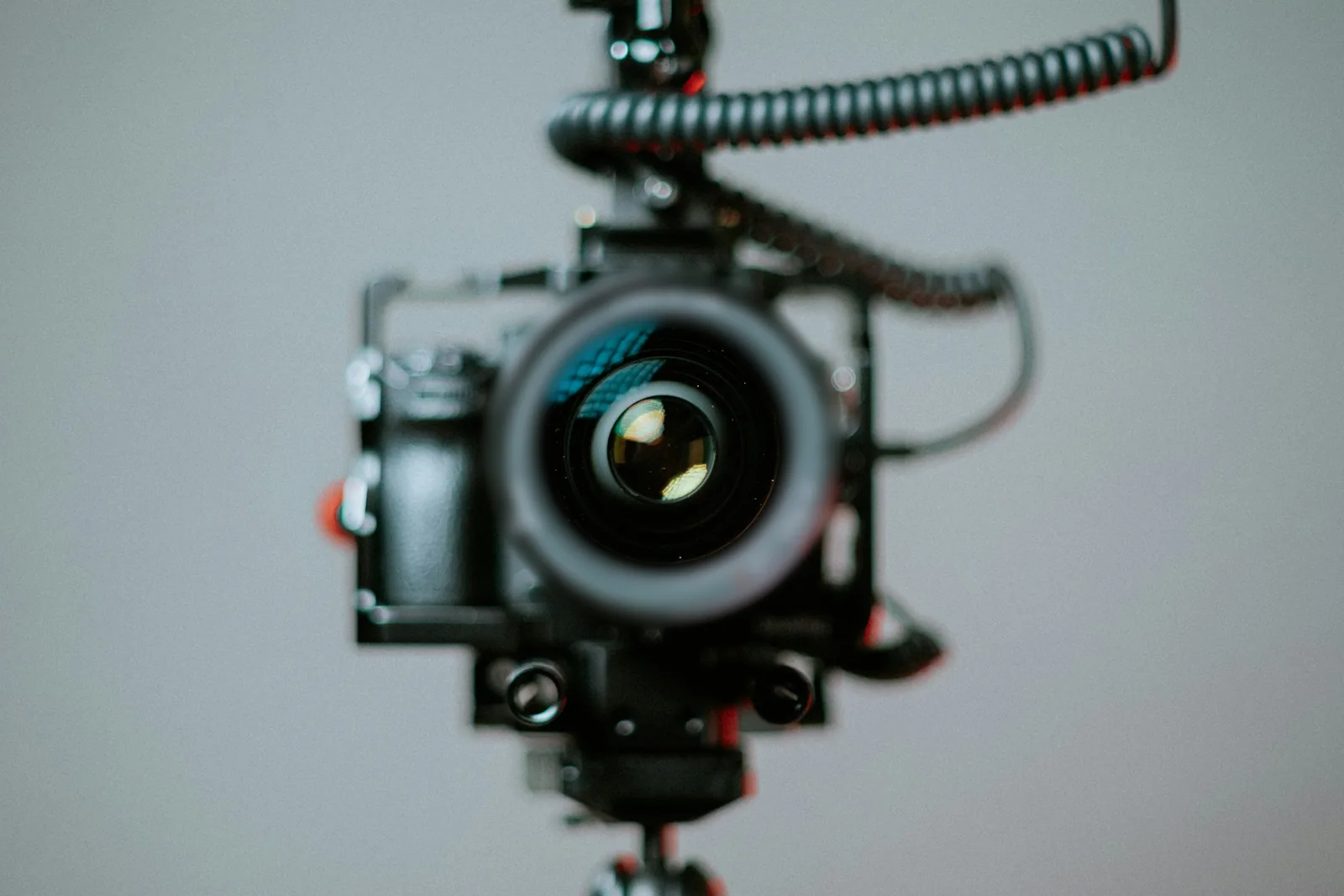
A video camera rig ready to record
  • Left only
  • 2 ch

Camera audio stuck on one side

An on-camera mic in one input leaves the sound in one ear. Fix it here, then put it back in your editor.

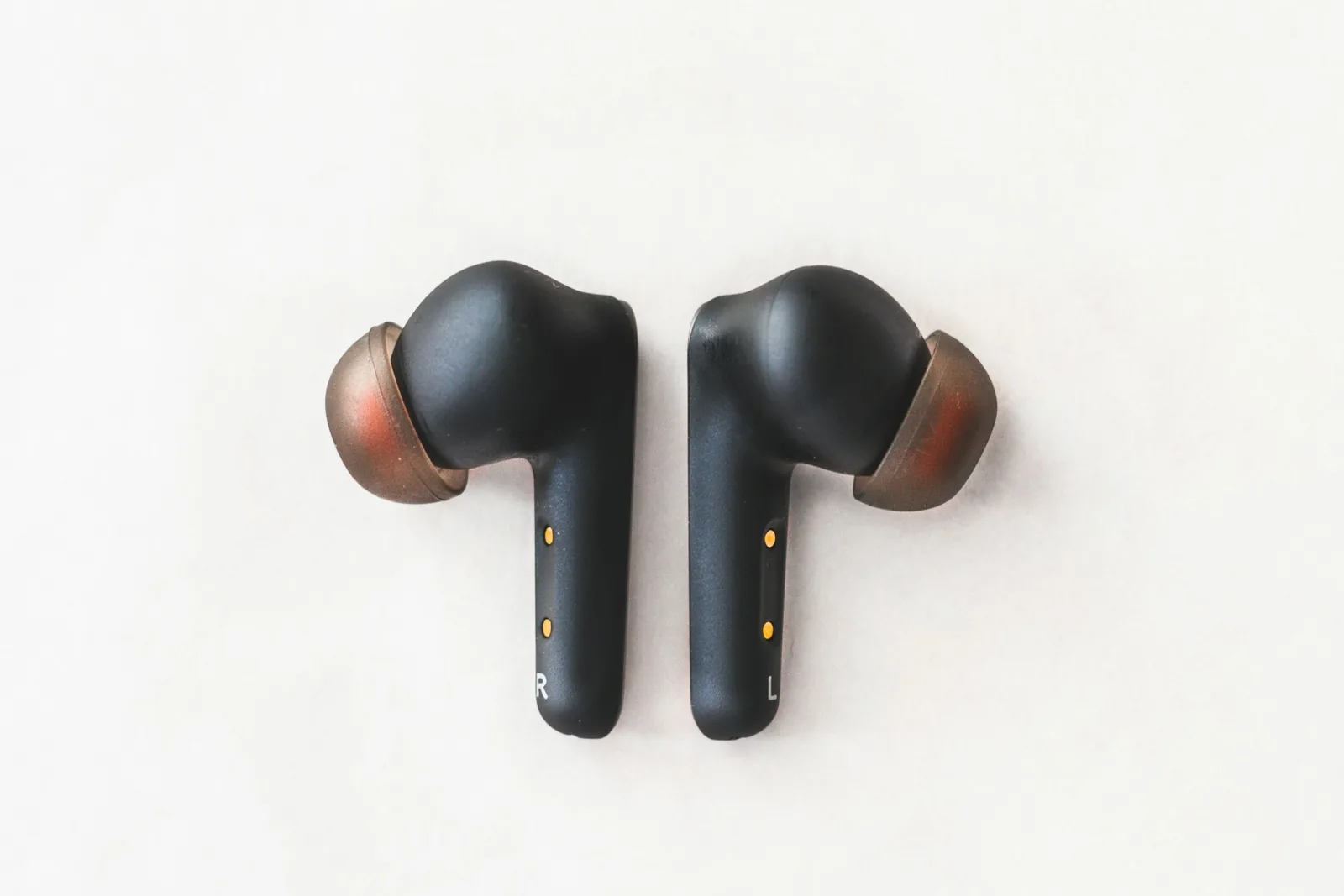
A pair of wireless earbuds on a white table
  • L + R
  • 2 ch

One earbud, or hearing in one ear

In stereo you can miss whatever is panned to the other side. A mono mix saved as 2 channels gives both ears everything.

A line-array speaker stack hung against a blue sky
  • L + R
  • 1 ch

Club PAs and venues summed to mono

Big rooms often run in mono so everyone hears the same mix. Merge your track and check the merge loss before the gig.

Stereo to mono

Stereo to mono converter: why some songs lose their vocals

A stereo to mono converter adds the two channels together. Whatever the channels share gets louder; whatever is opposite cancels. The correlation meter tells you which you have before you export.

  • +1
    Mono
    −10+1

    Left and right are identical. Merging changes nothing.

  • +0.3 … +0.9
    Healthy stereo
    −10+1

    Most mixes sit here. A merge loses about 0.5–1.5 dB, nothing more.

  • ≈ 0
    Very wide
    −10+1

    The channels barely relate; expect about −3 dB and some parts fading in mono.

  • < 0
    Out of phase
    −10+1

    One channel is inverted. A plain merge cancels the centre — vocals and bass vanish.

Close-up of mixing console knobs and faders

Why the vocal disappears

If one cable, plug-in or mic has reversed polarity, the right channel becomes an upside-down copy of the left. On headphones it sounds wide and odd; summed to mono, everything in the centre cancels. The merge-loss meter in Stereo → mono shows it straight away.

The fix is one click: choose Invert R. The converter flips the right channel back before adding it to the left, and the level returns.

When one side is empty

If the analysis says only one side has sound, don't average — the voice would drop by 6 dB. Pick Left only (or Right only) and save it as 2 ch so it plays in both ears.

A pair of studio monitor speakers on a desk

Width is not motion

A mono to stereo converter adds space but keeps things still. If you want sound that circles around your head, use the 8D audio converter instead.

MP3 stereo to mono: what happens to the file size

Converting an MP3 from stereo to mono doesn't shrink it by itself: MP3 size follows the bitrate, not the channel count. What mp3 stereo to mono buys you is quality per kilobit, so 128 kbps mono is plenty for speech and a third smaller than 192 kbps. A WAV, by contrast, halves in mono.

MP3 stereo to mono: what happens to the file size
FormatStereo, per minuteMono, per minuteGood for
WAV 16-bit · 44.1 kHz10.6 MB5.3 MBEditing and archiving — mono halves the size
MP3 320 kbps2.4 MB2.4 MBMusic where size doesn't matter
MP3 192 kbps1.44 MB1.44 MBMusic, the default here
MP3 128 kbps0.96 MB0.96 MBSpeech, podcasts and voice notes in mono

Need an uncompressed copy of an MP3 first? Use MP3 to WAV — then come back and convert the channels without another round of compression.

FAQ

Mono and stereo questions

Short answers about converting channels, phase and file sizes.

Not into true stereo — that needs two microphones or sources. A mono to stereo converter creates the impression of width from one signal with small delays and phase differences between left and right. Done well, as with mid/side here, it sounds natural and still folds back to the original in mono.

Start with mid/side at 40–60 %: natural and mono-safe. Decorrelate is smoother on pads and guitars. Haas is widest but hollow in mono, so keep it for headphones. Dual mono just makes a 2-channel copy.

Use Stereo → mono with the L + R merge and watch the merge-loss meter; most songs lose under 1.5 dB. If it drops past −3 dB or the correlation turns negative, the channels are out of phase — choose Invert R and the vocals come back.

Choose Stereo → mono, pick Left only or Right only (whichever has the sound) and set the file to 2 ch. The export carries the same audio in both channels, so it plays in both ears.

Only if you lower the bitrate too: a 192 kbps mono MP3 is the same size as a 192 kbps stereo one. Mono at 128 kbps sounds clean for speech and saves a third. WAV files halve in size when they go mono.

It's free with no signup or watermark: WAV and MP3 export are free, with up to 10 downloads a day and files up to 50 MB (Pro: 500 MB, 320 kbps MP3, no daily limit). Decoding, analysis, conversion and encoding all run in your browser, so your files never leave your device.

Free · no signup

Fix your channels in a minute

Mono to stereo, stereo to mono, swap or split — checked in mono and saved as WAV or MP3.

  • No signup
  • Nothing uploaded
  • WAV + MP3

Free · no signup · no watermark · processed in your browser