 OGG 579 KBMP3 721 KB
Song · Vorbis q5 → MP3 192
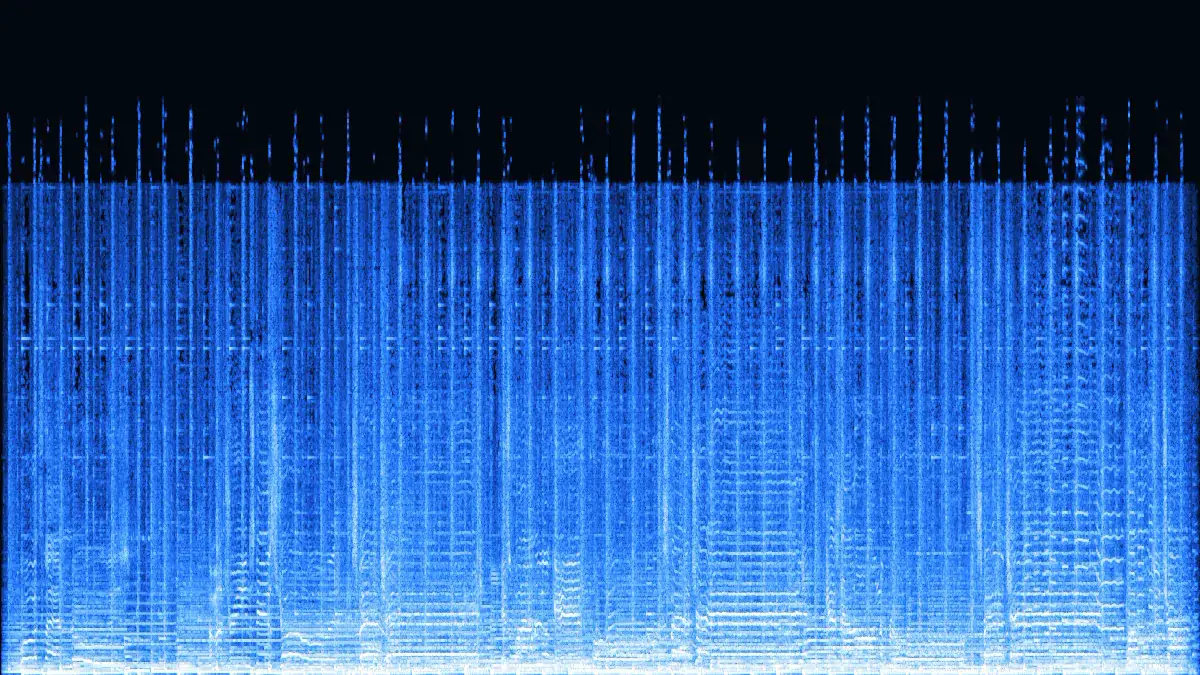
A 154 kbps Vorbis file becomes a 721 KB MP3 for 30 seconds. 192 kbps is the step above the source that MP3 needs to keep up.
- Vorbis q5
- 192 kbps
- Stereo
- 44.1 kHz
Ogg Vorbis · Opus → MP3
Convert OGG to MP3 right in your browser. Game music and Audacity exports in Ogg Vorbis, voice messages in Opus, even .oga and .opus files come out as MP3s that every car stereo, phone and editor can play. Pick 128 or 192 kbps (up to 320 with Pro), drop several files at once, and nothing leaves your device.
Converted on your device by your browser's own decoder and a background encoder — nothing is uploaded.
Examples
Four OGG sources we made from our demo tracks with ffmpeg — two Vorbis, two Opus — run through the converter above. Play the MP3s, or load the same file and settings into the tool.
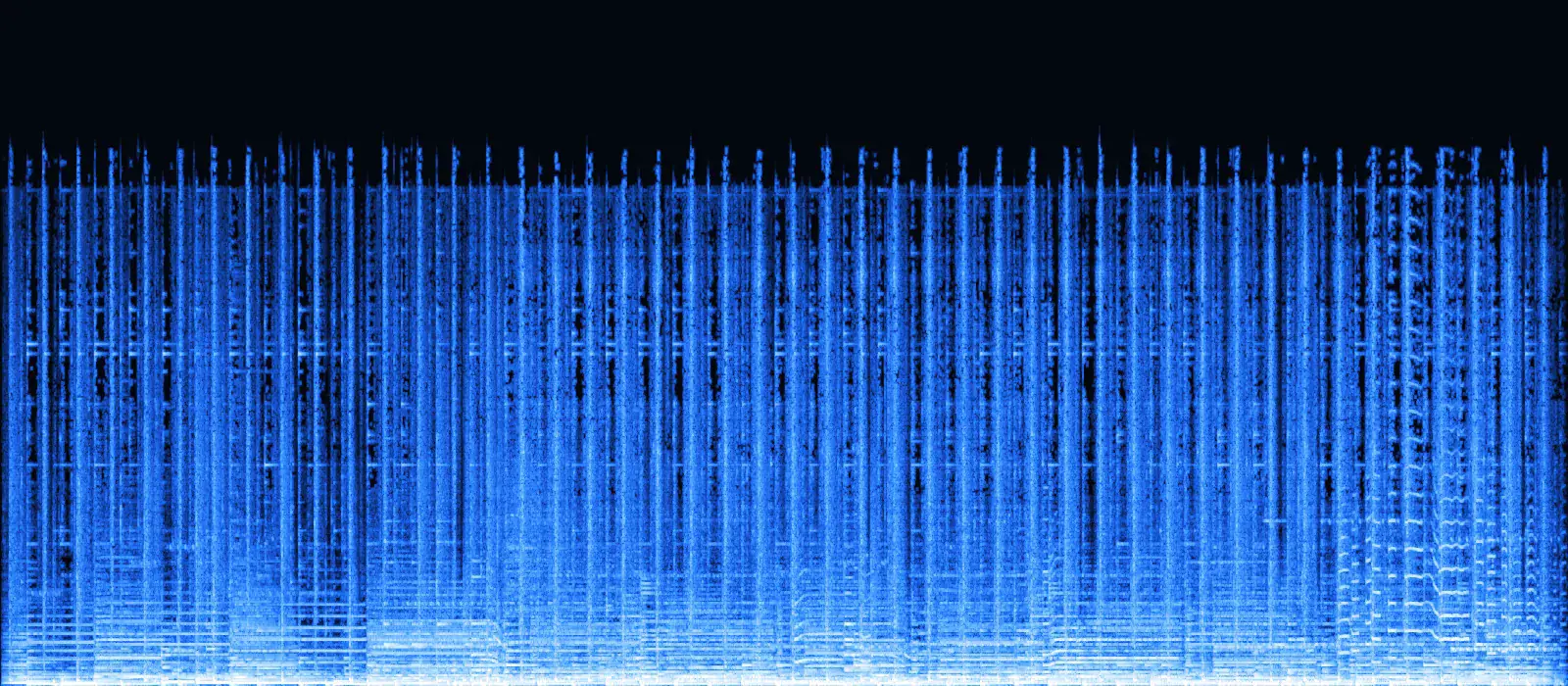
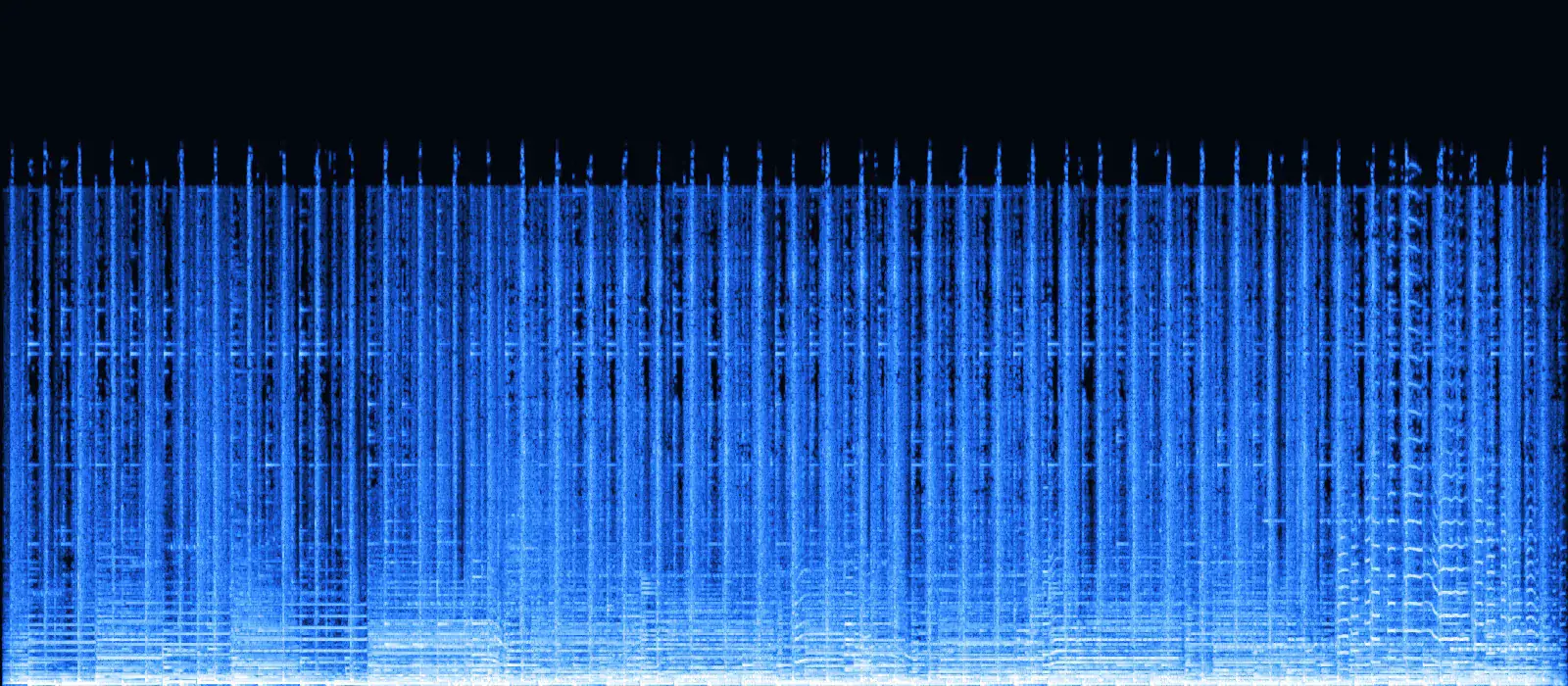
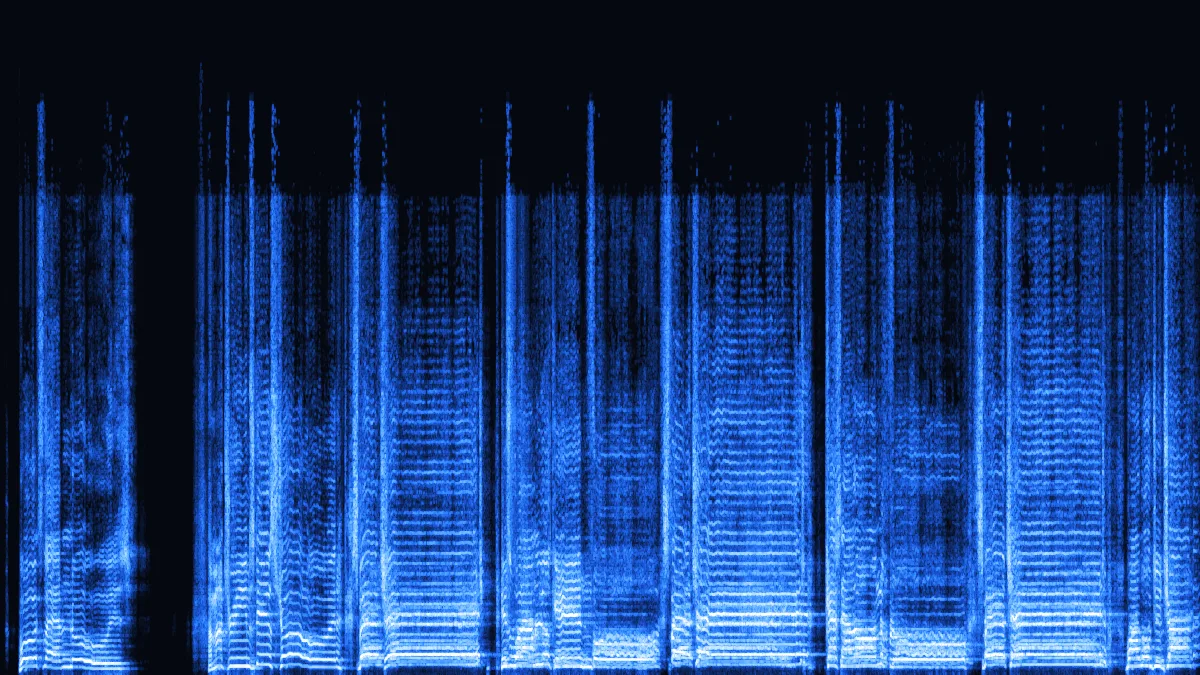
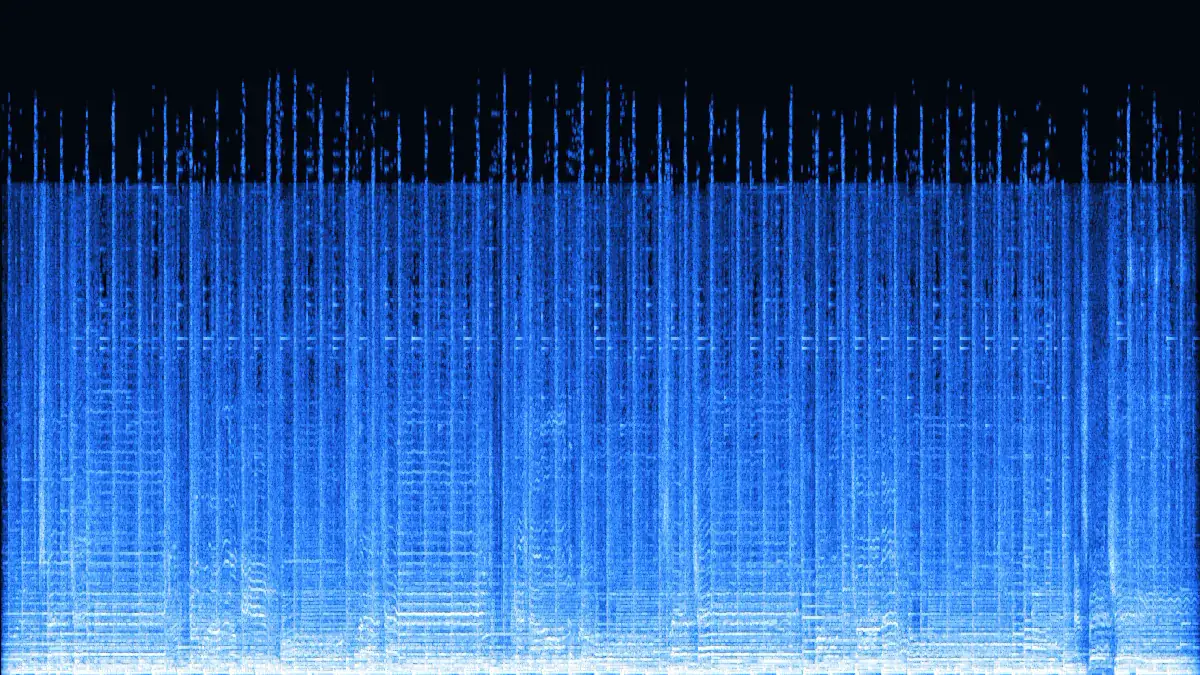
Left: the game loop as Ogg Vorbis q3 (about 110 kbps). Its encoder had already cut almost everything above 18 kHz. Right: our 192 kbps MP3 of that file. Below the cut the two pictures match; above it nothing returns. That is why a higher MP3 bitrate can't rescue a low-quality OGG.
OGG 579 KBMP3 721 KBA 154 kbps Vorbis file becomes a 721 KB MP3 for 30 seconds. 192 kbps is the step above the source that MP3 needs to keep up.
 OGG 413 KBMP3 721 KB
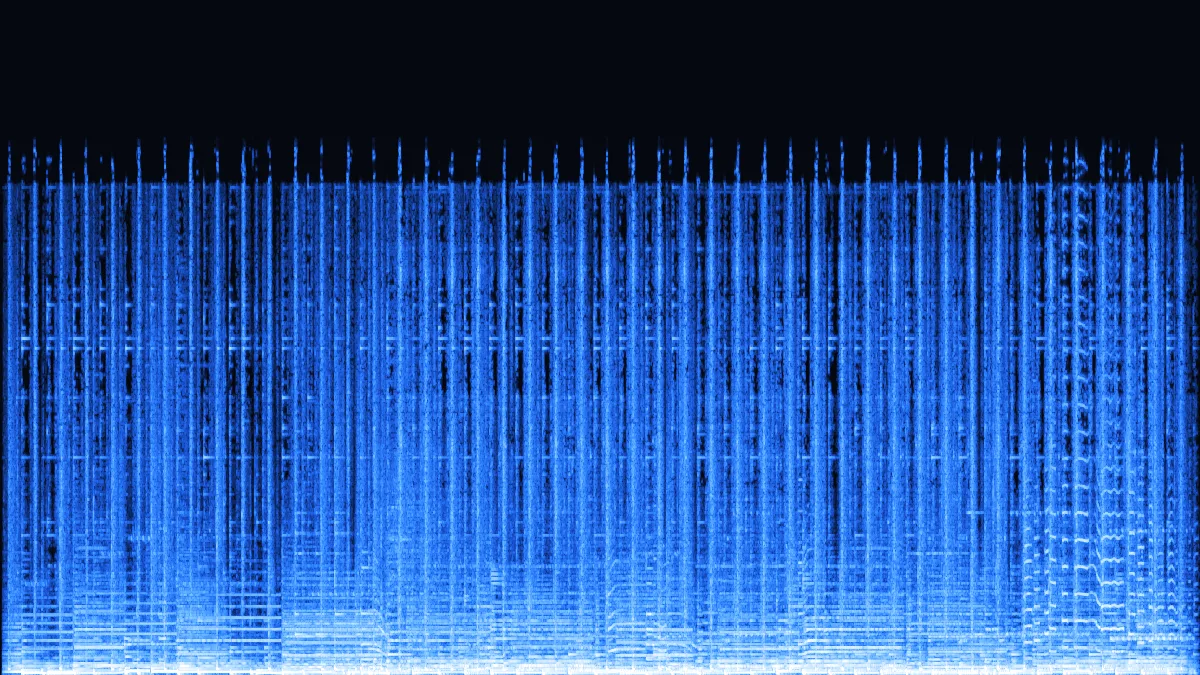
The kind of file found in game and mod folders. 413 KB grows to 721 KB because MP3 is the less efficient codec, not because anything was added.
 OPUS 152 KBMP3 480 KB
Opus fits 30 seconds of speech into 152 KB. The mono MP3 is 480 KB — about three times larger — but opens in any player, editor or transcription app.
 OPUS 496 KBMP3 961 KB
A .opus file is Ogg Opus with a different extension. Opus decodes at 48 kHz, so the MP3 stays at 48 kHz instead of being resampled.
How it works
Three steps, all inside this tab. Works with .ogg, .oga and .opus files from games, recorders, Audacity and chat apps.
Drag in up to 3 .ogg, .oga or .opus files (100 with Pro), 50 MB each (500 MB with Pro). Every row names the codec inside — Vorbis or Opus — with its average bitrate, sample rate and length.
192 kbps suits Vorbis q3–q5 and Opus music at 96–128 kbps. Use 256–320 (Pro) for Vorbis q6 and up, and Mono at 128 for voice notes.
Play or save each MP3 as soon as it is ready; with two or more, Pro’s Download all packs them into one ZIP. Change a setting and only the affected rows convert again.
What is in an .ogg
Ogg is only a container. The audio inside is usually Vorbis or Opus, sometimes FLAC, and in very old voice files Speex. Here is how each one behaves on this page (tested in Chrome 157, November 2026).
| OGG source | Average bitrate (measured) | Highest frequency kept | MP3 to choose |
|---|---|---|---|
| Vorbis q0 | 61 kbps | ≈ 15.5 kHz | 128 kbps |
| Vorbis q3 | 110 kbps | ≈ 18 kHz | 192 kbps |
| Vorbis q5 | 154 kbps | 18.7 kHz * | 192–256 kbps |
| Vorbis q8 | 251 kbps | 18.7 kHz * | 320 kbps |
| Opus 32 kbps, mono voice | 40 kbps | speech band | 128 kbps · mono |
| Opus 128 kbps | 132 kbps | ≈ 20 kHz | 256 kbps |
Use cases
OGG is everywhere in games, open-source tools and chat apps — and missing from many car stereos, older players and upload forms.
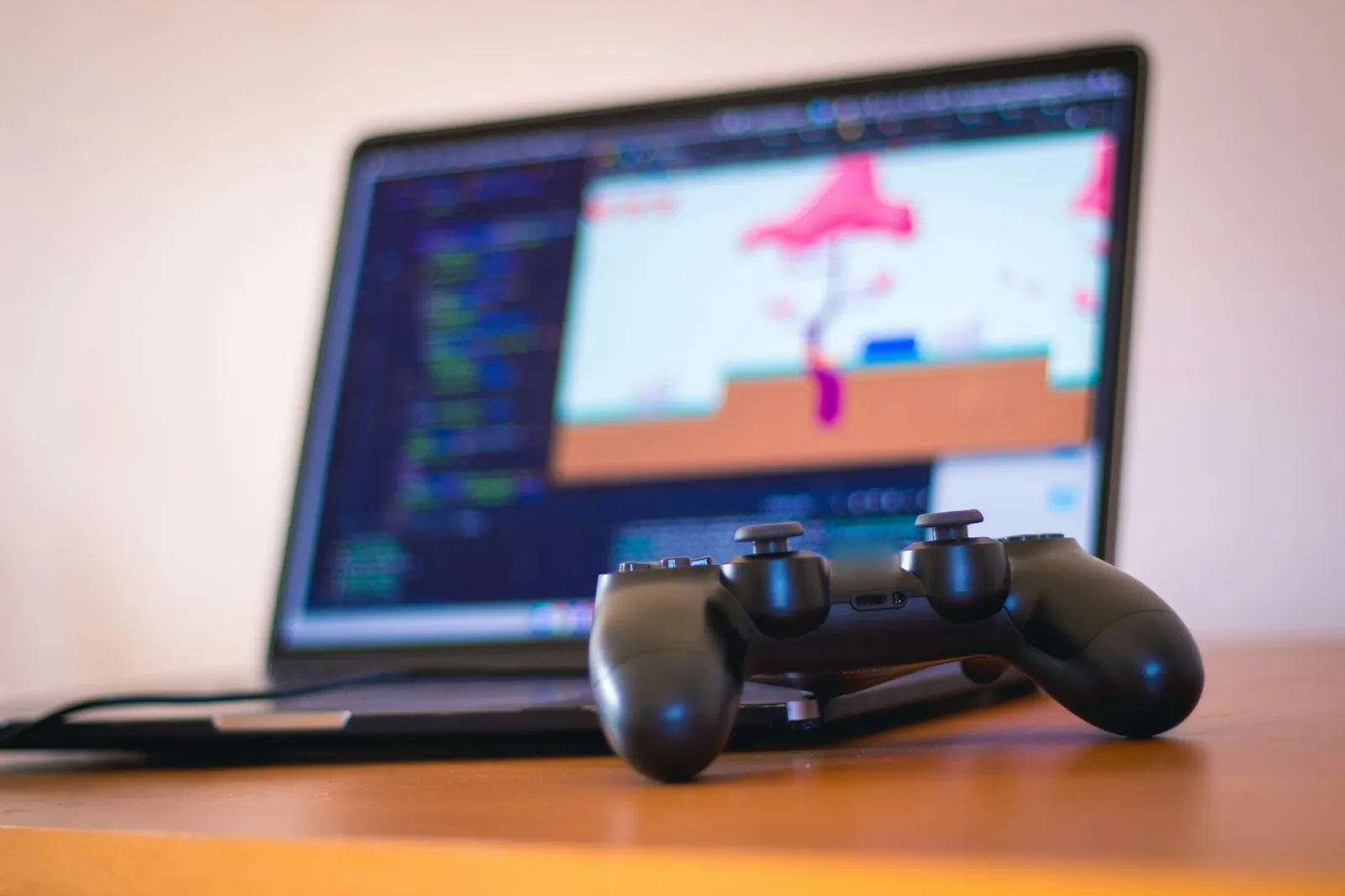
Engines such as Unity and Godot work with Ogg Vorbis. Turn the tracks you made or own into MP3s for a phone playlist or a video edit.
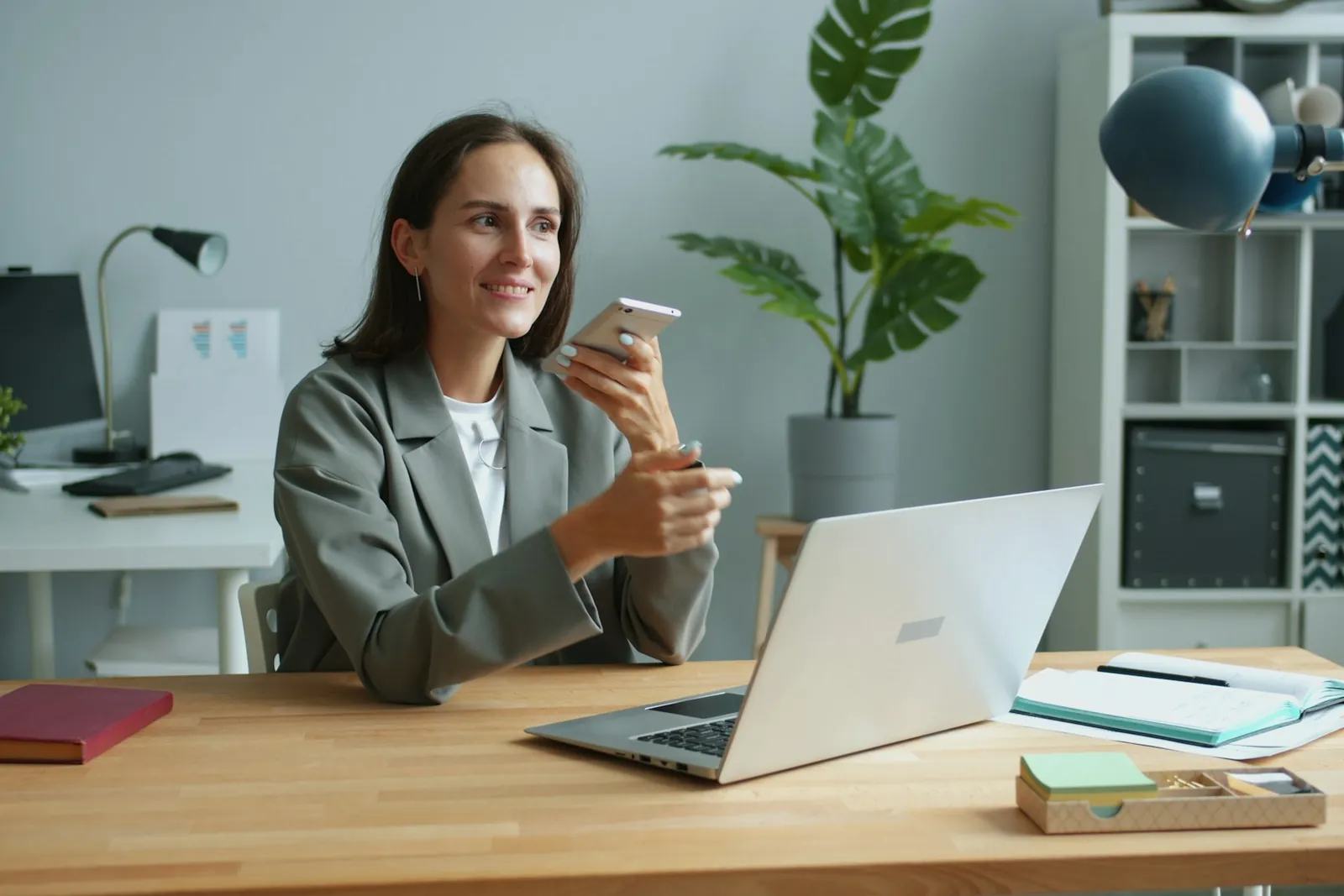
Voice messages from Telegram and Discord are typically Ogg Opus. Saved as MP3, they open in transcription tools, editors and older phones.
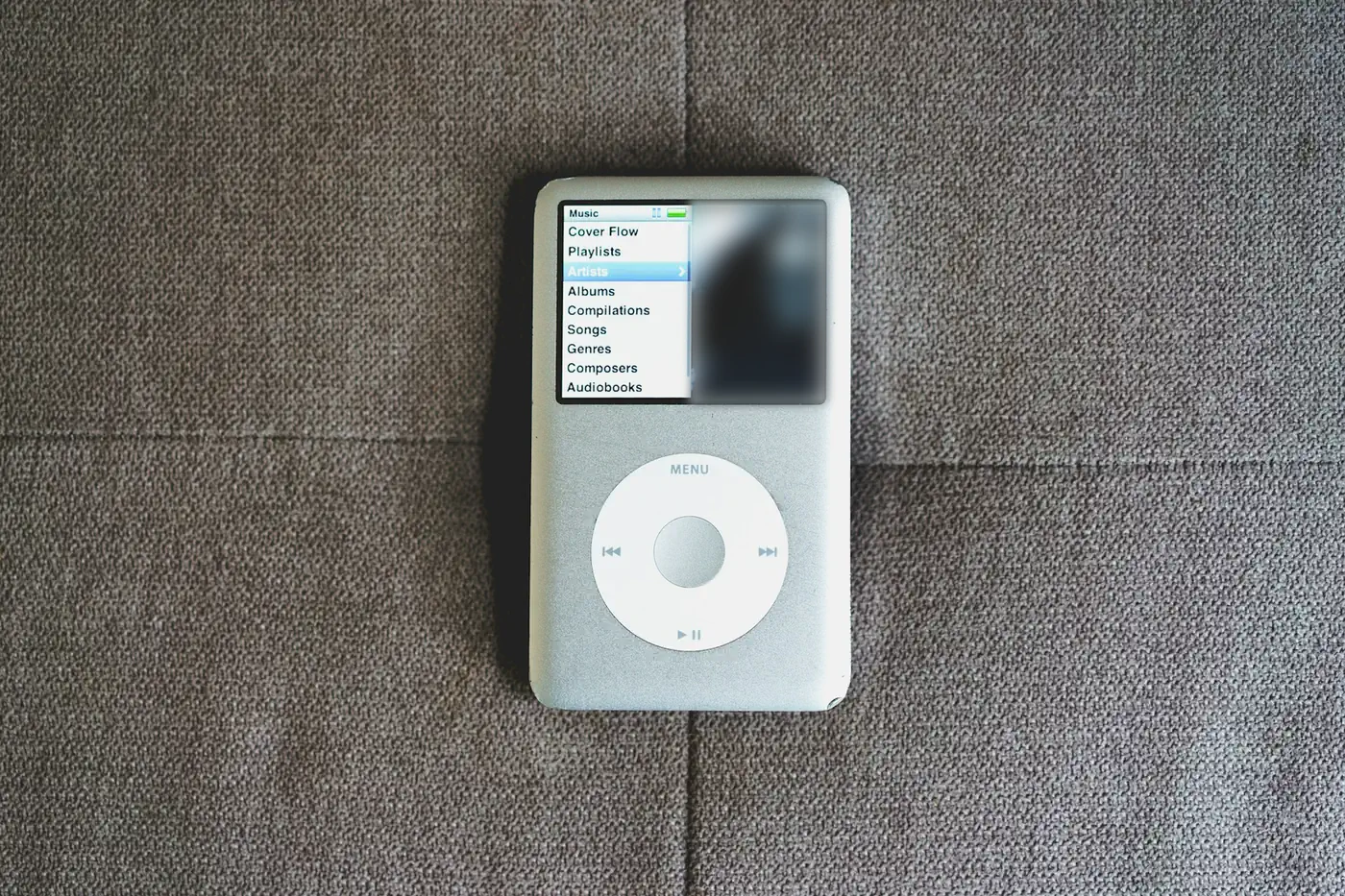
Plenty of head units and budget players read MP3 and little else. A few batches — or one with Pro — turn a folder of OGGs into a stick that plays anywhere.
Free tools like Audacity and LMMS often save OGG. MP3 drops straight into any DAW, slideshow app or upload form.
Safari only plays Ogg from version 18.4. For anyone on an older iPhone or Mac, an MP3 is the file that just works.
Before you convert
Converting OGG to MP3 re-encodes lossy audio with an older, less efficient codec. That's the price of compatibility; here is what to expect, measured on our samples.
MP3 is a 1990s codec and needs more bits than Vorbis or Opus to sound the same, so the file grows — by 1.2× to 3.2× in these tests. The extra bytes carry no new detail.
Apple added Ogg playback (Vorbis and Opus) in Safari 18.4 — macOS 15.4, iOS 18.4. On older versions this page can't decode OGG, and decoding through Web Audio isn't documented by Apple, so if a file fails in Safari, open the page in Chrome, Edge or Firefox.
FAQ
Quality, bitrates, voice notes and the odd file that won't convert.
A whole folder of OGGs?
Free converts 3 per batch, saved one by one; Pro takes up to 100 at once and hands you a single ZIP of MP3s.
Convert OGG to MP3Yes. There is no sign-up and no watermark. Free converts 3 files per batch, up to 50 MB and 10 minutes each, with 10 downloads a day; Pro takes 100 files of 500 MB and 2 hours, with no daily limit. Your browser decodes the OGG and a background encoder writes the MP3, so the file never leaves your device.
A little. Both formats are lossy, so the MP3 is a copy of a copy. At one step above the source — 192 kbps for most Vorbis music — the difference is very hard to hear. Keep the original OGG if you may need it again.
Vorbis q0–q2 or speech: 128 kbps. Vorbis q3–q5 and Opus 96–128 kbps: 192 kbps. Vorbis q6–q8: 256 kbps. q9–q10: 320 kbps (256 and 320 are Pro options). The queue shows each file's average bitrate so you can match it.
Yes. A .opus file is Ogg Opus, the codec Telegram and Discord use for voice messages. Opus decodes at 48 kHz, so the MP3 stays at 48 kHz; choose Mono to keep speech files small.
Usually one of three things: the file is Speex, which browsers don't decode; it is damaged or only partly downloaded; or you are on Safari older than 18.4. Try Chrome or Firefox, and use ffmpeg or Audacity for Speex.
No. Loop comments such as LOOPSTART and LOOPLENGTH and text tags are not carried into the MP3. If a game needs a seamless loop, keep the OGG for the game and use the MP3 for listening or video.
Vorbis or Opus, one file or a folder — converted on your device in seconds.
Free · no signup · no watermark · processed in your browser