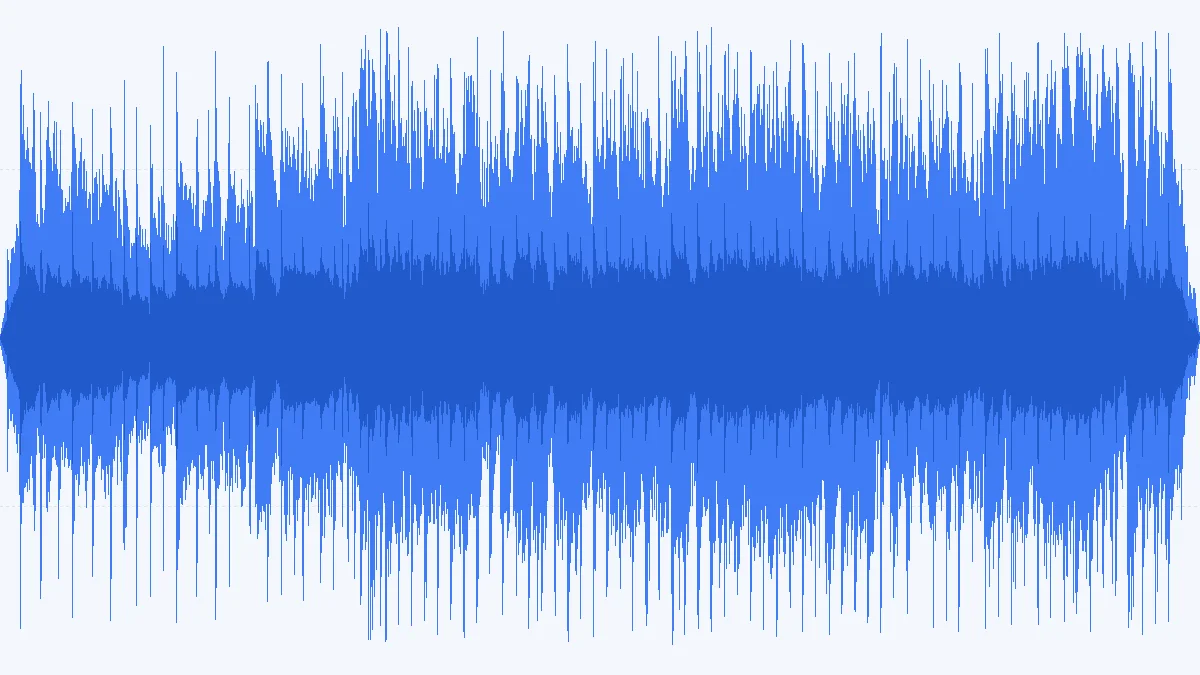
 MP3 722 KBWAV 5.3 MB
CD standard: 16-bit / 44.1 kHz
The classic choice for burning an audio CD or handing a file to anyone. About seven times the MP3's size, identical sound.
- 16-bit
- 44.1 kHz
- Stereo
Free 16-bit · 24-bit Pro · 0 uploads
Convert MP3 to WAV right in your browser. Choose 16-bit PCM (24-bit with Pro) at the original rate, 44.1 kHz or 48 kHz, drop in one file or a batch, and download uncompressed WAVs that open in every DAW, video editor and CD burner — nothing is uploaded.
Converted on your device by your browser's own decoder and a background encoder — nothing is uploaded.
Examples
Four WAVs this page made from our demo MP3s, with the exact settings and sizes. Load any of them into the converter with one click.
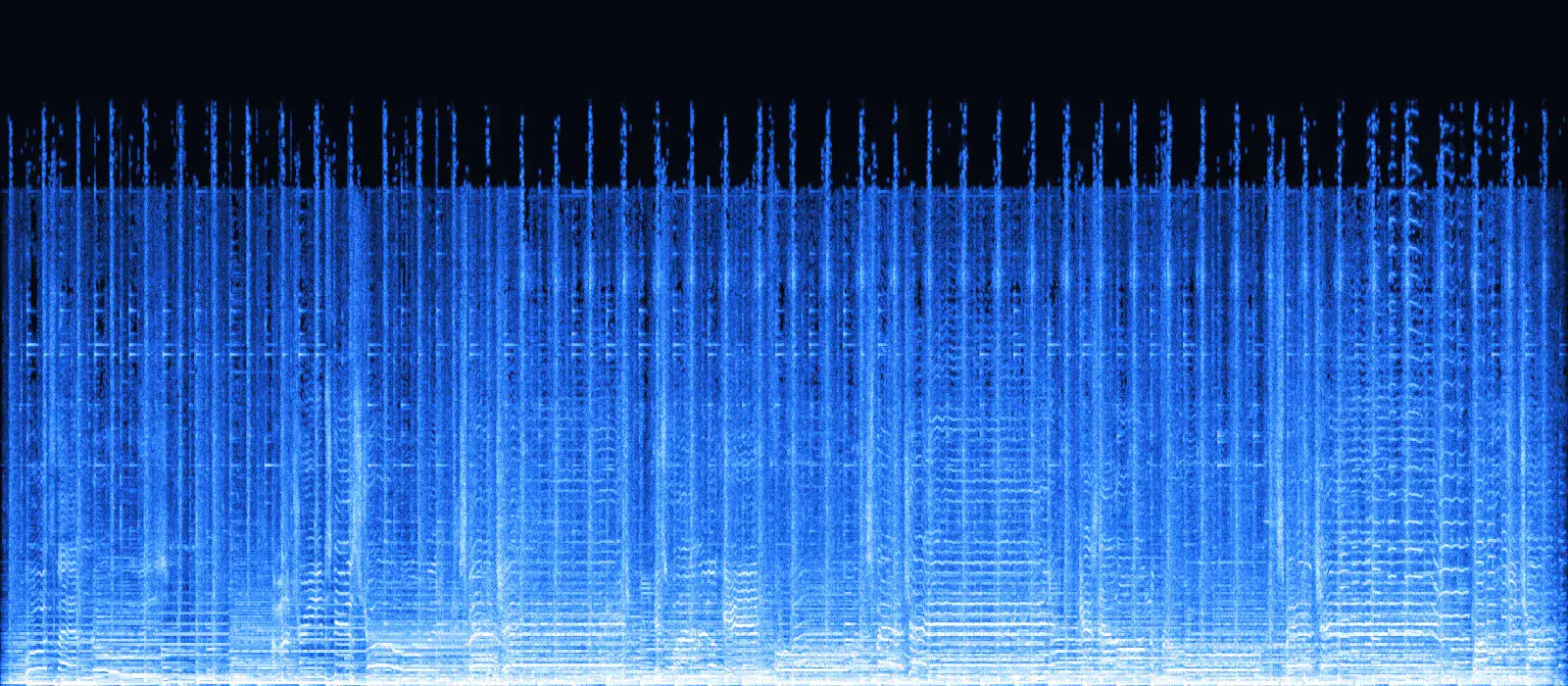
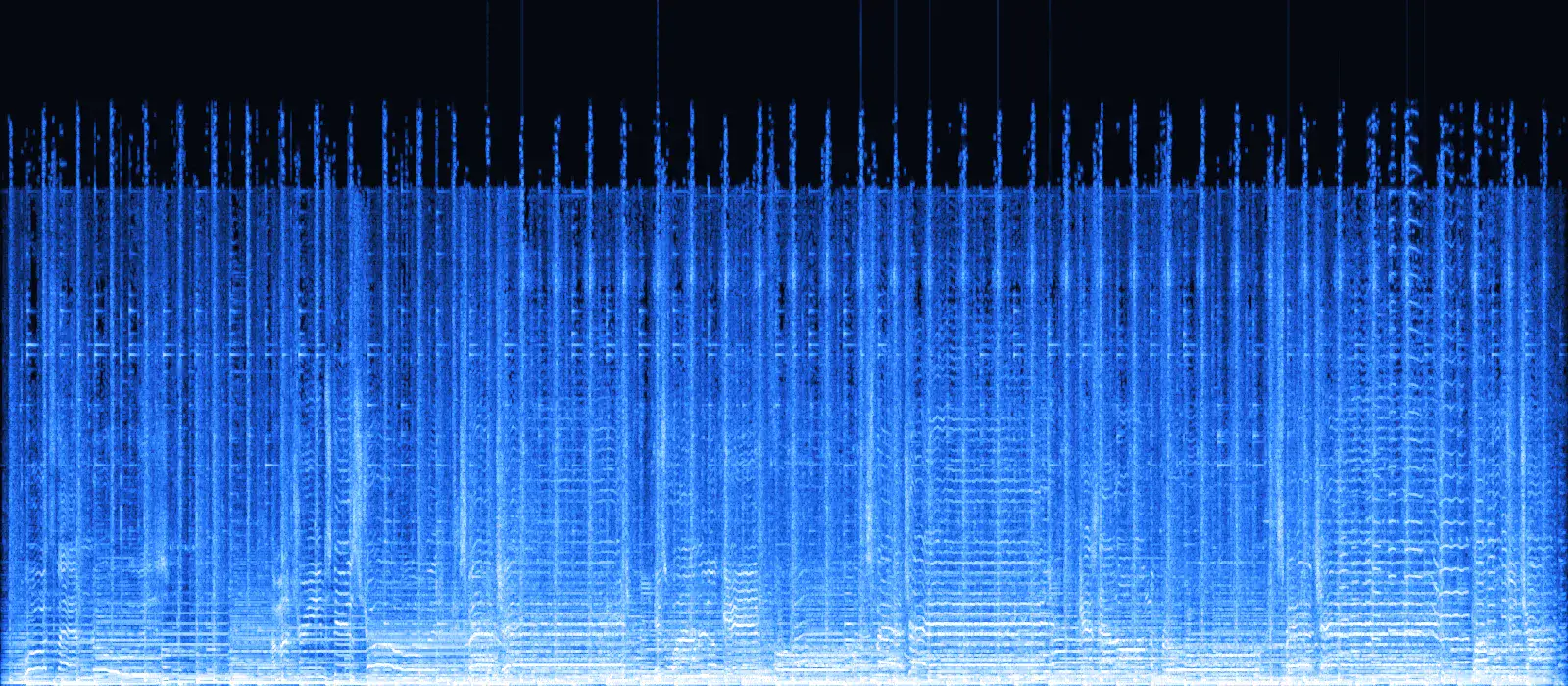
Drag the handle: left is the 192 kbps MP3, right is the 16-bit WAV this converter made from it. The spectra match line for line — including the near-empty band above about 16 kHz that the MP3 encoder removed. A WAV can't bring that back. What it gives you is a file every editor opens instantly and that loses nothing more when you save it again.
MP3 722 KBWAV 5.3 MBThe classic choice for burning an audio CD or handing a file to anyone. About seven times the MP3's size, identical sound.
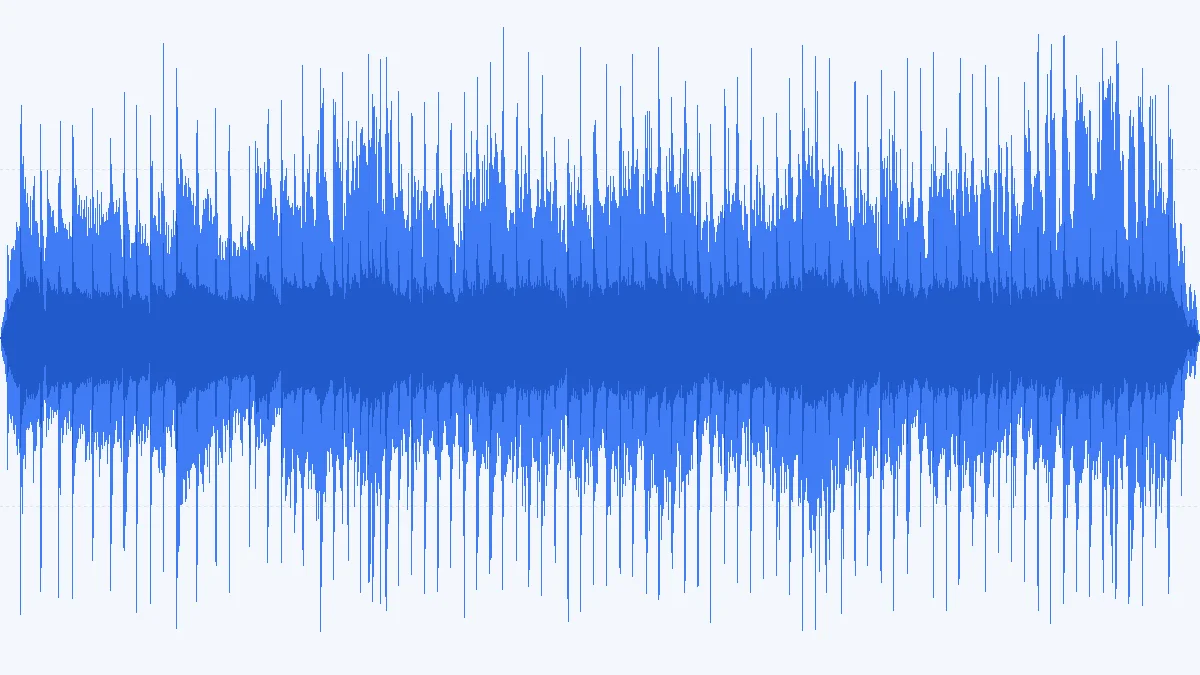 MP3 722 KBWAV 8.6 MB
Video timelines usually run at 48 kHz, so a 48 kHz WAV drops in without another resample. 24-bit leaves headroom for fades and level moves.
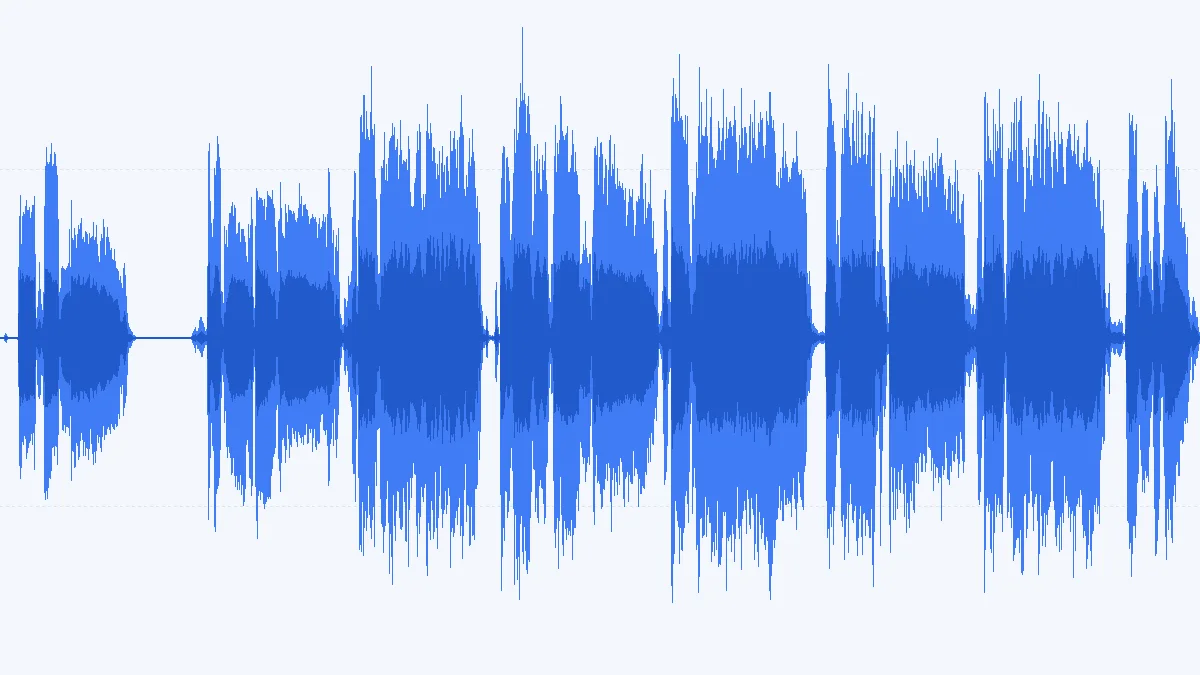 MP3 722 KBWAV 2.6 MB
A single-mic vocal doesn't need two identical channels. Folding to mono halves the WAV and keeps panning decisions for the mix.
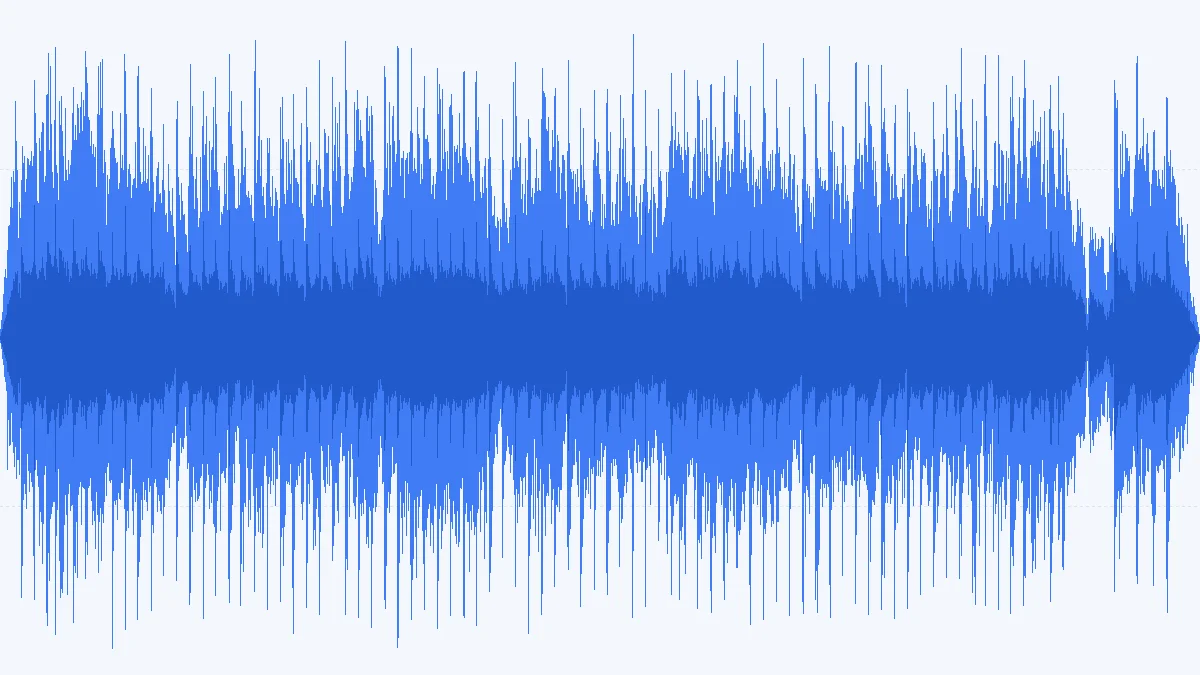 MP3 722 KBWAV 5.3 MB
Hardware samplers and older DJ gear often want plain 16-bit WAV. Trim the loop afterwards — trimming and re-saving a WAV costs nothing.
How to
Three steps, any device. M4A, OGG and FLAC files work the same way.
Drop MP3 files onto the window or browse — up to 3 per batch (100 with Pro), each up to 50 MB and 10 minutes (500 MB / 2 hours with Pro).
16-bit / 44.1 kHz for CDs and most apps; 24-bit / 48 kHz (Pro) for video and DAW sessions.
Save each WAV — or, with Pro, the whole batch as one ZIP — then import straight into your editor.
Bit depth & sample rate
Two numbers define a WAV. Neither can add detail to an MP3 — they decide how well the file fits where it's going next.
Your MP3 doesn't hold 144 dB of range. 24-bit pays off when you process the file afterwards — gain, EQ, fades — because rounding errors stay far below anything audible.
16-bit is the CD standard and plenty for listening, burning and sharing. Pick 24-bit (Pro) when the WAV is going into a DAW or video timeline for more processing. Files are 50% larger.
Most MP3s are 44.1 kHz, the music and CD rate. Video, broadcast and many DAW templates run at 48 kHz — match the project to skip a resample on import. Original never resamples.
| Format | Per minute | vs MP3 192 kbps | Typical use |
|---|---|---|---|
| 16-bit · 44.1 kHz · stereo | 10.6 MB | 7.3× | Audio CD, sharing, most apps |
| 16-bit · 48 kHz · stereo | 11.5 MB | 8.0× | Video at 16-bit, games |
| 24-bit · 44.1 kHz · stereo | 15.9 MB | 11.0× | Music sessions in a DAW |
| 24-bit · 48 kHz · stereo | 17.3 MB | 12.0× | Video and broadcast delivery |
| 16-bit · 48 kHz · mono | 5.8 MB | 4.0× | Voice-over, podcasts, dialogue |
| MP3 · 192 kbps | 1.44 MB | 1.0× | The source, for comparison |
Decoding an MP3 gives floating-point samples. To write them as 16-bit, the converter adds TPDF dither — noise at about −96 dBFS that turns rounding distortion into an inaudible hiss. 24-bit output, and sources that are already 16-bit (WAV, FLAC), are written exactly, with no dither.
Use cases
Not in sound — in compatibility and in what happens to the file next.
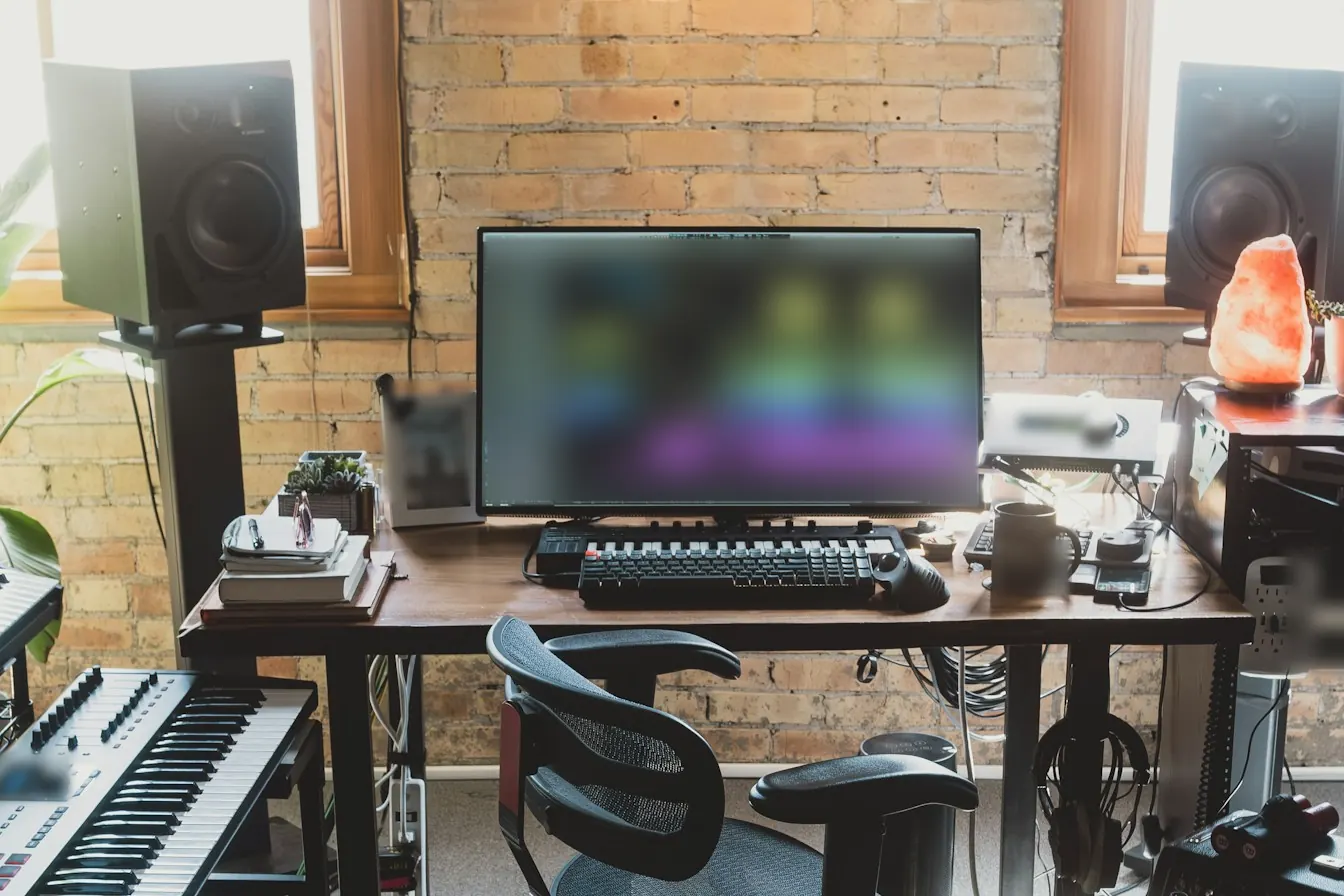
DAWs decode MP3 on import anyway. Bringing a WAV keeps the session folder self-contained, the sample rate under your control and edits sample-accurate.
Editors scrub uncompressed audio without decoding lag, and 48 kHz WAV lines up with the timeline from the first frame.
Older CD players and some DJ hardware want plain PCM — a WAV, or a CD burned from 16-bit / 44.1 kHz WAVs.
Playout systems and ad specs often ask for WAV at 48 kHz, 16 or 24-bit. Convert a batch to exactly that spec (24-bit with Pro).
Most hardware samplers load 16-bit WAV and many can't read MP3 at all.
MP3 vs WAV
No. MP3 throws information away when it is encoded; decoding to WAV writes out exactly what is left, sample for sample. The WAV is bigger because it is uncompressed, not because it holds more music.
For plain listening on a phone, in a car or in a playlist, the MP3 already sounds identical and takes a seventh of the space. Converting gains nothing there.
Going the other way? Turn WAV back into a small file with the audio to MP3 converter.
| MP3 | WAV | |
|---|---|---|
| Compression | Lossy — the encoder removes detail | None — raw PCM samples |
| Size per minute | 1.44 MB at 192 kbps | 10.6 MB at 16-bit / 44.1 kHz |
| Editing | Decoded on the fly; encoder delay pads the start | Sample-accurate, instant scrubbing |
| Re-saving | Each export is another lossy generation | No further loss |
| Tags | ID3 tags and cover art, widely read | Limited; many apps ignore them |
FAQ
Straight answers, including the one about quality.
Working in a DAW?
Set the sample rate to your session's rate and pick 24-bit (Pro) — the WAV then drops in with no conversion on import.
Convert MP3 to WAVNo. The WAV contains exactly what the MP3 decoder outputs, so it sounds identical. What you gain is compatibility and the freedom to edit and re-save without another round of lossy compression.
16-bit for CDs, sharing and most apps — free. 24-bit, a Pro option, when the file goes into a DAW or video editor for more processing — it keeps rounding errors far below hearing. 24-bit files are 50% larger.
Keep Original unless your project needs something else: 44.1 kHz suits music and CDs, 48 kHz suits video and broadcast. Matching the project rate saves a resample later.
WAV stores every sample uncompressed: about 10.6 MB per stereo minute at 16-bit / 44.1 kHz, against 1.44 MB for a 192 kbps MP3. For a lossless file that's smaller, use FLAC.
Yes. Your browser decodes the MP3 and a background worker on your device writes the WAV. Nothing is uploaded, and large files don't wait on a network.
Yes — up to 3 files per batch on the free plan, each up to 50 MB and 10 minutes; Pro takes 100 files of up to 500 MB and 2 hours. They convert one after another; download them one by one, or with Pro all together as a ZIP.
16-bit free or 24-bit with Pro, 44.1 or 48 kHz, one file or a batch. Everything stays on your device.
Free · no signup · no watermark · processed in your browser