 MP4 1.57 MBMP3 802 KB
Music video → MP3 at 320 kbps · Pro
An editor-style export: H.264 picture, AAC at 48 kHz and 192 kbps. The MP3 keeps 48 kHz and exactly 20.0 seconds — same length as the video.
- 320 kbps
- 48 kHz
- stereo
MP4 → MP3 · audio track extractor
Convert MP4 to MP3 without uploading a thing: drop a music video, a screen recording or a phone clip, and this MP4 to MP3 converter pulls the audio track out in seconds — 128 or 192 kbps and 3 videos per batch free, up to 320 kbps and 100 videos with Pro.
Your browser's own media decoder opens the MP4 and hands over its first audio track; a background encoder writes the MP3. The video stays on this device.
Real MP4 files, real MP3s
Four MP4s we built from our own demo songs — each one run through the converter on this page. Press play to hear the MP3, or load the same video into the tool.
music-video.mp4
1,573,427 B · 20.2 s
Bytes per track in music-video.mp4, counted packet by packet with ffprobe.
Inside every MP4 sits a picture track, a sound track and a small index (the moov box) that says where each frame lives. The converter follows that index to the sound track and ignores the rest — the H.264 picture is never decoded.
In our small sample the picture is two-thirds of the file. In a 1080p phone video it is closer to 98%: Apple estimates about 65 MB per minute, while a 160 kbps AAC track is 1.2 MB per minute. That's why the MP3 is so much smaller than the MP4.
MP4 1.57 MBMP3 802 KBAn editor-style export: H.264 picture, AAC at 48 kHz and 192 kbps. The MP3 keeps 48 kHz and exactly 20.0 seconds — same length as the video.
 MP4 1.34 MBMP3 321 KB
A tutorial with a single microphone. Mono at 128 kbps is plenty for speech and makes the MP3 a quarter of the video's size (1.34 MB → 321 KB).
 MP4 1.30 MBMP3 361 KB
Track 1 is a stereo mix, track 2 a mono vocal stem. The MP3 comes out stereo: browsers read the first audio track, so that's what you get.
 MP4 1.09 MBMP3 361 KB
A 9:16 clip with 128 kbps AAC. We picked 192 kbps for the MP3 because re-encoding AAC to MP3 needs some headroom to sound the same.
Three steps
No account, no install. The whole job happens in this tab, so it works the same for a 20-second reel and a 10-minute talk — or, with Pro, a two-hour webinar up to 1 GB.
Drag them in or browse. Each file gets a row showing the codec, rate and length the browser found inside the MP4.
192 kbps suits music, 128 kbps mono suits talks. Change it later and finished rows offer a one-click re-convert.
Save each file, or with Pro zip the whole batch. Names stay the same — gig-2026.mp4 becomes gig-2026.mp3.
Inside the container
MP4 is only the wrapper. Whether the sound converts depends on the codec inside it, so we built a test file for each common one and ran them through this page in Chrome.
| Audio codec | Where it comes from | Converts | Good to know |
|---|---|---|---|
| AAC-LC | Phones, editing apps, screen recorders, most downloads you made yourself | Yes | The usual case. Choose an MP3 bitrate a little above the AAC rate. |
| HE-AAC | Low-bitrate exports, voice notes, some streaming tools | Yes | Decodes at full rate (tested at 48 kbps). 128 kbps MP3 is enough. |
| MP3 in MP4 | Older cameras and some editors | Yes | Re-encoding still happens; 192 kbps or the original rate keeps it clean. |
| Opus in MP4 | Web recorders and a few conferencing apps | Yes | Always 48 kHz; the MP3 stays at 48 kHz on the Original setting. |
| Dolby AC-3 / E-AC-3 | TV recordings, disc rips, some camcorders | No | Chrome has no Dolby decoder, so the row shows an error. Export a stereo AAC version from your editor first. |
| No audio track | Muted exports, GIF-style loops, stock B-roll | No | Nothing to extract — the row reports that it couldn't read audio. |
Interview cuts, game captures and language versions often carry two or more sound tracks. Browser decoders open only the first one — in our test it even won over a second track flagged as default.
Phones and screen recorders save variable-frame-rate video to save space, which can confuse editors. It has no effect on the sound: audio is a steady stream of samples with its own clock.
Our outputs match their sources to the millisecond — 20.0 s of video, 20.0 s of MP3 — so a converted lecture still lines up with its slides.
Size and quality
One 20-second music video, converted three ways. The MP4 holds a 192 kbps AAC track; the MP3 at the same bitrate is about the same size — MP3 wins on compatibility, not on bytes.
MP3 sizes are exact for constant bitrate: kbps × seconds ÷ 8. One minute is 0.96 MB at 128 kbps and 2.4 MB at 320 kbps.
AAC and MP3 are both lossy, so converting adds a second round of compression. Going a step above the source bitrate keeps that second round inaudible.
Free accepts videos up to 200 MB and 10 minutes; Pro takes 1 GB and 2 hours. Before encoding, the browser unpacks the sound into raw samples — about 23 MB of memory per minute of 48 kHz stereo — so a two-hour recording can run out of memory on a phone even when the file is small. Our 10-minute, 12.4 MB test video converted in 15 seconds in desktop Chrome.
Over the limit? Trim the video first, or export just the sound from your editor and convert that — Pro raises the cap to 1 GB and 2 hours. For WebM, MKV or MOV recordings, use the video to MP3 converter.
Convert MP4s you made or have permission to use. This page has no URL box on purpose: we don't download from YouTube or other platforms, and doing so usually breaks their terms.
Copy-protected MP4s (purchased movies, streaming-app downloads) can't be decoded by a browser, and we don't remove DRM.
When people convert MP4 to MP3
Most MP4 to MP3 jobs start with a video someone recorded themselves and now wants to listen to — offline, in the car, or in an audio editor.

A phone or camera filmed the gig; the band wants the songs on their phones. Convert the MP4 to MP3 at 192 kbps — or 320 with Pro — and share audio instead of a 2 GB video.
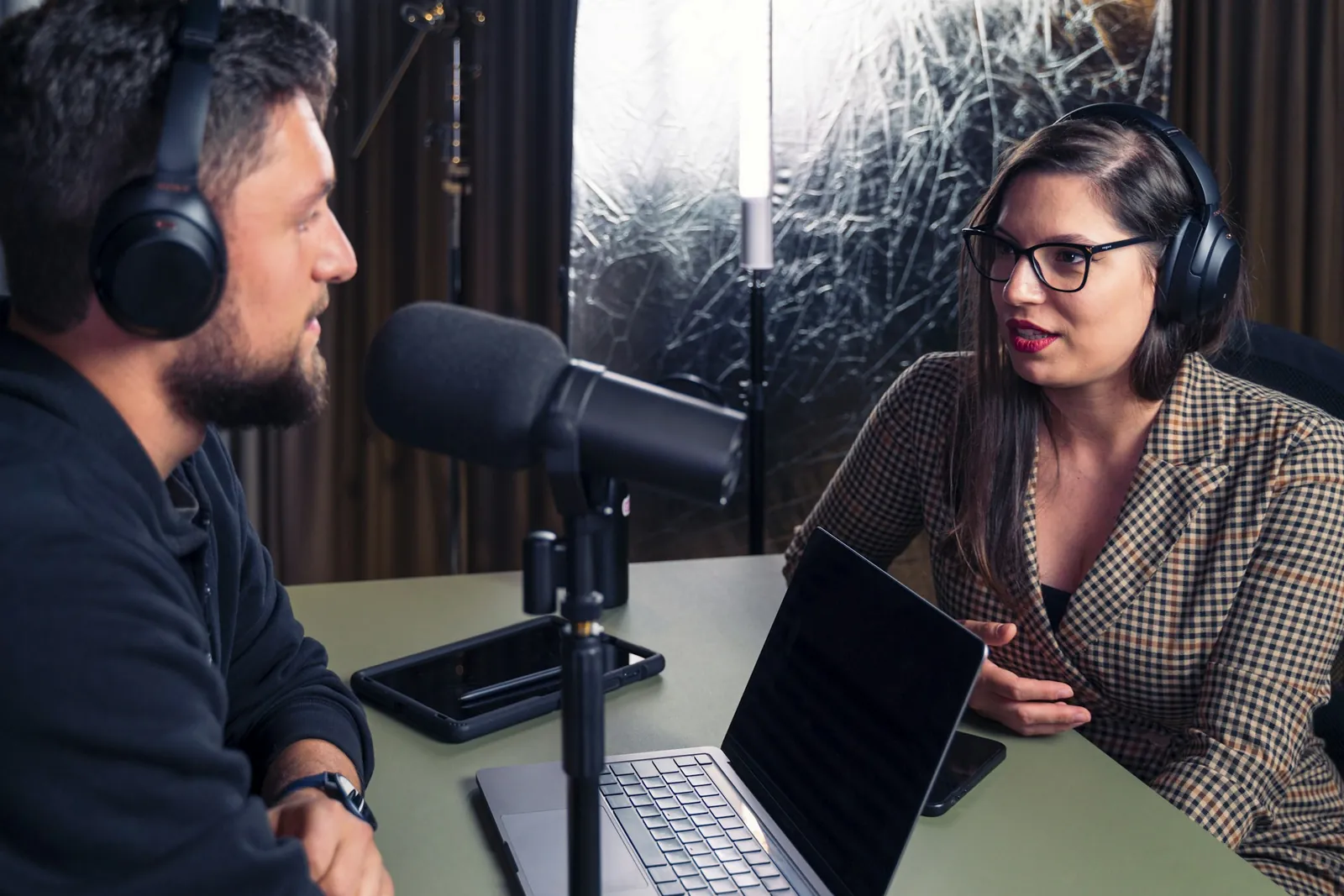
Listen to a recorded session on a walk. 128 kbps mono keeps an hour under 60 MB.
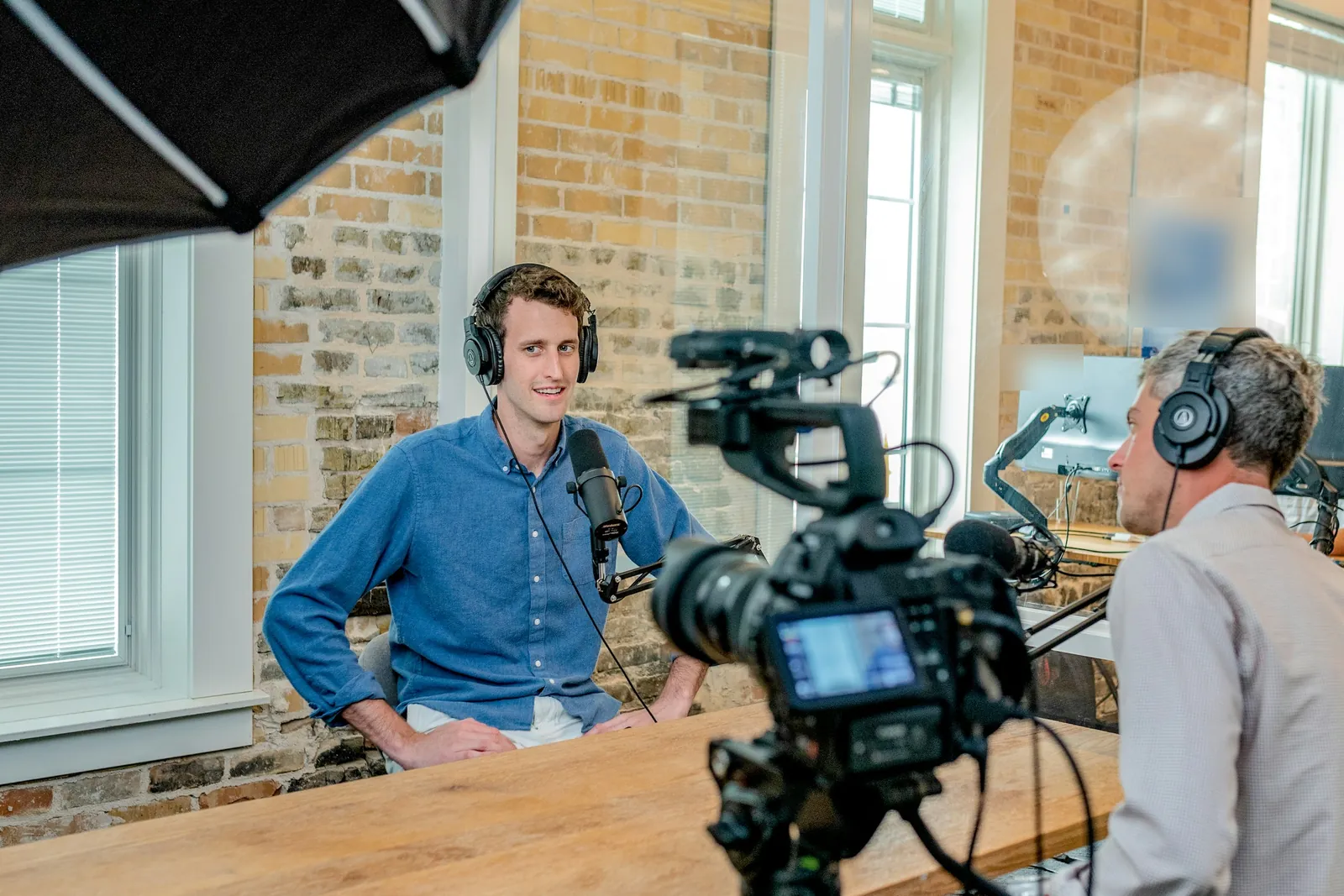
Transcription tools and editors prefer audio files. Pull the sound from the camera MP4 — or pick WAV if you'll edit it.
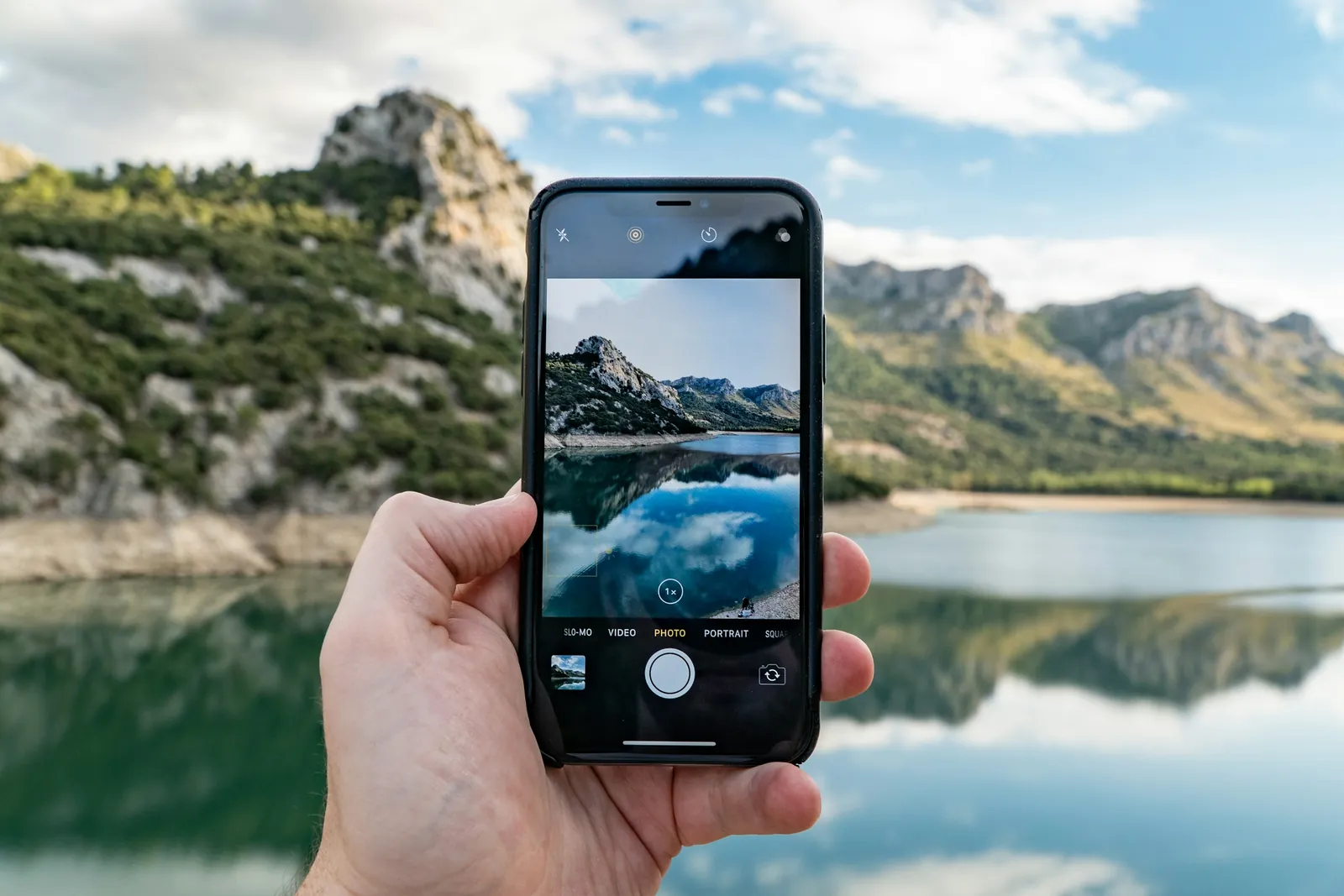
A street musician, a toast, your kid singing: a 30-second 9:16 clip becomes a 720 KB MP3 you can use as a ringtone or drop into a playlist.
MP4 to MP3 FAQ
Short answers, based on what we measured with the files on this page.
Got an MP4 handy?
Drop it into the converter — the first MP3 is usually ready before you've finished reading this.
Convert MP4 to MP3Yes. There's no signup and no watermark. Free converts MP4s up to 200 MB and 10 minutes, 3 per batch, with 10 downloads a day; Pro raises that to 1 GB, 2 hours and 100 files with ZIP download and no daily limit. Everything runs in your browser's memory.
A little, since the AAC track in your MP4 is already compressed and MP3 compresses it again. At one step above the source bitrate (192 kbps for a 160 kbps track) the difference is hard to hear. If you plan to edit the sound, choose WAV instead.
The usual reasons: the audio is Dolby AC-3 or E-AC-3 (Chrome can't decode it), the video has no audio track, the file is copy-protected, or it's over the size or length limit (200 MB / 10 min free, 1 GB / 2 h with Pro). Re-exporting with stereo AAC from your editor fixes the first one.
The first one. Browser decoders always open the first audio track, even when another track is marked as the default. Export the other track from your editor if that's the one you need.
No. The converter only works on files already on your device, and we don't download from YouTube or other sites. Use it for videos you recorded or have the rights to.
Yes. The sound is decoded sample by sample, so the MP3 matches the audio track's length — 20.0 seconds in, 20.0 seconds out in our tests — even when the video uses a variable frame rate.
Free, private and fast: the audio track is pulled out on your own device, then it's yours to keep.
Free · no signup · no watermark · processed in your browser