Updated 2026-11-15

Free audio echo effect · in your browser

Echo Effect Online

Add an echo effect to any song, voice or sound in seconds. Set the delay in milliseconds or lock it to the beat, shape how the repeats fade, then download MP3 or WAV. Nothing is uploaded.

  • No signup
  • No watermark
  • Files stay on your device
Echo effect
Runs locally · 0 uploads
Vocals

Spare Change — vocals

0:30 · 620 ms · feedback 50% · mix 45%

Delay 620 msTail ≈ 5.9 s
0:00 / 0:30
Delay
620 ms
50%
45%
4.5 kHz
0%

Exports include the echo tail, so the last repeats ring out.

A long, darkening call-and-answer: the classic echo sound effect.

  • 0 uploadsThe echo is rendered on your device
  • 1/16 → 1/2Note values synced to any BPM
  • MP3 · WAV192 kbps MP3 or 16-bit WAV (320 kbps / 24-bit with Pro), tail included
  • 50 MBPer file, free (500 MB with Pro): songs, podcasts, voice notes

Examples

Echo effect examples made with this tool

Four clips from one demo song, each rendered through the echo above. Play them, flip between original and echo, then load the settings into the tool.

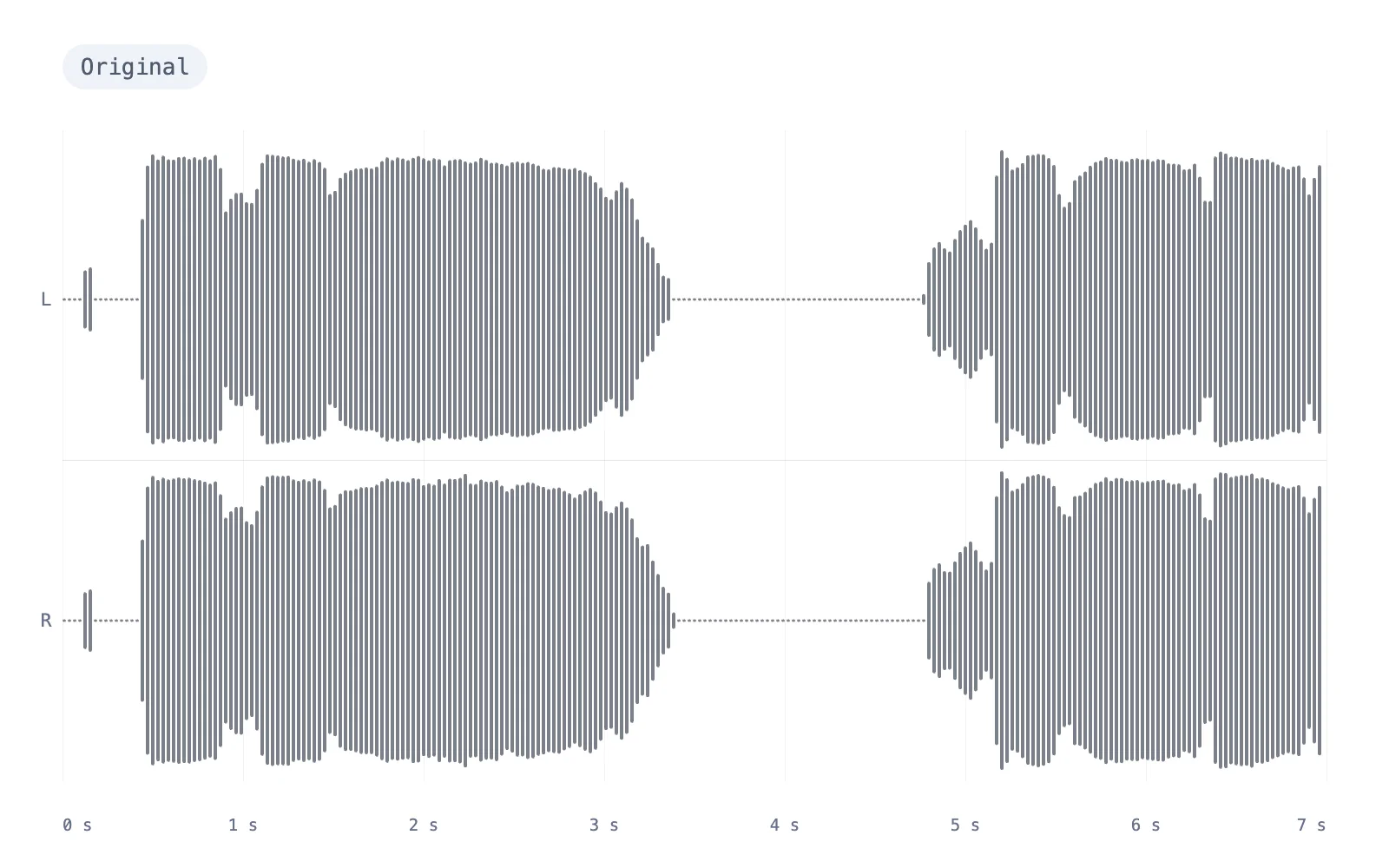
Waveform of the dry vocal before the echo effect, with silent gaps between lines
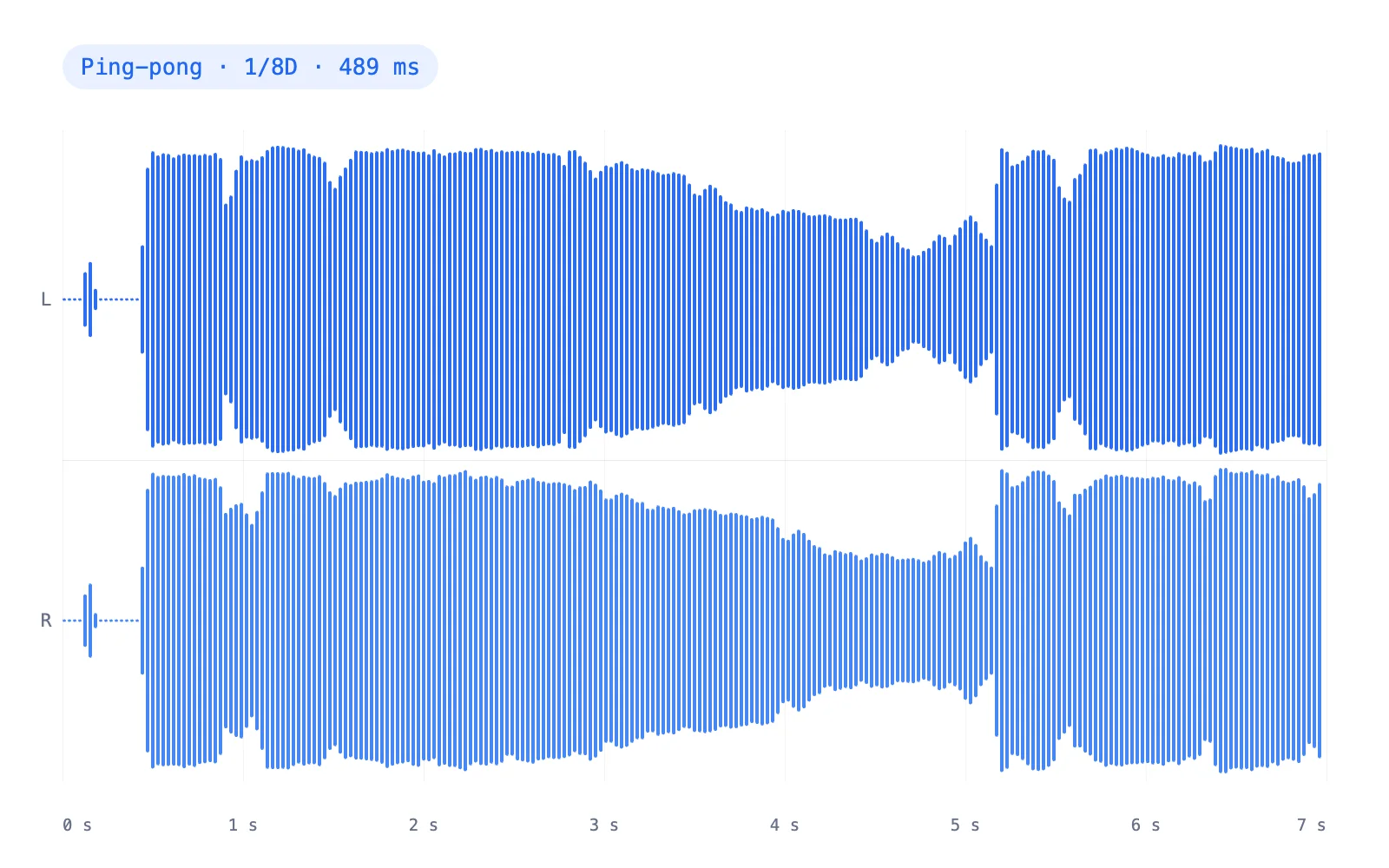
Waveform of the vocal after a ping-pong echo, with the repeats filling the gaps
OriginalEcho
Drag to compare
Vocals

Ping-pong on a dry vocal

Dotted-eighth repeats at the song's 92 BPM fall into the gaps between lines and bounce left, right, left. Put on headphones to hear the width.

  • 1/8D · 489 ms
  • Feedback 45%
  • High-cut 8 kHz
  • Ping-pong
0:30
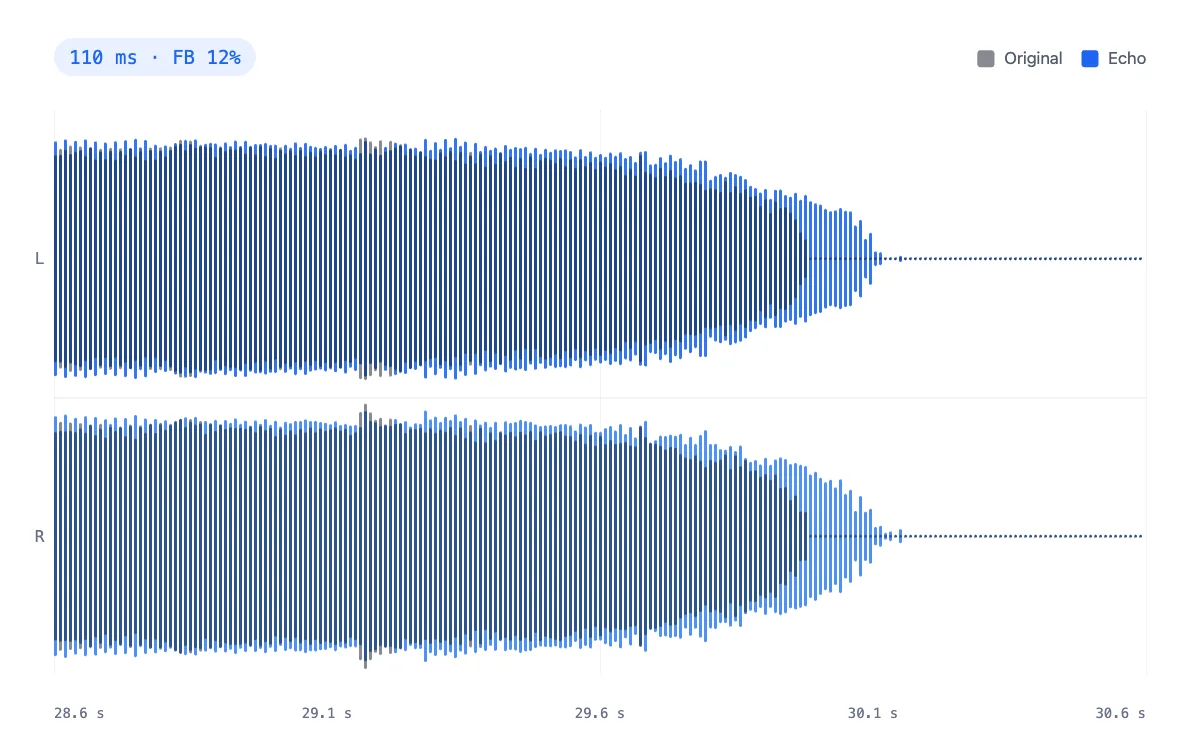
Audio echo effect example: verse waveform with a single slapback repeatVerse

Slapback on the verse

One quick 110 ms repeat with a little tape wobble: the 1950s trick for a bigger voice that still sits up front. Watch it trail the last note.

  • 110 ms
  • Feedback 12%
  • High-cut 6.5 kHz
0:30
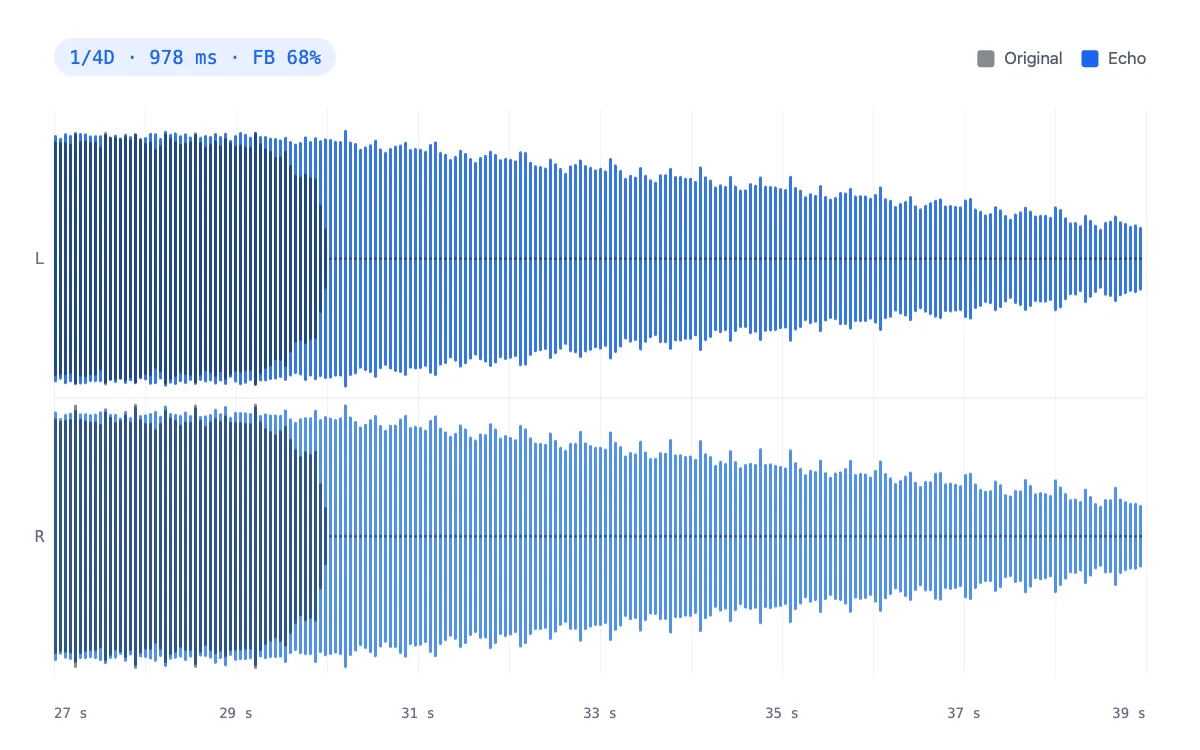
Dub echo example: instrumental waveform with long, darkening repeatsInstrumental

Dub delay on the instrumental

Dotted-quarter repeats at 68% feedback through a 2.6 kHz high-cut. The render keeps going after the music stops, each repeat darker than the last.

  • 1/4D · 978 ms
  • Feedback 68%
  • High-cut 2.6 kHz
0:30
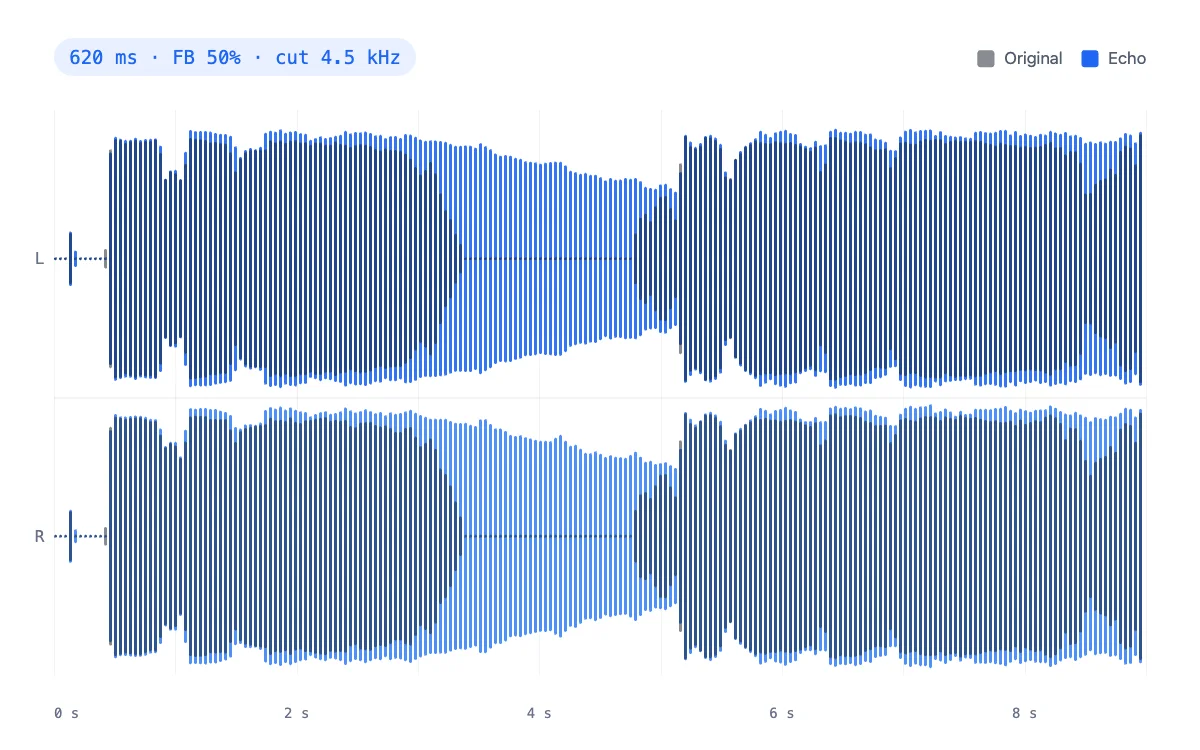
Echo sound effect example: vocal waveform with distinct canyon repeatsVocals

Canyon echo on a dry vocal

A 620 ms call and answer that fades over about five seconds. The classic echo sound effect, and the default preset.

  • 620 ms
  • Feedback 50%
  • High-cut 4.5 kHz
0:30

How to

How to add an echo effect to audio

Three steps, all in this tab. The audio never leaves your device.

  1. Add your audio

    Drop an MP3, WAV, M4A, OGG or FLAC, or start from a demo clip. A voice or a single instrument shows the echo most clearly.

  2. Set the delay

    Pick a preset, then dial the time in ms, or switch to Sync and choose a note value. We detect your track's BPM for you.

  3. Shape the repeats and download

    Feedback sets how many repeats you hear and high-cut how dark they get. Compare with B, then save MP3 or WAV.

Settings

Audio echo effect settings, explained

Six controls shape every echo. Here is what each one does and where to start.

  • Delay time

    Range: 20–2000 ms

    The gap between a sound and its first repeat. Under about 50 ms the repeat fuses with the original and only thickens it, 80–150 ms gives a slapback, and from about 300 ms you hear a separate echo.

  • Tempo sync

    Range: 1/16 → 1/2

    Locks the delay to the beat: ms = 60,000 ÷ BPM × beats. At 92 BPM a quarter note is 652 ms and a dotted eighth 489 ms, so the repeats sit in the groove instead of fighting it.

  • Feedback

    Range: 0–90%

    How much of each repeat is fed back in. Around 10% gives one repeat, 40–50% a handful, and 70% or more the long trails of dub. It stops at 90%, so it can never run away.

  • High-cut on the repeats

    Range: 1–20 kHz

    A low-pass inside the loop, so every repeat is darker than the one before, like tape and analogue units. Lower it to keep echoes behind a vocal; open it for bright digital repeats.

  • Ping-pong and mix

    Range: L ⇄ R

    Ping-pong bounces the repeats between left and right. Mix balances the two signals: at 50% the original and the echo both play at full level, and at 100% only the echoes remain.

  • Tape wobble

    Range: ±2.5 ms

    Slowly drifts the delay time by up to ±2.5 ms, the pitch waver of a worn tape echo. 20–50% suits dub and lo-fi; leave it at 0 for clean digital repeats.

Use cases

Where an echo sound effect earns its place

Each card plays a demo through the setting we would start with. Hit play, flip A/B, then try it on your own file.

Singer recording at a studio microphone for a vocal echo effect
0:30

Vocals and voice-overs

Put a quarter-note echo on the last word of a line, or tuck a short slapback under a narration for size without a reverb wash.

  • Quarter note
  • 1/4 · 652 ms
Hands playing an electric guitar under blue stage light
0:30

Guitar and instruments

Slapback is the rockabilly and country guitar sound; dotted-eighth repeats give a lead line that shimmering, rolling feel.

  • Slapback
  • 110 ms
DJ hand on a mixer during a set, ready to echo out a track
0:30

DJ edits and transitions

Echo out the end of a track: high feedback and dark repeats, then let the tail carry the mix into the next song.

  • Dub
  • 1/4D · 978 ms
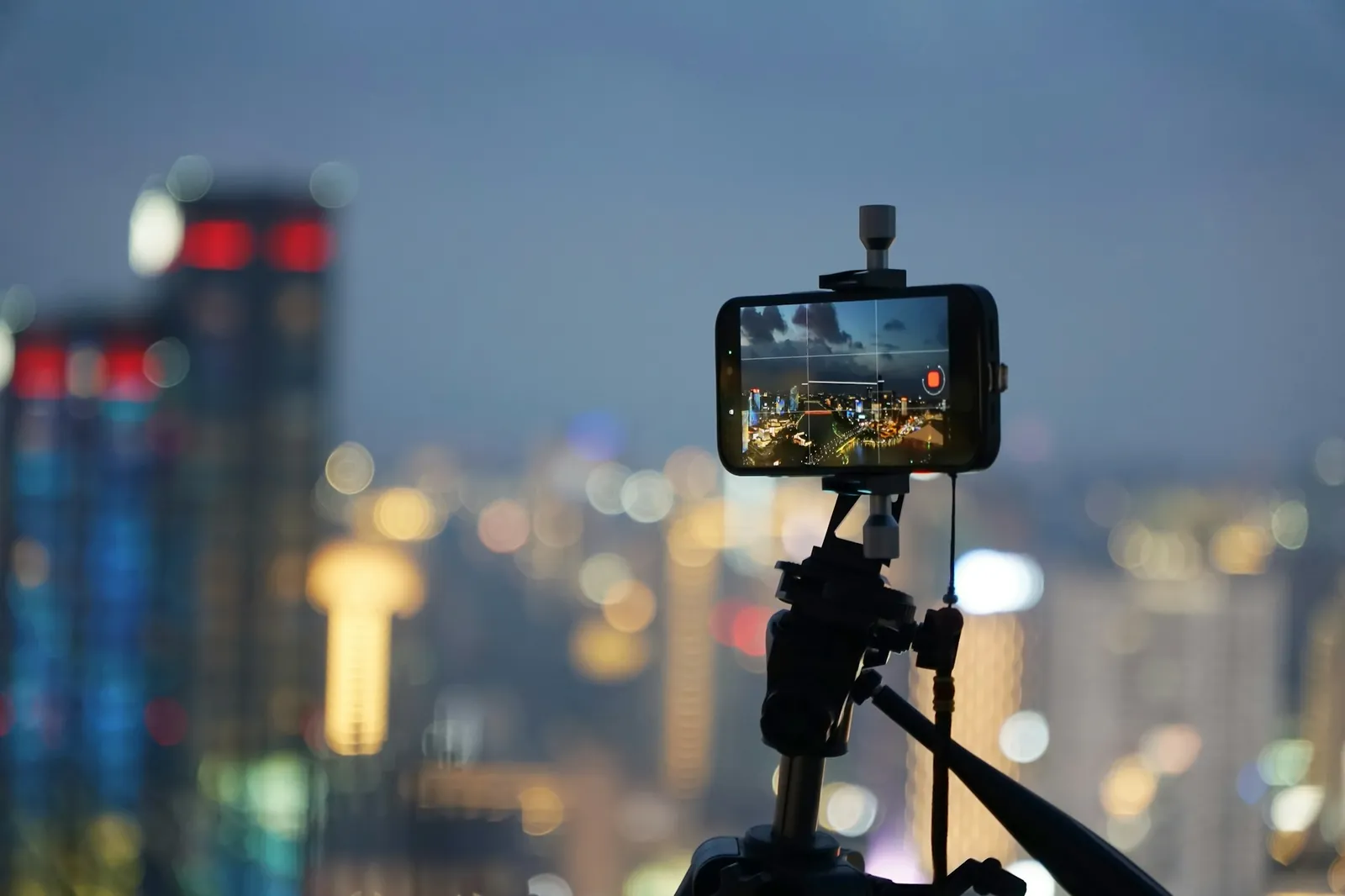
Phone on a tripod filming a city at dusk for a video with an echo sound effect
0:30

Videos, TikToks and reels

A canyon echo on a shout, a punchline or a dramatic word lands instantly. Export MP3 and drop it on your editing timeline.

  • Canyon
  • 620 ms

Echo 101

Delay times, real echoes and classic echo sounds

An echo is one sound arriving again, late enough to hear as separate. Here is how to pick the time and what the famous echo sounds use.

Delay-time chart

Type your song's BPM to see the delay for every note value. Click a time to load it into the echo effect above, synced and ready to play.
Delay-time chart
NoteStraightDottedTriplet
Half1/21957 ms870 ms
Quarter1/4
Eighth1/8
Sixteenth1/16245 ms109 ms

ms = 60,000 ÷ BPM × beats · dotted = × 1.5 · triplet = × 2/3

Tall canyon walls of the kind that return a natural echo

How far away is the wall?

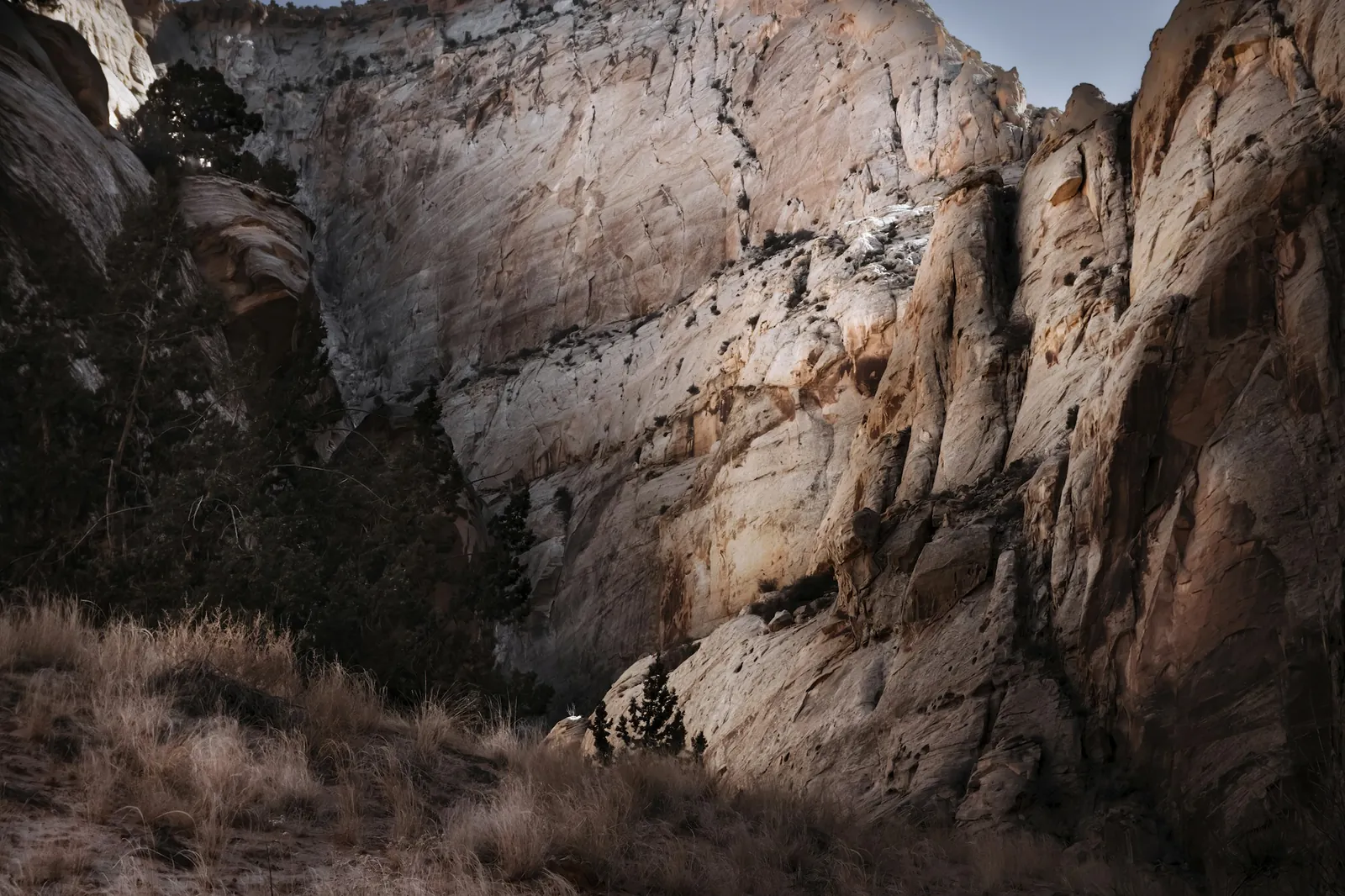
Sound travels about 343 m/s in air at 20 °C, and an echo makes a round trip, so its delay is 2 × distance ÷ 343. Reflections that come back within about 50 ms fuse with the original, which is why you only hear a true echo off a surface more than about 17 m away.

SurfaceDistanceEcho returns after
Wall across a hall8 m47 msfuses with the sound
Building across a square50 m292 ms
Far end of a stadium100 m583 ms
Canyon wall170 m991 ms
Cliff across a valley340 m1.98 s

Classic echo sounds and their settings

StyleDelayFeedbackWhat it's known forLoad
Slapback80–150 ms0–15%1950s rockabilly and country records: one tape repeat that doubles the voice.
Ping-pong · 1/8D≈ 490 ms @ 9230–50%Rolling guitar leads, where repeats fall between the picked notes.
Dub1/4D · 1/460–85%1970s Jamaican dub: tape echoes pushed to near self-oscillation and ridden live.
Canyon500–900 ms40–60%Film and game sound design: a shout answered from far away.
A huge empty arena: big spaces blur reflections into reverb rather than echo

Echo, delay or reverb?

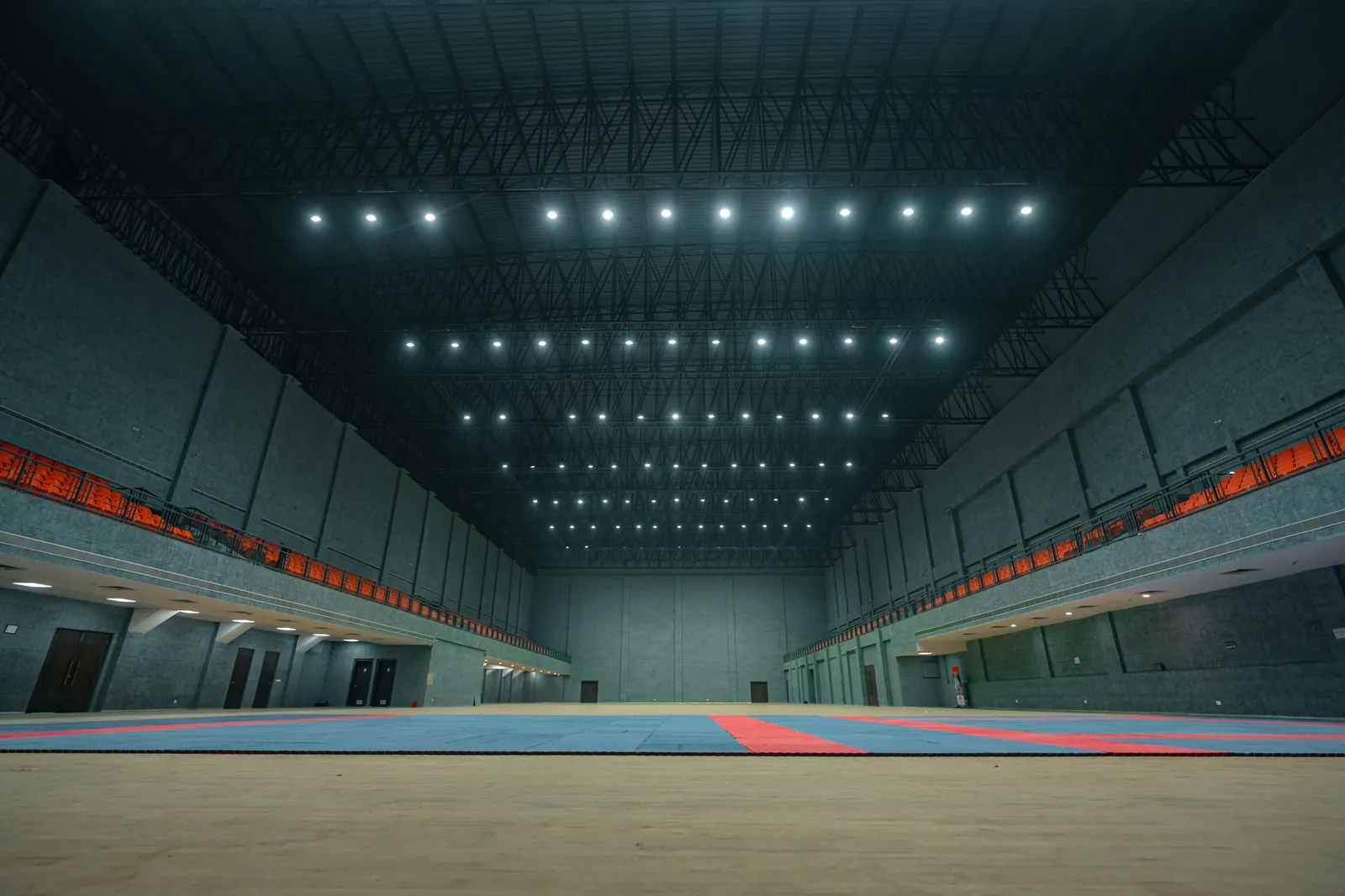
Delay is the effect; echo is what you hear when its repeats are distinct. Reverb is thousands of reflections smeared into one wash, a room rather than a reply. If you want space instead of repeats, add reverb to your audio with real room presets.

Reels of tape, the medium behind classic tape echo

Three habits of clean echo mixes

  1. 1Echo the ends of phrases, not every word: lower the mix and let the gaps carry the repeats.
  2. 2Pull the high-cut down to 3–5 kHz so the repeats sit behind the voice instead of on top of it.
  3. 3Sync to the tempo for music; use free milliseconds for speech, sound effects and anything without a beat.

FAQ

Echo effect questions

Quick answers about delay times, tails and privacy.

Drop your file into the tool at the top of this page (MP3, WAV, M4A, OGG or FLAC, up to 50 MB free or 500 MB with Pro), pick a preset such as Canyon or Quarter note, adjust delay, feedback and mix while it plays, then click Download MP3 or WAV. Everything runs in your browser.

Delay is the effect that plays a sound again later; echo is what you hear when those repeats are long enough to be distinct, roughly 50 ms and up. Below that a delay thickens the sound instead. Reverb is different: many dense reflections blurred into a tail.

For music, sync to the song's tempo: a quarter or dotted eighth note is the usual start (652 ms and 489 ms at 92 BPM). For a slapback use 80–150 ms, for a canyon-style echo 500–900 ms. The delay-time chart on this page does the maths for any BPM.

Load the voice clip, choose the Canyon preset, and set feedback to about 50% so the repeats fade over a few seconds. Lower the high-cut to around 4 kHz so the answers sound distant. For a single word, trim the clip first so only that word echoes.

No. The export adds the echo tail after your audio ends, until the repeats fall about 50 dB below the original. With extreme feedback the tail is capped at 12 seconds and faded out smoothly instead of stopping dead.

Yes. It is free with no signup and no watermark, and your file is processed by the Web Audio engine in your browser. Nothing is uploaded to a server, so it also works on private recordings.

Free echo effect

Give your next clip an echo

Drop a file, pick a preset, download. No account, no watermark, nothing uploaded.

  • No signup
  • No watermark
  • Files stay on your device

Free · no signup · no watermark · processed in your browser